

Remotion
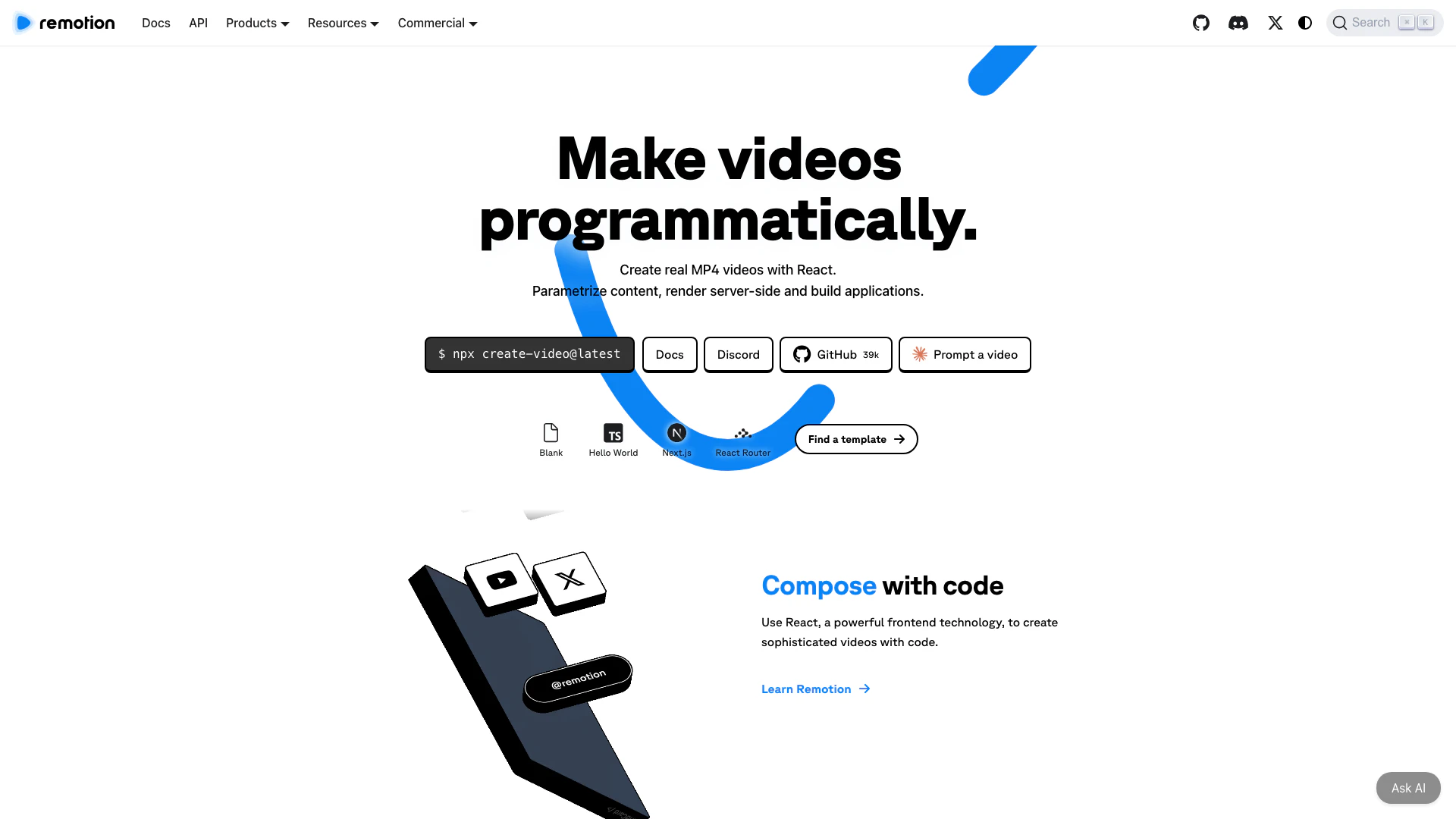




What is Remotion?
Remotion is an innovative tool that allows users to create videos programmatically using React[2]. It empowers developers to build applications that can generate real MP4 videos by parametrizing content and rendering it server-side. With Remotion, you can seamlessly integrate video creation into your web applications, making it an ideal solution for automating video production and enhancing multimedia experiences.
How to use Remotion?
- Install Remotion by running the command: `npx create-video@latest` in your terminal.
- Choose a template or start from scratch to create your video project.
- Utilize React components to design and build your video layout, incorporating dynamic data as needed.
- Render your video locally, on a server, or through serverless options using the provided rendering tools.
What are the main features of Remotion?
- Programmatic Video Creation[1]: Create videos using React, allowing for dynamic content generation.
- Server-side Rendering[3]: Render videos on the server or serverless platforms for efficiency.
- Parameterization[4]: Easily pass data to customize video content.
- Multiple Output Formats: Export videos in various formats including MP4.
- Rich Template Library: Access a variety of templates to kickstart video projects.
Who is Remotion for?
Remotion is designed for developers, content creators, and businesses looking to automate video production. It is particularly beneficial for teams that require scalable video solutions, such as marketing agencies, educational institutions, and content creators who want to enhance their multimedia offerings without extensive manual editing.
What are the use cases of Remotion?
- Music Visualization: Create engaging visuals that sync with music tracks.
- Screencasts: Produce instructional videos that showcase software usage or features.
- Year-in-Review Videos: Automatically compile and edit highlights from the year for businesses or personal use.
Remotion Pros and Cons
Pros
- Programmatic Video Creation: Remotion allows users to create real MP4 videos programmatically using React, enabling dynamic and customizable video content.
- Scalable Rendering Options: Users can render videos locally, on the server, or using serverless options, providing flexibility based on project needs.
- Rich Community and Resources: With a thriving community, extensive documentation, and numerous templates, users can easily find support and inspiration for their projects.
Cons
No cons data detected for this tool
Remotion Pricing
Free License
Create and automate. Commercial use allowed. Unlimited use. Must upgrade when your team grows.
Company License
Create and automate. Commercial use allowed. Pay according to usage. Prioritized Support. $250 Mux credits.
Remotion for Creators
Create videos for yourself.
Remotion for Automators
Build video creation tools.
Enterprise License
Everything in Company License. Private Slack or Discord. Monthly consulting session. Custom terms, billing and pricing. Compliance forms. Prioritized feature requests.
For the latest pricing, please visit this link: https://remotion.pro/license
Prices are subject to change. Please visit the official website for the most up-to-date pricing information.



