Pvid





What is Pvid?
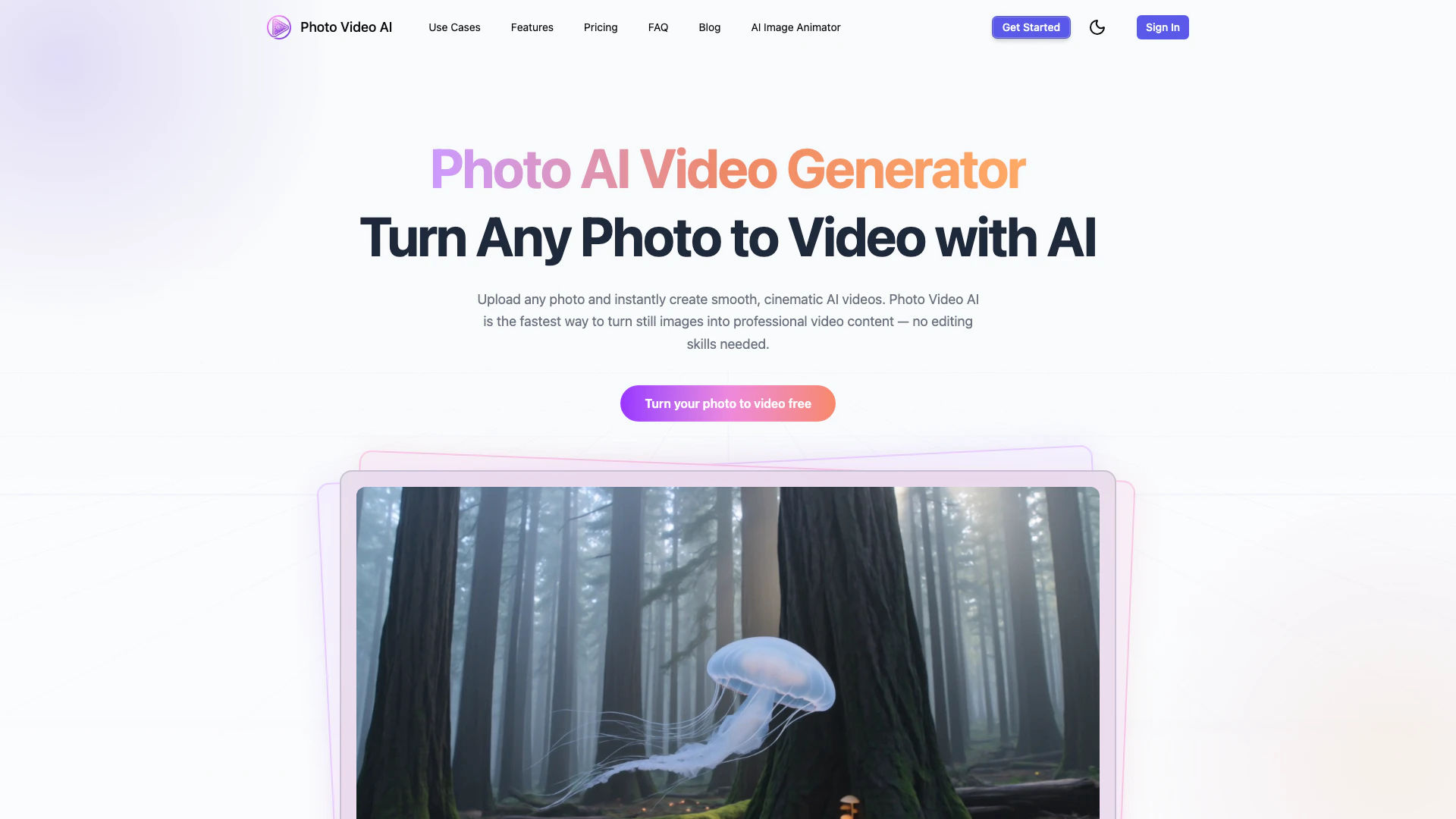
Pvid is a free photo to video AI generator that utilizes the advanced Kling 3.0 technology to transform still images into cinematic videos in mere seconds. This innovative tool allows users to upload any photo and create professional-quality videos without requiring any editing skills. With Pvid, you can quickly convert portraits, landscapes, or artwork into dynamic video content, making it an ideal solution for creators looking to enhance their visual storytelling.
How to use Pvid?
To create a video from your photo using Pvid, follow these simple steps: 1. Upload Your Photo: Drag and drop your image file (JPG, PNG, or WebP) into the designated area. The photo AI video generator accepts files up to 20MB. 2. Add a Prompt (Optional): If desired, describe the motion or scene you envision, such as 'slow zoom into the subject' or 'pan across the landscape.' You can also skip this step and let the AI choose the most natural movement. 3. Choose Duration & Aspect Ratio: Select your preferred video length (5s, 10s, or 15s) and aspect ratio suitable for your platform, such as 16:9 for YouTube or 9:16 for TikTok. 4. Generate & Download Your AI Video: Click on the generate button, and your AI video will be ready within 1–3 minutes. Preview your creation and download it in MP4 format, available in up to 4K resolution.
What are the main features of Pvid?
Pvid offers a range of powerful features to enhance your photo to video experience: - Photo to Video AI Conversion: Instantly create smooth, cinematic videos from any photo. - AI Motion Control: Customize the motion direction, camera style, and cinematic mood. - Multi-Photo Storyboard: Combine multiple images into a single video with seamless transitions. - AI Style Transfer: Apply various visual styles like anime or watercolor to your videos. - 4K Video Export: Export your creations in high resolution for professional use.
Who is Pvid for?
Pvid is designed for a wide range of users, including content creators, marketers, social media influencers, and anyone looking to enhance their visual storytelling. It is perfect for those who want to create engaging video content quickly and easily, without needing advanced editing skills. Whether you are a casual user wanting to share memories or a professional looking to produce high-quality videos for marketing campaigns, Pvid caters to all levels of expertise.
What are the use cases of Pvid?
Pvid can be utilized in various scenarios, including: 1. Social Media Content Creation: Generate eye-catching videos for platforms like Instagram, TikTok, and Facebook to boost engagement. 2. Marketing Campaigns: Create promotional videos that showcase products or services by transforming product photos into dynamic video content. 3. Personal Projects: Turn family photos or travel images into memorable videos to share with friends and family.
Pvid Pros and Cons
Pros
- Easy to Use: No editing skills are required to create cinematic videos from photos, making it accessible for all users.
- Fast Video Generation: The AI can generate videos from photos in just 1–3 minutes, allowing for quick content creation.
- Multiple Creation Modes: Offers various modes such as photo to video, text to video, and multi-photo storyboard for versatile video creation.
Cons
No cons data detected for this tool
Pvid Pricing
Starter
Great for casual creators getting started with AI video. Credits are allocated monthly. Billed annually.
Creator
Best for active creators who publish consistently. Credits are allocated monthly. Billed annually.
Pro
Built for power users and high-volume production. Credits are allocated monthly. Billed annually.
For the latest pricing, please visit this link: http://pvid.app/#pricing
Prices are subject to change. Please visit the official website for the most up-to-date pricing information.