

16x





What is 16x?
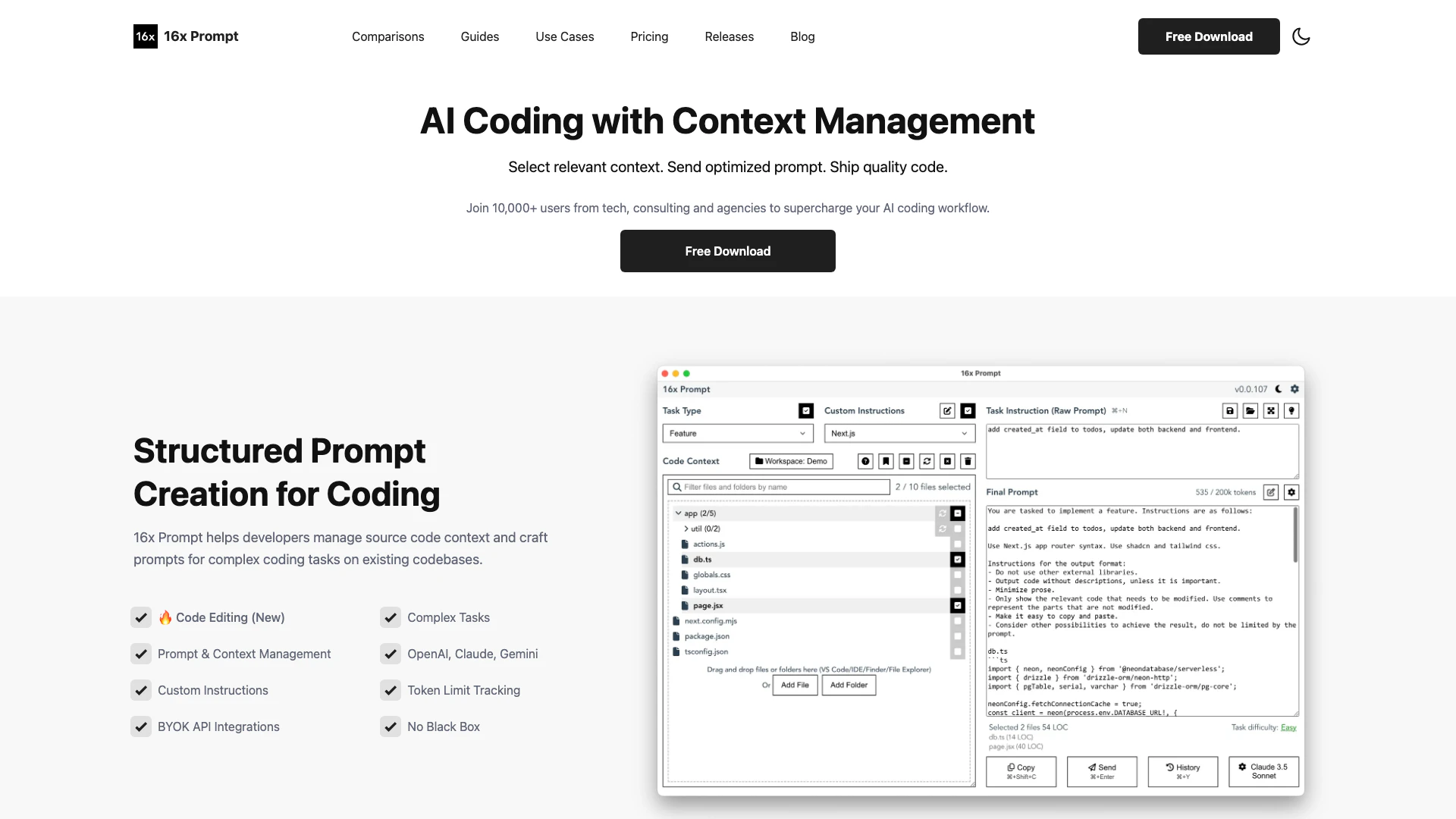
16x Prompt is an advanced AI coding tool designed to enhance developers' productivity by managing code context and customizing prompts for complex coding tasks. It allows users to integrate multiple LLM APIs, enabling faster feature delivery and improved coding workflows. With its intuitive interface, 16x Prompt supports various programming languages and frameworks, making it a versatile solution for developers in tech, consulting, and agencies.
How to use 16x?
- Download and install 16x Prompt from the official website.
- Open the application and set up your API integrations by entering your API keys for services like OpenAI or Anthropic.
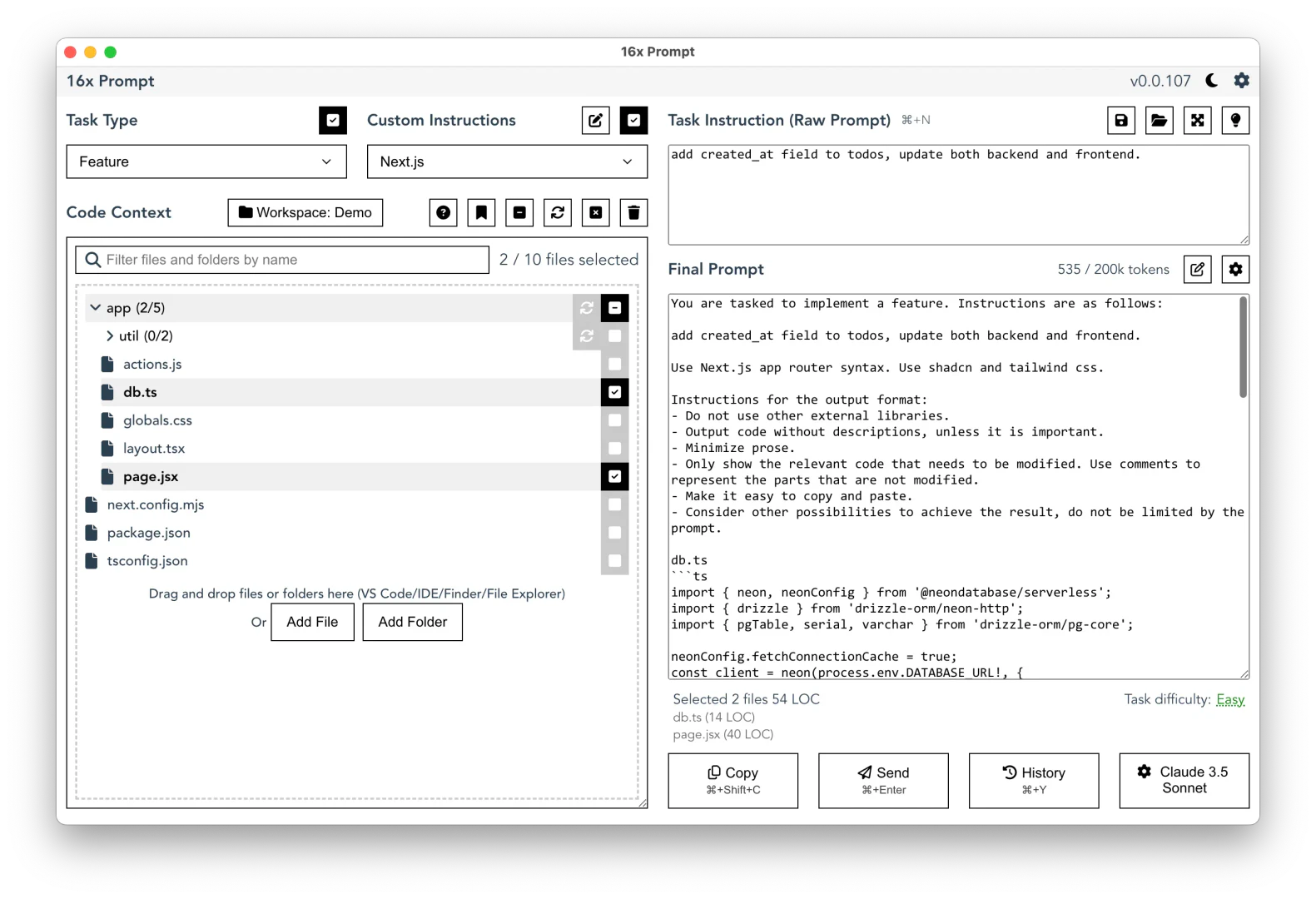
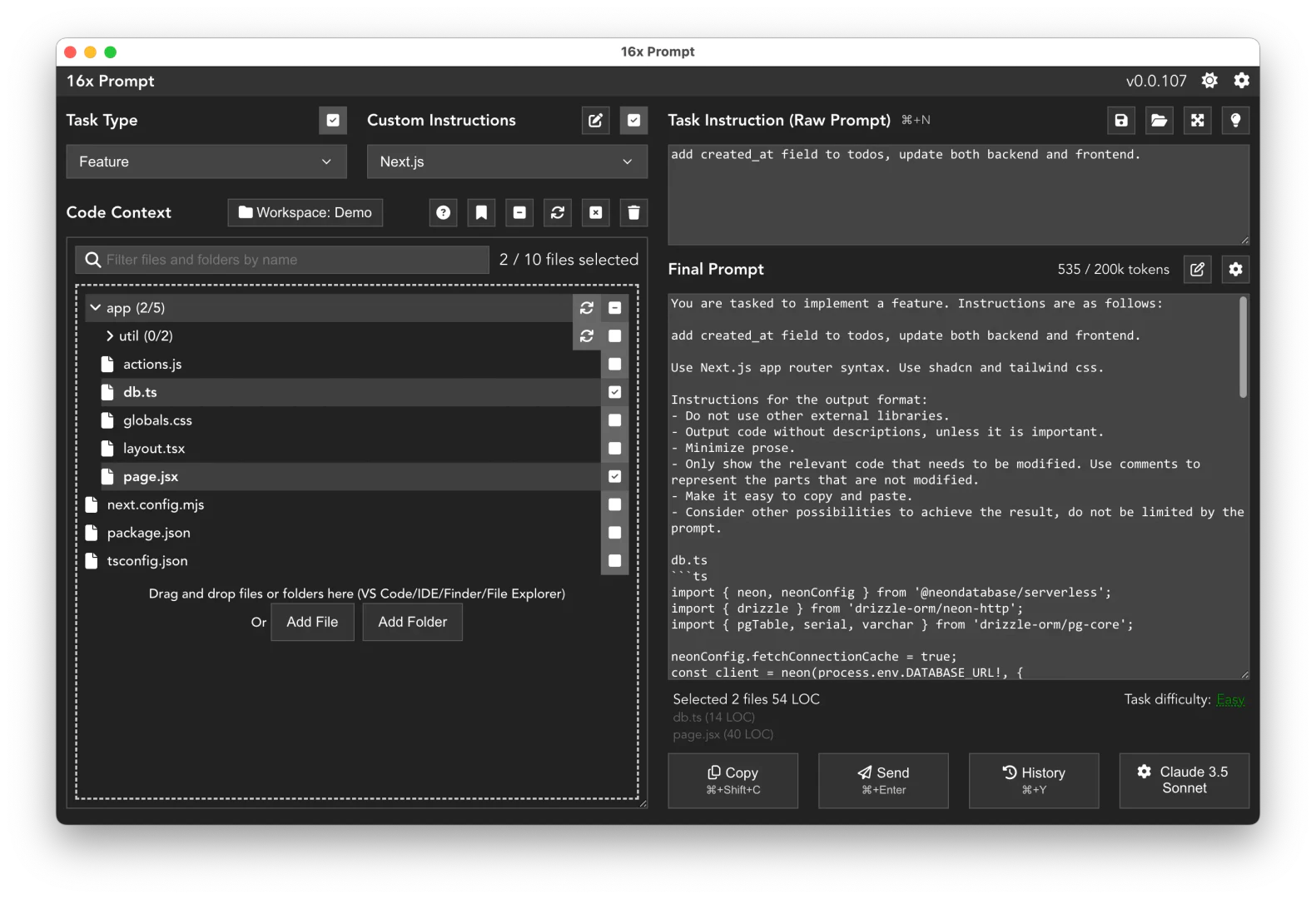
- Select the relevant source code files and create your custom prompts using the structured prompt creation feature.
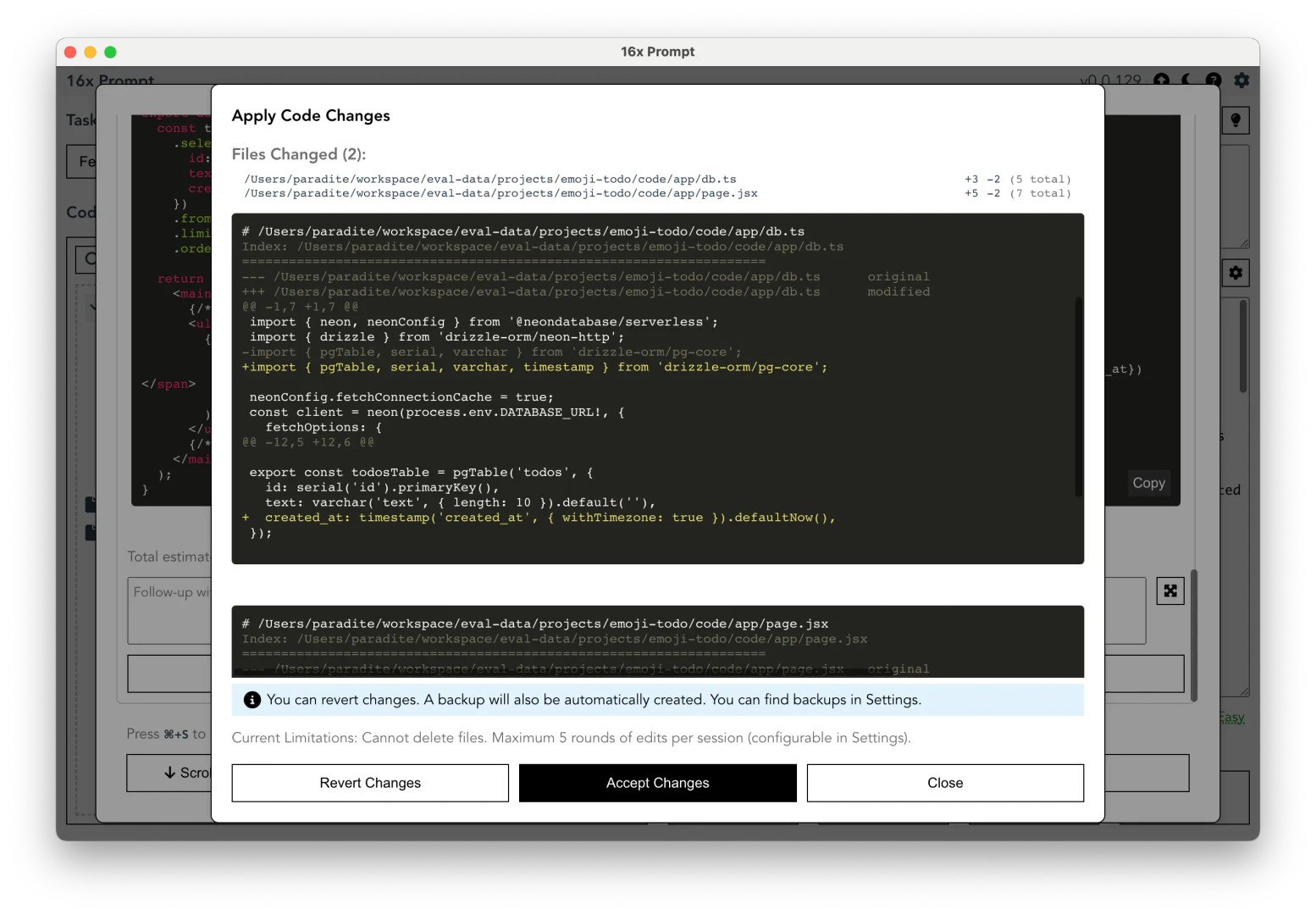
- Use the code editing feature to apply changes safely, with automatic backups and visual diffs.
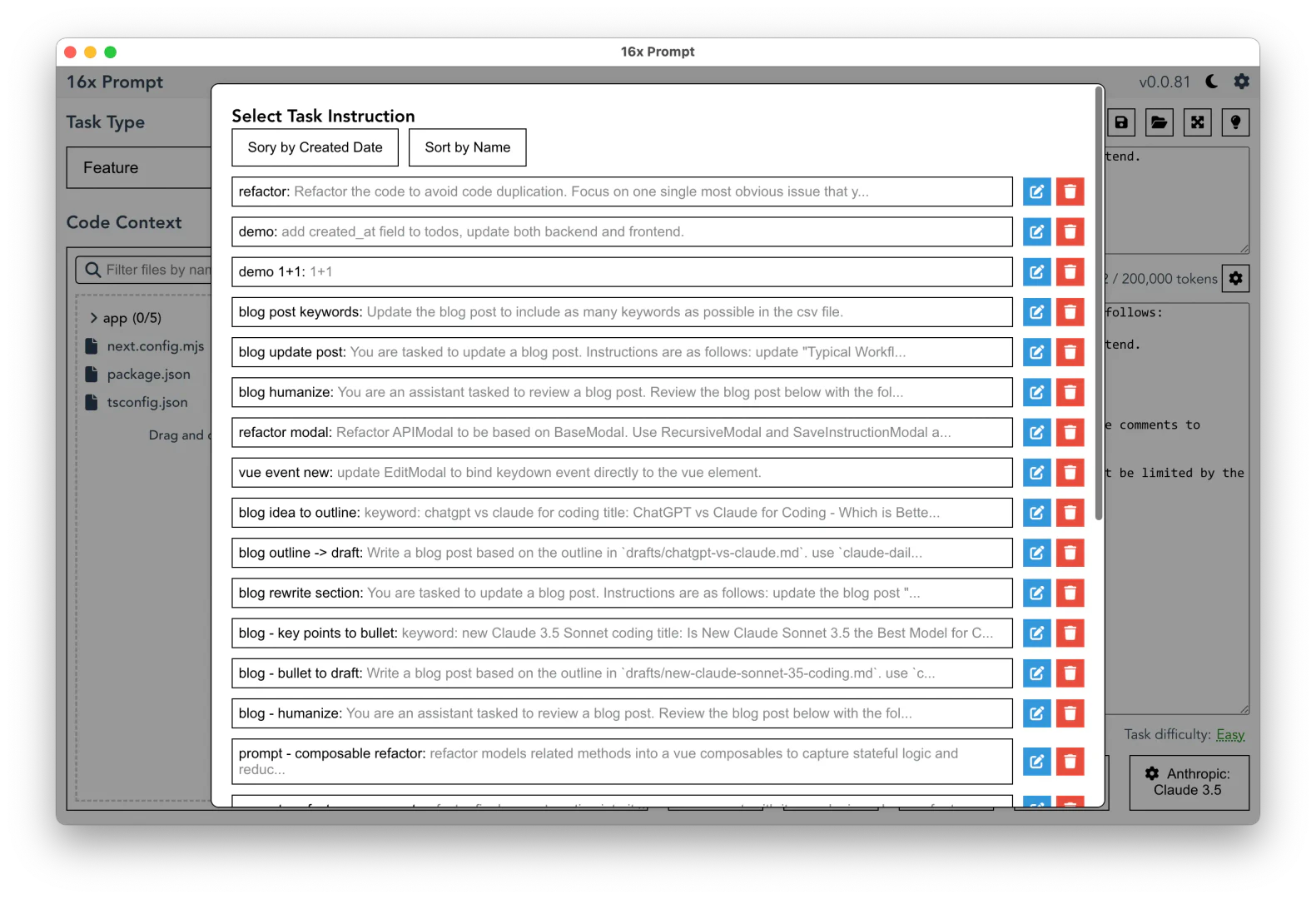
- Save commonly used prompts in the prompt management section for future use.
What are the main features of 16x?
- Prompt Management: Save and reuse commonly used prompts for repetitive coding tasks.
- Code Editing: Apply code changes safely with visual diffs and automatic backups.
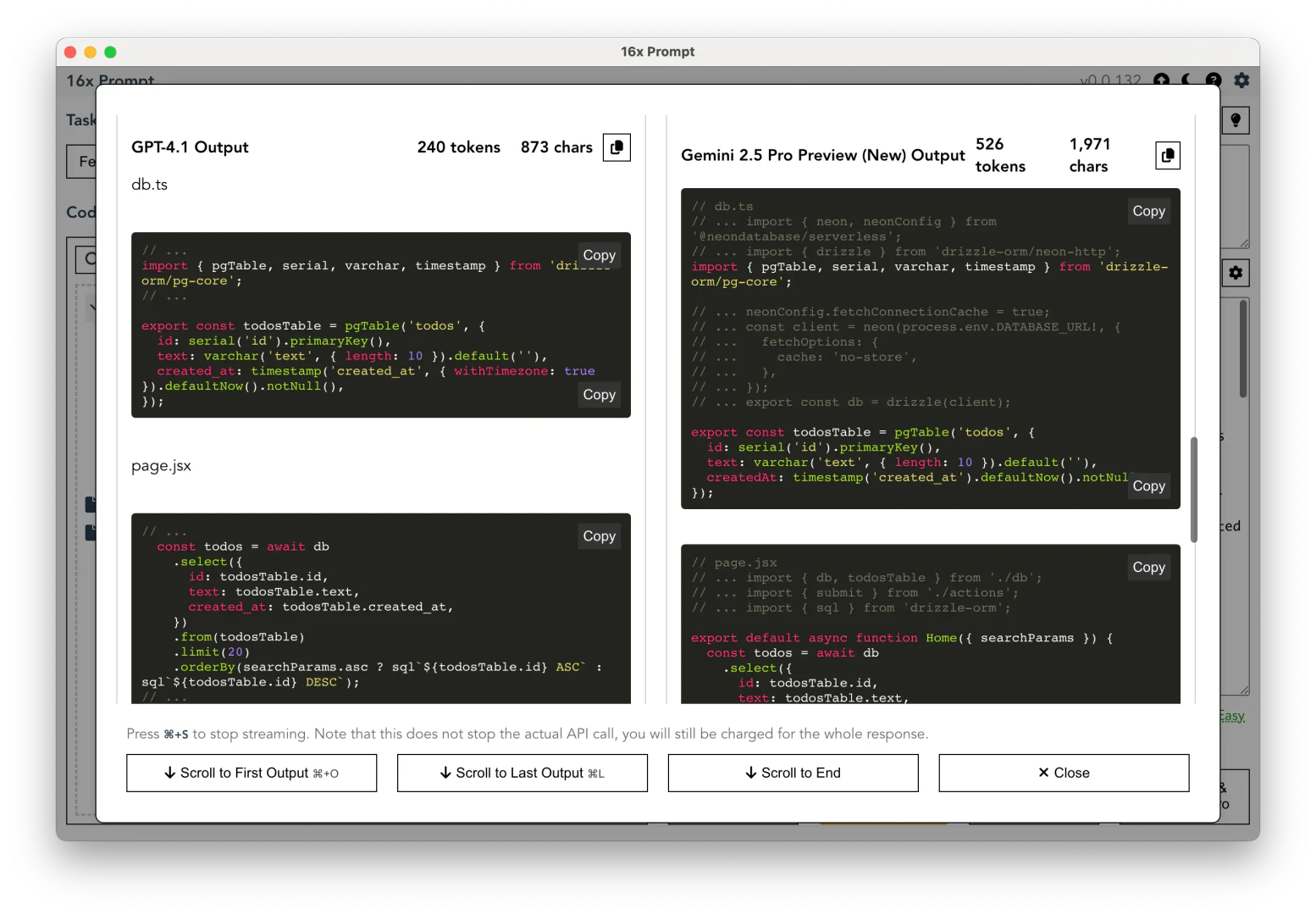
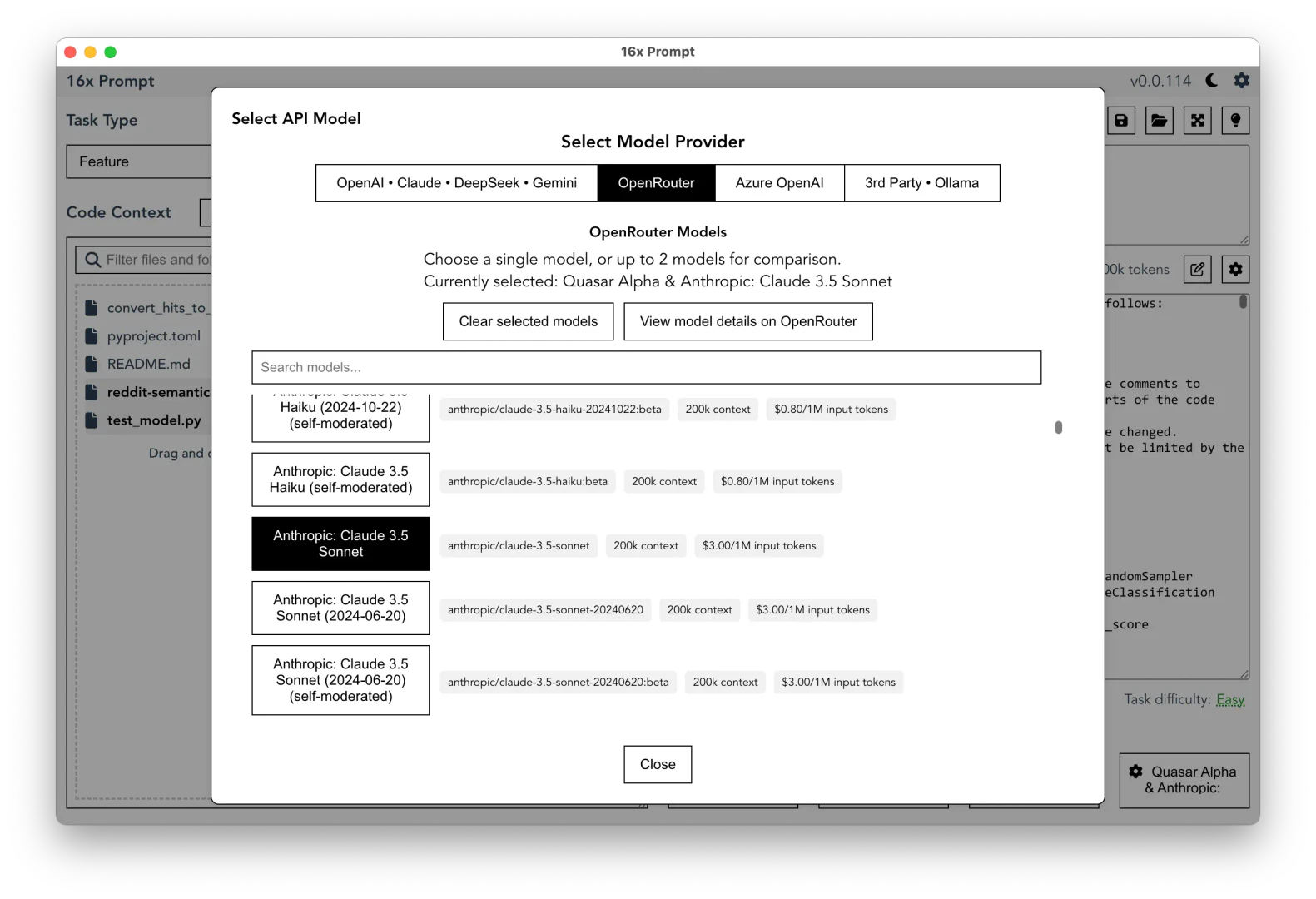
- API Integrations: Support for multiple LLM APIs, including OpenAI, Anthropic, and more.
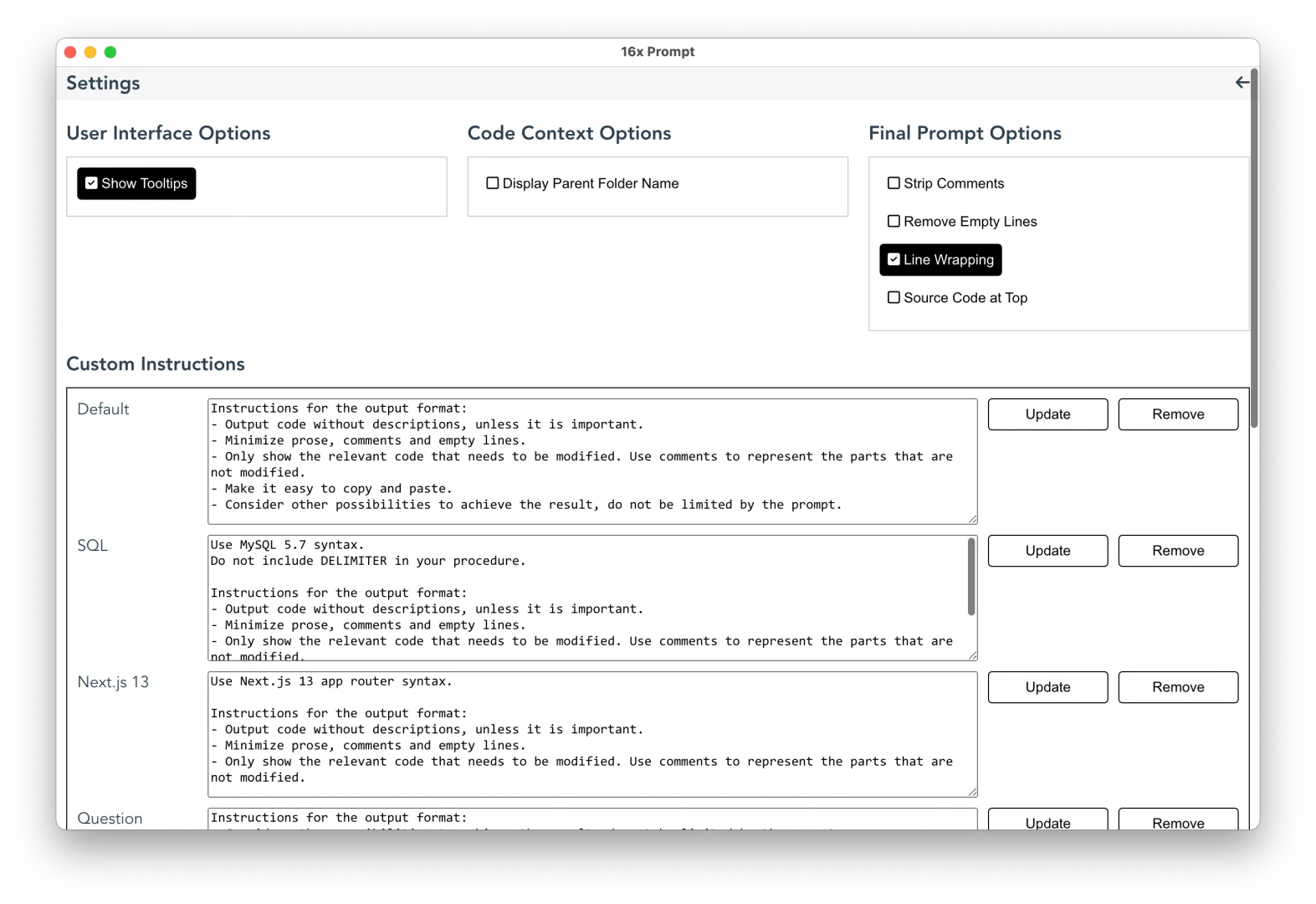
- Custom Instructions: Craft and save custom prompts tailored for different programming languages and frameworks.
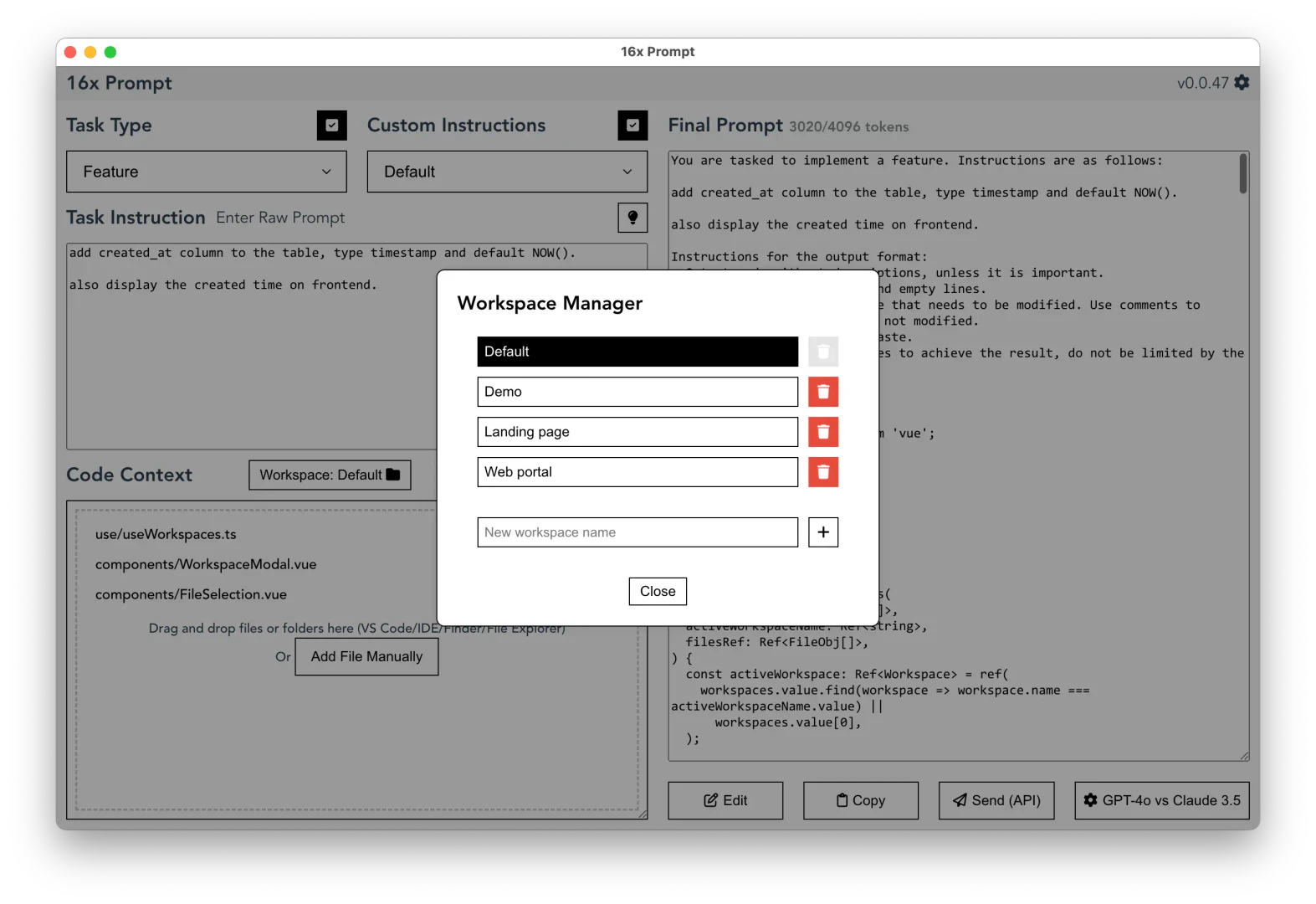
- Workspace Organization: Manage multiple projects and repositories within a single workspace.
Who is 16x for?
16x Prompt is tailored for developers, software engineers, and teams in tech, consulting, and agencies who require efficient coding solutions. It is particularly beneficial for those working with complex codebases and looking to streamline their coding workflows. The tool is ideal for users who need to integrate AI capabilities into their coding processes, manage multiple projects, and enhance their overall productivity.
What are the use cases of 16x?
- Rapid Prototyping: Quickly generate and test code snippets for new features using AI assistance.
- Code Refactoring: Utilize the prompt management feature to efficiently refactor existing codebases.
- Multi-Project Management: Organize and manage multiple related repositories in a single workspace for collaborative development.
Product Images
16x Pros and Cons
Pros
- Advanced Prompt Management: 16x Prompt allows developers to manage source code context and create structured prompts for complex coding tasks, enhancing productivity.
- Multiple API Integrations: Supports various LLM API integrations including OpenAI, Claude, and Gemini, enabling flexibility in choosing AI models for coding tasks.
- Code Editing Feature: The tool includes a code editing feature that allows users to apply changes safely with visual diffs and automatic backups.
Cons
No cons data detected for this tool
16x Pricing
Free Version
Source Code Management, Formatting Instructions, Copy Final Prompt, Anthropic / OpenAI API, Limited to 10 prompts / day.
Life-time License (Individual)
Everything in Free version, Unlimited usage, Each license can be activated 3 times, No invoice issued.
Life-time License (Team)
Everything in Life-time License, Invoice for company purchase, Each license can be activated 10 times, Priority support.
For the latest pricing, please visit this link: https://prompt.16x.engineer/pricing
Prices are subject to change. Please visit the official website for the most up-to-date pricing information.
Analytics of 16x
16x Website Traffic Analysis
Visits Over Time
Traffic Sources
Oct 2025 - Dec 2025 Worldwide Desktop Only
- Search: 41.35%
- Direct: 37.58%
- Social: 11.19%
- Referrals: 8.63%
- Paid Referrals: 1.05%
- Mail: 0.10%
16x Reviews
I was impressed with the UI/UX of the tool and the power it offers. I've used a lot of AI tools in the past, but 16x Prompt stands out.
The tool you've created is extremely helpful and I bought it "sight unseen" given its price.
Got a curd problems that cursor just can’t get around it. Tried 16x with opus and it finished in one go.
For more reviews, visit this link: https://prompt.16x.engineer/#Testimonials





