

Politepost



What is Politepost?
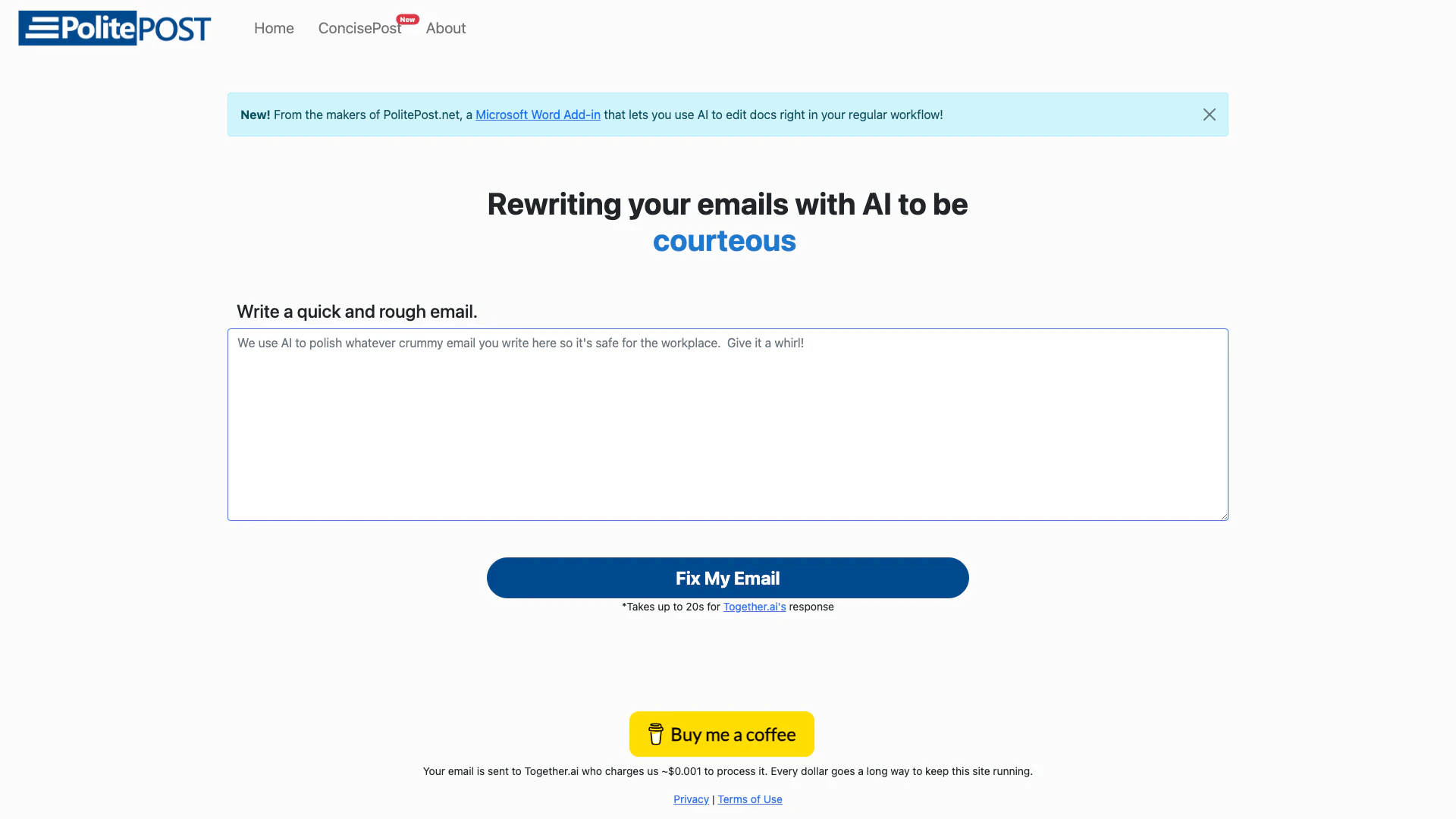
Politepost is an innovative AI tool designed to enhance the professionalism of your email communications. By allowing users to draft emails with casual language, slang, or even expletives, Politepost employs advanced AI technology to rewrite and refine these drafts into polished, workplace-appropriate messages. This tool is particularly useful for those who want to ensure their emails maintain a professional tone while saving time and effort in the editing process.
How to use Politepost?
- Visit the Politepost website at https://politepost.net/.
- Write a rough draft of your email in the provided text area, using any language you prefer.
- Click on the 'Fix My Email' button to initiate the AI rewriting process.
- Wait for up to 20 seconds for the AI to process your request and provide a refined version of your email.
- Review the polished email and make any additional edits if necessary before sending.
What are the main features of Politepost?
- AI-powered email rewriting to enhance professionalism.
- Quick turnaround time of up to 20 seconds for processing drafts.
- User-friendly interface for easy email composition.
- Available as a Microsoft Word Add-in for seamless integration into your regular workflow.
- Ensures language suitability for workplace communication.
Who is Politepost for?
Politepost is ideal for professionals, students, and anyone who needs to send emails in a formal context. It caters to individuals who may struggle with maintaining a professional tone in their written communications, such as those who are not native English speakers, or anyone looking to improve their email etiquette. Additionally, it benefits busy professionals who want to save time on editing and ensure their emails are polished and suitable for the workplace.
What are the use cases of Politepost?
- Transforming casual emails into professional correspondence for job applications or client communications.
- Assisting non-native English speakers in crafting emails that adhere to workplace standards.
- Providing quick edits for busy professionals who need to send emails promptly without sacrificing quality.
Politepost Pros and Cons
Pros
- Professional Email Refinement: Politepost uses AI to transform informal emails into professional ones, ensuring workplace suitability.
- Quick Processing Time: The tool can rewrite emails in seconds, providing a fast solution for users needing immediate assistance.
- Integration with Microsoft Word: Politepost offers a Microsoft Word Add-in, allowing users to edit documents seamlessly within their regular workflow.
Cons
No cons data detected for this tool
Analytics of Politepost
Politepost Website Traffic Analysis
Visits Over Time
Traffic Sources
Dec 2025 - Feb 2026 Worldwide Desktop Only
- Direct: 53.14%
- Search: 33.49%
- Referrals: 6.77%
- Social: 5.38%
- Paid Referrals: 1.04%
- Mail: 0.08%
Top Keywords
| Keyword | Volume | CPC | Estimated Value |
|---|---|---|---|
| fix my email | 1.15K | $4.67 | $180.00 |
| is this a polite email | 490 | $0.00 | $330.00 |
| politepost | 220 | $0.00 | $210.00 |
| politeemial | 210 | $0.00 | $190.00 |
| polish my email web | 120 | $0.00 | $110.00 |






Politepost Social Listening
Rewrite an Angry Email With AI...
#openai #chatgpt #politepost P...
Polish Your Emails with Polite...
In this AI Demo, we'll be show...
Showcasing PolitePost.net - GP...
In our last two projects, we w...
Unlock to view 8 social media results.