Perframe




What is Perframe?
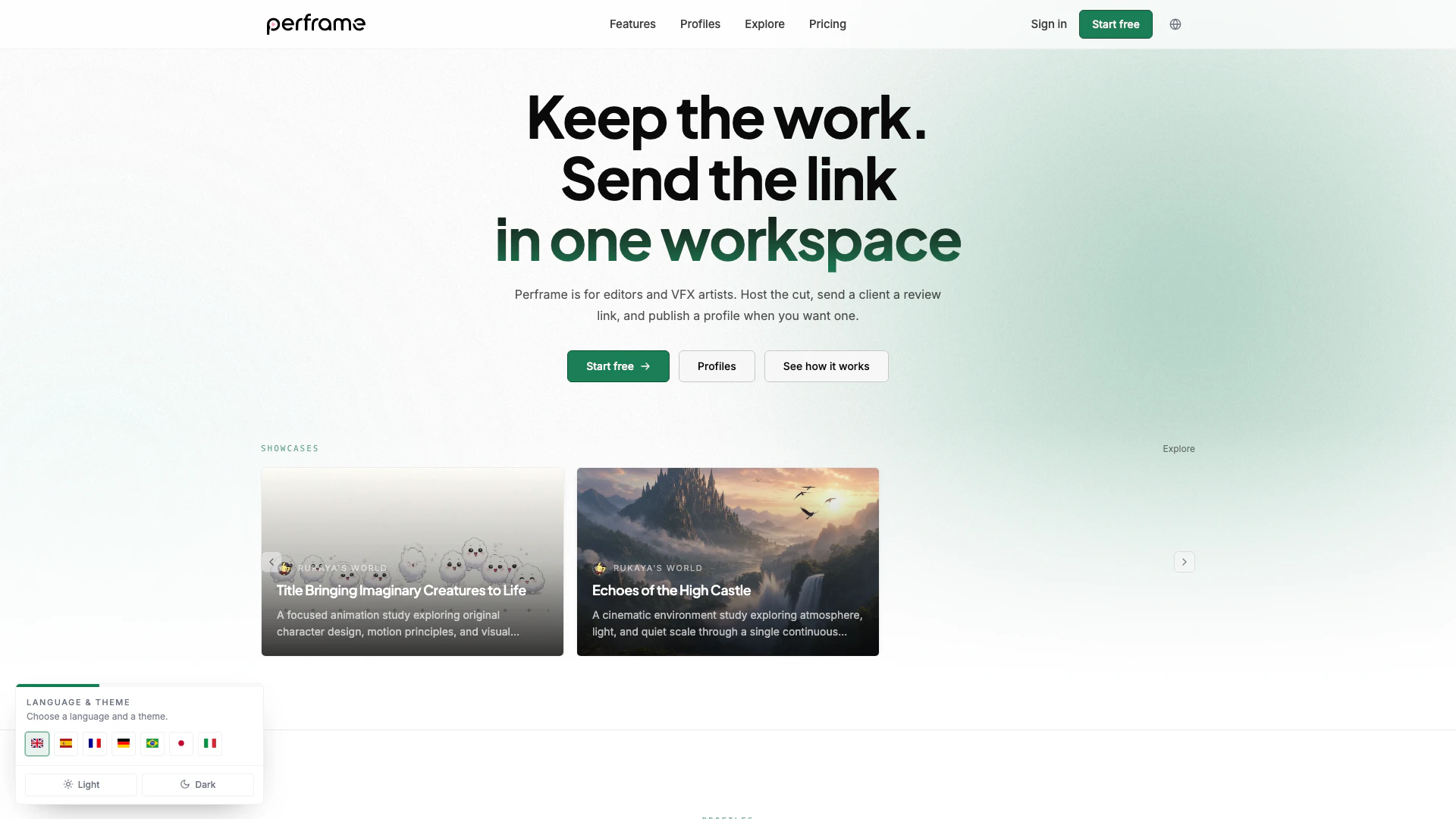
Perframe is an innovative video workspace designed specifically for video editors and VFX artists. This tool simplifies the process of uploading video cuts, sharing them with clients through clean review links, and publishing showcases of completed work. With its user-friendly interface and robust features, Perframe streamlines the workflow for professionals in the video production industry, enabling them to focus more on creativity and collaboration while managing client feedback efficiently.
How to use Perframe?
- Upload Your Video: Drag and drop your video files into the upload area on the Perframe platform. You can upload multiple files at once, and large files will resume uploading if your connection drops.
- Set Up Client Access: After uploading, create a shareable link for your client. Customize the access settings, such as password protection, expiry time, and download permissions.
- Send the Review Link: Share the clean review link with your client. They can watch the video directly in their browser and leave timestamped comments after signing in.
- Publish Your Showcase: When you're ready, publish a showcase to display your work publicly. You can choose which projects to feature on your profile.
What are the main features of Perframe?
- Easy Video Uploads: Supports drag-and-drop functionality for quick uploads, including resumable uploads for large files.
- Client Review Links: Generate clean, shareable links for clients to review videos with options for comments and feedback.
- Customizable Access Controls: Set permissions for each link, including password protection and download options.
- Public Profiles and Showcases: Create a public profile to showcase your work and attract inquiries, with the option to publish specific showcases when desired.
- Comments and Feedback: Clients can leave comments directly on the video timeline, enhancing collaboration and communication.
Who is Perframe for?
Perframe is tailored for video editors and VFX artists who require a reliable platform for managing video projects and client communications. This tool is ideal for freelancers, studios, and creative teams looking to enhance their workflow, facilitate client reviews, and showcase their work effectively. Whether you are a seasoned professional or just starting in the industry, Perframe provides the necessary tools to streamline your video editing process and improve client interactions.
What are the use cases of Perframe?
- Client Reviews: Use Perframe to share video edits with clients for feedback, allowing them to comment directly on specific moments in the video.
- Portfolio Showcasing: Create a public profile to showcase your best work, helping you attract new clients and job opportunities.
- Collaborative Projects: Teams of video editors and VFX artists can collaborate on projects by sharing links and gathering feedback in one centralized workspace.
Perframe Pros and Cons
Pros
- Efficient Multi-file Upload: Perframe allows video editors and VFX artists to upload multiple video files simultaneously, making the workflow more efficient.
- Client-friendly Review Links: The platform provides a clean review link for clients, enabling easy access to video content and facilitating feedback.
- Customizable Sharing Options: Perframe offers customizable sharing options, including password protection and expiration settings, allowing users to control access to their content.
Cons
- Client Account Requirement: Users need to create an account to comment on videos, which may be a barrier for some clients who prefer not to sign up.
Perframe Pricing
Free
Free forever with 500 MB storage and the ability to share links and embeds.
Starter
Everything in Free, plus 1 TB storage, embed domain allowlist, and custom branded player.
Pro
Everything in Starter, plus 3 TB storage.
For the latest pricing, please visit this link: https://perframe.io/pricing
Prices are subject to change. Please visit the official website for the most up-to-date pricing information.