Omnivideoaiai




What is Omnivideoaiai?
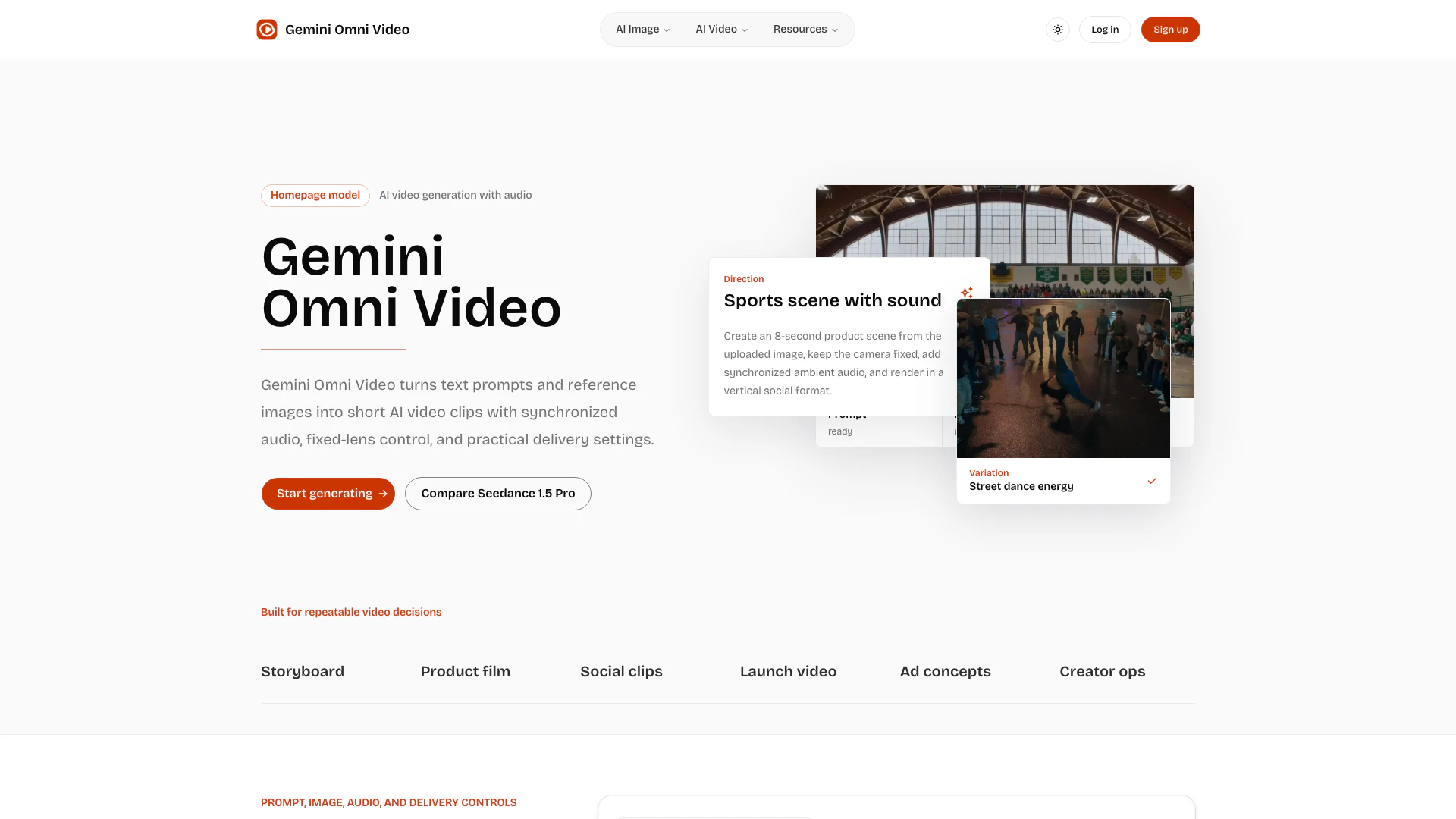
Omnivideoaiai is an innovative AI video generation tool designed to create Gemini Omni Video clips from text or images. It offers users a streamlined production-ready workflow, allowing for the integration of audio, aspect-ratio control, and resolution settings. This tool caters to creators looking to produce engaging short-form videos efficiently, with a focus on quality and customization.
How to use Omnivideoaiai?
- Begin by selecting the generation mode: choose between text-to-video or image-to-video based on your content needs.
- Upload your text or image to the platform.
- Set your preferences for audio, resolution (choose from 480p, 720p, or 1080p), duration (4, 8, or 12 seconds), and aspect ratio (including square, portrait, landscape, and cinematic formats).
- If needed, enable the fixed-lens option for stable shots.
- Review all settings to ensure they meet your project requirements before rendering the video.
What are the main features of Omnivideoaiai?
- Text-to-video and image-to-video capabilities for versatile content creation.
- Multiple resolution options: 480p, 720p, or 1080p to suit different quality needs.
- Variable video duration settings: create clips that are 4, 8, or 12 seconds long.
- Synchronized audio generation for a more immersive viewing experience.
- Fixed-lens mode to stabilize the camera for clear product or character shots.
- Support for six different aspect ratios, including square, portrait, landscape, vertical, and cinematic formats.
Who is Omnivideoaiai for?
Omnivideoaiai is ideal for content creators, marketers, and businesses seeking to produce high-quality video content quickly and efficiently. It caters to social media managers, advertisers, and anyone looking to enhance their digital presence with engaging video clips. The tool is particularly useful for those who require customizable video outputs for various platforms, ensuring that videos meet specific audience engagement needs.
What are the use cases of Omnivideoaiai?
- Creating promotional videos for products or services that require quick turnaround times.
- Generating engaging social media content tailored to different formats and audiences.
- Producing educational or instructional videos that utilize both text and images to convey information effectively.
Omnivideoaiai Pros and Cons
Pros
- Flexible Video Creation Options: Gemini Omni Video allows users to create videos from both text and images, providing versatility in content creation.
- Multiple Resolution Choices: Users can select from 480p, 720p, or 1080p resolutions, enabling them to balance quality and cost effectively.
- Synchronized Audio Feature: The tool offers synchronized audio generation, enhancing the overall quality of the video clips.
- Various Aspect Ratios: Supports multiple aspect ratios including square, portrait, landscape, and cinematic, catering to different platform requirements.
Cons
No cons data detected for this tool
Omnivideoaiai Pricing
Free Plan
Generate short AI video clips from text prompts and reference images with synchronized audio, fixed-lens control, and practical delivery settings.
For the latest pricing, please visit this link: https://omnivideoai.ai/#pricing
Prices are subject to change. Please visit the official website for the most up-to-date pricing information.