Omniflashai



What is Omniflashai?
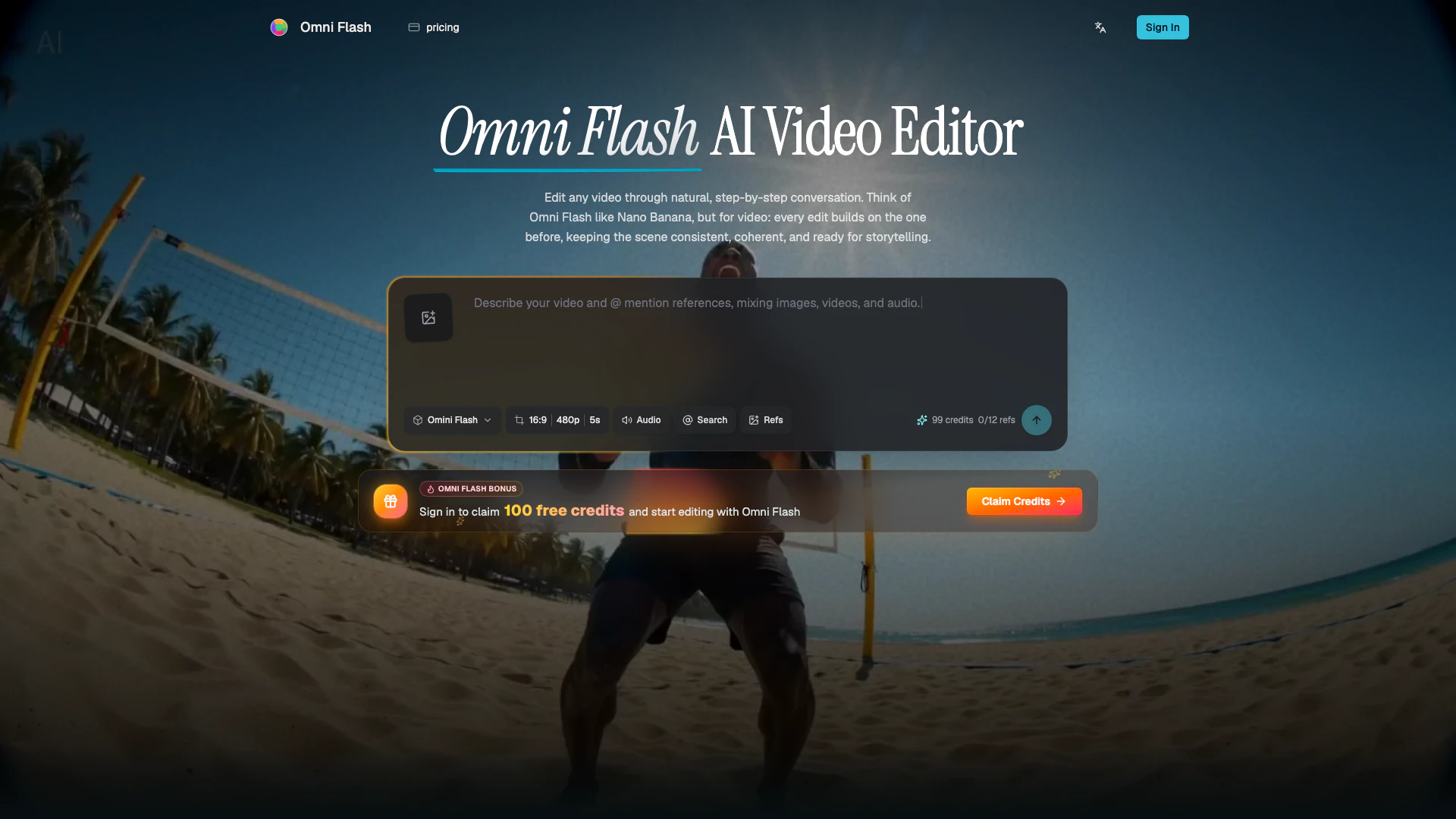
Omniflashai is an innovative video editing tool that leverages natural language processing to facilitate creative video edits. This AI-driven platform allows users to perform complex editing tasks such as character swapping, motion transfer, and style application without needing extensive video editing expertise. By enabling users to edit videos through conversational prompts, Omniflashai streamlines the creative process, ensuring coherent scene development while maintaining the original context and aesthetics of the video.
How to use Omniflashai?
- Upload your source: Begin by uploading a video, image, sketch, audio cue, or text brief. You can also add references for more precise control over the edit.
- Describe the edit: Use natural language to instruct Omniflashai on the desired changes, such as altering action, style, character, object, camera angle, environment, text, or effects.
- Refine in conversation: Engage in a dialogue with Omniflashai to make follow-up edits step-by-step, ensuring each adjustment builds on the previous one while maintaining scene coherence.
- Export the result: Once satisfied with the edits, export your polished video output that incorporates your references, instructions, and context-aware details.
What are the main features of Omniflashai?
- Character replacement with motion preservation: Swap subjects using reference images while maintaining original motion and timing.
- Sketch to realistic video transformation: Turn rough drawings into realistic scenes, guiding element movements based on the sketch.
- Action reimagining: Transform simple moments into spectacular scenes while ensuring coherence.
- Style and motion transfer: Apply visual styles and motions from reference images or videos to new outputs.
- Text synchronization: Create videos where rendered text aligns clearly with onscreen actions.
- Physics-aware editing: Edit scenes with considerations for gravity, fluid dynamics, and real-world logic.
Who is Omniflashai for?
Omniflashai is designed for creative professionals, video editors, content creators, and anyone involved in visual storytelling who seeks to enhance their video editing capabilities. It is particularly beneficial for those who prefer a conversational approach to editing, allowing for quick iterations and precise control over video elements. The tool is ideal for artists, marketers, educators, and filmmakers who require a streamlined process for producing high-quality video content.
What are the use cases of Omniflashai?
- Conversational video editing: Utilize natural language to perform edits without the need for complex timelines or manual layer adjustments.
- Reference-guided creation: Incorporate various media types, such as images, audio, and sketches, to guide the final video output.
- Character and object replacement: Seamlessly swap characters, props, and environments while preserving motion and visual continuity.
- World-aware storytelling: Craft scenes that are informed by physics, culture, history, and narrative logic, resulting in engaging and coherent storytelling.
Omniflashai Pros and Cons
Pros
- Conversational Video Editing: Omni Flash allows users to edit videos using natural language, making it easy to request changes without starting over. This conversational approach enhances user experience and creativity.
- Multi-Turn Consistency: The tool supports multi-turn editing, enabling users to make consistent changes across different editing sessions, ensuring coherence in the video narrative.
- Real-World Knowledge Integration: Omni Flash incorporates real-world knowledge such as physics and cultural context, allowing for more believable and meaningful video edits.
Cons
No cons data detected for this tool