

Omniedit
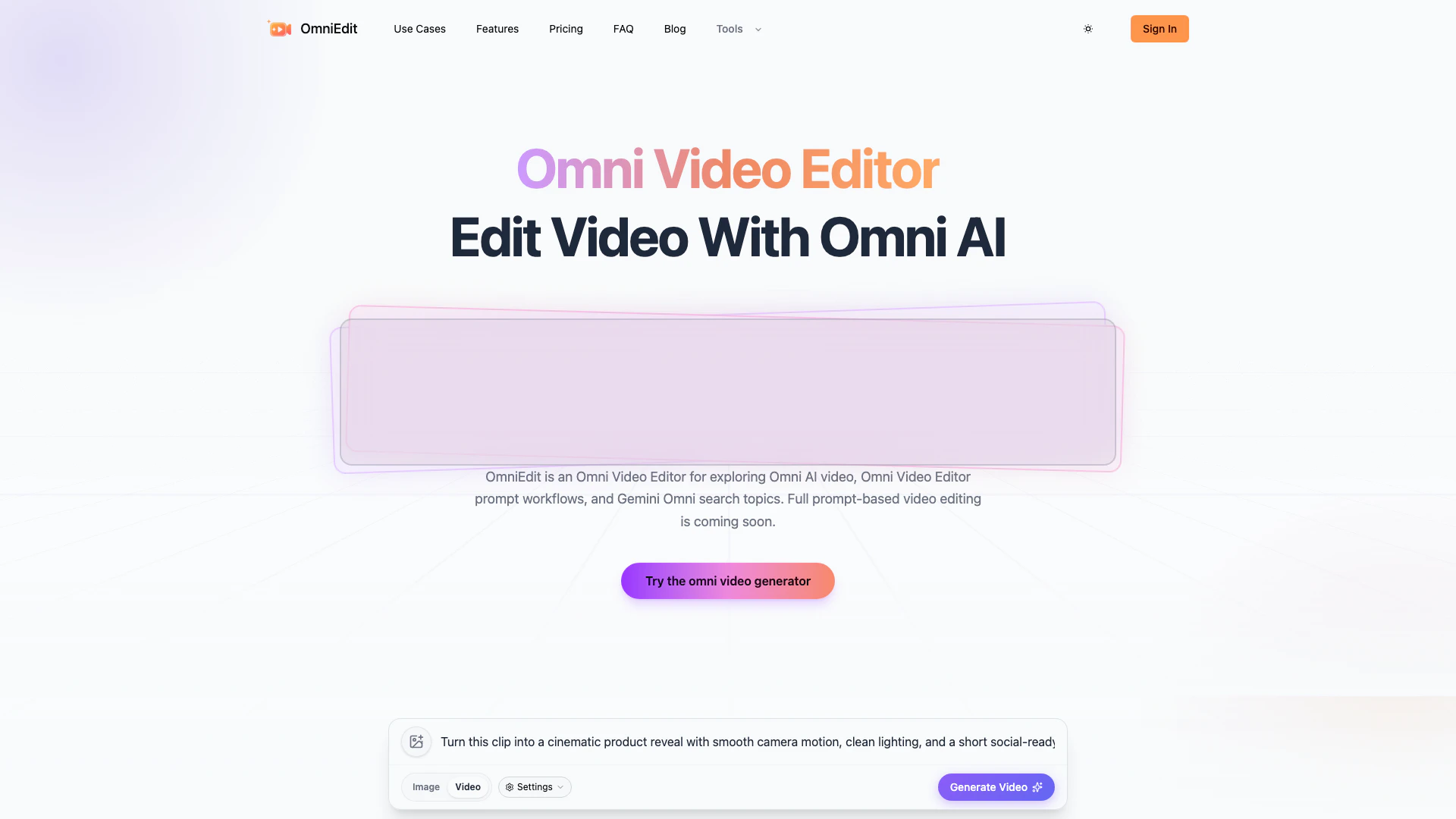


What is OmniEdit?
OmniEdit is a cutting-edge video editing tool designed to streamline the video creation process through innovative prompt-led workflows. The Omni Video Editor, a key feature of OmniEdit, allows users to create videos by providing specific prompts related to camera motion, scene changes, and other elements. Although the full capabilities of the Omni Video Editor are still in development, it positions itself as a versatile solution for users looking to enhance their video editing experience with AI-driven features.
How to use OmniEdit?
To edit video with the Omni Video Editor, follow these four focused steps:
- Start with a prompt, image, or clip: Enter an omni prompt, upload an image, or bring in a video clip. OmniEdit analyzes your input to prepare the appropriate video creation workflow.
- Choose the video mode: Select from text-to-video, image-to-video, or video-to-video formats, and set the aspect ratio and duration suitable for your intended platform.
- Refine motion and style: Provide concise instructions regarding camera movement, mood, subject behavior, lighting, and the video’s ending to ensure the desired outcome.
- Generate and export: Preview the result of your video creation. If necessary, make adjustments with another prompt pass, then export your video as a ready-to-share MP4 for various uses such as social media, advertisements, or video chat.
What are the main features of OmniEdit?
OmniEdit boasts several key features aimed at enhancing the video editing experience:
- Prompt-led video editing: Users can guide the editing process using specific prompts related to their desired video elements.
- Multiple video modes: Supports text-to-video, image-to-video, and video-to-video editing, catering to various creative needs.
- Simple workflow: Eliminates the need for traditional editing timelines, making video creation straightforward and user-friendly.
- Customizable output settings: Users can set aspect ratios and durations tailored to their destination channels.
- Future-proof capabilities: The roadmap includes features like an Omni Video Generator and Omni Prompt Builder, enhancing the editing process even further.
Who is OmniEdit for?
OmniEdit is designed for content creators, marketers, and businesses looking to simplify their video production process. It caters to individuals who may not have extensive video editing experience but still want to create professional-quality videos efficiently. Additionally, it is ideal for teams that need to produce videos quickly for social media, advertising, or internal communications, as the prompt-led approach allows for fast iteration and creativity without the complexity of traditional editing software.
What are the use cases of OmniEdit?
OmniEdit can be utilized in various real-world scenarios, including:
- Social media content creation: Quickly generate engaging video content tailored for platforms like Instagram, TikTok, and Facebook.
- Marketing and advertising: Create promotional videos or ads that capture attention and drive engagement without the need for extensive editing skills.
- Video conferencing and streaming: Prepare visual assets for video calls or live streams, including intros and countdown scenes, to enhance viewer experience.
Omniedit Pros and Cons
Pros
- Prompt-Led Editing: OmniEdit allows users to initiate video editing through prompts, enabling a guided and structured approach to video creation.
- Versatile Video Formats: The tool is designed to support various video formats, making it suitable for different types of video projects, including streaming and conferencing.
- Preview Workflow Features: Users can preview their editing direction and workflow before the full editing model is live, helping to set clear expectations for the final product.
Cons
No cons data detected for this tool
Omniedit Compare

Info current as of post date. Offers and availability may vary by location and are subject to change.
Omniedit Alternatives

CapCut is a comprehensive online creative suite for video editing and graphic design.
- Video & Animation
- AI Video Editor
- AI Video Creation Suite
- AI Creative Video Production

Create stunning AI-generated videos and images with ease.
- Video & Animation
- AI Video Generator
- AI Video and Image Creator
- AI Creative Video and Image Generation

Kling AI empowers creators to generate stunning images and videos using advanced generative AI techniques.
- Image Generation & Editing
- AI Image Generator
- AI Video Generator
- AI Image and Video Synthesis