

Nano-banana
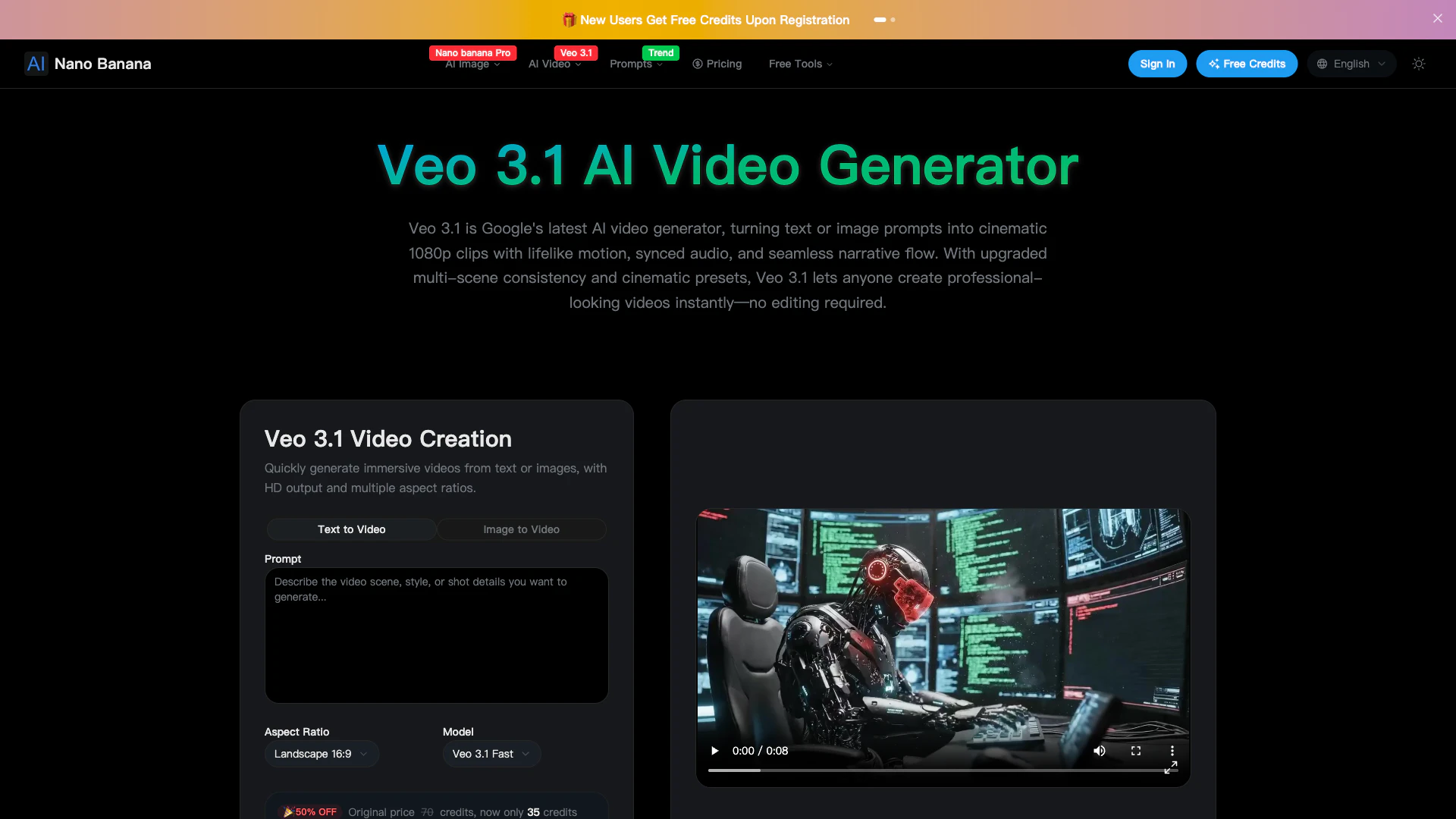





What is Veo 3.1 AI Video Generator?
Veo 3.1 is Google's advanced AI video generator that transforms text or images into cinematic videos featuring realistic motion, synchronized audio, and seamless storytelling. Building on the capabilities of the Veo line, Veo 3.1 enables users to create high-fidelity clips that include dialogue, ambient noise, and music that match visual motion. The tool is designed for users looking to generate professional-quality videos instantly, without the need for extensive editing skills.
How to use Veo 3.1?
- Add an Image: Upload an image or frame to set your scene.
- Write Prompt: Type the action, mood, or style you envision for your video.
- Generate: Click the Generate button to create your video clip (up to 8 seconds) with synchronized audio and motion.
What are the main features of Veo 3.1?
- Multi-Scene Consistency: Generate immersive videos with multiple scenes that maintain character and environmental consistency.
- Frame-Perfect Control: Specify the first and last frames to control the motion between keyframes.
- Reference Images: Use up to three reference images to guide the content and style of your video.
- Audio-Visual Harmony: Built-in voice synthesis and sound effects are aligned with visuals for a cohesive experience.
- Cinematic Presets: Apply professional cinematic techniques with one click, including camera moves and lighting adjustments.
- Seamless Transitions: Create smooth transitions between scenes for a more cohesive narrative.
Who is Veo 3.1 for?
Veo 3.1 is designed for content creators, marketers, educators, and anyone interested in producing high-quality videos without extensive video editing experience. It is particularly useful for those who want to create engaging visual content quickly, such as promotional videos, educational clips, or social media content.
What are the use cases of Veo 3.1?
- Marketing Videos: Create promotional clips for products or services that capture audience attention.
- Educational Content: Generate instructional videos that visually demonstrate concepts and ideas.
- Social Media Posts: Produce engaging short videos for platforms like Instagram or TikTok that stand out in feeds.
Product Images

Nano-banana Pros and Cons
Pros
- Advanced AI Video Generation: Veo 3.1 utilizes Google's advanced AI to convert text or images into high-quality cinematic videos, providing realistic motion and style consistency.
- User-Friendly Interface: The tool requires no editing skills, allowing users to generate videos effortlessly with just a few prompts.
- Cinematic Quality Features: Veo 3.1 includes Hollywood-quality presets and seamless scene transitions, enhancing the storytelling experience with professional cinematic techniques.
Cons
No cons data detected for this tool
Nano-banana Pricing
Basic
Perfect for individuals and light users. Includes credits for image generation/editing, full access to styles and tools, PNG downloads, and commercial usage rights.
Pro
Ideal for creators and small teams. Everything in Basic, plus additional features.
Max
Built for enterprises and professional teams. Everything in Pro, plus additional features.
For the latest pricing, please visit this link: https://nano-banana.io/pricing
Prices are subject to change. Please visit the official website for the most up-to-date pricing information.
Analytics of Nano-banana
Nano-banana Website Traffic Analysis
Visits Over Time
Traffic Sources
Nov 2025 - Jan 2026 Worldwide Desktop Only
- Search: 62.60%
- Direct: 21.63%
- Referrals: 10.06%
- Social: 4.11%
- Paid Referrals: 1.17%
- Mail: 0.18%
Top Keywords
| Keyword | Volume | CPC | Estimated Value |
|---|---|---|---|
| nano banana | 4.88M | $0.38 | $4820.00 |
| nano banana ai | 384.11K | $0.67 | $350.00 |
| nano banana pro free | 50.70K | $0.56 | $320.00 |
| nano banana官网 | 14.65K | $0.00 | $580.00 |
| nano-banana | 8.81K | $0.00 | $380.00 |






Nano-banana Social Listening
Meet Nano Banana Pro: Next-Lev...
Fresh off the launch of Gemini...
🔥How to use Google’s Nano Ban...
🔥How to use Google’s Nano Ban...
Nano Banana AI Tutorial | How ...
What if you could turn yoursel...
Unlock to view 64 social media results.