
Mykozu





What is Mykozu?
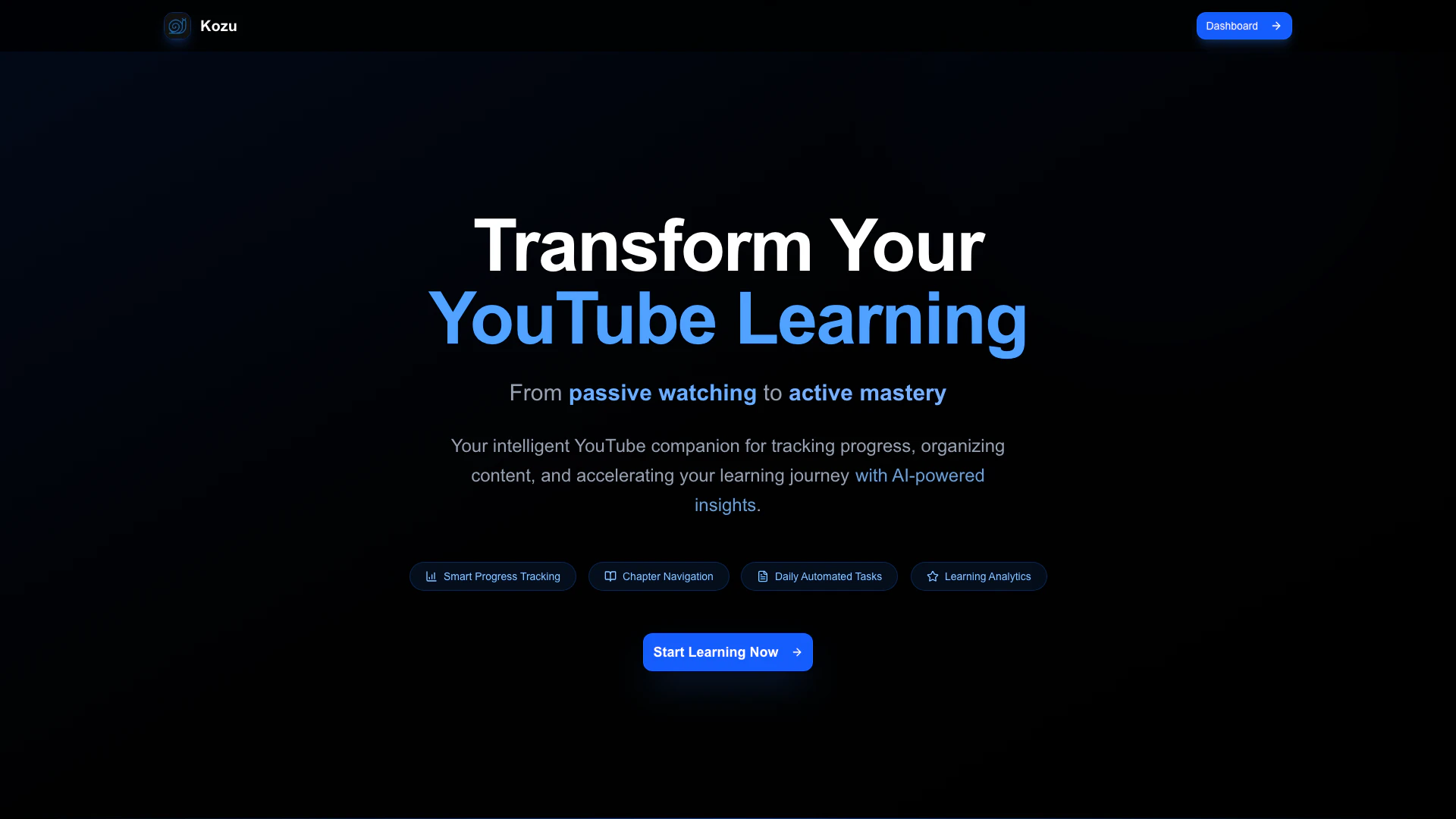
Mykozu is an innovative tool designed to enhance your YouTube[1] learning experience by transforming passive watching into active mastery. It serves as your intelligent companion for tracking progress, organizing content, and accelerating your learning journey through AI-powered insights. With Mykozu, users can efficiently manage their YouTube watchlist[2], ensuring they never lose track of where they left off in long videos, while also benefiting from seamless integration with YouTube and various powerful features tailored for learners.
How to use Mykozu?
- Sign up or log in to your Mykozu account on the website.
- Import your YouTube playlists or add individual videos to your watchlist.
- Use the in-app video player to watch videos directly within Mykozu, where your progress will be automatically tracked.
- Utilize the chapter management feature to visualize your progress and receive smart recommendations based on your viewing habits.
- Create personalized learning to-do lists for each video to help you master key concepts and complete exercises.
What are the main features of Mykozu?
- Smart Progress Tracking[3]: Keeps track of where you left off in long videos and monitors your learning velocity.
- Seamless YouTube Integration: Open videos directly on YouTube with synchronization to your last watched point.
- Chapter Management: Visualize progress through video chapters and receive recommendations.
- Learning To-Do Lists: Create task lists to ensure you master important concepts and exercises.
- In-App Video Player: Watch videos without distractions while tracking your progress.
- Playlist Import: Import entire YouTube playlists and track your progress across all videos.
Who is Mykozu for?
Mykozu is designed for anyone looking to enhance their learning experience through YouTube. This includes students, professionals, and lifelong learners who want to effectively manage their video content, track their progress, and ensure they grasp essential concepts from educational videos. Whether you are preparing for exams, learning new skills, or simply exploring topics of interest, Mykozu provides the tools necessary for structured and productive learning.
What are the use cases of Mykozu?
- Educational Videos: Ideal for students who need to track their progress in long educational lectures or tutorials.
- Skill Development: Perfect for professionals taking online courses or learning new skills through video tutorials.
- Content Organization: Useful for anyone looking to organize their YouTube watchlist and ensure they complete videos without losing track.
Mykozu Pros and Cons
Pros
- Smart Progress Tracking: Kozu remembers where you left off in long videos, ensuring you never lose your place and can track your learning velocity.
- Seamless YouTube Integration: Easily open videos on YouTube with a single click, starting right where you left off, providing a smooth user experience.
- Chapter Management: Visualize your progress through video chapters with intuitive tracking and smart recommendations to enhance learning.
Cons
No cons data detected for this tool
Analytics of Mykozu
Mykozu Website Traffic Analysis
Visits Over Time
Top Keywords
| Keyword | Volume | CPC | Estimated Value |
|---|---|---|---|
| kozu | 990 | $1.02 | $0.00 |