Molt
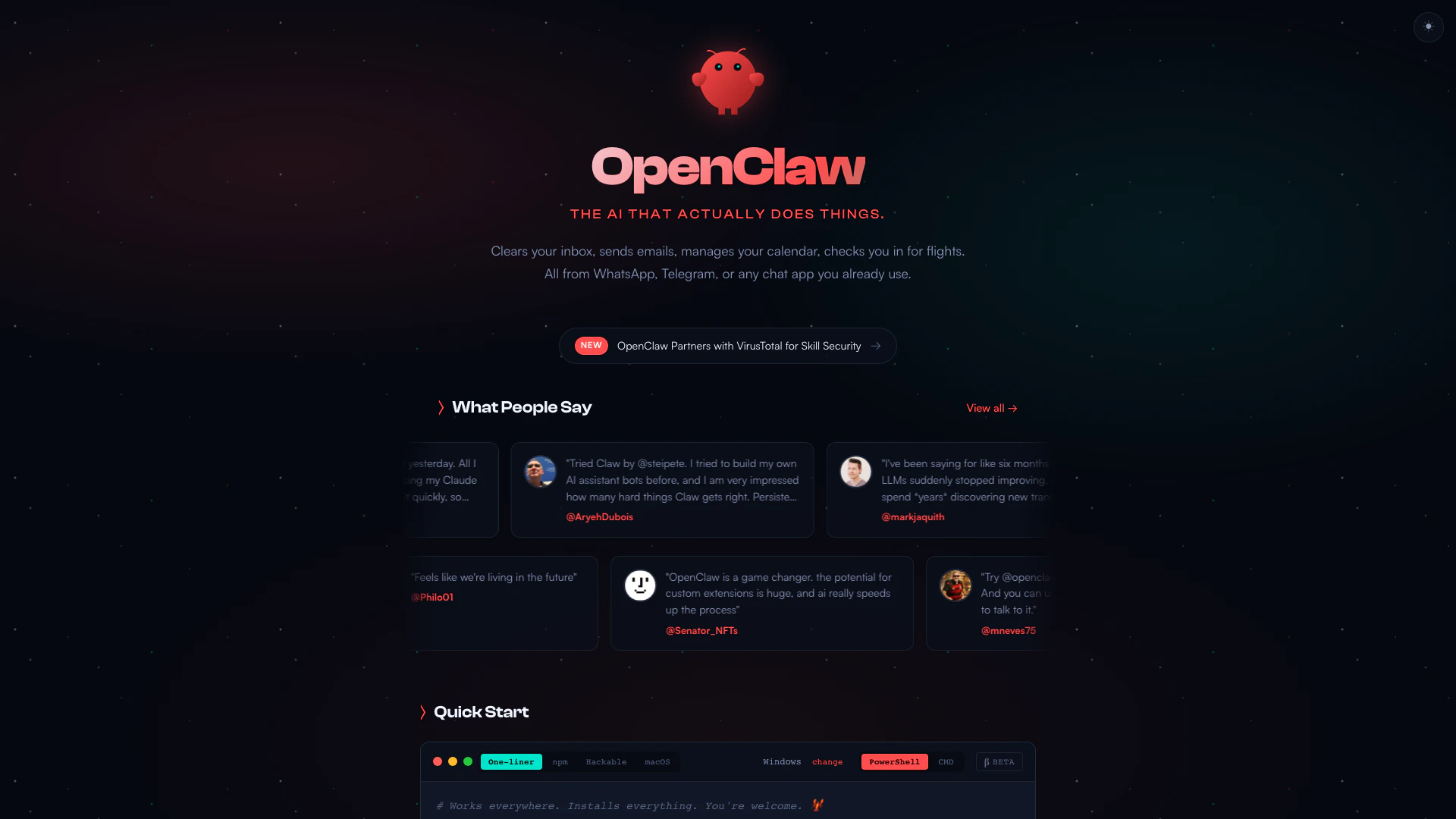





What is OpenClaw?
OpenClaw is an innovative AI assistant designed to streamline your daily tasks across various platforms, including WhatsApp, Telegram, and other chat applications. It functions as a personal assistant that can manage your inbox, send emails, organize your calendar, and check you in for flights, all through conversational commands. What sets OpenClaw apart is its ability to operate on your local machine, maintaining privacy and allowing for customizable integrations with numerous applications. The AI evolves by remembering user preferences and context, making it a uniquely personalized assistant.
How to use OpenClaw?
- Install OpenClaw by running the one-liner command for your operating system:
- - For Windows: `$ iwr -useb https://openclaw.ai/install.ps1 | iex`
- - For macOS/Linux: `$ curl -fsSL https://openclaw.ai/install.sh | bash -s -- --install-method git`
- Once installed, onboard the assistant by running `$ openclaw onboard`.
- Start interacting with OpenClaw through your preferred chat application like WhatsApp, Telegram, or Discord.
What are the main features of OpenClaw?
- Cross-Platform Compatibility: Works seamlessly on macOS, Windows, and Linux.
- Integration with Chat Apps: Communicate with OpenClaw via WhatsApp, Telegram, Discord, Slack, Signal, or iMessage.
- Persistent Memory: Remembers user preferences and context for a personalized experience.
- Browser Control: Capable of browsing the web, filling out forms, and extracting data from websites.
- Full System Access: Can read and write files, execute shell commands, and run scripts with user-defined access levels.
- Custom Skills & Plugins: Users can extend functionality with community skills or create their own.
Who is OpenClaw for?
OpenClaw is designed for individuals and teams looking for a powerful personal assistant that can handle a variety of tasks efficiently. It is particularly useful for tech-savvy users, developers, and entrepreneurs who want to automate their workflows and improve productivity. Whether you're managing personal tasks, collaborating with team members, or integrating various applications, OpenClaw caters to a wide audience seeking to leverage AI technology for daily assistance.
What are the use cases of OpenClaw?
- Email Management: Automatically sorting and responding to emails based on user-defined rules.
- Calendar Scheduling: Managing appointments and reminders across multiple platforms.
- Task Automation: Automating repetitive tasks like data entry, file management, and system monitoring.
Product Images


Molt Pros and Cons
Pros
- Cross-Platform Compatibility: OpenClaw works seamlessly across multiple platforms including macOS, Windows, and Linux, allowing users to install and run it on their preferred operating system.
- Integration with Popular Chat Apps: Users can interact with OpenClaw through various chat applications such as WhatsApp, Telegram, Discord, and Slack, making it convenient to use.
- Persistent Memory Feature: OpenClaw has a persistent memory that allows it to remember user preferences and context, providing a personalized experience.
- Full System Access: It offers full system access, enabling users to read and write files, run shell commands, and execute scripts, enhancing its functionality.
- Custom Skills and Plugins: Users can extend OpenClaw's capabilities by creating custom skills or using community-built plugins, allowing for a highly customizable experience.
Cons
No cons data detected for this tool