

Twitter-color Created with Sketch. Amazon-color Created with Sketch. Facebook-color Created with Sketch. github [#142] Created with Sketch. meta_fill Pinterest-color Created with Sketch. ProductHunt-color Created with Sketch. Spotify-color Created with Sketch. Threads Logo Streamline Icon: https://streamlinehq.com Yelp-color Created with Sketch. Youtube-color Created with Sketch.
TopAIToolsTopAITools
  • Free Tools
  • Category
  • Leaderboard
  • Deals
  • Submit
EN
TopAIToolsTopAITools
TopAI

TopAITools

TopAITools, The Best Top AI Tools

AI Glossary|English简体中文繁體中文한국어日本語PortuguêsEspañolDeutschFrançaisTiếng Việt|Map

© 2026 TopAITools. All rights reserved.

About

  • Privacy Policy
  • Terms of use

Contact Us

business@topaitoolsreview.com
Home
AI Device Mockup Generator
Mokkit
Last updated: July 19, 2026
Mokkit logo

Mokkit

Get deal
4.0|0 Comments|0 Saved
Introduction:
Create stunning animated mockups effortlessly.
Launch Date:
December 23, 1991
Monthly Visits:
--
Inputs:
Image
Outputs:
ImageVideo
Supported Languages:
EN
AI Models:
Transparent videoAnimated compositions
Website
Free
🎨Creativity
AI Device Mockup Generator6
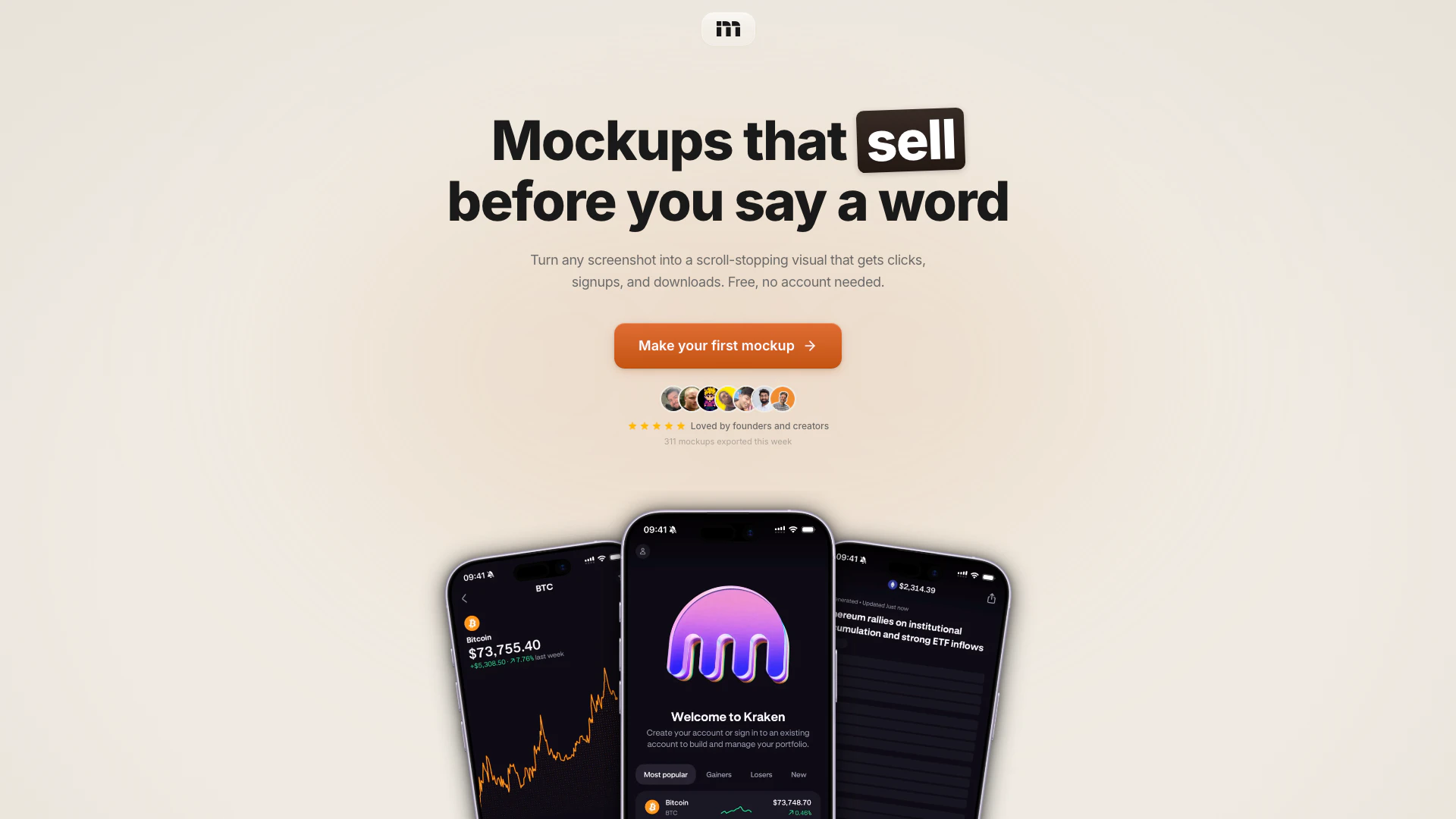
Mokkit website screenshot showing Create stunning animated mockups effortl... interface and features
Use tool
Update this tool
Buzz Mail logo

Buzz Mail

Buzz Mail - Google Workspace Marketplace

Docsgpt logo

Docsgpt

DocsGPT for Google Docs™ - Google Workspace Marketplace

Deepseek logo

Deepseek

DeepSeek focuses on pioneering general AI technologies and models.

Linkedin logo

Linkedin

Connect with professionals worldwide on LinkedIn.

Apple logo

Apple

Apple Creator Studio offers a suite of creative tools for video, music, and design.

Mokkit Overview

What is Mokkit?

Mokkit is an innovative online tool designed for creating animated, transparent device mockups that effectively convert. It allows users to transform any screenshot into a visually appealing mockup ready for use in just seconds, without requiring any design skills. Mokkit's user-friendly interface enables anyone, from founders to creators, to produce high-quality visuals that enhance engagement and drive clicks, signups, and downloads.


How to use Mokkit?

  1. Drop your screenshot: Drag an image or paste a URL into Mokkit. The tool captures it at any viewport size with pixel-perfect[3] precision.
  2. Pick a frame and tune: Select your desired device frame, background, and angle. Adjust settings such as shadows, blur, and grain to achieve the perfect look.
  3. Animate: Add keyframes[2] for zoom, rotation, and tilt effects. Preview the animation in real-time to ensure it meets your expectations.
  4. Export: Choose your export format (PNG, JPEG, WebP, or MP4) and resolution (up to 6K), including transparent backgrounds[1].

What are the main features of Mokkit?

Mokkit offers a range of powerful features, including: - Transparent video: Create videos with transparent backgrounds[4] to embed anywhere. - Laptop mockups: Present web products in realistic browser frames on MacBook screens. - Animated compositions: Incorporate subtle animations to enhance multi-device layouts[5]. - Backgrounds & scenes: Utilize tilt and zoom effects with curated backgrounds to create diverse variations from a single screenshot.


Who is Mokkit for?

Mokkit is ideal for entrepreneurs, app developers, digital marketers, and content creators who want to showcase their products visually. Whether you are launching a new app, promoting a website, or creating marketing materials, Mokkit caters to anyone looking to create engaging mockups quickly and efficiently. Its ease of use makes it suitable for individuals without any design background.


What are the use cases of Mokkit?

  1. Marketing campaigns: Use Mokkit to create eye-catching visuals for social media ads and promotional content.
  2. Product launches: Generate stunning mockups to present your app or website during launch events or on landing pages.
  3. Pitch presentations: Enhance investor pitches or client presentations with professional-looking mockups that highlight your product's features.

Product Images

Mokkit usage step screenshot
Mokkit feature demonstration
Mokkit real application scenario
Mokkit user scenario image
1 / 4

Mokkit Pros and Cons

Pros

  • Easy to Use Mockup Creation: Mokkit allows users to create animated, transparent device mockups quickly and without any design skills required, making it accessible for everyone.
  • High-Quality Exports: The tool supports exports up to 6K resolution in various formats like PNG, JPEG, WebP, and MP4, ensuring high-quality visuals.
  • No Account Needed: Users can start creating mockups immediately without needing to create an account, which simplifies the onboarding process.

Cons

No cons data detected for this tool

Mokkit Pricing

Free

Contact Us

No account needed.

Pro

$7/month

Best value.

Pro Max

$12/month

Best value.

For the latest pricing, please visit this link: https://mokkit.co/app

Prices are subject to change. Please visit the official website for the most up-to-date pricing information.

Mokkit Reviews

Mokkit is pretty amazing

100% gonna use my screenshots in the future, genuinely the nicest looking app I've seen for it

This looks so good

For more reviews, visit this link: https://mokkit.co/#reviews

Mokkit Compare

Tool NameIntroductionPricing
Type
RatingLaunch DateLearn more
Speechgen Io logo
Speechgen Io
Realistic Text to Speech converter & AI Voice generator
Free
💼Work🎨Creativity
September 29, 2022
Get deal
Promptvibes logo
Promptvibes
Explore Prompt Vibes to create unique prompts with our ChatGPT Prompt generator. Discover a collection of the best prompts designed for various uses.
Free
🙋‍♂️Personal🎨Creativity
February 25, 2023
Get deal
Studio logo
Studio
The easiest and quickest way to build your beautiful portfolio website, landing page or anything. No code. All creative freedom.
Free
💼Work🎨Creativity
July 6, 2017
Get deal

Info current as of post date. Offers and availability may vary by location and are subject to change.

Mokkit Launch embeds

Use website badges to drive support from your community for your TopAITools Review. They're easy to embed on your homepage or footer.

FEATURED ONTopaitoolsreview.com

Mokkit Alternatives

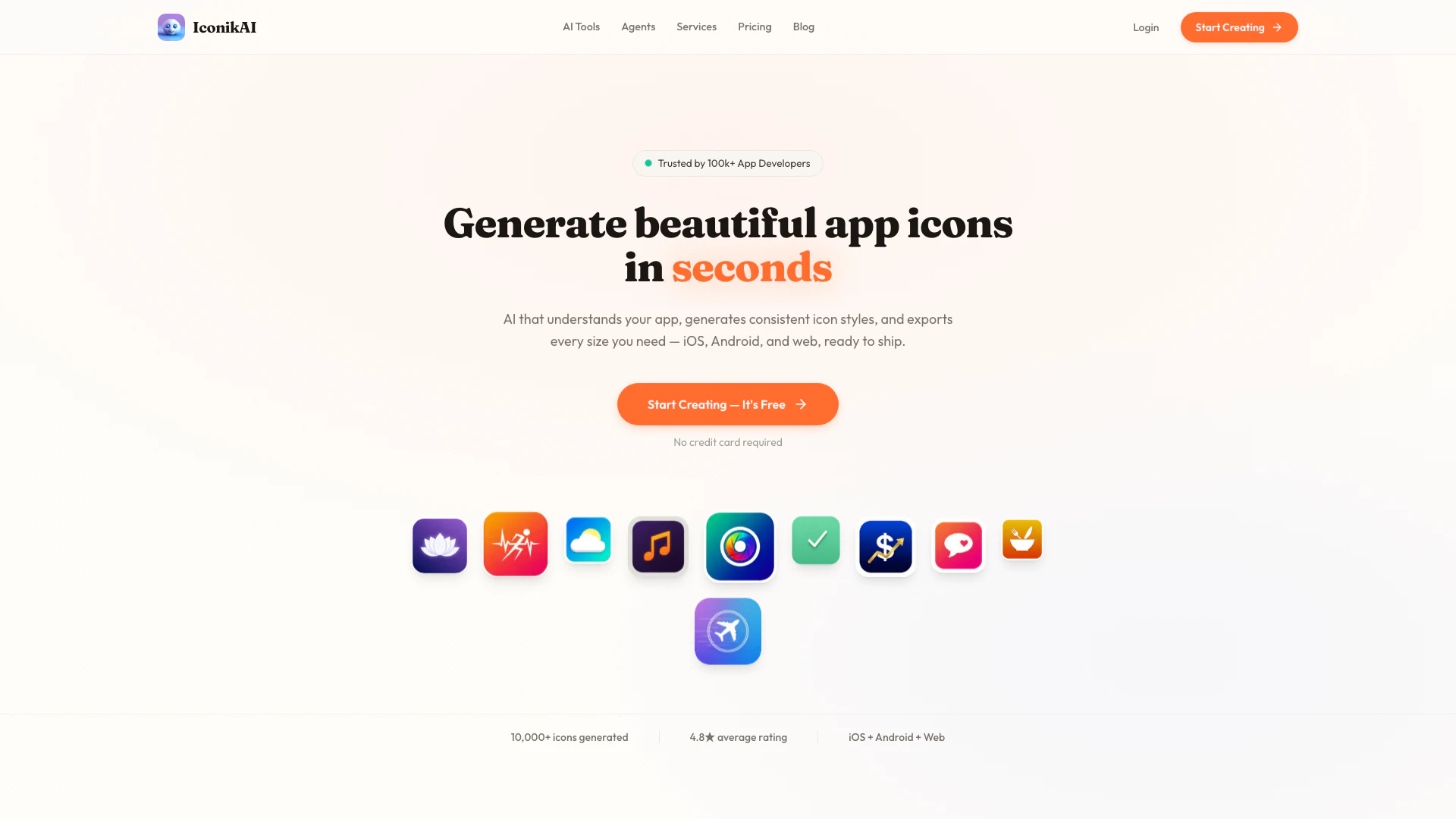
Iconikai screenshot

Iconikai

Generate stunning app icons with AI for free and build your MVP in just 10 days.

Website
Free
💼Work🎨Creativity
Image Generation & EditingAI Image GeneratorAI Device Mockup Generator
  • Image Generation & Editing
  • AI Image Generator
  • AI Device Mockup Generator
Use tool
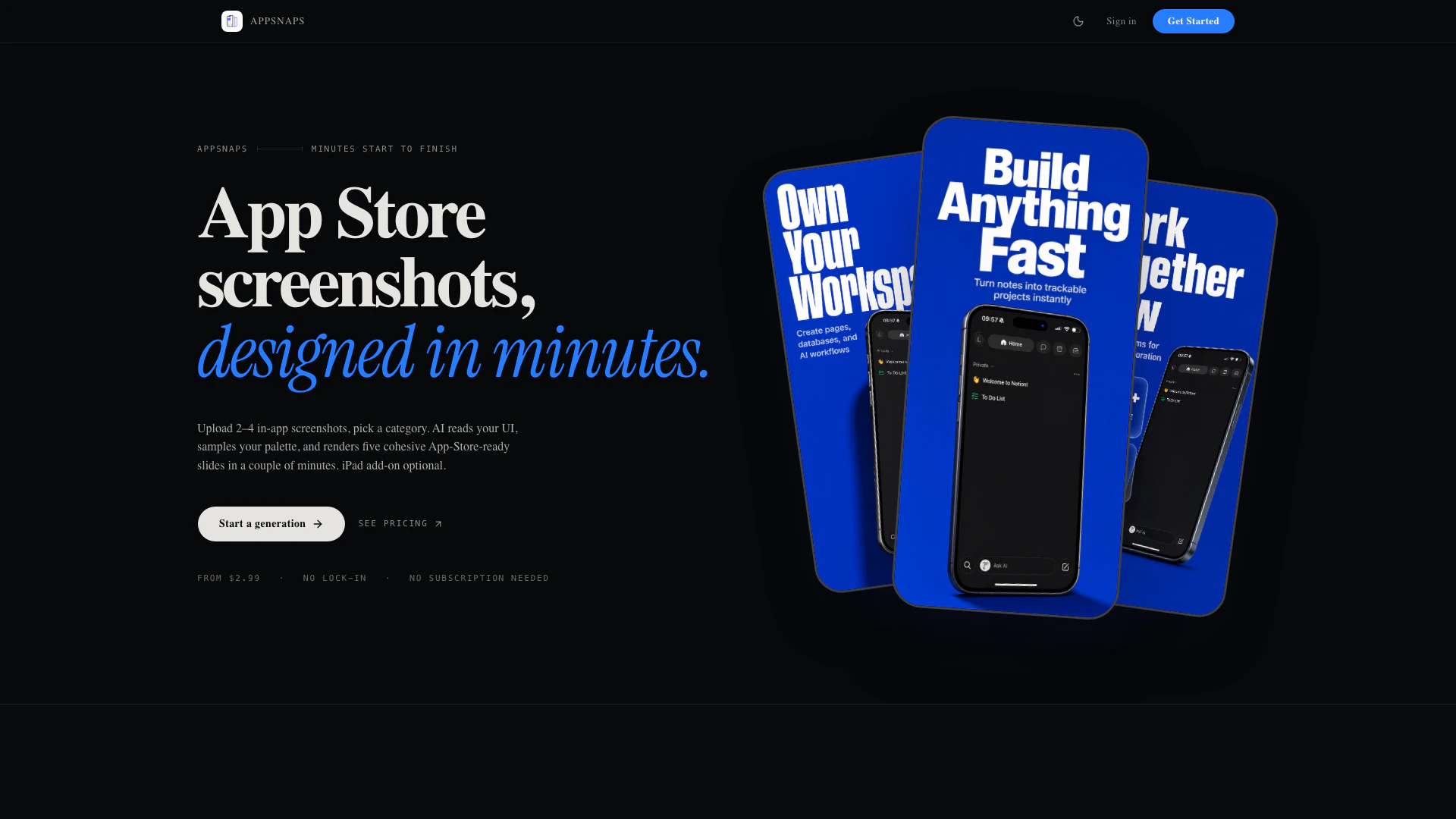
Appshots screenshot

Appshots

Generate polished, on-brand App Store screenshots from raw app screens in minutes with Appshots.

Website
💼Work
Image Generation & EditingAI Photo EditorAI Product Photo GeneratorAI Device Mockup Generator
  • Image Generation & Editing
  • AI Photo Editor
  • AI Product Photo Generator
  • AI Device Mockup Generator
Use tool
Stageflowai screenshot

Stageflowai

Create stunning Etsy product photos in seconds with Stageflowai's AI mockup generator, no camera or photoshoot required.

Website
Free
💼Work
Image Generation & EditingAI Image GeneratorAI Product Photo GeneratorAI Device Mockup Generator
  • Image Generation & Editing
  • AI Image Generator
  • AI Product Photo Generator
  • AI Device Mockup Generator
Use tool

Mokkit Tags

animated mockupsTransparent Backgroundsdevice framesscreenshot to mockuprealistic presentationseasy to use

Also used for

AI Device Mockup Generator6AI Dating Profile Photo Generator13NSFW AI Art Generator5AI Vectorization Tool11AI Romantic Image & Video Generator58Gallery Creation Tool22SVG Optimization Tool9SVG Compression Tool7Text Behind Image Design Tool1Text To 3d Generator8AI Car Wrap Generator1Code Snippet Image Generator2Code Visualization Tool2

Sources (5)

Mokkit logo
MokkitFree Trial
Get deal

Mokkit Comments (0)

Your rating

?
0/2000

No comments yet

Be the first to share your thoughts!

🚀0
🚀0

Mokkit Prompts (0)

Prompts And Results

Add your own prompts and outputs to help others understand how to use this AI.