Mangamaker

What is MangaMaker?
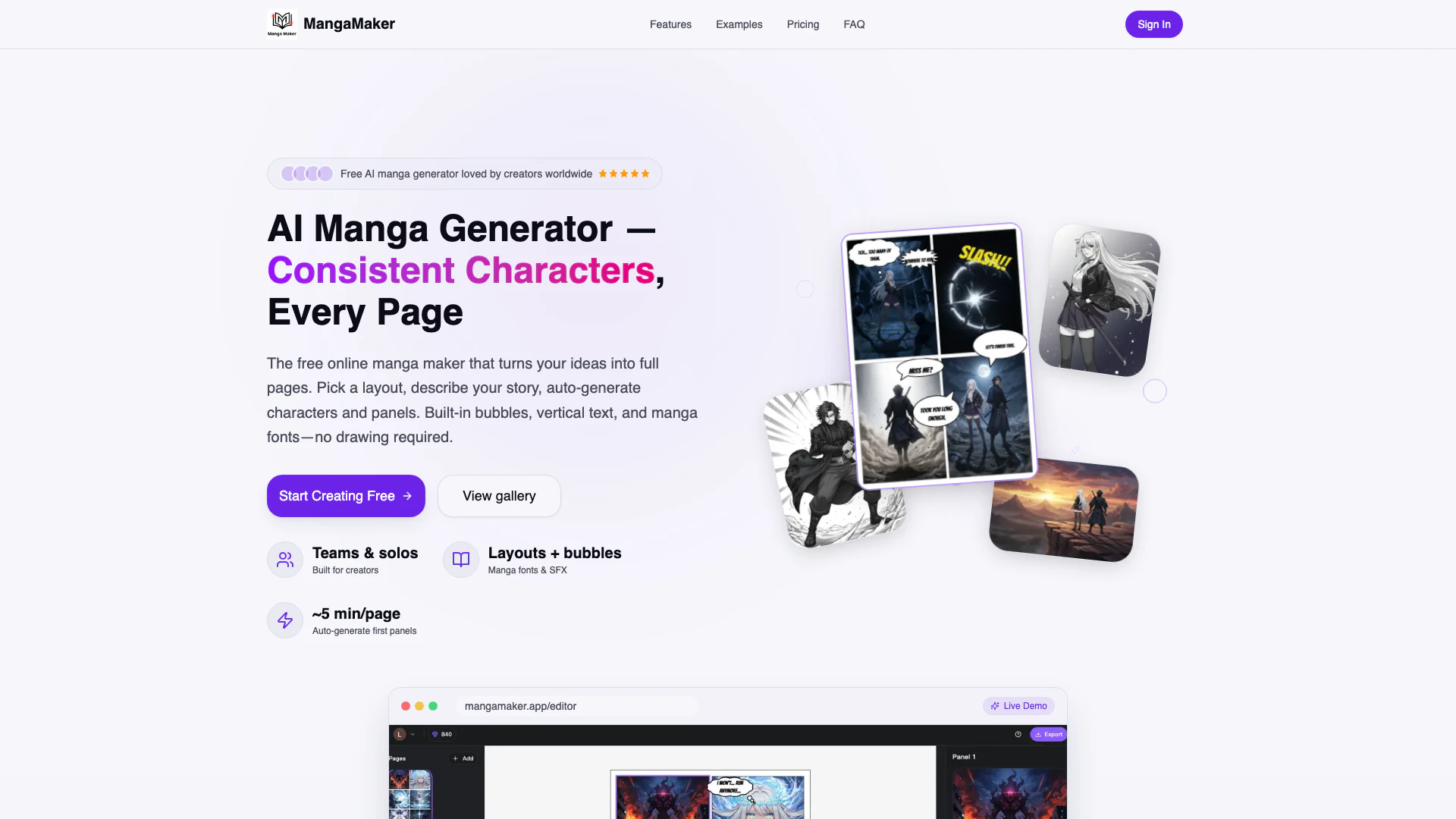
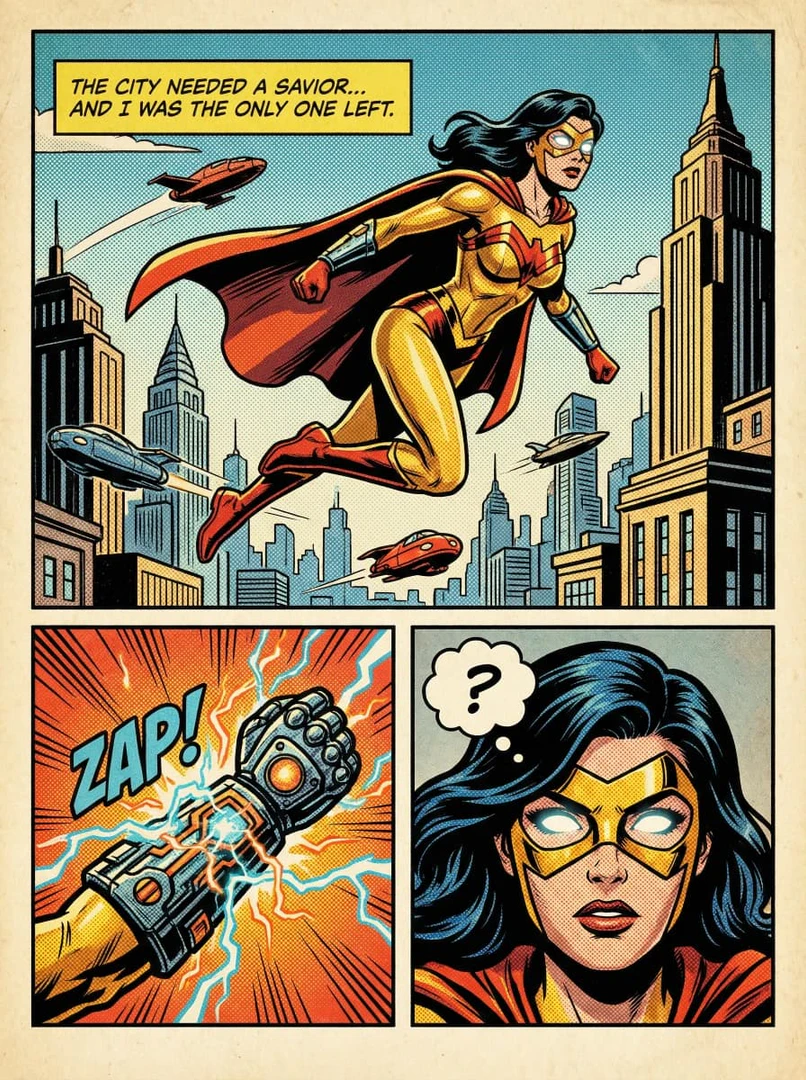
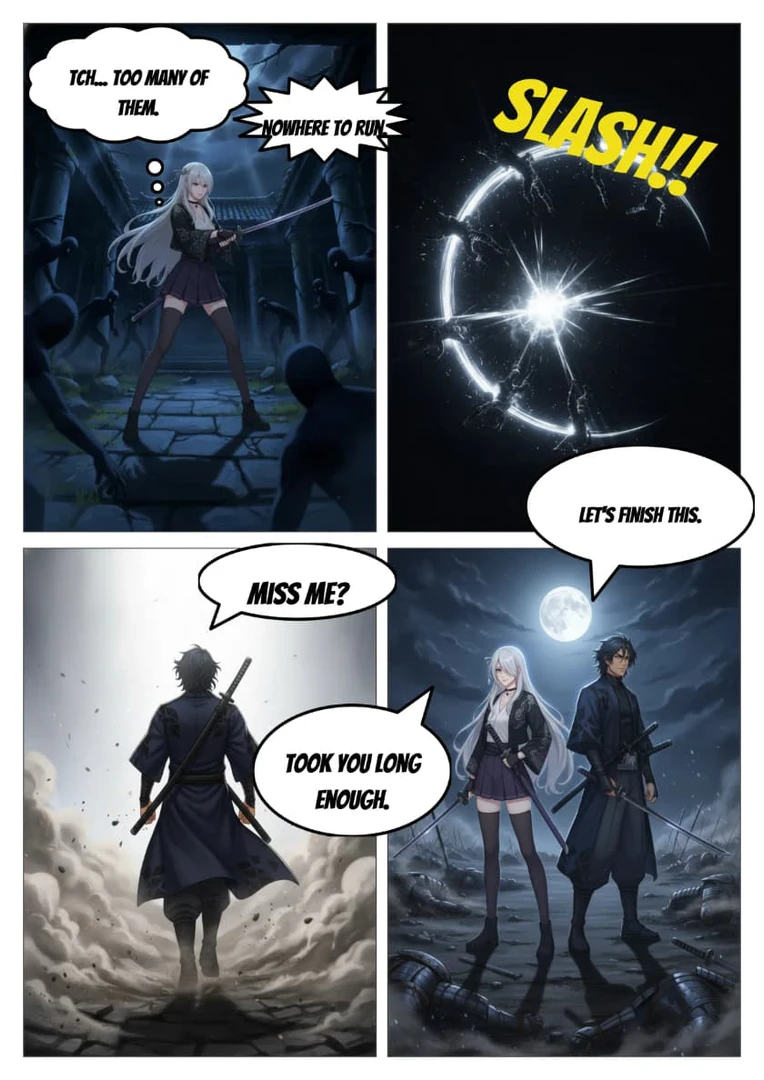
MangaMaker is a free AI-powered manga generator and comic maker that enables users to create professional-quality manga and comic pages in just minutes, without requiring any drawing skills. It features character consistency across panels, customizable panel layouts, speech bubbles, and vertical text options. This tool is designed to turn your creative ideas into full comic pages effortlessly, making it accessible for both aspiring and seasoned creators.
How to use MangaMaker?
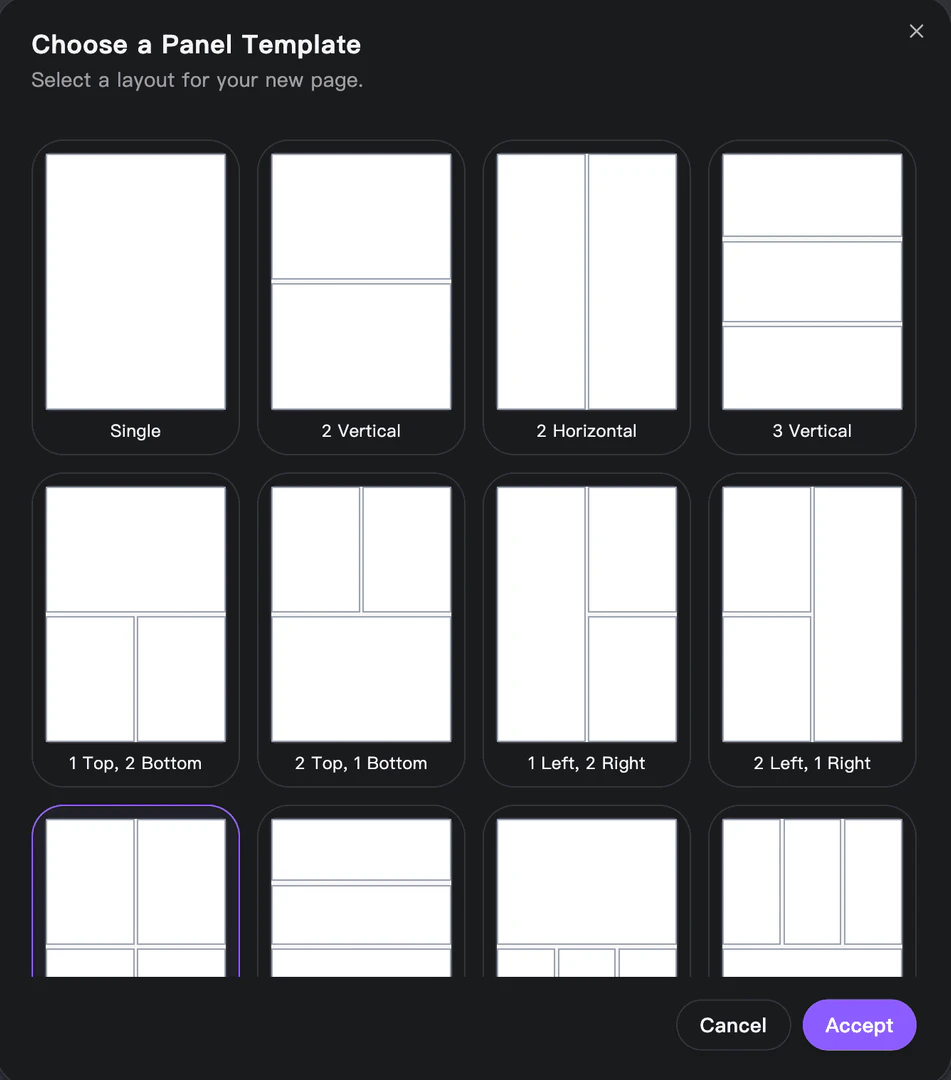
- Choose a layout: Select from various grid options or create your own panel layout. You can adjust panel sizes quickly using drag-and-drop functionality.
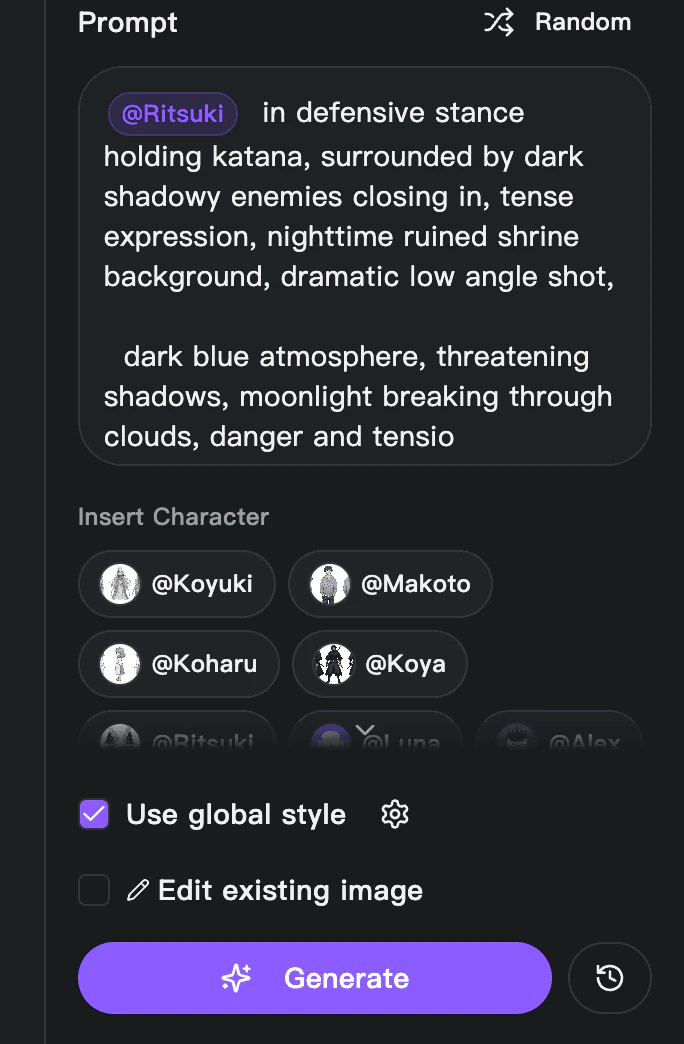
- Generate with AI: Describe your story for each panel or generate an entire page at once. The AI will create characters and scenes based on your prompts, maintaining consistency throughout.
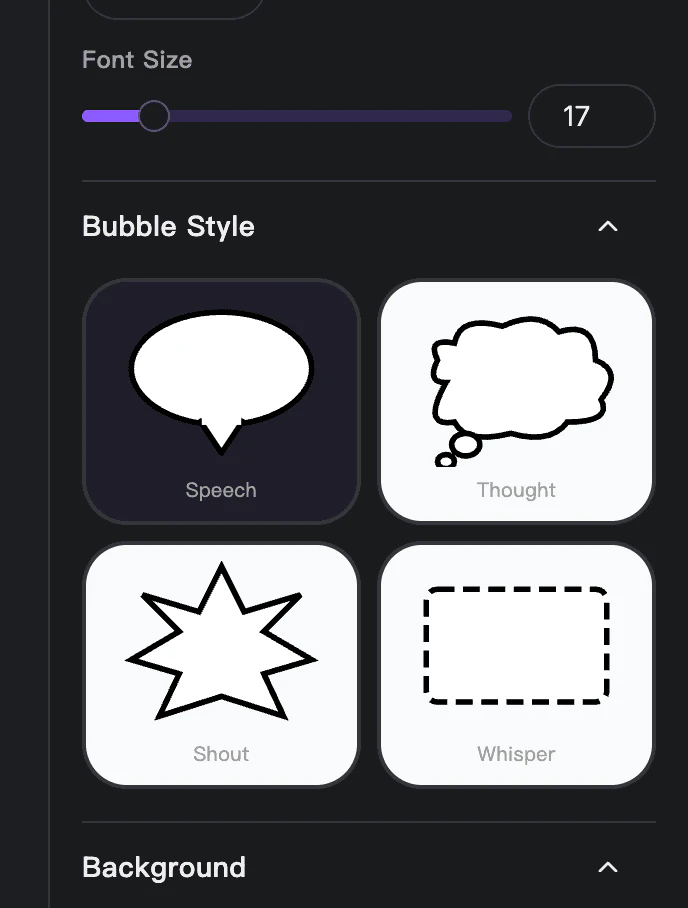
- Edit & export: Add speech bubbles, fine-tune panel arrangements, and export your finished comic page as a high-resolution PNG or print-ready file.
What are the main features of MangaMaker?
- AI Manga Generation: Automatically generate manga-style artwork based on user descriptions.
- Character Consistency: Maintain the same character design across multiple panels automatically.
- Customizable Layouts: Choose from various panel layouts and templates or create your own.
- Built-in Speech Bubbles: Add speech, thought bubbles, and sound effects with ease.
- Multiple Art Styles: Supports various manga styles, including color and black & white options.
- User-Friendly Editor: An intuitive drag-and-drop interface for easy editing and arrangement of panels.
Who is MangaMaker for?
MangaMaker is designed for a wide range of users, including aspiring manga artists, comic creators, and storytellers who lack drawing skills. It is particularly beneficial for indie creators looking to publish their work without the need for extensive artistic training. The tool is also suitable for professional artists who want to streamline their creative process and generate ideas quickly. Additionally, it serves hobbyists and educators seeking to create engaging visual narratives.
What are the use cases of MangaMaker?
- Creating Full Manga Pages: Users can generate entire manga pages based on their story ideas in minutes.
- Character Design and Consistency: Artists can create characters once and maintain their appearance across all panels for cohesive storytelling.
- Educational Projects: Teachers and students can use MangaMaker to create visual aids and narratives for educational purposes.
Product Images






Mangamaker Pros and Cons
Pros
- AI-Powered Character Consistency: MangaMaker ensures that characters maintain the same appearance across all panels, solving a common issue in AI-generated comics.
- User-Friendly Interface: The platform allows users to create manga pages without any drawing skills, making it accessible for everyone.
- Fast Creation Process: Users can generate full comic pages in approximately 5 minutes, significantly reducing the time compared to traditional methods.
Cons
No cons data detected for this tool
Mangamaker Pricing
Free
Perfect for trying out. Includes 10 free credits, 1 workspace, core templates & bubbles, standard quality export, and community support.
Pro
For serious creators. Includes 1,000 credits per month, unlimited workspaces, unlimited comic generation, use of multiple AI models, early access to new features, export comics to high-res PNG, and priority support.
For the latest pricing, please visit this link: https://mangamaker.app/#pricing
Prices are subject to change. Please visit the official website for the most up-to-date pricing information.
Mangamaker Reviews
MangaMaker changed everything for me. I've always had stories in my head but couldn't draw. Now I've published 3 comics!
The character consistency feature is incredible. My characters look the same across 50+ pages. This tool is a game-changer.
I went from writing scripts to creating full manga chapters in days instead of months. The quality is professional-grade.
For more reviews, visit this link: https://mangamaker.app#testimonials