

Malloy





What is Malloy?
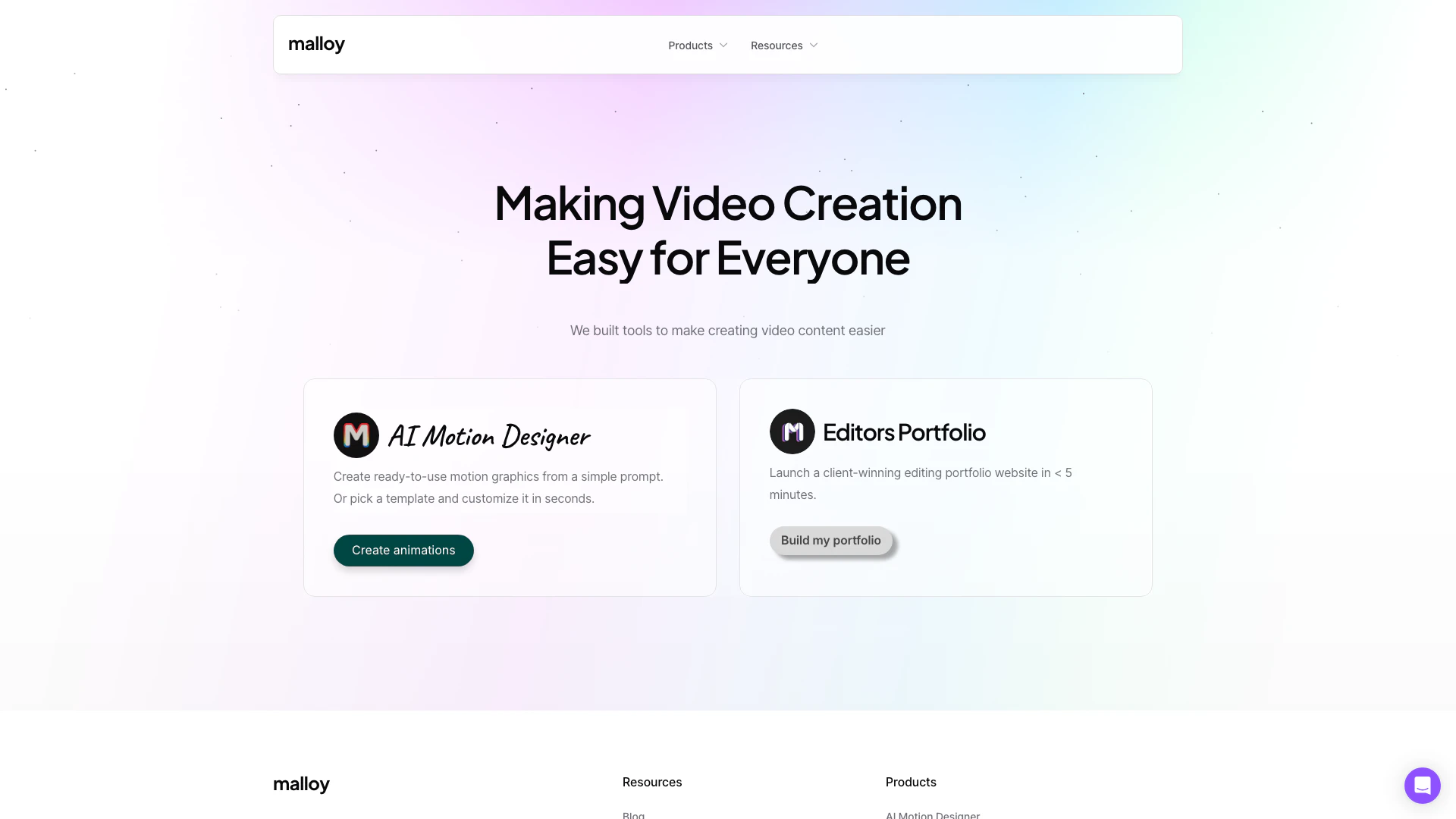
Malloy is an innovative platform designed to simplify the process of video content[1] creation. With a focus on accessibility, Malloy provides tools that empower users to create high-quality videos effortlessly. The platform features an AI Motion Designer[2] that allows users to generate animations from simple prompts or by customizing from a wide range of templates. This makes it suitable for both beginners and experienced content creators looking to enhance their video production capabilities.
How to use Malloy?
- Visit the Malloy website at https://malloy.sg/.
- Choose the tool you want to use, such as the AI Motion Designer or the Video Editors Portfolio.
- For the AI Motion Designer, enter your prompt or select a template to start creating animations.
- Customize your animations as needed, adjusting elements to fit your vision.
- Once satisfied, export your video content and share it across your desired platforms.
What are the main features of Malloy?
- AI Motion Designer: Create motion graphics effortlessly from simple prompts or customize from over 100 templates.
- Video Editors Portfolio: Launch a professional portfolio website for video editors in under 5 minutes.
- User-Friendly Interface: Designed to make video creation accessible for everyone, regardless of experience level.
- Customization Options[3]: Extensive tools to personalize animations and video content to meet specific needs.
Who is Malloy for?
Malloy is designed for a diverse audience, including content creators, marketers, and video editors who seek to streamline their video production process. It caters to beginners who may find video editing daunting, as well as experienced professionals looking for efficient tools to enhance their workflow. Businesses aiming to create engaging promotional content can also benefit from Malloy's easy-to-use features.
What are the use cases of Malloy?
- Social Media Marketing: Create eye-catching video content for platforms like Instagram and Facebook.
- Promotional Videos: Design promotional animations for products or services to enhance marketing efforts.
- Personal Projects: Generate videos for personal use, such as vlogs, travel videos, or family events.
Product Images

Malloy Pros and Cons
Pros
- User-Friendly Video Creation: Malloy offers intuitive tools that simplify the video creation process, making it accessible for users of all skill levels.
- AI Motion Designer Feature: The AI Motion Designer allows users to create animations from simple prompts or customize from over 100 templates, enhancing creativity.
- Quick Portfolio Setup: Users can launch a professional editing portfolio website in under 5 minutes, streamlining the process of showcasing their work.
Cons
No cons data detected for this tool
Analytics of Malloy
Malloy Website Traffic Analysis
Visits Over Time
Traffic Sources
Oct 2025 - Dec 2025 Worldwide Desktop Only
- Direct: 42.83%
- Search: 37.85%
- Social: 9.47%
- Referrals: 8.41%
- Paid Referrals: 0.99%
- Mail: 0.35%
Top Keywords
| Keyword | Volume | CPC | Estimated Value |
|---|---|---|---|
| transitional hooks | 9.73K | $0.36 | $380.00 |
| video editing portfolio | 2.66K | $0.17 | $410.00 |
| video editor portfolio | 2.56K | $0.21 | $380.00 |
| malloy | 1.78K | $3.37 | $300.00 |
| ytransitional hooks | 190 | $0.00 | $180.00 |






Malloy Social Listening
"Hello World" with Malloy
Malloy An Experimental Languag...
ABOUT THE TALK: Forcing data t...
Malloy: A Modern Open Source L...
CMU Database Group - SQL or De...
Unlock to view 17 social media results.