Maccopilot





What is MacCopilot?
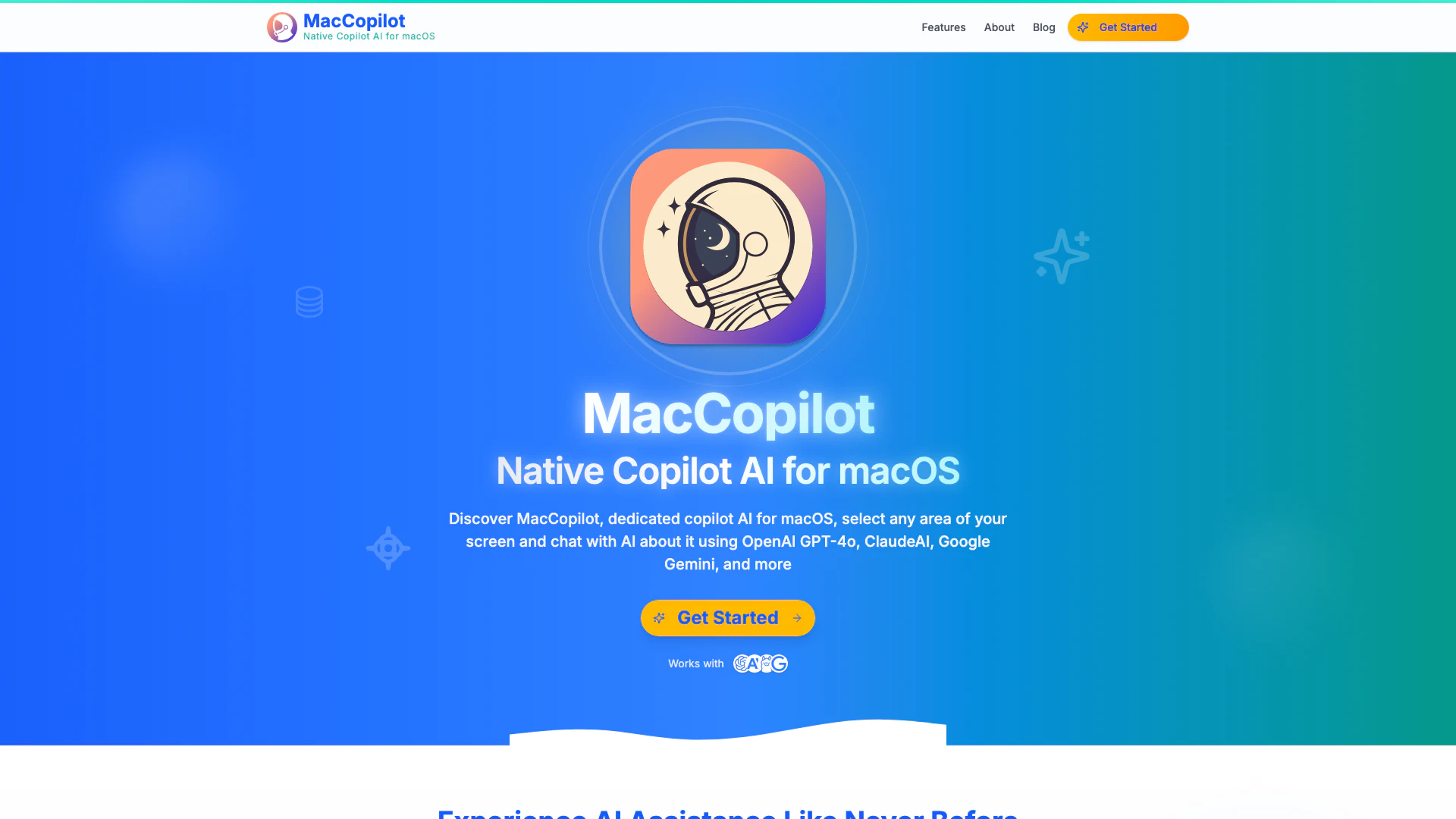
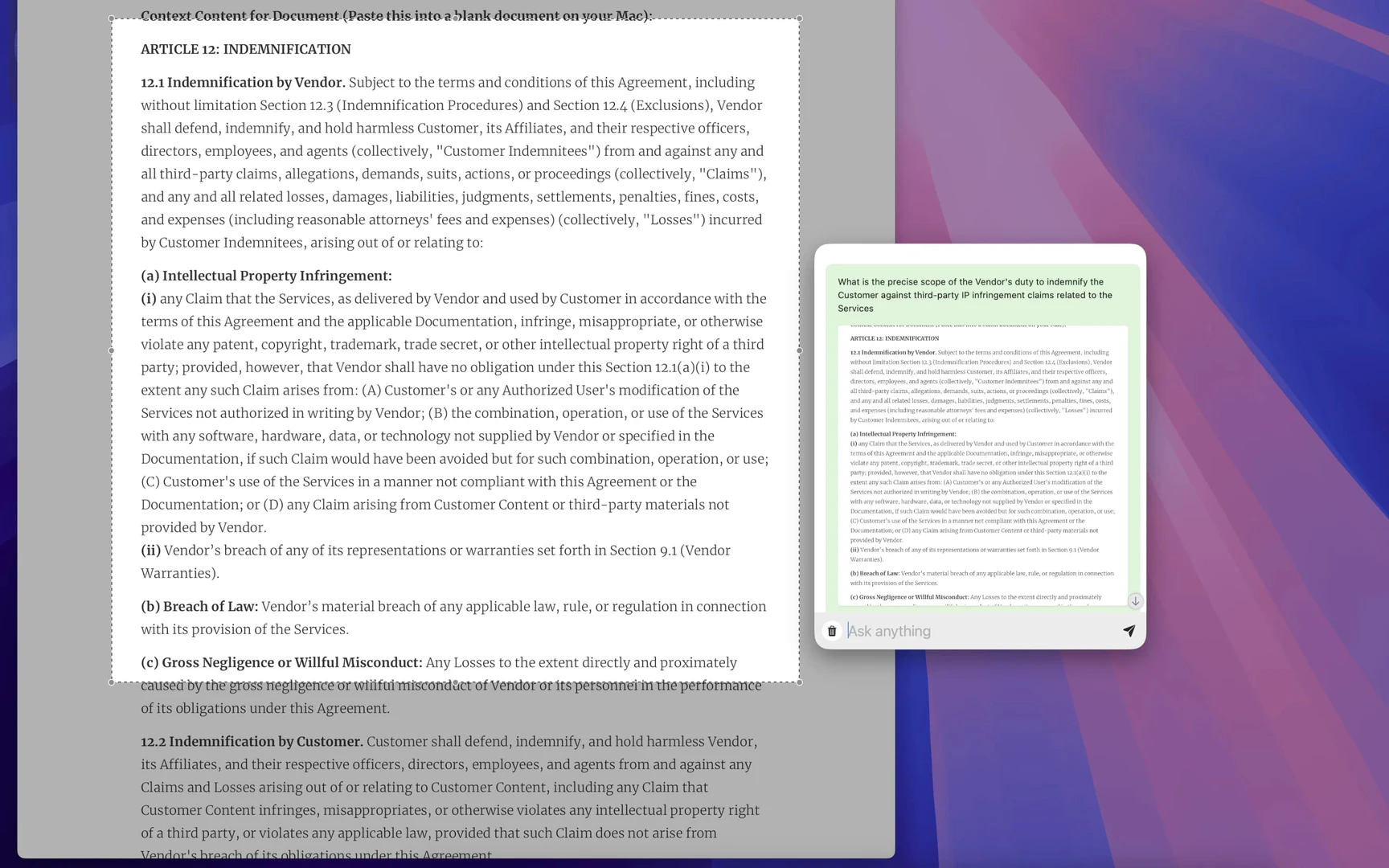
MacCopilot is a native Copilot AI[1] designed specifically for macOS[2] users. It integrates advanced AI models such as OpenAI's GPT-4o[3], ClaudeAI Sonnet[4], and Google Gemini[5], allowing users to interact with content displayed on their screens. This innovative tool enables seamless communication with AI by simply selecting any area of the screen and asking questions about the content, whether it's code, emails, designs, or charts. MacCopilot enhances productivity by providing instant AI insights without the need to switch between applications, making it a powerful assistant for users looking to optimize their workflow.
How to use MacCopilot?
- Download and install MacCopilot from the official website.
- Launch the application on your macOS device.
- Select any area of your screen that you want to interact with.
- Use the built-in tools to capture the selected area.
- Engage with the AI by asking questions or requesting insights about the captured content.
What are the main features of MacCopilot?
- Instant Visual Analysis: Select any screen area and receive immediate AI insights without switching apps.
- AI-Powered Interaction: Engage with advanced AI models like GPT-4o and ClaudeAI directly about your screen content.
- Flexible Screenshot Captures: Easily select and capture any part of your screen, resize the selection, and use previous selections for quick captures.
- Multi-Platform Support: Connect effortlessly to various AI models, allowing users to choose the one that best fits their needs.
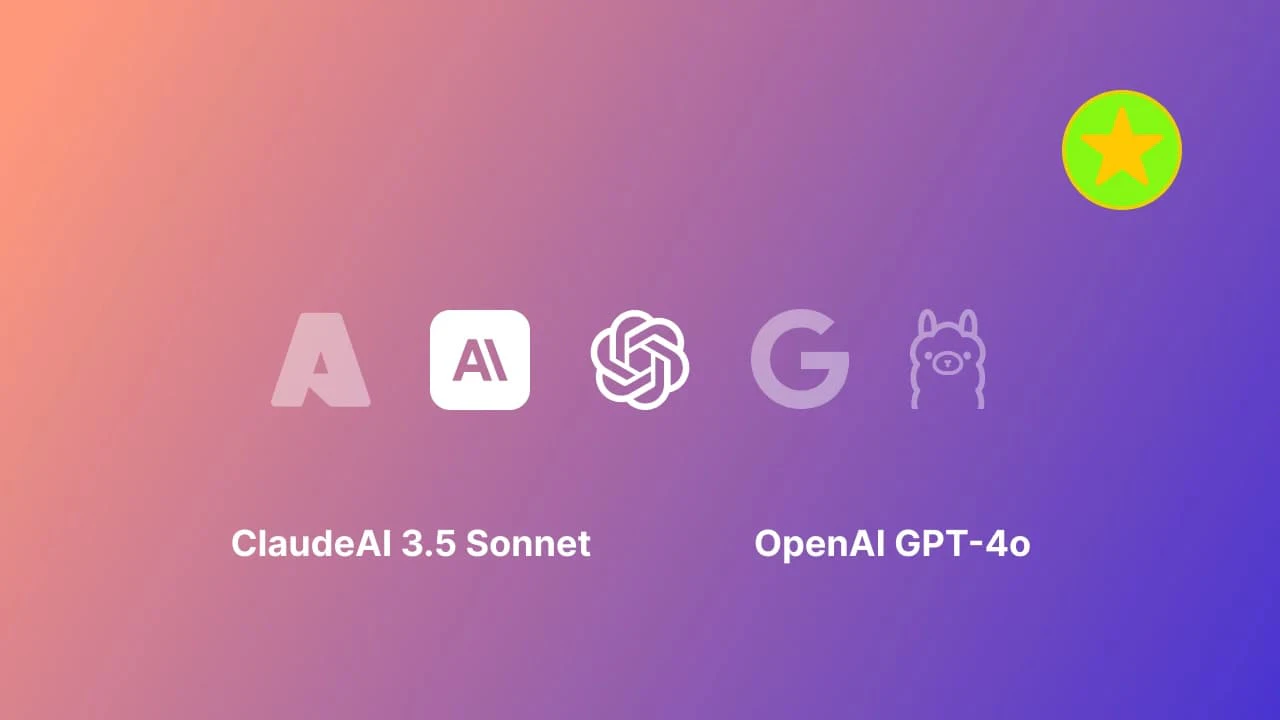
- Built-in AI Models: Access a range of AI models including OpenAI GPT-4o, ClaudeAI 3.5 Sonnet, and Google Gemini, enhancing the tool's capabilities.
Who is MacCopilot for?
MacCopilot is designed for macOS users who seek to enhance their productivity through AI assistance. This includes professionals in fields such as software development, graphic design, content creation, and data analysis. Additionally, students and educators can benefit from its capabilities for homework assistance and research. Anyone looking to streamline their workflow by interacting with AI about on-screen content will find MacCopilot an invaluable tool.
What are the use cases of MacCopilot?
- Coding Assistance: Developers can select code snippets and receive explanations or debugging help from the AI.
- Design Reviews: Designers can capture parts of their designs and get feedback or suggestions from the AI.
- Email Drafting: Users can select email content and ask for assistance in drafting responses or improving clarity.
- Homework Help: Students can interact with the AI to understand complex concepts or solve homework problems.
- Legal Document Analysis: Legal professionals can select clauses from documents and request clarifications or summaries.
Product Images

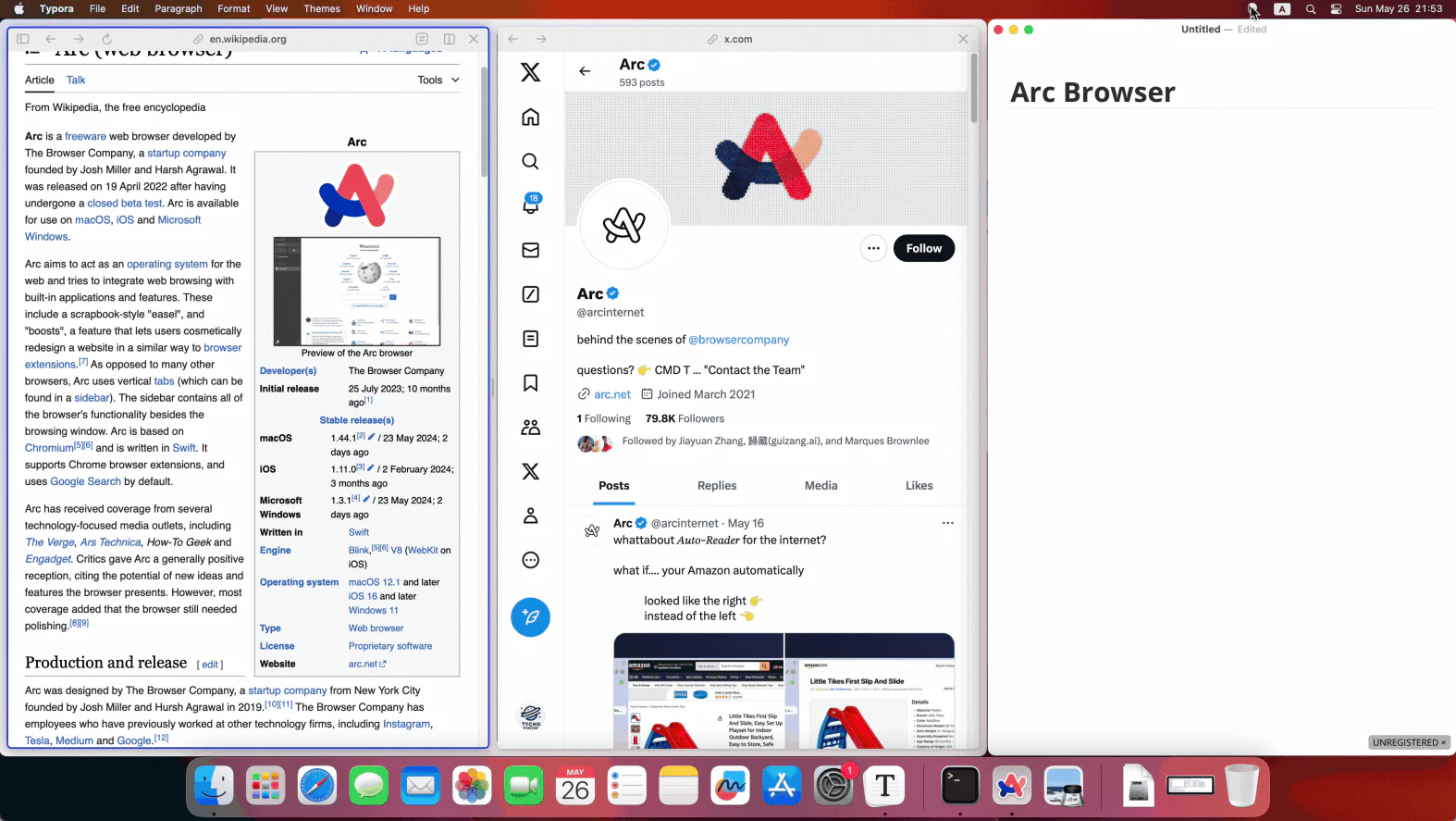
Maccopilot Pros and Cons
Pros
- Advanced AI Integration: MacCopilot integrates with top AI models like GPT-4o, ClaudeAI, and Google Gemini, providing users with powerful AI capabilities for enhanced productivity.
- Instant Visual Analysis: Users can select any area of their screen to receive immediate AI insights, streamlining the workflow without needing to switch applications.
- Flexible Screenshot Captures: The tool allows users to easily capture and resize any part of their screen, making it convenient to interact with AI based on visual content.
Cons
No cons data detected for this tool
Maccopilot Pricing
One-Time Payment
Lifetime access to MacCopilot. Pay once, use forever. Includes support for OpenAI, ClaudeAI, Google Gemini, Ollama, infinite models, and all future updates.
Basic Plan
For casual users. Includes all core features, builtin models (OpenAI GPT-4o, ClaudeAI 3.7 Sonnet), 100 AI requests per day, and priority email support.
Premium Plan
For regular users. Includes all core features, builtin models (OpenAI GPT-4o, ClaudeAI 3.7 Sonnet), 500 AI requests per day, and priority email & chat support.
Professional Plan
For power users. Includes all core features, builtin models (OpenAI GPT-4o, ClaudeAI 3.7 Sonnet), 2000 AI requests per day, and priority 24/7 support.
For the latest pricing, please visit this link: https://tychostation.gumroad.com/l/maccopilot
Prices are subject to change. Please visit the official website for the most up-to-date pricing information.
Analytics of Maccopilot
Maccopilot Website Traffic Analysis
Visits Over Time
Traffic Sources
Nov 2025 - Jan 2026 Worldwide Desktop Only
- Direct: 46.41%
- Search: 34.99%
- Referrals: 11.26%
- Social: 5.11%
- Paid Referrals: 1.29%
- Mail: 0.39%
Top Keywords
| Keyword | Volume | CPC | Estimated Value |
|---|---|---|---|
| macpilot | 1.90K | $2.40 | $0.00 |
| copilot ai using mac | 1.09K | $0.00 | $10.00 |
| macos translate screen | 270 | $0.00 | $0.00 |
| macpilot 4 | 140 | $0.00 | $0.00 |
| record scrreen mac copilot ai | 110 | $0.00 | $110.00 |
Maccopilot Reviews
It works great, just wish I didn't have to bring my own API keys.
It's a great app. I love being able to quickly capture the screenshot and then interact with AI. I wish there was a quicker way to toggle between the various models (APIs). I also wish there was a history feature so I could see past chats. I'm very happy with the app so far.
Seems the best Copilot AI to me, It's really natural to chat with the screen anytime with GPT-4o.
For more reviews, visit this link: https://maccopilot.co/#customer-reviews