

Littlebirdai



What is Littlebirdai?
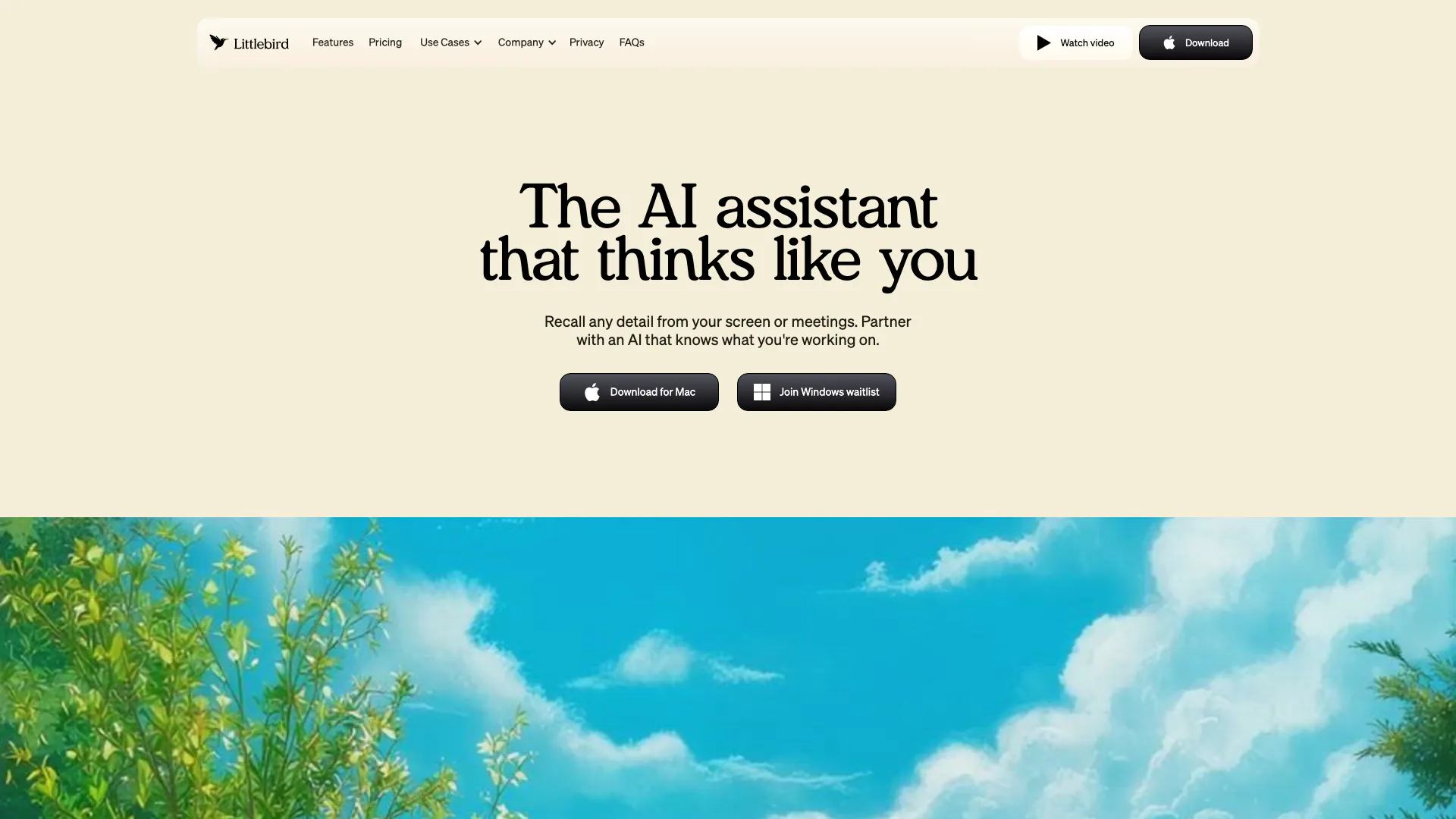
Littlebirdai is an innovative AI assistant[1] designed to think like you, understanding your tasks and helping you stay focused on what matters most. It acts as a memory aid, recalling details from your screen and meetings, thereby enhancing your productivity. Littlebirdai integrates seamlessly into your workflow, tracking details across various applications and providing insights to minimize context switching. With its ability to learn and adapt over time, Littlebirdai ensures you have the support needed to manage your work efficiently.
How to use Littlebirdai?
- Download and install Littlebirdai on your Mac or desktop.
- Once installed, launch the application and allow it to run in the background.
- As you work, Littlebirdai will automatically track your active window and gather context from your tasks.
- You can ask questions, summarize meetings, or create content using the insights it has gathered, enhancing your workflow.
What are the main features of Littlebirdai?
- Context Awareness[2]: Littlebirdai understands your work environment, recalling details from your active applications and meetings.
- Memory Building[3]: It constructs a unified memory of your activities, making it easy to find information without extensive searching.
- Content Creation: The tool helps generate content quickly by utilizing the context it already knows about your work.
- Meeting Summarization: Littlebirdai transcribes and summarizes meetings, allowing you to focus on discussions without worrying about note-taking.
- Proactive Insights: It provides personalized updates based on your schedule, keeping you informed and prepared.
Who is Littlebirdai for?
Littlebirdai is designed for a diverse range of users including business leaders, creative professionals, client-facing roles, technical and product developers, educators, and individuals managing personal productivity. It is particularly beneficial for those who juggle multiple tasks and require a reliable assistant to enhance focus and streamline workflows. Whether you're a manager needing to recall meeting details or a freelancer looking for content generation support, Littlebirdai adapts to various professional needs.
What are the use cases of Littlebirdai?
- Business Leadership: Executives can leverage Littlebirdai to recall crucial metrics and insights during meetings, enhancing decision-making.
- Creative Professionals: Marketers and designers use Littlebirdai to generate content ideas quickly, moving from blank pages to drafts seamlessly.
- Client-Facing Roles: Sales and consultants benefit from instant recall of client interactions and project details, improving communication and service delivery.
Product Images






Littlebirdai Pros and Cons
Pros
- Smart Context Awareness: Littlebird understands your work context by recalling details from your screen and meetings, allowing for seamless productivity.
- Enhanced Focus and Productivity: By minimizing context switching, Littlebird helps you stay focused on important tasks, boosting overall productivity.
- Instant Recall of Information: Littlebird builds a unified memory of your work, enabling you to find information instantly without searching through multiple apps.
Cons
No cons data detected for this tool
Littlebirdai Pricing
Basic
Free plan with no credit card required. Includes context history, limited daily chats, 25 lifetime meeting notes, 1 active routine, automated daily journal, instant cross-app search, community support, and privacy & data protection.
Plus
Includes everything in Basic, plus unlimited daily chats, unlimited meeting notes, unlimited active routines, early access to new features, and priority email support.
For the latest pricing, please visit this link: https://littlebird.ai/pricing
Prices are subject to change. Please visit the official website for the most up-to-date pricing information.
Analytics of Littlebirdai
Littlebirdai Website Traffic Analysis
Visits Over Time
Traffic Sources
Oct 2025 - Dec 2025 Worldwide Desktop Only
- Direct: 42.86%
- Search: 41.00%
- Referrals: 9.63%
- Social: 4.82%
- Paid Referrals: 1.57%
- Mail: 0.13%
Top Keywords
| Keyword | Volume | CPC | Estimated Value |
|---|---|---|---|
| little bird | 12.05K | $1.30 | $180.00 |
| littlebird | 1.91K | $1.44 | $220.00 |
| littlebird ai | 1.09K | $0.00 | $560.00 |
| productivity app for mac | 320 | $0.00 | $140.00 |
| littlebird mac | 210 | $0.00 | $140.00 |
Littlebirdai Reviews
By recalling past conversations and performance notes, I'm able to quickly build targeted training materials that've led to improved performance.
Littlebird acts as my second brain, helping me recall, strategize, and plan out everything I work on throughout the day.
It’s my 'backup brain,' keeping me focused and organized. The journaling feature has become vital to my morning routine, giving me clarity to prioritize what truly matters.
For more reviews, visit this link: https://littlebird.ai/#what-our-users-say



Littlebirdai Social Listening
Little Bird: Context-Aware AI ...
Little Bird: Context-Aware AI ...
I Tried Littlebird
Little Bird is an AI assistant...
littlebird ai the context awar...
Are you tired of misplacing in...
Unlock to view 12 social media results.