Leadtosheet





What is Leadtosheet?
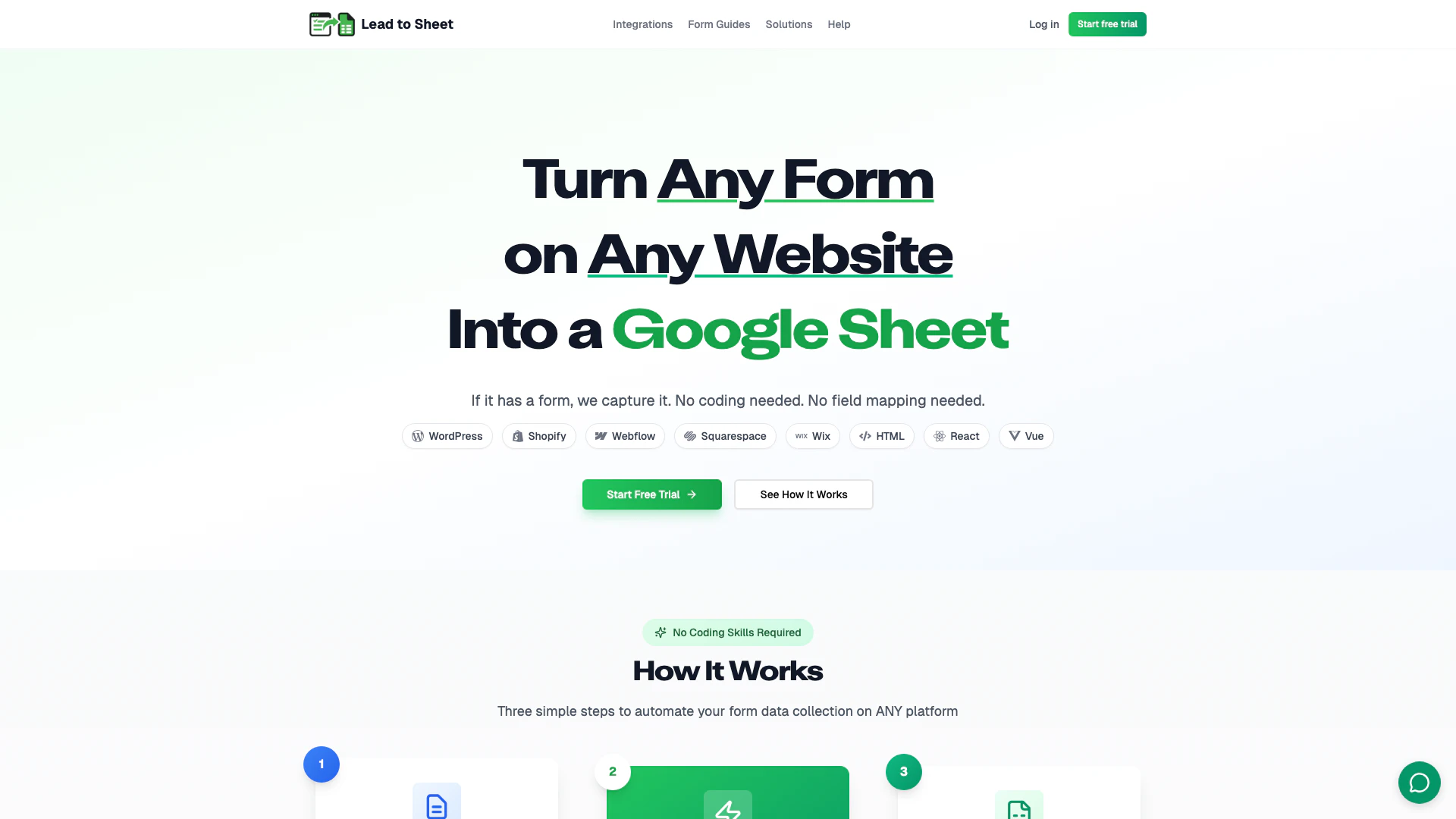
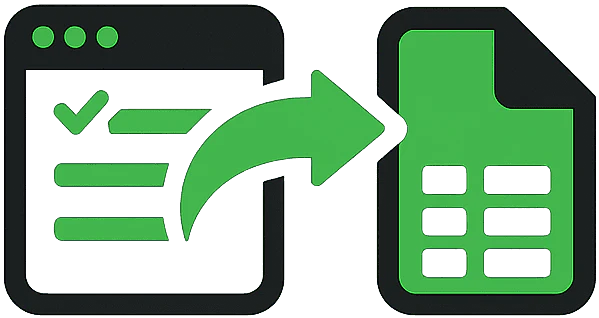
Leadtosheet is a powerful automation tool[3] designed to capture form submissions[1] from any website and automatically sync them to Google Sheets[2]. It provides a universal solution that works seamlessly with various platforms such as WordPress, Shopify, and Webflow, allowing users to streamline their data collection processes without any coding requirements. With Leadtosheet, users can efficiently manage their lead data in a structured format, enhancing their ability to track and analyze submissions in real-time.
How to use Leadtosheet?
- Sign up for a Leadtosheet account and choose your desired plan.
- Copy the provided JavaScript snippet that integrates Leadtosheet with your website.
- Paste the snippet into the HTML of your website where your forms are located.
- Test the integration by submitting a form on your website to ensure data is captured in Google Sheets.
- Access your Google Sheets to view and manage the form submissions automatically synced by Leadtosheet.
What are the main features of Leadtosheet?
- Universal Compatibility[4]: Works with any website platform, including WordPress, Shopify, and Webflow.
- No Coding Required[5]: Simple copy and paste setup with no technical skills needed.
- Real-time Data Sync: Form submissions are instantly synced to Google Sheets.
- Secure & Reliable: Enterprise-grade security with SSL encryption to protect your data.
- Built-in Analytics: Track submission performance, conversion rates, and more with an analytics dashboard.
- Smart Validation: Features spam protection and field validation to ensure data quality.
Who is Leadtosheet for?
Leadtosheet is ideal for businesses of all sizes looking to automate their form data collection processes without the need for technical expertise. It caters to marketers, sales teams, and business owners who want to streamline lead management and data analysis. Whether you operate a small business or a larger enterprise, Leadtosheet offers a flexible solution that integrates with various platforms, making it suitable for anyone who uses online forms for lead generation.
What are the use cases of Leadtosheet?
- Lead Generation: Automatically capture leads from contact forms on your website and sync them to Google Sheets for easy management.
- Event Registration: Collect attendee information from registration forms and track submissions in real-time.
- Customer Feedback: Use feedback forms to gather customer insights and analyze responses efficiently in Google Sheets.
Product Images
Leadtosheet Pros and Cons
Pros
- Universal Compatibility: Leadtosheet works seamlessly with any website platform, including WordPress, Shopify, and Webflow, allowing users to capture form submissions without restrictions.
- No Coding Required: Users can set up form submissions with a simple copy-paste of a JavaScript snippet, eliminating the need for technical skills or coding knowledge.
- Real-time Data Sync: Form submissions are instantly synced to Google Sheets, ensuring that data is always up-to-date without any manual exports.
Cons
No cons data detected for this tool
Leadtosheet Pricing
Starter
Perfect for small businesses.
Growth
For growing companies.
Professional
For high-volume needs.
For the latest pricing, please visit this link: https://www.leadtosheet.com/
Prices are subject to change. Please visit the official website for the most up-to-date pricing information.