Kickrender




What is Kickrender?
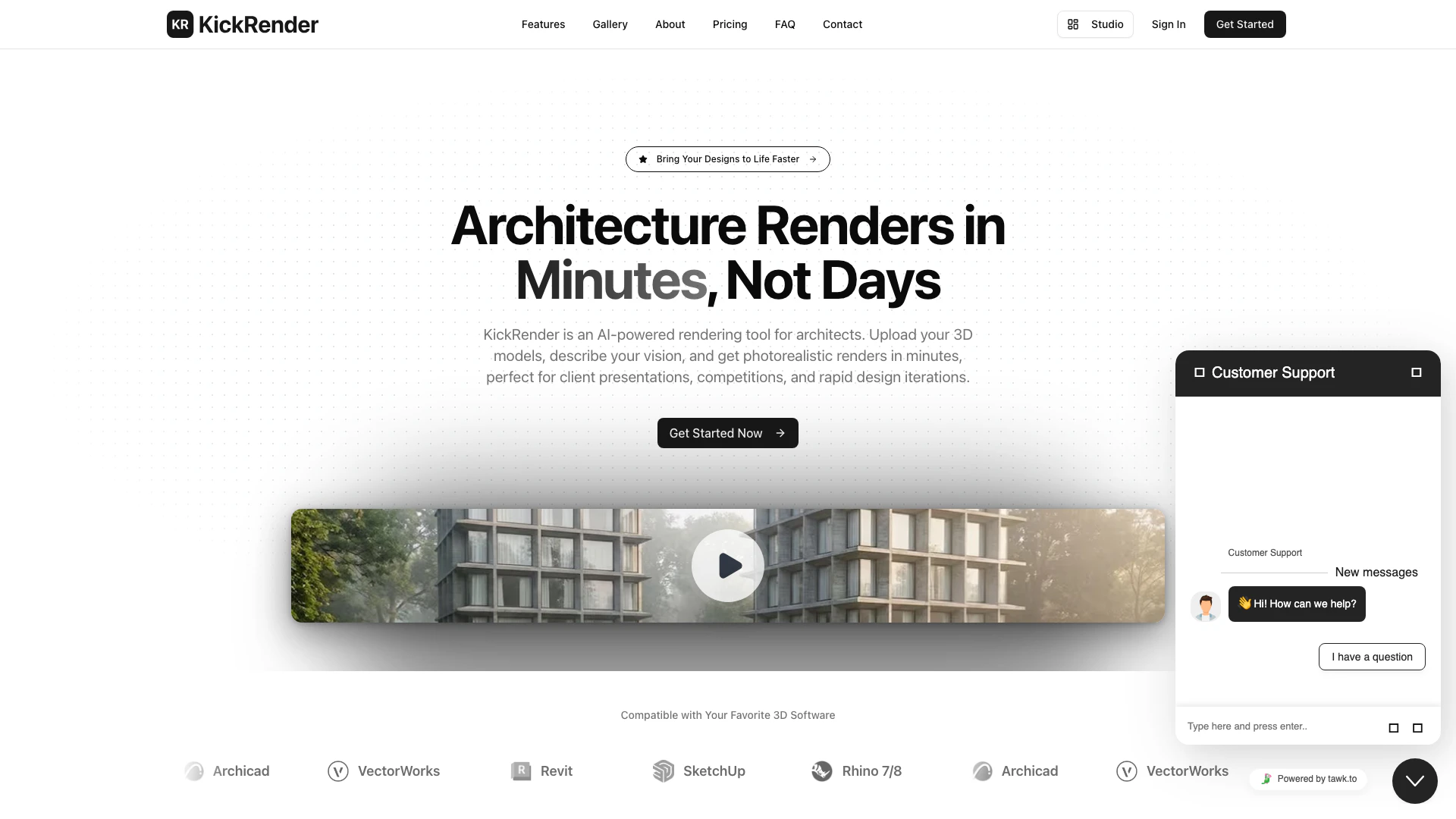
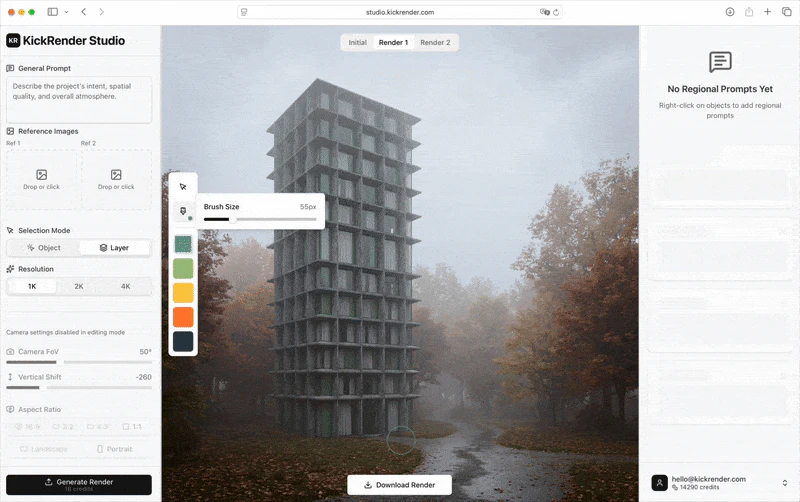
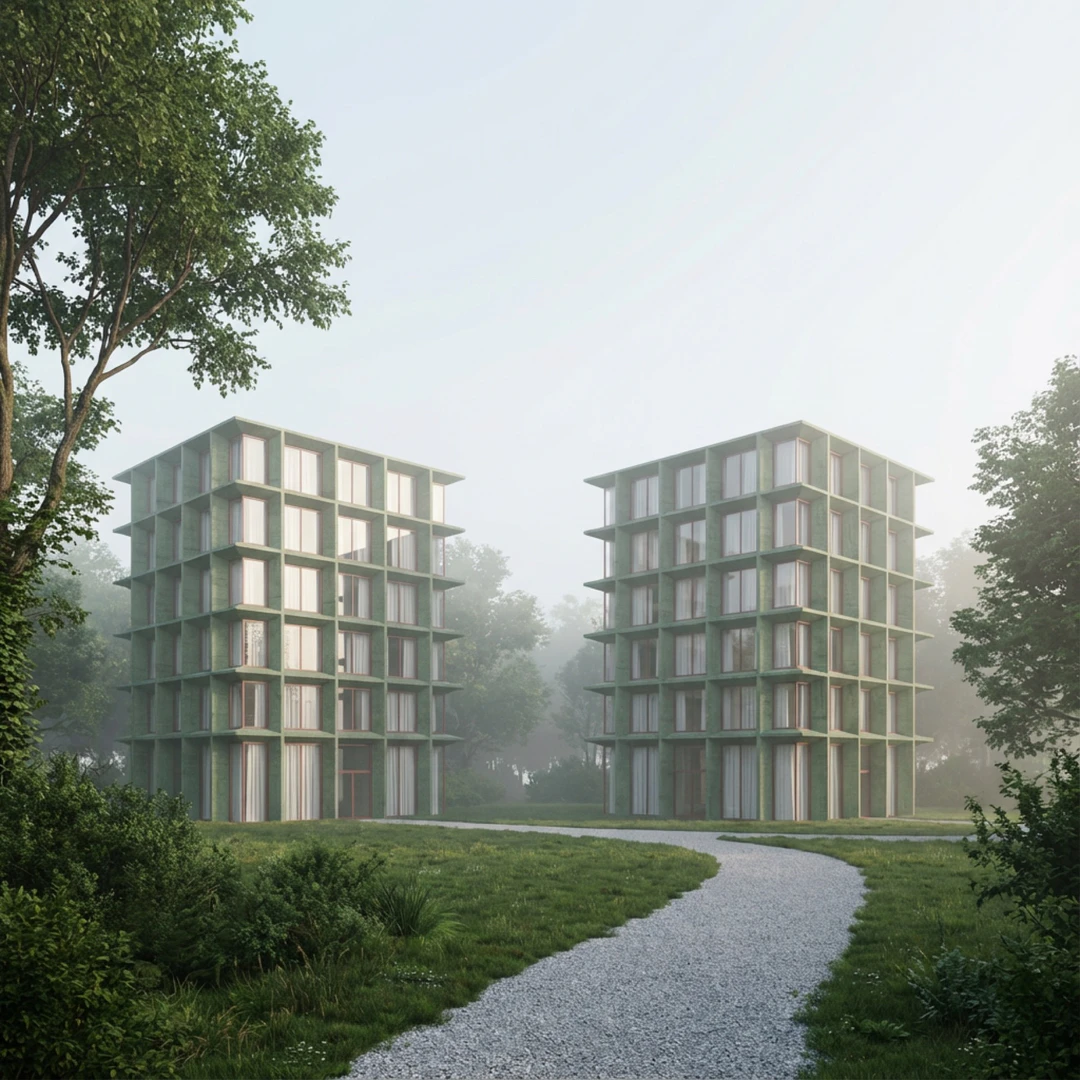
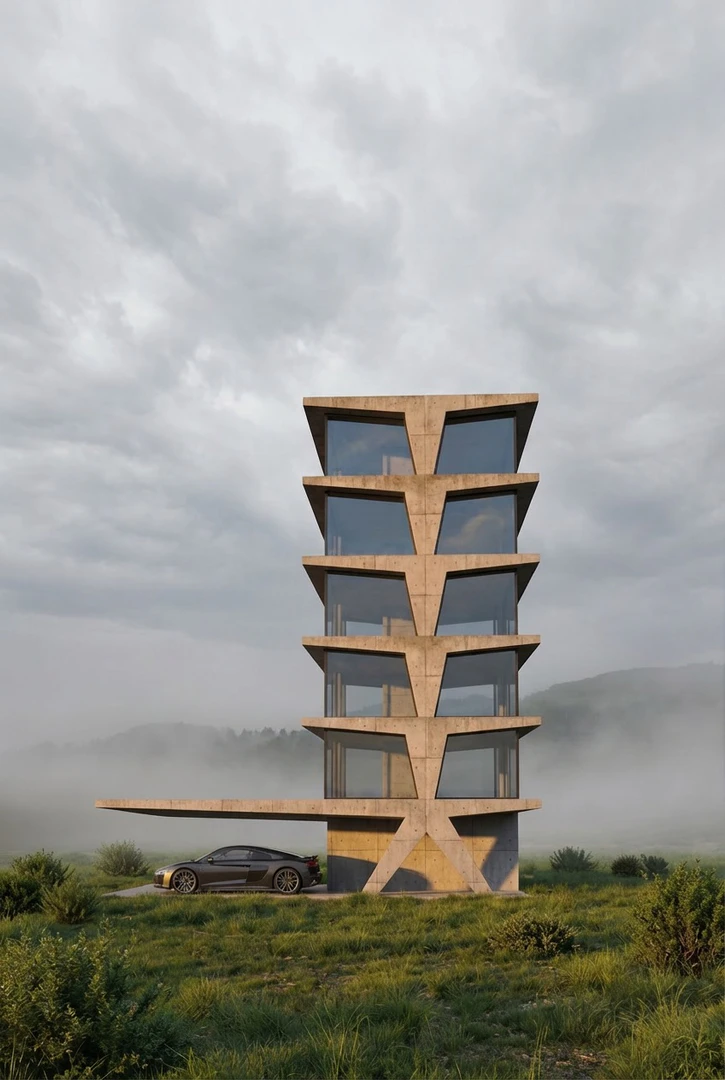
Kickrender is an AI-powered rendering tool specifically designed for architects and interior designers. It allows users to transform 3D models[3] into photorealistic renders[2] quickly and efficiently, making it ideal for client presentations, design competitions, and rapid iterations. With its web-based platform[4], users can upload their 3D models, describe their vision, and generate high-quality renders in minutes, without the need for any software installation.
How to use Kickrender?
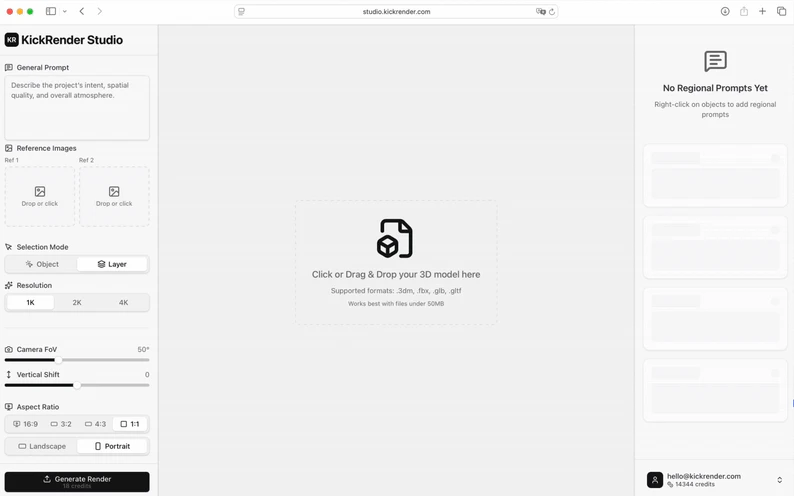
- Upload Your 3D Model: Import your 3D file in seconds. KickRender supports 3DM and FBX models exported from any architectural software.
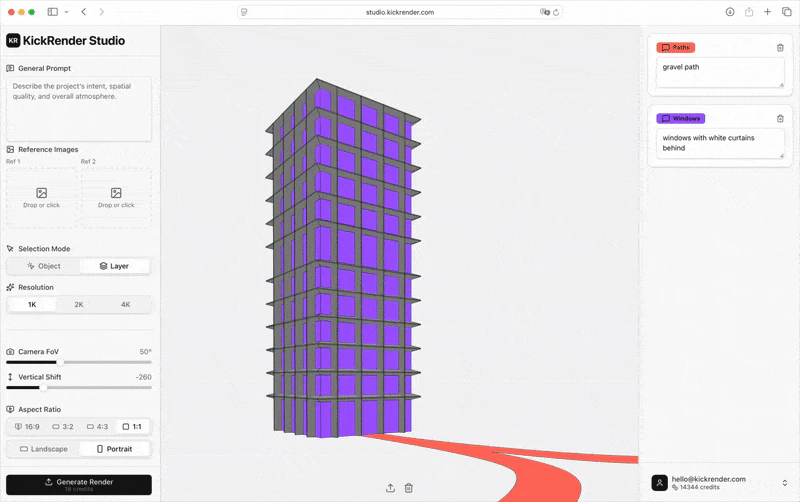
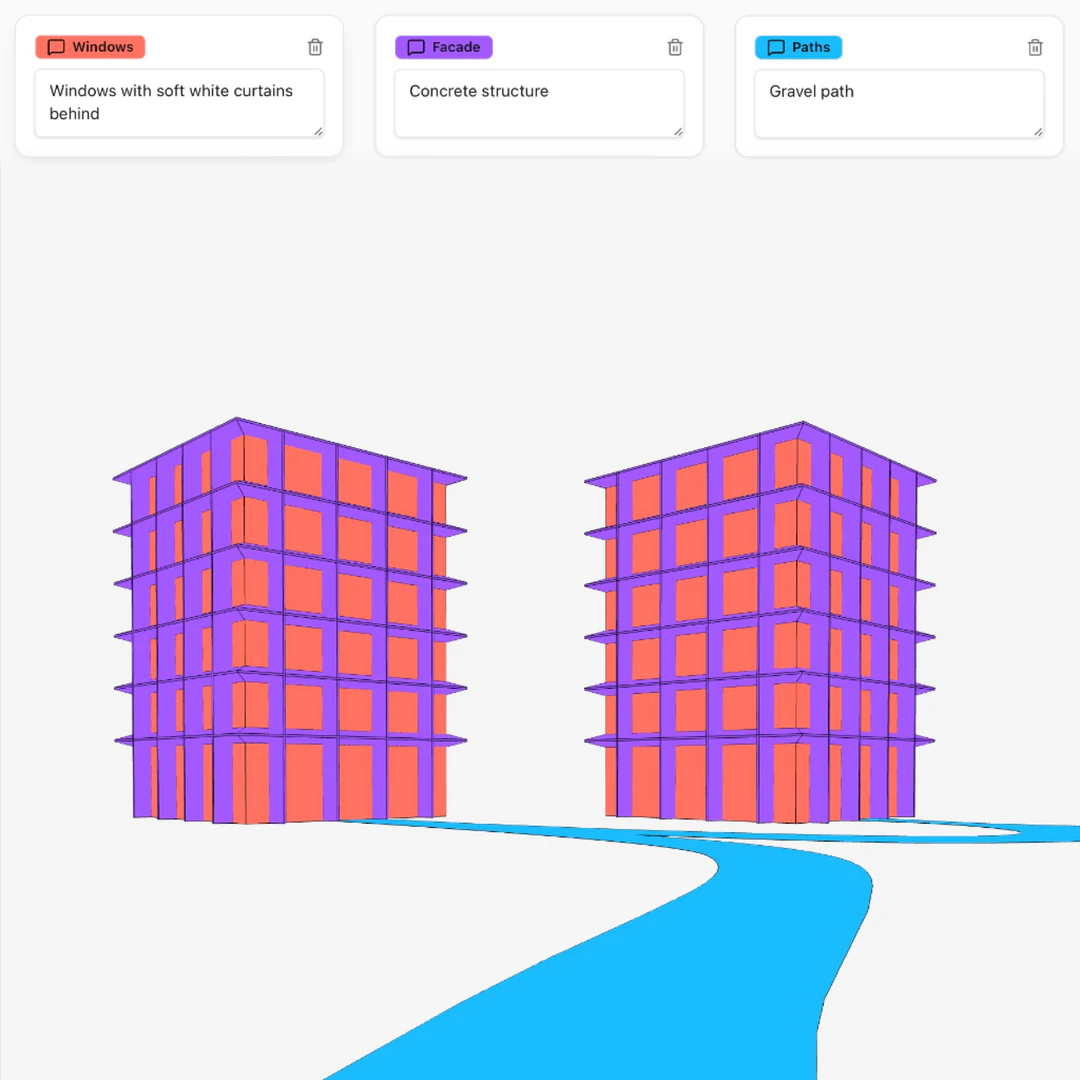
- Describe Your Vision: Add a global prompt for the overall look, then use regional prompts to control materials, lighting, and atmosphere per object.
- Refine with Precision: Fine-tune your render using selection and brush tools to adjust specific areas or add new elements to the scene.
- Download & Share: Download your high-quality renders instantly, ready for presentations, competitions, or client reviews.
What are the main features of Kickrender?
- Fast AI Rendering[1]: Generate photorealistic renders from your 3D models in minutes, not hours.
- Precise Styling & Lighting: Control atmosphere, style, and lighting with multiple references or images.
- Regional Prompting: Apply different prompts to specific objects or areas for exact results.
- High-Quality Renders: Professional output for architects and interior designers, ready for presentations.
- Web-Based Platform: No downloads required — just upload your model and render instantly.
- Flexible Output: Choose orientation, aspect ratio, and resolution (1K, 2K, 4K) for every render.
Who is Kickrender for?
Kickrender is tailored for architects, interior designers, and design studios looking for a fast and efficient way to create high-quality visualizations. Its user-friendly interface and powerful AI rendering capabilities make it suitable for both individuals and teams who require rapid design iterations and client presentations. Whether you are a freelancer or part of a larger studio, Kickrender provides the tools needed to enhance your architectural workflows.
What are the use cases of Kickrender?
- Client Presentations: Create stunning visualizations to showcase architectural designs to clients in a compelling way.
- Design Competitions: Generate high-quality renders quickly to meet tight deadlines for submissions in architectural competitions.
- Rapid Design Iterations: Use Kickrender to quickly iterate on design concepts, comparing different render variations to refine ideas and make informed decisions.
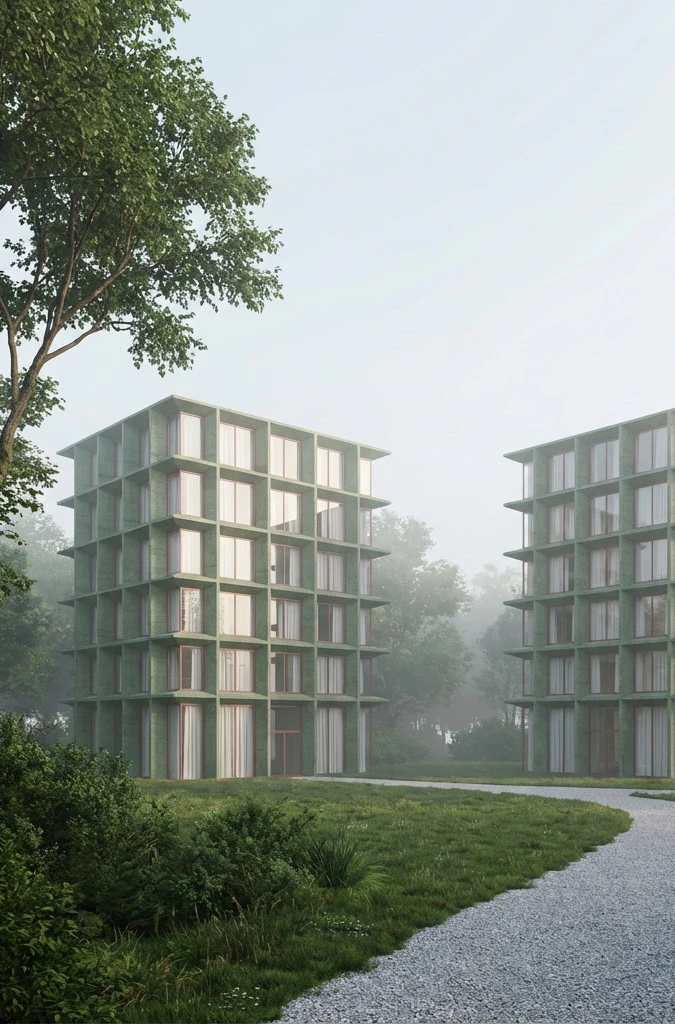
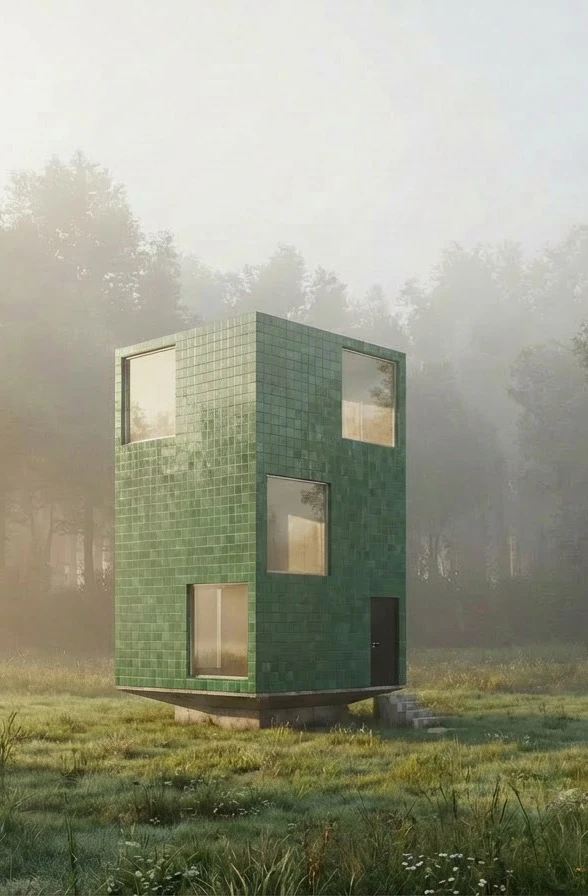
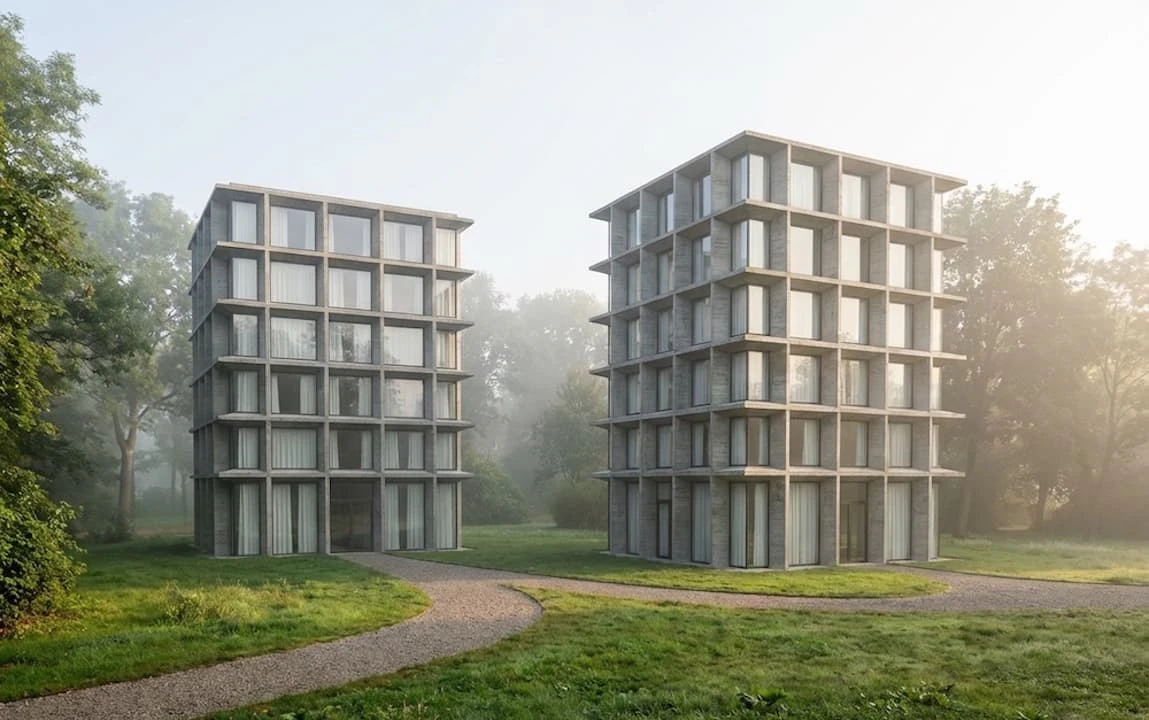
Product Images
Kickrender Pros and Cons
Pros
- Fast AI Rendering: Generate photorealistic renders from 3D models in minutes, significantly reducing the time needed for architectural visualizations.
- Web-Based Platform: KickRender operates directly in the browser, eliminating the need for downloads and allowing users to render from anywhere.
- Precise Control Over Renders: Users can apply regional prompting to control lighting, atmosphere, and style for specific objects, ensuring high-quality and tailored outputs.
- Supports Multiple Formats: Compatible with major 3D software like Rhino, Revit, and SketchUp, allowing easy integration into existing workflows.
Cons
No cons data detected for this tool
Kickrender Pricing
Starter
1800 credits for up to 100 renders, smaller number of credits, good for individuals or freelancers. Fast rendering, results in minutes. Geometry preserved, no model distortion. Regional prompting, control each object or layer with its own prompt. Lighting control, adjust mood and atmosphere. Output control, ratio, orientation, resolution 1K, 2K, 4K. Iterative renders, refine previous generations. Interior and exterior scenes supported. Realistic materials, accurate textures and surfaces. Scene understanding, objects and layers recognized. Web based, no downloads, use anywhere. Supports 3DM and FBX, compatible with architectural files. 7/7 support, help whenever you need it. Your data are not used to train future models.
Professional
4000 credits for up to 222 renders, medium credits, ideal for small studios or ambitious individuals. Fast rendering, results in minutes. Geometry preserved, no model distortion. Regional prompting, control each object or layer with its own prompt. Lighting control, adjust mood and atmosphere. Output control, ratio, orientation, resolution 1K, 2K, 4K. Iterative renders, refine previous generations. Interior and exterior scenes supported. Realistic materials, accurate textures and surfaces. Scene understanding, objects and layers recognized. Web based, no downloads, use anywhere. Supports 3DM and FBX, compatible with architectural files. 7/7 support, help whenever you need it. Your data are not used to train future models.
Studio
16'000 credits for up to 888 renders, large credits, for bigger studios, power users, or teams. Fast rendering, results in minutes. Geometry preserved, no model distortion. Regional prompting, control each object or layer with its own prompt. Lighting control, adjust mood and atmosphere. Output control, ratio, orientation, resolution 1K, 2K, 4K. Iterative renders, refine previous generations. Interior and exterior scenes supported. Realistic materials, accurate textures and surfaces. Scene understanding, objects and layers recognized. Web based, no downloads, use anywhere. Supports 3DM and FBX, compatible with architectural files. 7/7 support, help whenever you need it. Your data are not used to train future models.
For the latest pricing, please visit this link: https://kickrender.com/#pricing
Prices are subject to change. Please visit the official website for the most up-to-date pricing information.