Pristinaai



What is Pristinaai?
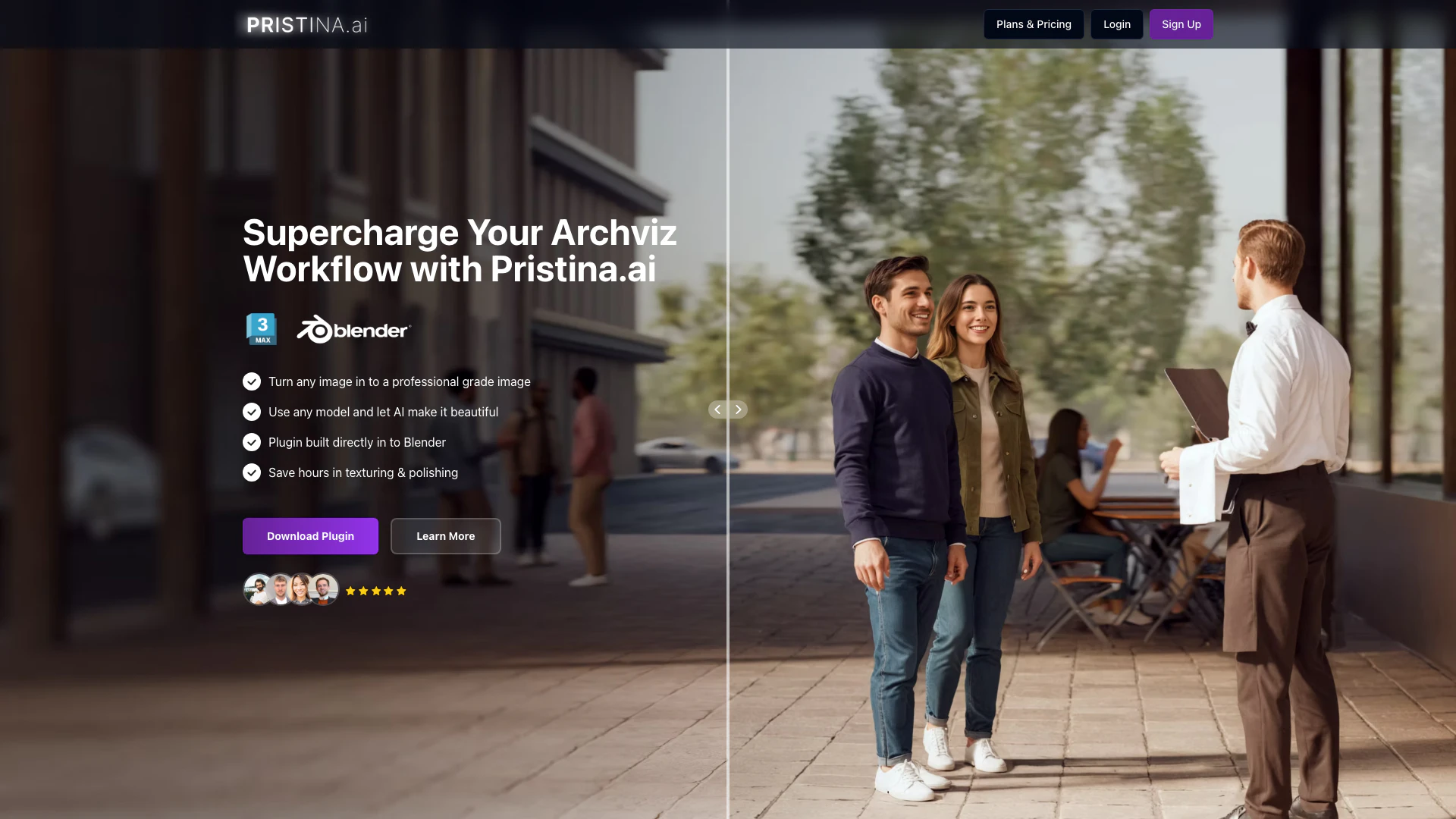
Pristinaai is a revolutionary AI-powered architectural rendering tool designed specifically for Blender and 3ds Max users. It transforms low-resolution 3D models into stunning photorealistic renders using advanced AI technology. This innovative tool streamlines the rendering process, allowing artists to create high-quality visuals in significantly less time, making it ideal for architectural visualization and creative projects. With a free starter package of 500 credits, users can explore its capabilities and enhance their rendering workflow effortlessly.
How to use Pristinaai?
- Download and install the Pristinaai plugin for Blender or 3ds Max from the official website.
- Open your 3D model in Blender or 3ds Max and prepare it for rendering.
- Mask the objects you want to enhance and configure Pristinaai with your desired prompts.
- Hit the start button to initiate the rendering process.
- The AI will generate a high-fidelity image, which will be directly added to your scene, allowing you to see the results immediately.
What are the main features of Pristinaai?
- AI-Powered Rendering: Transforms low-resolution models into photorealistic images effortlessly.
- Individual Object Enhancement: Allows users to focus AI enhancements on specific objects within a scene, ensuring precise control.
- Streamlined Workflow: Saves time by eliminating the need for manual masking, exporting, and re-adding images to the scene.
- Compatibility: Integrates seamlessly with Blender and 3ds Max, making it accessible for 3D artists.
- User-Friendly Interface: Designed for ease of use, enabling artists to achieve professional results without extensive training.
Who is Pristinaai for?
Pristinaai is tailored for 3D artists, architects, and designers who require high-quality architectural visualizations and product renders. It is particularly beneficial for professionals looking to enhance their workflow by reducing rendering time while increasing image quality. Whether you are a freelance artist, part of a design agency, or involved in product visualization, Pristinaai provides the tools needed to create stunning visuals efficiently.
What are the use cases of Pristinaai?
- Architectural Visualization: Ideal for creating realistic architectural renders to showcase building designs.
- Product Visualization: Useful for enhancing product images, making them more appealing for marketing purposes.
- Creative Projects: Can be employed in various artistic endeavors where high-quality visuals are required quickly.
Product Images
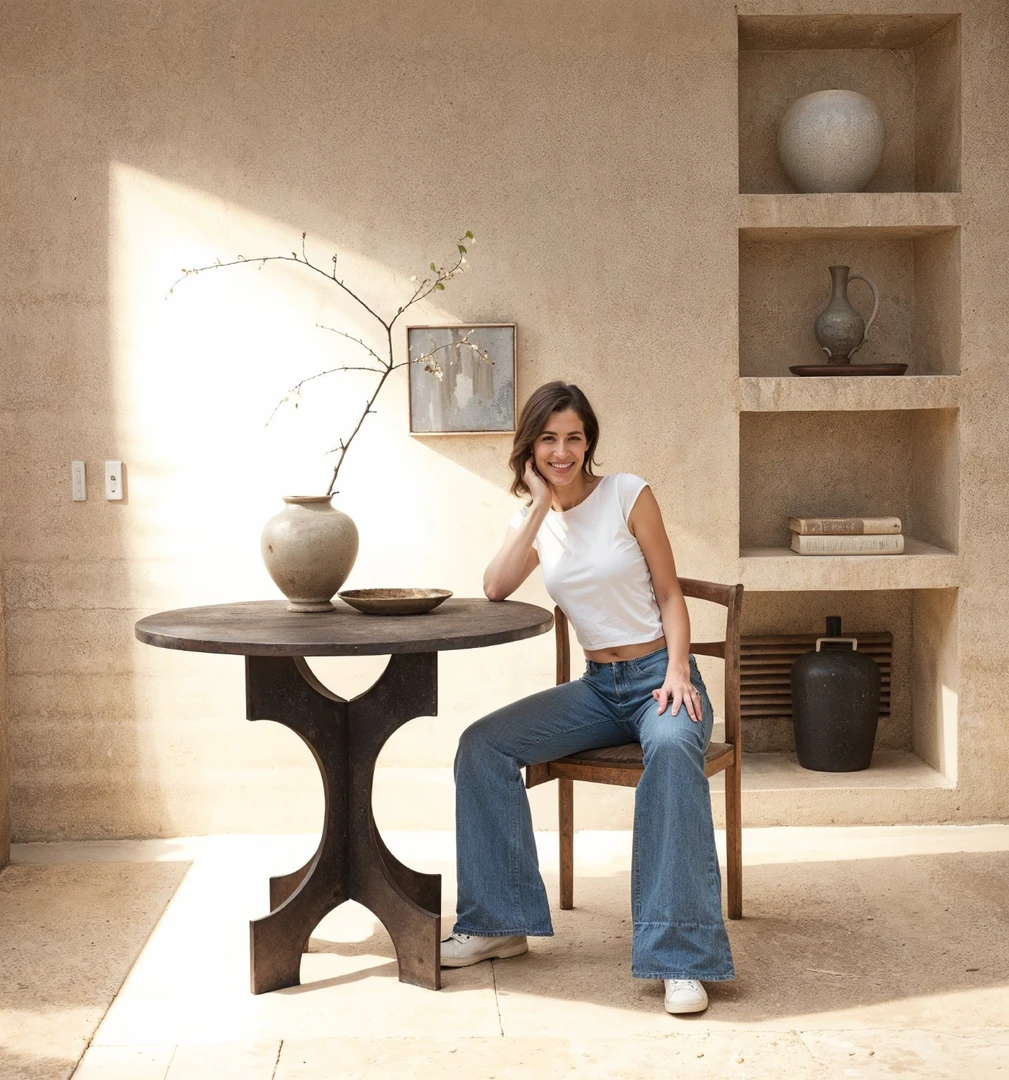


Pristinaai Pros and Cons
Pros
- AI-Powered Photorealistic Rendering: Transform low-resolution models into stunning photorealistic images using advanced AI technology, enhancing visual quality significantly.
- Streamlined Workflow: Integrate directly into Blender and 3ds Max, allowing users to save time by automating texturing and polishing processes.
- Individual Object Enhancement: Focus AI enhancements on specific objects within a scene, ensuring precise control over the rendering process without affecting the entire image.
Cons
No cons data detected for this tool
Pristinaai Pricing
Discovery
Discovery plan for PristinaAI. 1500 Credits / Month, AI Video, Free 3Ds Max / Blender plugin, ~150 Individual Objects / Month, Maintain 3D Geometric Accuracy, Speedy Cloud Rendering, 2X Accurate Upscaling, Human Preset, Ultra Quality, Dual Pass Refiner, Export Transparent PNG Masks.
Professional
Professional plan for PristinaAI. 4000 Credits / Month, AI Video, Free 3Ds Max / Blender plugin, ~400 Individual Objects / Month, Maintain 3D Geometric Accuracy, Speedy Cloud Rendering, 2X Accurate Upscaling, Human Preset, Ultra Quality, Dual Pass Refiner, Export Transparent PNG Masks.
Studio
Studio plan for Pristina.ai. 7000 Credits / Month, AI Video, Free 3Ds Max / Blender plugin, ~700 Individual Objects / Month, Maintain 3D Geometric Accuracy, Speedy Cloud Rendering, 2X Accurate Upscaling, Human Preset, Ultra Quality, Dual Pass Refiner, Export Transparent PNG Masks.
Enterprise Solution
Unlimited Power for Your Studio. Get unlimited credits and in-house solutions tailored to your studio's needs. Starting at £449 / month, First month half price.
For the latest pricing, please visit this link: https://www.pristina.ai/pricing
Prices are subject to change. Please visit the official website for the most up-to-date pricing information.
Analytics of Pristinaai
Pristinaai Website Traffic Analysis
Visits Over Time
Top Keywords
| Keyword | Volume | CPC | Estimated Value |
|---|---|---|---|
| printina ai | 110 | $0.00 | $70.00 |