
Kael




What is Kael?
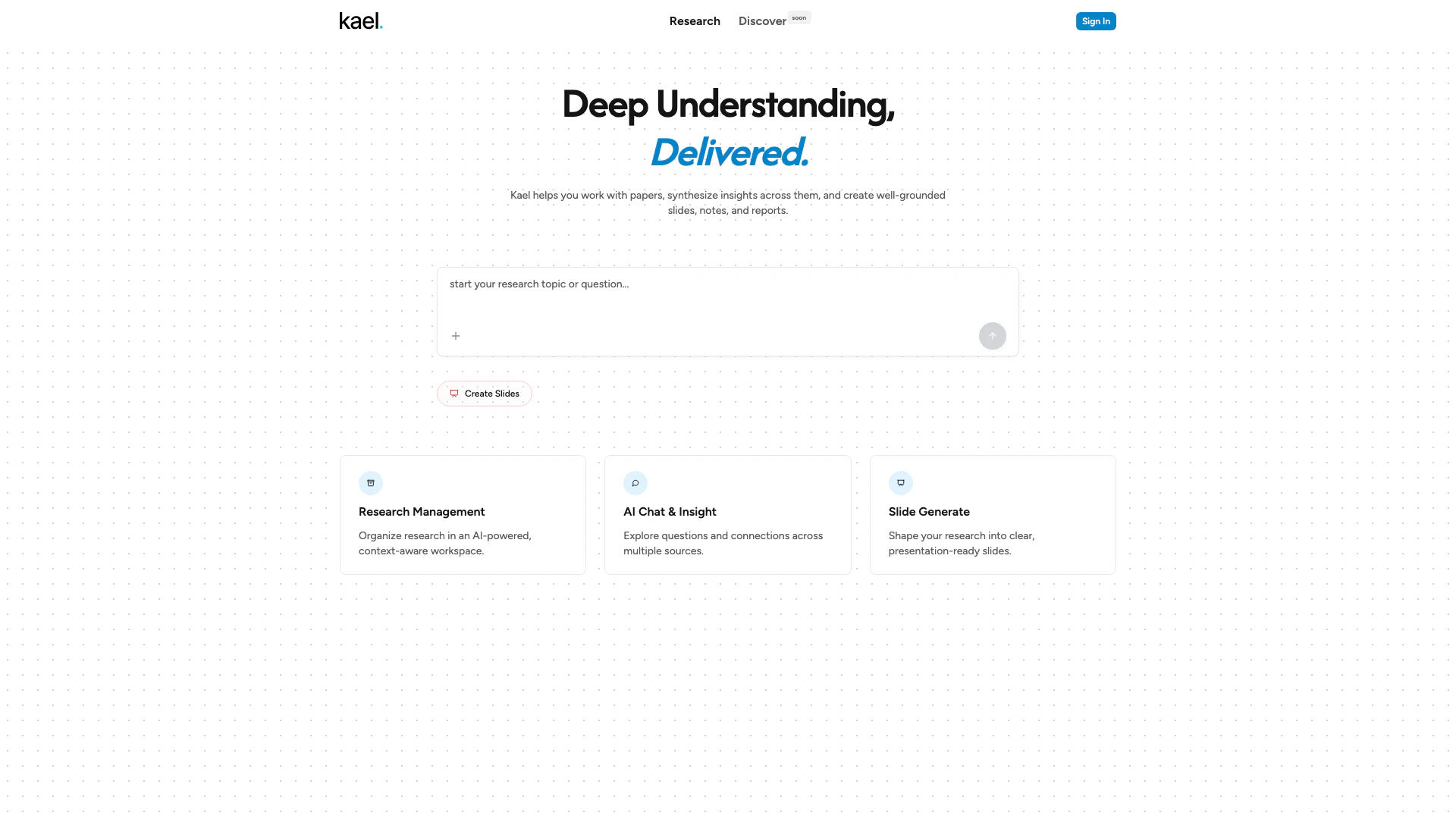
Kael is an AI-powered conversational assistant designed to enhance productivity and streamline workflows. It offers features such as file uploads, tool calls, and real-time streaming responses, creating an interactive experience that allows users to efficiently manage and synthesize information from various documents. With Kael, users can work with research papers, extract insights, and generate well-structured slides, notes, and reports, making it an invaluable tool for professionals and students alike.
How to use Kael?
- Visit the Kael website at https://kael.im/ and create an account or log in.
- Upload the documents or files you wish to work with using the file upload feature.
- Utilize the conversational interface to ask questions or request insights from the uploaded materials.
- Use the tool calls to access specific functionalities, such as generating slides or reports based on the synthesized information.
- Take advantage of the real-time streaming responses to interactively refine your queries and obtain the most relevant insights.
What are the main features of Kael?
- AI-powered conversational assistance for interactive engagement.
- Support for file uploads to work with various document types.
- Tool calls for accessing specific functionalities like slide and report creation.
- Real-time streaming responses for immediate feedback and insights.
- Capability to synthesize insights across multiple papers and documents.
Who is Kael for?
Kael is designed for a diverse audience, including researchers, students, and professionals who need to manage and synthesize information from multiple sources. It is particularly beneficial for those who frequently work with academic papers, reports, and presentations, as it simplifies the process of extracting insights and organizing them into coherent formats like slides and notes.
What are the use cases of Kael?
- Researchers can upload multiple academic papers to extract and synthesize key insights for their studies.
- Students can create well-structured slides and notes for presentations or assignments by interacting with Kael's conversational interface.
- Professionals can generate reports and summaries from various documents quickly, enhancing their workflow and productivity.
Product Images

Kael Pros and Cons
Pros
- AI-Powered Assistance: Kael utilizes AI technology to provide intelligent conversational assistance, enhancing user interaction.
- File Upload Support: The tool allows users to upload files, making it easier to work with various documents and data.
- Real-Time Streaming Responses: Kael offers real-time streaming responses, ensuring efficient and dynamic interactions during conversations.
Cons
No cons data detected for this tool