

Jetwriterai
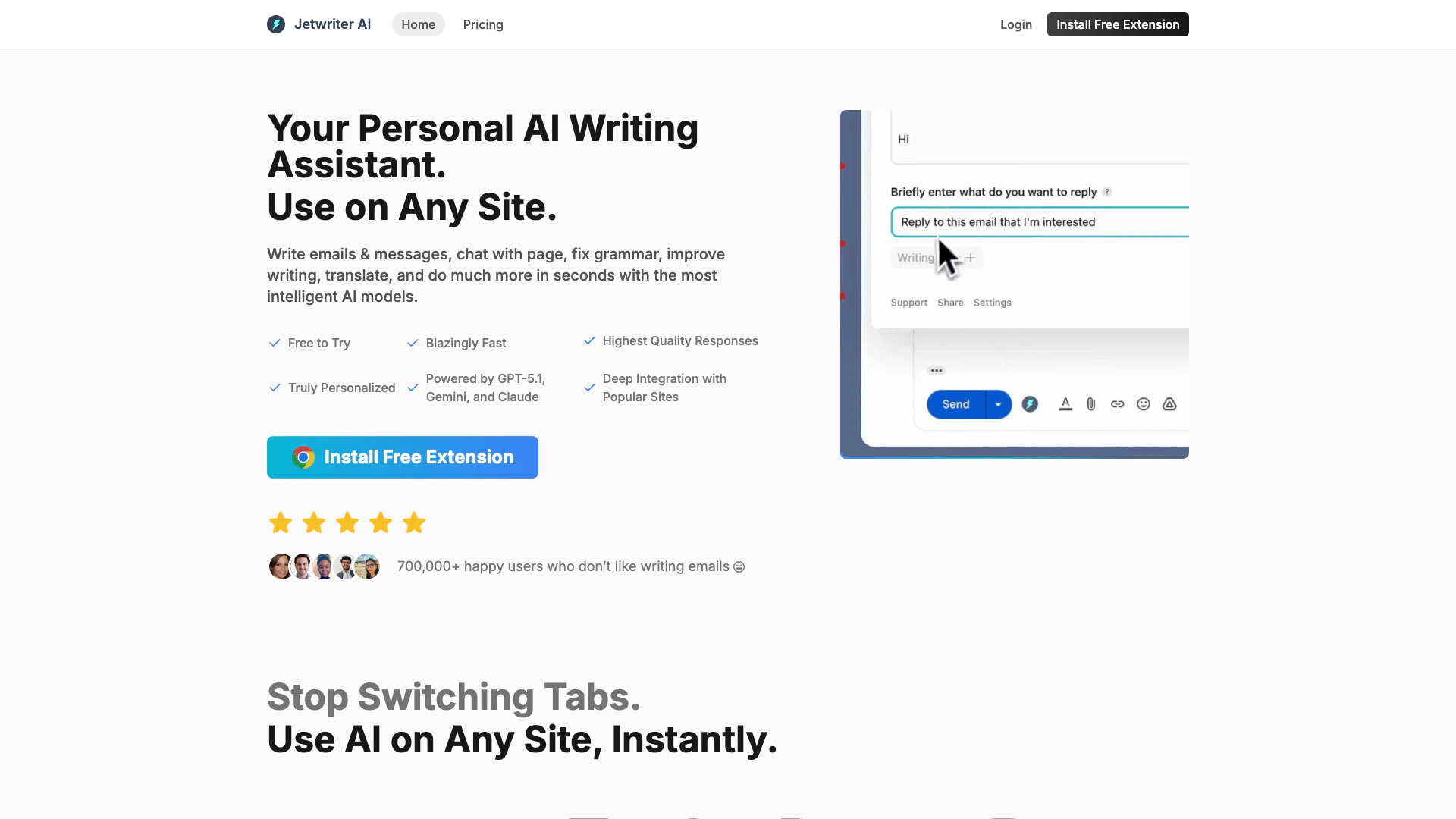





What is Jetwriter AI[1]?
Jetwriter AI is a versatile writing assistant that leverages advanced AI models, including GPT-5.1[2], Claude[3], and Gemini[4], to enhance your writing experience. It enables users to write emails, correct grammar, translate text, and conduct research seamlessly across various platforms. With its free browser extension, Jetwriter AI integrates deeply with popular sites, making it easy to utilize its capabilities without the need to switch tabs. This tool is available on both web and mobile, ensuring users can access its features anytime and anywhere.
How to use Jetwriter AI?
- Install the Jetwriter AI extension from the Chrome Web Store.
- Create a profile to personalize your AI responses.
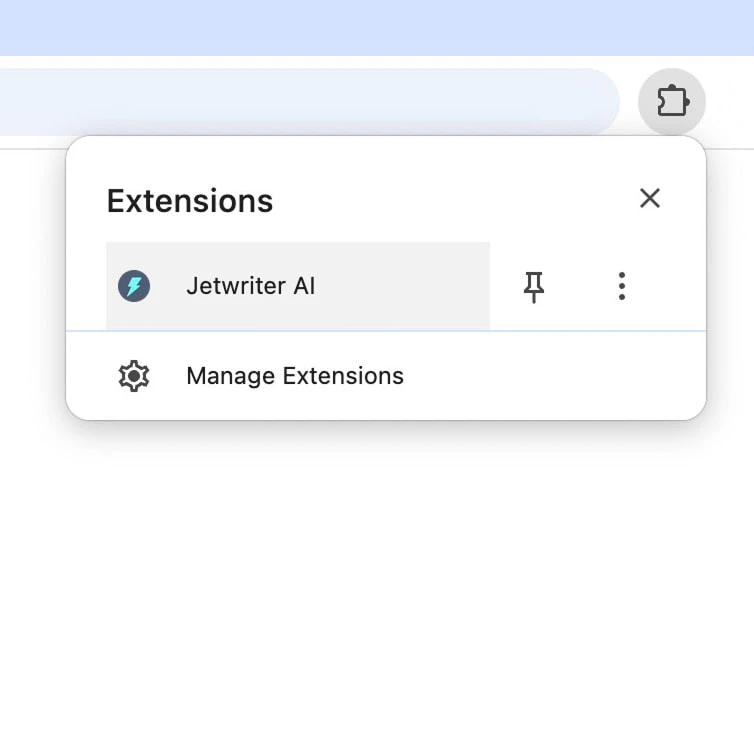
- Launch the extension by clicking the extension icon, using the keyboard shortcut (Command + Shift + K), or by selecting text and right-clicking.
- Choose your desired writing task such as drafting emails, correcting grammar, or translating text.
- Review and customize the generated response before sending or using it.
What are the main features of Jetwriter AI?
- Email Drafting[5]: Quickly draft effective emails with AI-driven suggestions.
- Grammar Correction: Automatically fix grammatical errors in your writing.
- Translation: Translate text between multiple languages seamlessly.
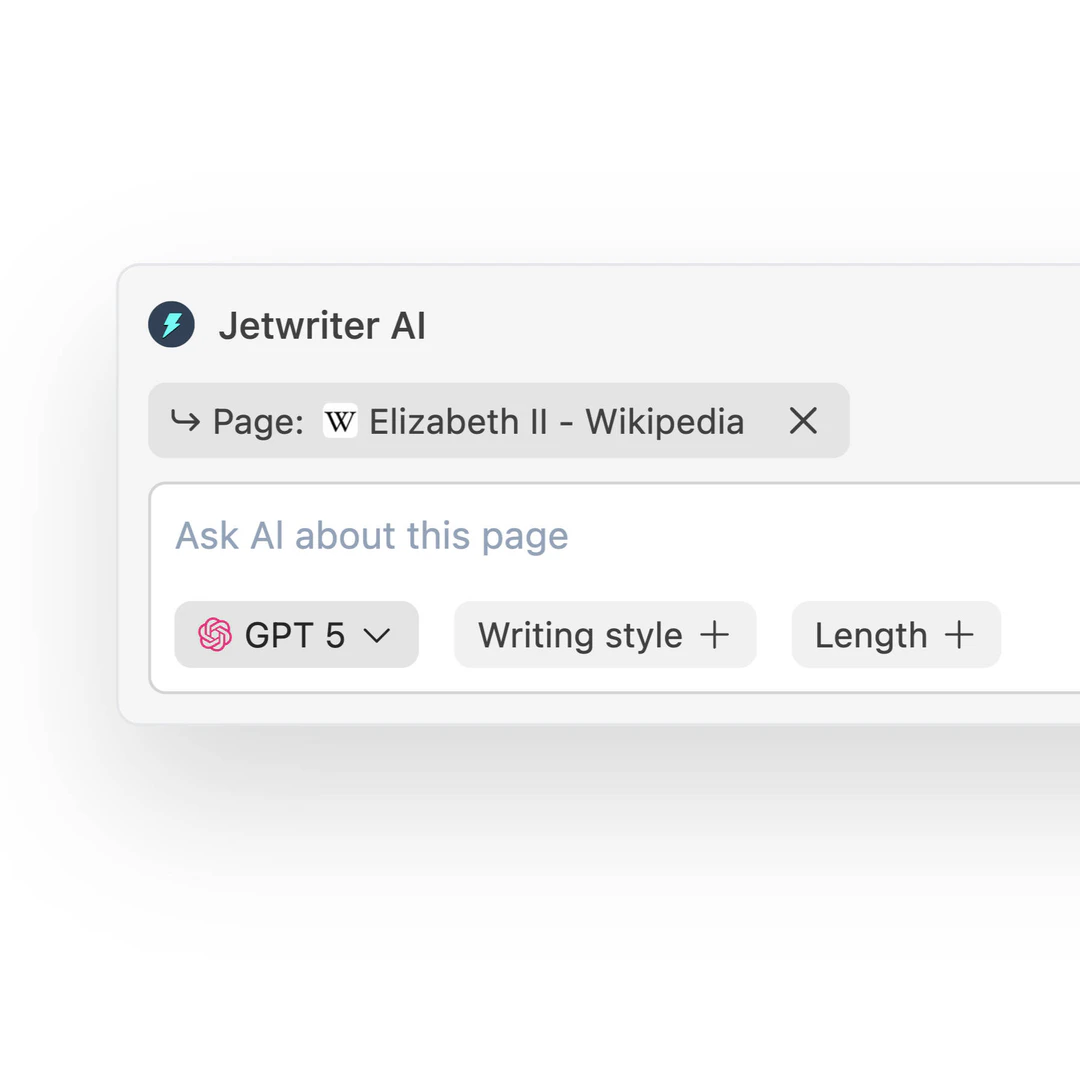
- Research Assistance: Conduct research and get summaries of web pages.
- Custom Writing Styles: Create different writing styles for various contexts.
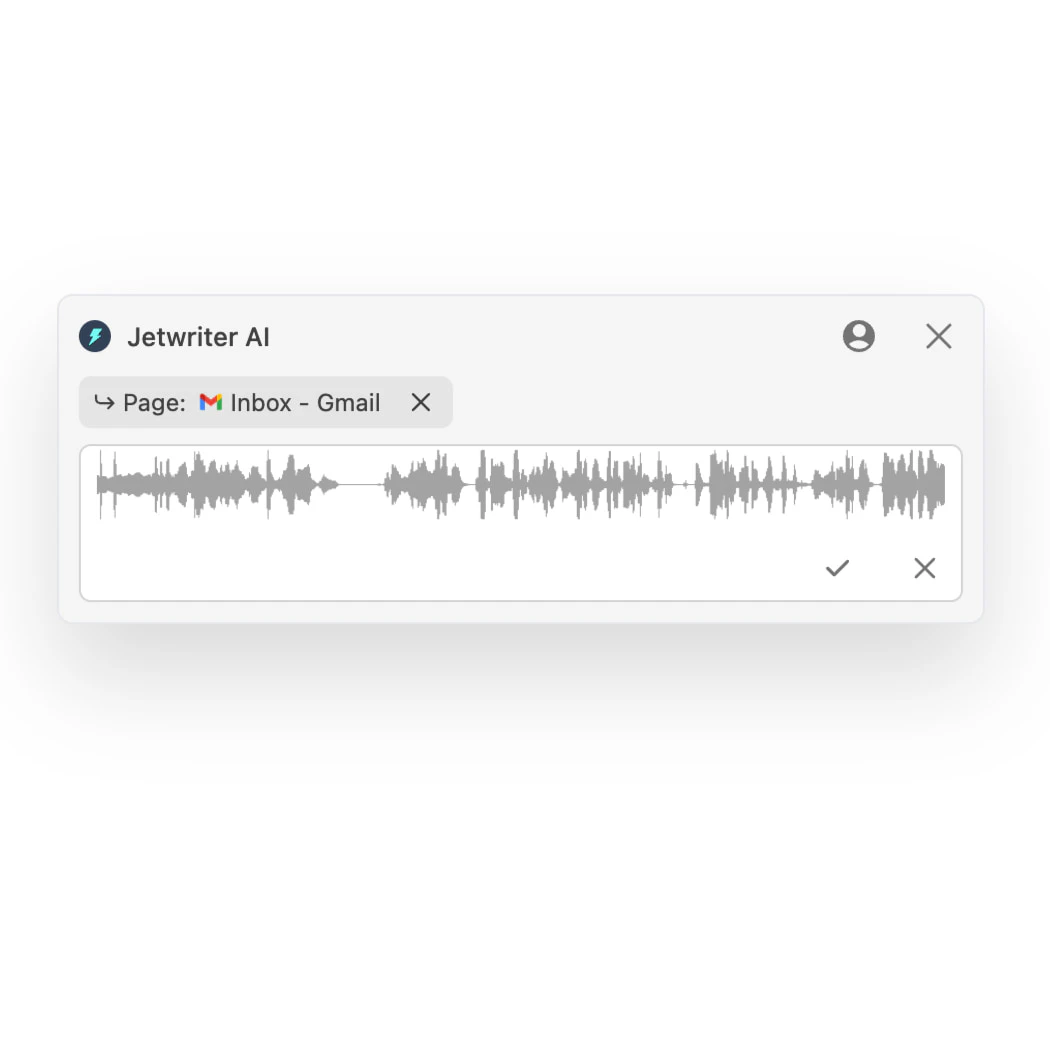
- Voice Input: Utilize voice-to-text capabilities for faster input.
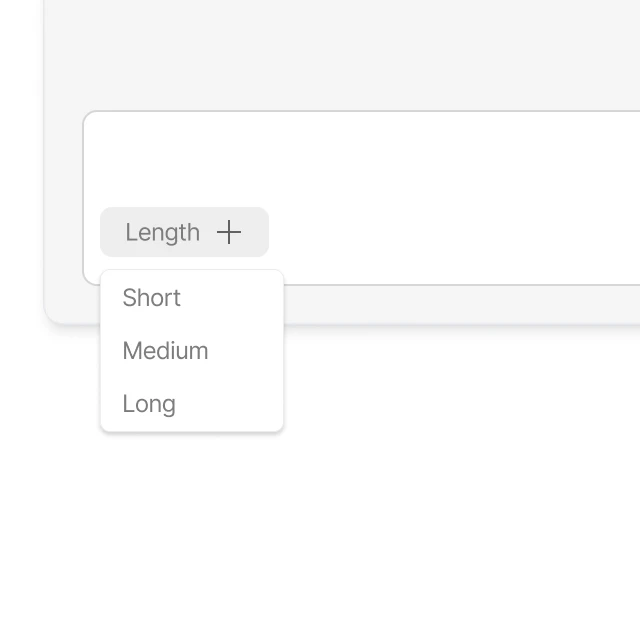
- Response Length Control: Choose the preferred length for generated responses.
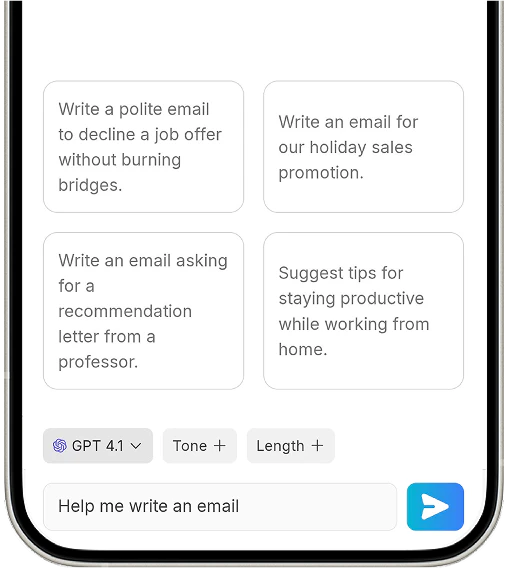
- Prompt Templates: Save and reuse favorite prompts with a single click.
Who is Jetwriter AI for?
Jetwriter AI is designed for a wide range of users, including professionals who need assistance with email communication, students seeking help with writing assignments, and anyone looking to improve their writing skills. It is particularly beneficial for those who frequently work with text in different languages or require quick grammar corrections. The tool is suitable for individuals, businesses, and organizations that value efficiency and quality in their written communications.
What are the use cases of Jetwriter AI?
- Drafting Emails: Quickly compose professional emails for work or personal use.
- Correcting Grammar: Enhance the quality of written documents by correcting grammatical mistakes.
- Translating Text: Translate emails or documents into different languages for international communication.
- Research Summaries: Get concise summaries of articles or web pages to save time.
- Brainstorming Ideas: Generate creative ideas for projects or content writing.
Product Images
Jetwriterai Pros and Cons
Pros
- Versatile Writing Capabilities: Jetwriter AI allows users to write emails, correct grammar, translate text, and conduct research, making it a comprehensive writing assistant.
- Multiple AI Models: Powered by advanced AI models like GPT-5.1, Claude, and Gemini, Jetwriter AI offers high-quality responses tailored to user needs.
- User-Friendly Extension: The lightweight browser extension integrates seamlessly with popular platforms, enabling users to access AI assistance without switching tabs.
Cons
No cons data detected for this tool
Jetwriterai Pricing
Free
Regular AI Models including ChatGPT, GPT 5 mini, and Gemini 3 Flash. 15 AI responses per month. Great for general tasks with quality responses. Includes browser extension, web app, voice input, file attachments, and priority support.
Pro
Regular AI Models including ChatGPT, GPT 5 mini, and Gemini 3 Flash. Advanced AI Models including ChatGPT, GPT 5.1, Gemini 3.1 Pro, and Sonnet 4.6. Unlimited usage, great for complex tasks with better quality responses. Includes browser extension, web app, voice input, file attachments, and priority support. Annual Plan at $9/month ($108 billed yearly, save $36).
Elite
Regular AI Models including ChatGPT, GPT 5 mini, and Gemini 3 Flash. Advanced AI Models including ChatGPT, GPT 5.1, Gemini 3.1 Pro, and Sonnet 4.6. Thinking AI Models including Gemini 3.1 Pro Thinking, ChatGPT, GPT 5.1 Thinking, and Sonnet 4.6 Thinking. Unlimited usage, great for reasoning tasks with the best quality responses. Includes browser extension, web app, voice input, file attachments, and priority support. Annual Plan at $14/month ($168 billed yearly, save $48).
For the latest pricing, please visit this link: https://jetwriter.ai/pricing
Prices are subject to change. Please visit the official website for the most up-to-date pricing information.
Jetwriterai Reviews
Efficient and user-friendly. Committed to quality and functionality. Prompt responses and continuous upgrades. Highly recommended.
Excellent extension which reliably provides me with the comprehensive assistance I need in French as well as in English.
A responsive and reliable writing assistant that adds significant value to my work. Keep up the great work and training!
For more reviews, visit this link: https://jetwriter.ai#user-reviews





