

Imgtoimg-ai

What is Imgtoimg-ai?
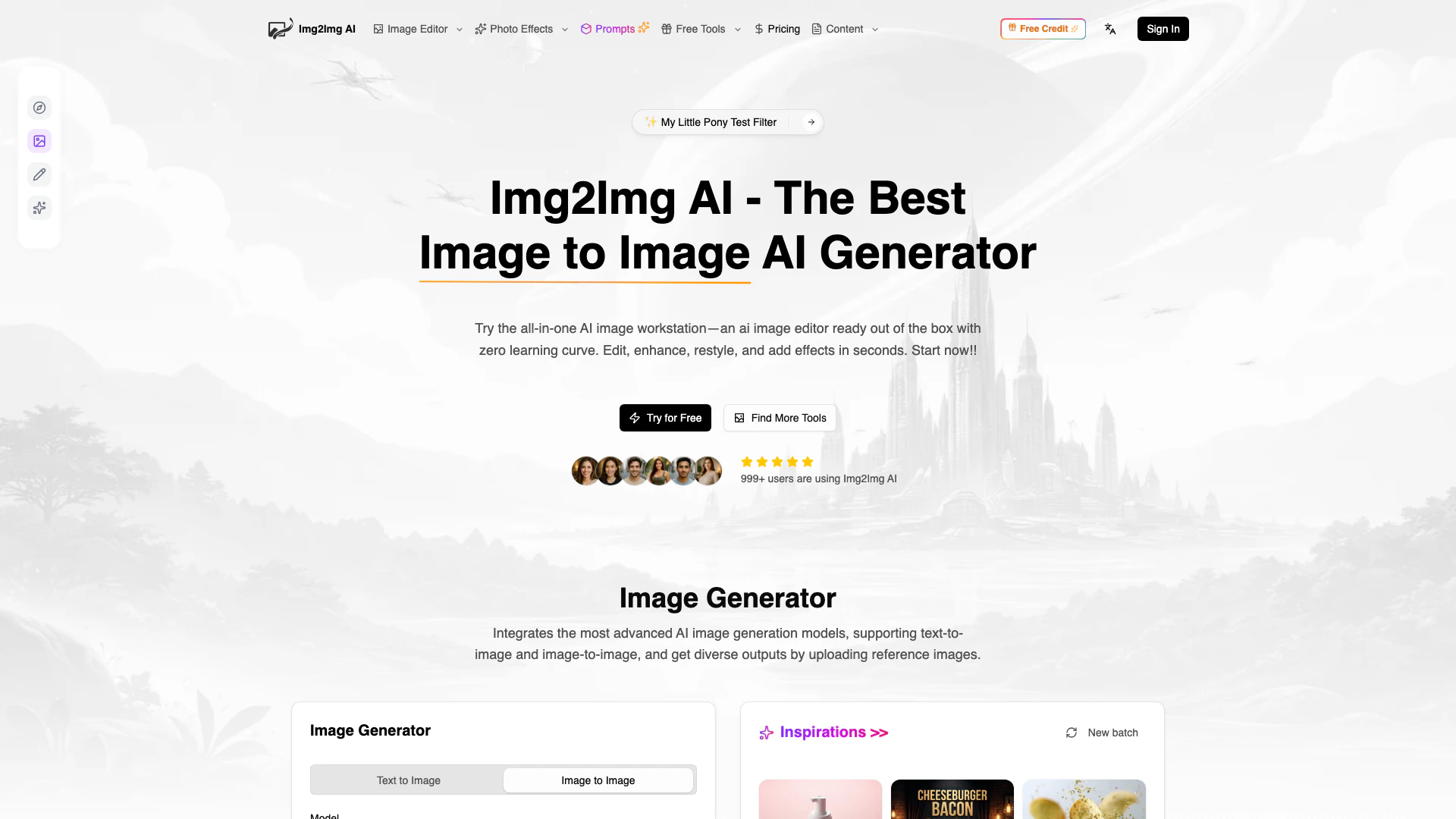
Imgtoimg-ai is an all-in-one image to image AI generator designed to transform your photos effortlessly. With its advanced img2img[1] capabilities, users can upload images to edit, enhance, restyle, outpaint, and apply various AI effects without needing any prior skills. This tool is particularly valuable for those looking to create polished, high-quality visuals quickly and efficiently, making it suitable for designers, marketers, and content creators alike.
How to use Imgtoimg-ai?
To use Imgtoimg-ai, follow these steps: 1. Pick a creation mode: Choose either Text to Image for fully AI-generated scenes or Image to Image to upload and transform your picture. 2. Select a model: Pick a model based on your desired quality and credit usage; higher-cost options yield sharper results. 3. Write your prompt: Describe the changes you want in a short prompt, specifying the subject, style, colors, and mood. 4. Generate and share: Click the 'Generate' button, wait for the processing, then download your image and share it on social media or your library.
What are the main features of Imgtoimg-ai?
Imgtoimg-ai offers a range of powerful features including: - Photo & Image Restyling: Easily swap styles while maintaining the original framing and subject. - Subject Editing[2]: Make precise object-level edits, such as removing distractions or refining product details. - Image Restoration[3] & Enhancement: Revive old or blurry photos with improved clarity and reduced noise. - Background Processing: Remove or replace backgrounds seamlessly to fit your subject's perspective. - Smart Outpainting: Extend images beyond their original frame, perfect for various formats. - One-Click AI Effects & Filters: Apply trending effects instantly for social media-ready results.
Who is Imgtoimg-ai for?
Imgtoimg-ai is ideal for a wide range of users including designers, marketers, content creators, and photographers. It caters to individuals who need to produce high-quality visuals quickly, whether for social media, advertising, or personal projects. The tool's user-friendly interface makes it accessible to those without design skills, enabling anyone to create professional-looking images effortlessly.
What are the use cases of Imgtoimg-ai?
Imgtoimg-ai can be used in various scenarios, such as: 1. Social Media Content Creation: Quickly generate eye-catching images for posts and advertisements. 2. E-commerce Product Styling: Transform product photos into multiple variations for online listings. 3. Creative Mockups: Iterate on design layouts without needing to rebuild assets, streamlining the design process.
Product Images
Imgtoimg-ai Pros and Cons
Pros
- User-Friendly Interface: Imgtoimg-ai offers a zero learning curve, allowing users to edit and enhance images without any prior skills.
- Diverse AI Models: The platform integrates over 10 elite AI models, enabling users to choose based on their needs for quality and detail.
- One-Click Tools: Includes 20+ ready-to-use tools like background removers and photo restorations, making it convenient for quick edits.
- Extensive AI Effects: Offers 100+ viral AI photo effects and filters that can be applied instantly, enhancing creativity and visual appeal.
Cons
No cons data detected for this tool
Imgtoimg-ai Pricing
Try
Perfect for getting started
Hobby
Perfect for getting started
Basic
Best value for most users, includes everything in Hobby, plus additional features.
Pro
For professionals and teams, includes everything in Basic, plus additional features.
For the latest pricing, please visit this link: https://imgtoimg-ai.com/pricing
Prices are subject to change. Please visit the official website for the most up-to-date pricing information.
Analytics of Imgtoimg-ai
Imgtoimg-ai Website Traffic Analysis
Visits Over Time
Traffic Sources
Jan 2026 - Jan 2026 Worldwide Desktop Only
- Direct: 42.14%
- Search: 32.05%
- Referrals: 12.63%
- Social: 10.08%
- Paid Referrals: 1.92%
- Mail: 0.21%
Top Keywords
| Keyword | Volume | CPC | Estimated Value |
|---|---|---|---|
| imgtoimg ai | 890 | $0.00 | $0.00 |
| ai image2img edit | 30 | $0.00 | $0.00 |
Imgtoimg-ai Reviews
Our image to image ai workflow turns one product photo into many options. The img2img tool keeps angles consistent and works as an ai image editor for quick cleanup.
When I need img to img ai styling, I use this image to image ai generator. The ai image to image generator gives several variations I can publish right away, and it doubles as an ai image creator for socials.
For mockups, image to image ai is the fastest path. I treat img2img as an ai image maker and ai image creator to iterate layouts without rebuilding assets.
For more reviews, visit this link: https://imgtoimg-ai.com/#reviews





