

Imgezy
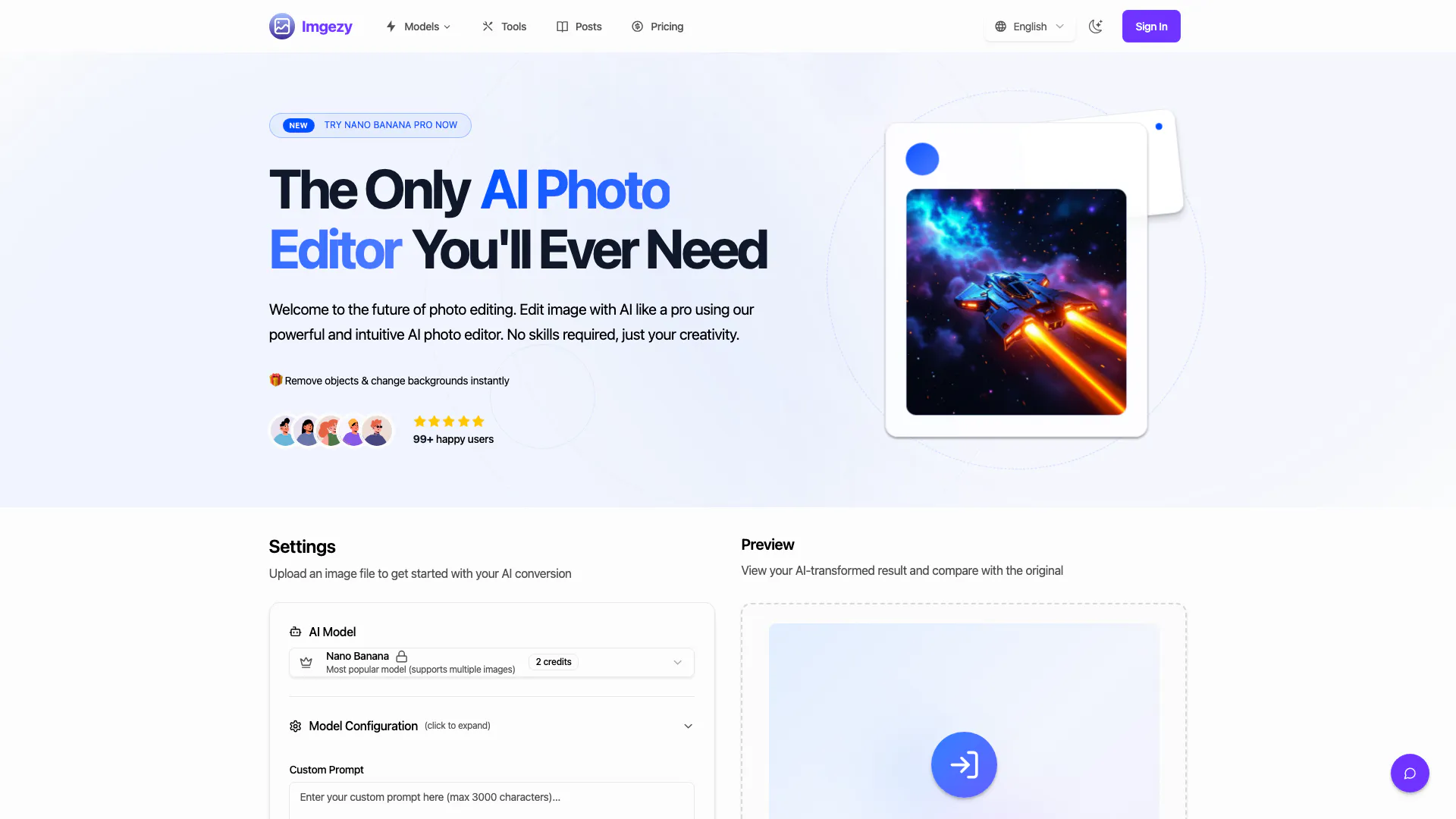


What is Imgezy?
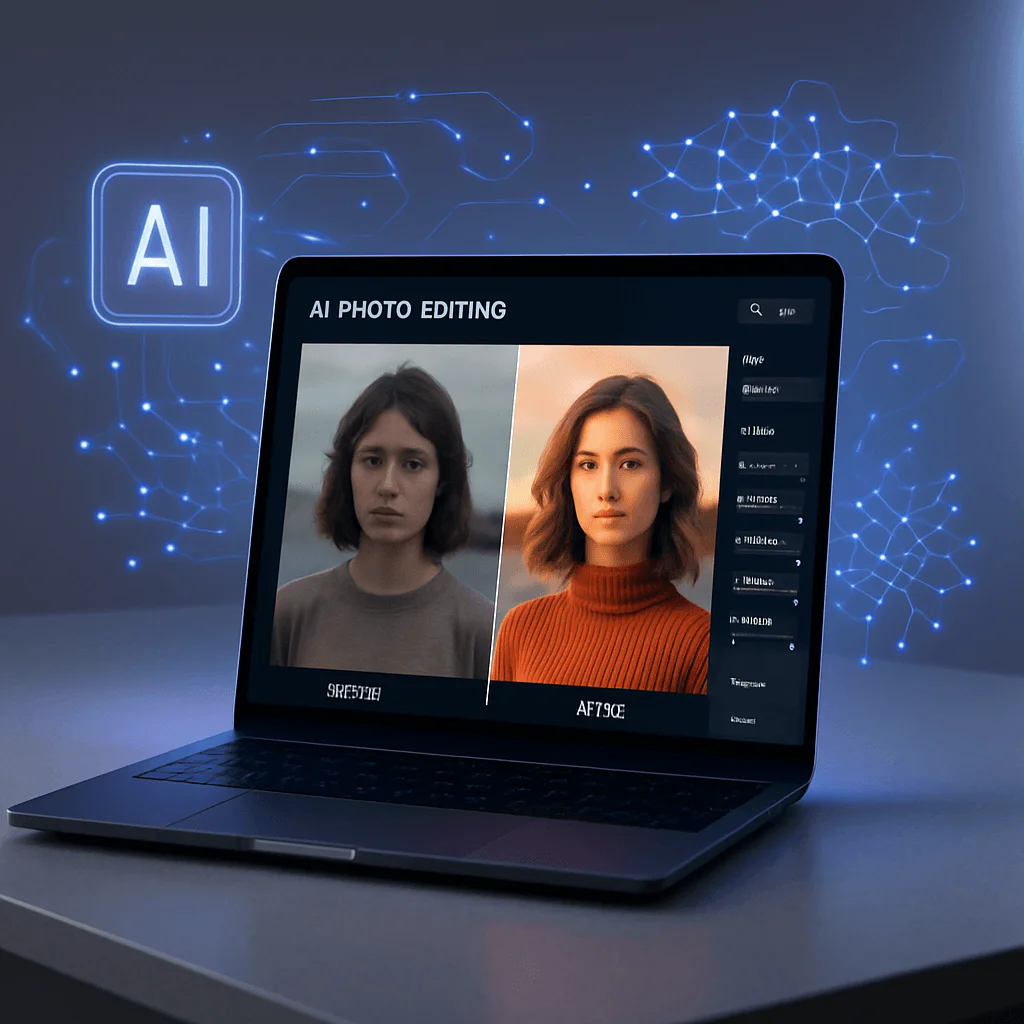
Imgezy is an AI-driven image editor designed to simplify photo editing tasks such as removing objects and changing backgrounds. This powerful tool leverages advanced artificial intelligence to allow users to edit images effortlessly, making it suitable for both beginners and professionals. With Imgezy, users can achieve professional-quality results in seconds without needing extensive design skills or experience. Whether you want to enhance your photos or remove unwanted distractions, Imgezy provides an intuitive interface that caters to all your image editing needs.
How to use Imgezy?
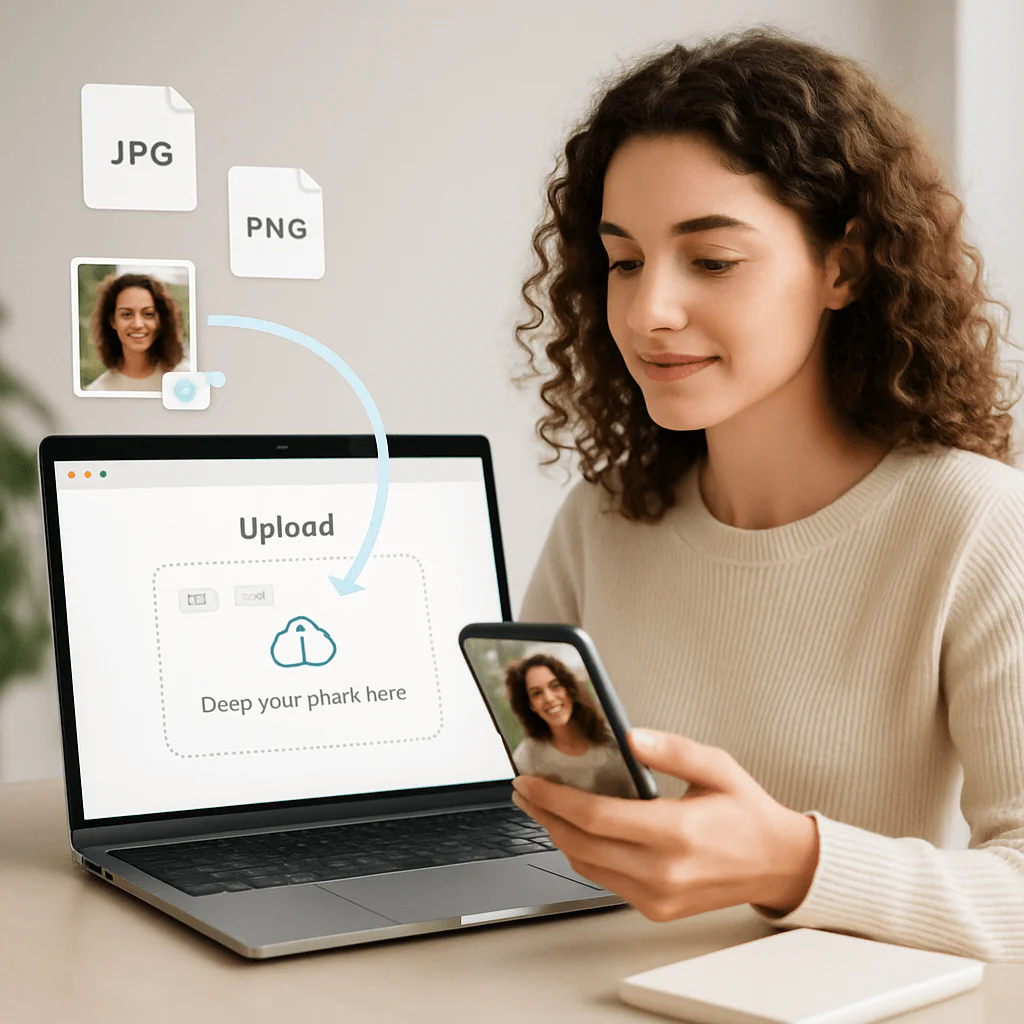
- Upload Your Image: Drag and drop your photo or select a file from your device. Imgezy supports all major image formats like JPG, PNG, and WebP.
- Describe Your Edit: Type your instruction in the text box. For example: 'Remove the person on the left,' 'Change the background to a sunny beach,' or 'Make the sky blue.'
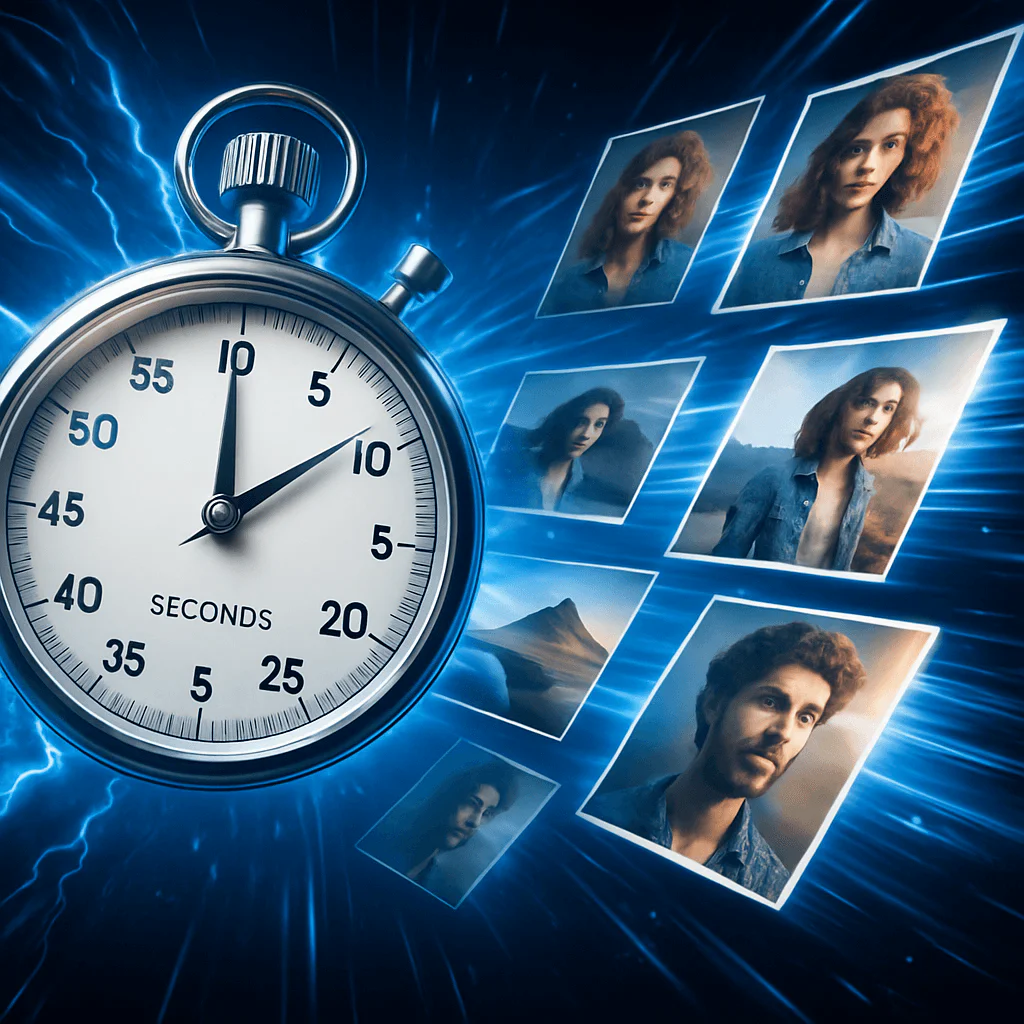
- Download & Share: Watch as the AI processes your request in seconds. Preview the result and download your newly edited high-resolution image.
What are the main features of Imgezy?
- Object Removal: Effortlessly remove unwanted objects, people, or distractions from your photos with pixel-perfect accuracy.
- Background Replacement: Instantly change photo backgrounds from solid colors to stunning landscapes.
- Photo Enhancement: Automatically enhance colors, lighting, and sharpness to make your photos pop.
- Batch Processing: Edit multiple photos at once to save time on large projects.
- High-Quality Output: Download edited photos in full resolution without quality loss.
- Smart Repair: Automatically repair damaged or blurry image areas to restore photo clarity.
Who is Imgezy for?
Imgezy is designed for a wide range of users, including photographers, content creators, e-commerce managers, and casual users looking to enhance their images. Whether you are a professional needing to create high-quality product images or a hobbyist wanting to improve your personal photos, Imgezy provides the tools necessary to achieve stunning results. Its user-friendly interface makes it accessible for individuals with no prior design experience, making it an ideal choice for anyone looking to simplify their photo editing tasks.
What are the use cases of Imgezy?
- E-commerce Product Images: Create professional-looking product images for online stores by removing distractions and enhancing visuals.
- Social Media Content Creation: Edit photos for social media posts, making them more engaging by changing backgrounds and removing unwanted elements.
- Restoration of Old Photos: Use the object removal and smart repair features to restore and enhance old family photographs.
Product Images


Imgezy Pros and Cons
Pros
- AI-Powered Editing: Imgezy utilizes advanced AI technology to automatically remove objects, change backgrounds, and enhance photos, making editing tasks simple and efficient.
- User-Friendly Interface: Designed for users with no design experience, Imgezy allows anyone to edit photos by simply describing their desired changes, ensuring accessibility for all.
- Instant Results: Get professional-quality edits in seconds, significantly reducing the time spent on manual photo editing.
Cons
No cons data detected for this tool
Imgezy Pricing
Basic
Perfect for personal use and casual creators. 200 credits (≈ 100 images / month). Includes own your creations, access to Standard Generation, image history saved, and standard quality download.
Pro
For power users and professionals. 800 credits (≈ 400 images / month). Everything in Basic, plus commercial license included, priority support, 4x more credits, and priority email support.
For the latest pricing, please visit this link: https://www.imgezy.com/
Prices are subject to change. Please visit the official website for the most up-to-date pricing information.
Imgezy Reviews
Imgezy is hands-down the best AI photo editor for my small business. I can create professional product shots without hiring a photographer. It's saved me thousands!
I'm not a tech person, but this tool is incredibly intuitive. I use this AI photo editor for all my social media posts. The results are always stunning.
The ability to remove objects from photos is magical. I fixed so many old family photos that I thought were ruined. Thank you, Imgezy!
For more reviews, visit this link: https://www.imgezy.com/#testimonials





