

Aiimageeditor
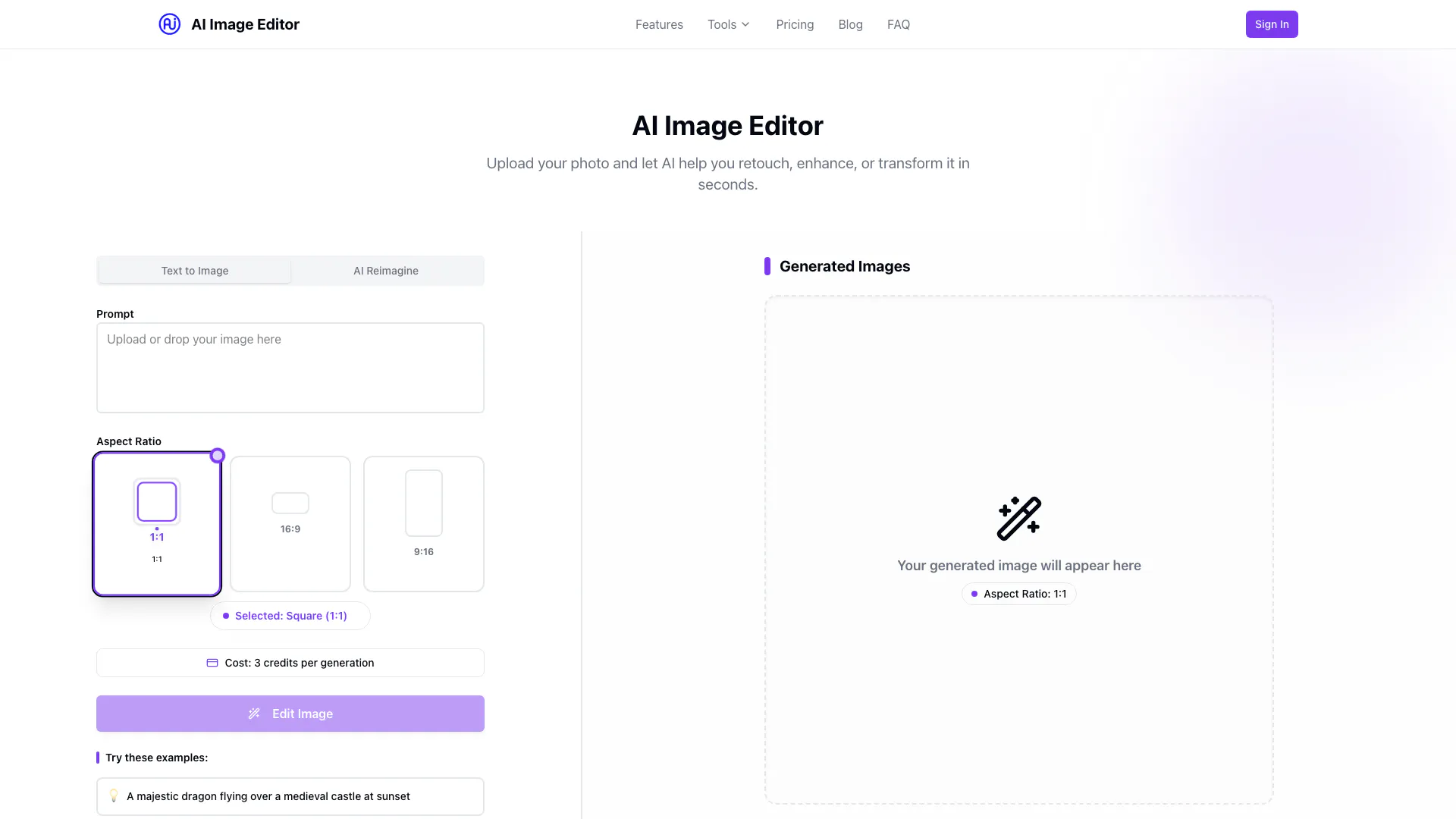



What is AI Image Editor[1]?
AI Image Editor is a free, AI-powered image editing tool designed to enhance, transform, and edit photos instantly. Utilizing advanced AI technology[6], it allows users to remove backgrounds, apply various filters, and create stunning images effortlessly. The tool is user-friendly, making professional-quality photo editing accessible to everyone, regardless of their design skills.
How to use AI Image Editor?
- Upload Your Image: Drag and drop or upload the image you want to edit.
- Choose Editing Tools: Select from various editing options such as background removal[2], filters, and retouching tools.
- Download Results: Once you are satisfied with your edits, save your enhanced image instantly.
What are the main features of AI Image Editor?
- AI Background Removal: Automatically remove or replace image backgrounds with a single click.
- Photo Retouching[3]: Enhance skin, adjust lighting, and fix imperfections instantly.
- Creative Filters[4]: Apply artistic styles, color grading, and modern effects effortlessly.
- Image Upscaling[5]: Increase image resolution without losing quality using AI upscaling.
Who is AI Image Editor for?
AI Image Editor is designed for a wide range of users, including casual photographers, social media enthusiasts, and professional designers. It caters to anyone looking to enhance their images without the need for advanced editing skills. The intuitive interface and powerful features make it suitable for individuals wanting to create stunning visuals for personal or commercial use.
What are the use cases of AI Image Editor?
- Social Media Posts: Enhance images for Instagram, Facebook, or Twitter to attract more engagement.
- E-commerce Product Photos: Edit product images for online stores, ensuring they look professional and appealing.
- Personal Projects: Create stunning graphics for personal blogs, presentations, or digital art projects using advanced editing tools.
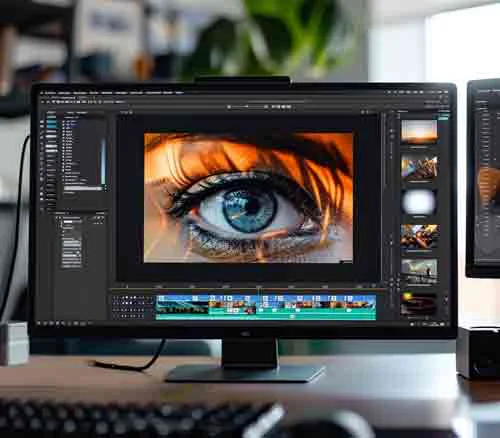
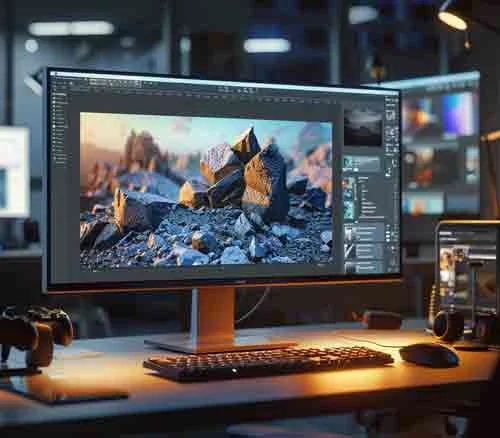
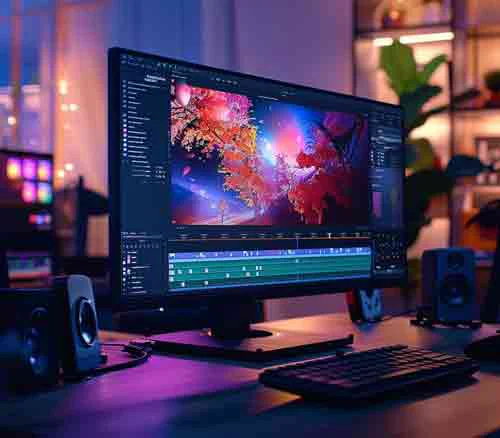
Product Images


Aiimageeditor Pros and Cons
Pros
- AI Background Removal: Easily remove or replace backgrounds from images with a single click using advanced AI technology.
- Instant Photo Retouching: Enhance skin, adjust lighting, and fix imperfections in photos instantly for a polished look.
- User-Friendly Interface: Designed for ease of use, allowing users to edit photos quickly without complex tools.
Cons
No cons data detected for this tool
Aiimageeditor Pricing
Free
Try our AI editor with limited features for free. Background removal (basic), Limited filters, Image resizing, 5 free edits per month.
Pro
Unlock advanced tools and higher-quality exports. High-quality background removal, Full set of filters & effects, Batch editing, 200 credits.
Premium
Get unlimited access to all AI editing features. Unlimited background removal, Advanced retouching tools, 4K export support, 500 credits.
For the latest pricing, please visit this link: https://www.aiimageeditor.info/#pricing
Prices are subject to change. Please visit the official website for the most up-to-date pricing information.





