

Bulkbgremove



What is BulkBGRemove?
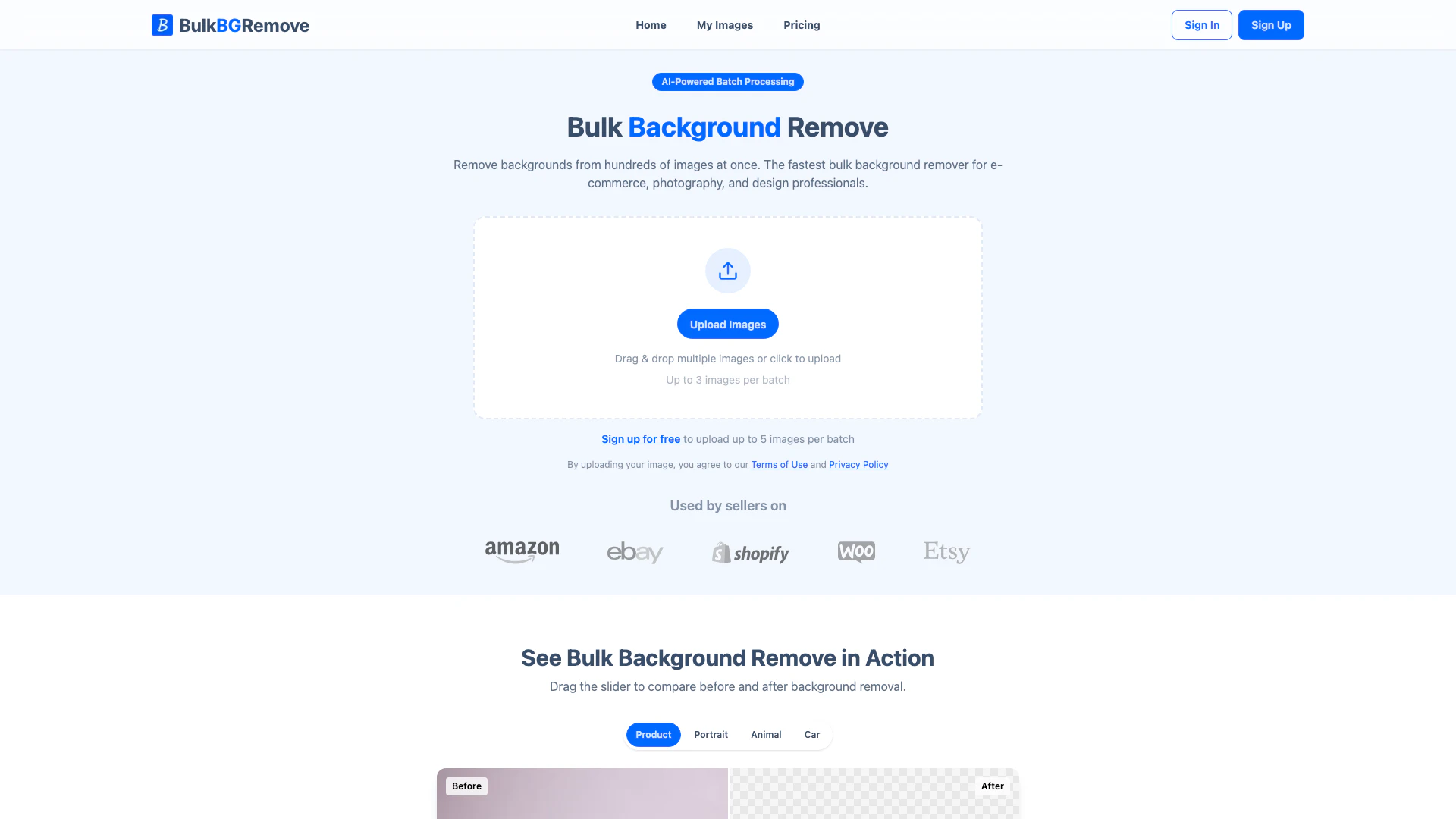
BulkBGRemove is an AI-powered tool designed to efficiently remove backgrounds from hundreds of images at once. It caters specifically to e-commerce, photography, and design professionals, enabling fast and precise batch processing. With its intelligent edge detection technology, BulkBGRemove ensures clean separation of subjects from backgrounds, even in complex scenes. This tool eliminates the need for manual editing in software like Photoshop, making it a game-changer for those who require quick and reliable background removal.
How to use BulkBGRemove?
- Sign up for a free account on the BulkBGRemove website.
- Log in and navigate to the image upload section.
- Drag and drop multiple images or click to upload images (up to 5 images per batch for free users).
- Once uploaded, initiate the background removal process.
- Download the processed images as transparent PNGs or as a ZIP file for multiple images.
What are the main features of BulkBGRemove?
- AI-powered batch processing for fast background removal.
- Ability to upload and process up to 50 images at once.
- 10x faster processing speed with parallel bulk processing for paid plans.
- Intelligent edge detection for precise separation of subjects from backgrounds.
- Download options for transparent PNGs and bulk ZIP files.
- Secure processing in the cloud with no data sharing.
Who is BulkBGRemove for?
BulkBGRemove is ideal for e-commerce sellers, photographers, graphic designers, and marketing professionals who need to remove backgrounds from multiple images quickly and efficiently. Whether you are running an online store on platforms like Amazon or Etsy, or you are a freelance designer handling client projects, this tool provides a streamlined solution for bulk background removal, saving time and enhancing productivity.
What are the use cases of BulkBGRemove?
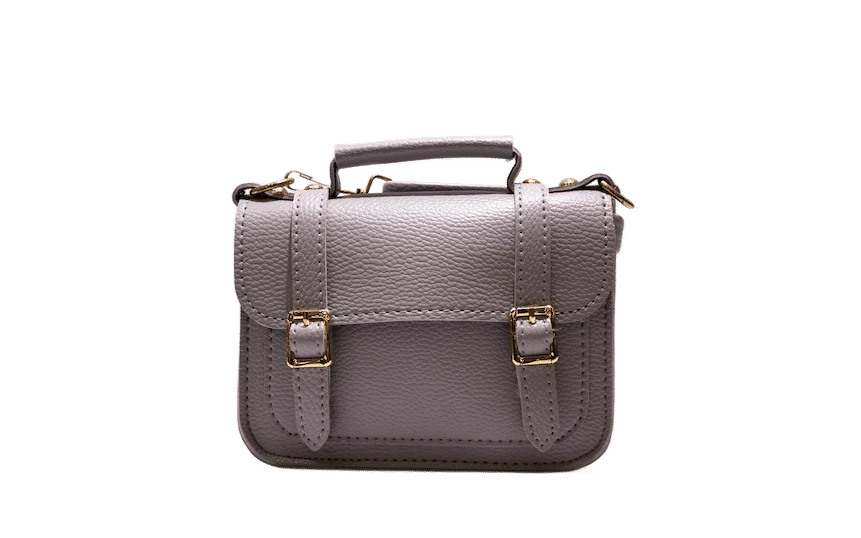
- E-commerce product listings: Quickly prepare product images with clean backgrounds for online shops.
- Photography: Efficiently process batch images from photo shoots, such as portraits or event photos, to create transparent backgrounds.
- Graphic design: Use BulkBGRemove for client projects that require multiple images with backgrounds removed for use in marketing materials.
Product Images





Bulkbgremove Pros and Cons
Pros
- AI-Powered Precision: Utilizes intelligent edge detection to accurately separate subjects from complex backgrounds, ensuring high-quality results.
- Fast Batch Processing: Allows users to remove backgrounds from up to 50 images at once, significantly speeding up workflow for e-commerce and design professionals.
- Secure and Private: Images are processed securely in the cloud, with a commitment to user privacy and no sharing of data for AI training.
Cons
No cons data detected for this tool
Bulkbgremove Pricing
Free
Try it out, no limits on quantity. 300 images per month, 5 images per batch. Free forever, no credit card required.
Starter
Popular plan for fast processing for individuals. 1,000 images per month, 20 images per batch. Billing monthly, cancel anytime.
Pro
High-volume plan for teams & businesses. 3,000 images per month, 50 images per batch. Billing monthly, cancel anytime.
On-Demand Credits
Need more images? Buy credits that never expire. Extra credits for paid plans — fast processing included.
For the latest pricing, please visit this link: https://bulkbgremove.com/pricing
Prices are subject to change. Please visit the official website for the most up-to-date pricing information.
Bulkbgremove Reviews
I used to spend hours in Photoshop removing backgrounds for my product photos. With this bulk background remover, I just upload a batch and it's done. Total game changer for my Shopify store.
The edge detection is surprisingly clean. I use it to bulk remove backgrounds for client work when I need quick cutouts. The ZIP download saves me so much time.
We process hundreds of product images every week. Being able to remove backgrounds in bulk handles them all at once — no more outsourcing to freelancers.
For more reviews, visit this link: https://bulkbgremove.com/#reviews




