Highlightstudio
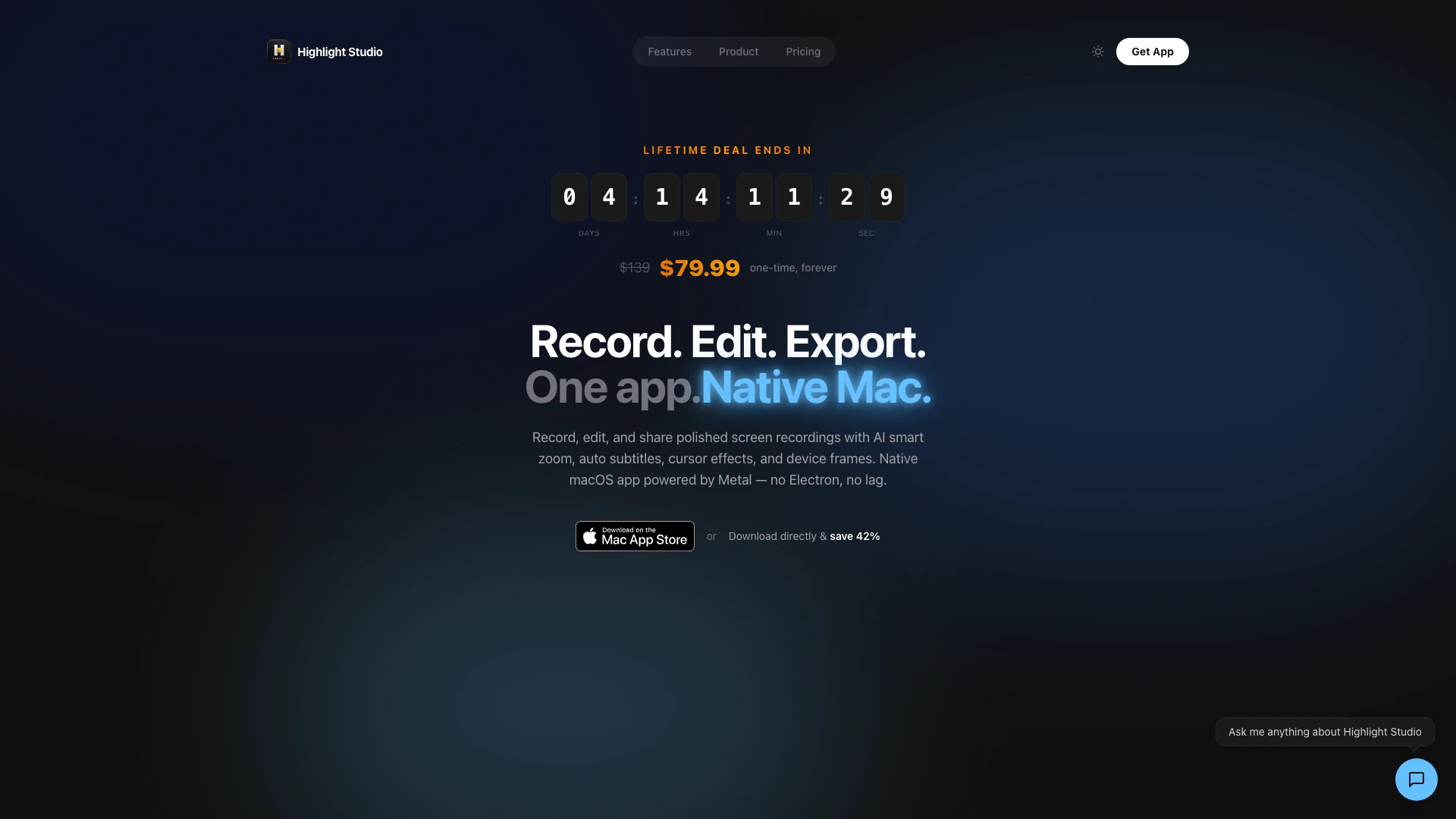


What is Highlightstudio?
Highlightstudio is a powerful screen recording and video editing tool designed to help users create polished video content with ease. It integrates advanced features such as AI transcription, smart zoom, and multi-track editing capabilities, allowing users to record, edit, and share their screen recordings seamlessly. This tool is ideal for professionals and content creators who need a comprehensive solution for producing high-quality videos for tutorials, product demos, and social media.
How to use Highlightstudio?
- Download and install Highlightstudio from the official website.
- Launch the application and connect your device (iPhone/iPad) via USB if recording mobile content.
- Choose the recording options, such as screen area, audio source, and camera overlay settings.
- Click the 'Record' button to start capturing your screen activity.
- Use the editing features to trim, add annotations, apply zoom effects, and integrate AI-generated subtitles.
- Customize your video with your brand kit, including logos and colors.
- Export your final video in your desired format (MP4 or GIF) and share it directly from the app.
What are the main features of Highlightstudio?
- AI-Powered Smart Zoom: Automatically zooms into clicks and cursor activity for enhanced viewer focus.
- AI Transcription: Provides word-level timestamps in over 50 languages for accessibility.
- Multi-Track Editor: Offers professional-grade editing capabilities with separate tracks for video, audio, and annotations.
- Brand Kit: Allows users to set and apply consistent branding elements across all recordings.
- Device Frames: Includes pixel-perfect bezels for over 27 Apple devices, enhancing the visual appeal of mobile recordings.
- Highlight Detection: Automatically flags best moments from recordings based on facial expressions.
Who is Highlightstudio for?
Highlightstudio is designed for a wide range of users including educators, marketers, software developers, and content creators. It is particularly beneficial for those who need to produce high-quality video tutorials, product demos, and engaging social media content. With its intuitive interface and advanced editing features, it caters to both beginners and professionals looking to enhance their video production workflow.
What are the use cases of Highlightstudio?
- Product Demos & Walkthroughs: Create engaging videos showcasing app features and functionalities.
- Tutorials & How-To Videos: Develop step-by-step guides with visual aids and annotations for clear instruction.
- Bug Reports & QA: Record software issues with detailed annotations to streamline the bug reporting process.
- Social Media Content: Transform screen recordings into shareable content tailored for platforms like Instagram and TikTok.
- Online Course Content: Build comprehensive course modules with branded intros and high-quality audio.
Highlightstudio Pros and Cons
Pros
- AI-Powered Smart Zoom: Automatically zooms into clicks and cursor activity, enhancing viewer engagement with smooth animations.
- Multi-Track Editing: Offers a professional multi-track timeline for video, audio, and annotations, allowing detailed editing and customization.
- Brand Kit Integration: Set up your brand identity once and apply it consistently across all recordings with customizable logos, colors, and templates.
Cons
No cons data detected for this tool
Highlightstudio Pricing
Free
Get started with 60 credits. Includes screen + camera + audio recording, basic editing (trim, split, delete), speed regions, cursor settings & style presets, timeline playback, export with watermark, smart zoom, annotations & subtitles, device frames (27+), brand kit & watermarks, and 4K / GIF export.
Pro
Full power, unlimited. Includes everything in Free, no watermark, smart zoom (auto + manual), annotations, blur masks & subtitles, camera overlay (7+ layouts), device frames — 27+ Apple devices, brand kit, watermarks & intros/outros, 1080p, 1440p, 4K & source export, GIF export with custom FPS, smart edit suggestions (face detect), export presets (YouTube, X, IG, etc.), and priority support.
Limited offer Lifetime
One payment, yours forever. Includes everything in Pro, lifetime updates, no recurring payment ever, early supporter badge, and priority feature requests.
For the latest pricing, please visit this link: https://highlightstudio.app/auth/login
Prices are subject to change. Please visit the official website for the most up-to-date pricing information.