

Heyeddieai





What is Heyeddieai?
Heyeddieai is an AI-powered video editing tool designed specifically for professional video editors. It streamlines the editing process by automating various tasks, allowing users to focus more on creativity and storytelling. With features like A&B Roll Logging, Rough Cuts, Multicam Podcasts, and Scripted Edits, Heyeddieai enhances productivity and efficiency in video production, making it an essential assistant for pros in the industry.
How to use Heyeddieai?
To start using Heyeddieai, follow these steps: 1. Download and install the Heyeddieai desktop application from the official website. 2. Open the app and import your raw video footage into the workspace. 3. Use the chat feature to instruct Heyeddieai on what kind of edit you want, whether it's creating rough cuts or syncing multicam footage. 4. Review the edits made by Heyeddieai and make any necessary adjustments. 5. Export your final video in the desired format.
What are the main features of Heyeddieai?
Heyeddieai offers a range of powerful features to enhance the video editing process: - A&B Roll Logging: Automatically logs A-roll interviews, summarizes content, and tags B-roll visuals for quick export. - Rough Cuts: Transforms raw footage into structured rough cuts in minutes by conversing with the AI. - Multicam Podcasts: Syncs and edits multiple camera angles using audio and visual cues for polished results. - Scripted Edits: Allows users to provide scripts or outlines, enabling the AI to create rough cuts that follow the narrative structure.
Who is Heyeddieai for?
Heyeddieai is designed for professional video editors, filmmakers, and content creators who need to streamline their editing workflows. It's suitable for individuals or teams looking to enhance productivity and creativity in video production. Whether you're working on podcasts, interviews, or narrative films, Heyeddieai provides the tools needed to manage complex editing tasks efficiently.
What are the use cases of Heyeddieai?
Heyeddieai can be applied in various scenarios, including: 1. Creating Rough Cuts: Quickly turning raw interview footage into a professional rough cut to save time. 2. Multicam Editing: Efficiently editing podcasts or events with multiple camera angles by syncing audio and video. 3. Scripted Video Production: Assisting in the editing of narrative-driven content by following provided scripts or outlines.
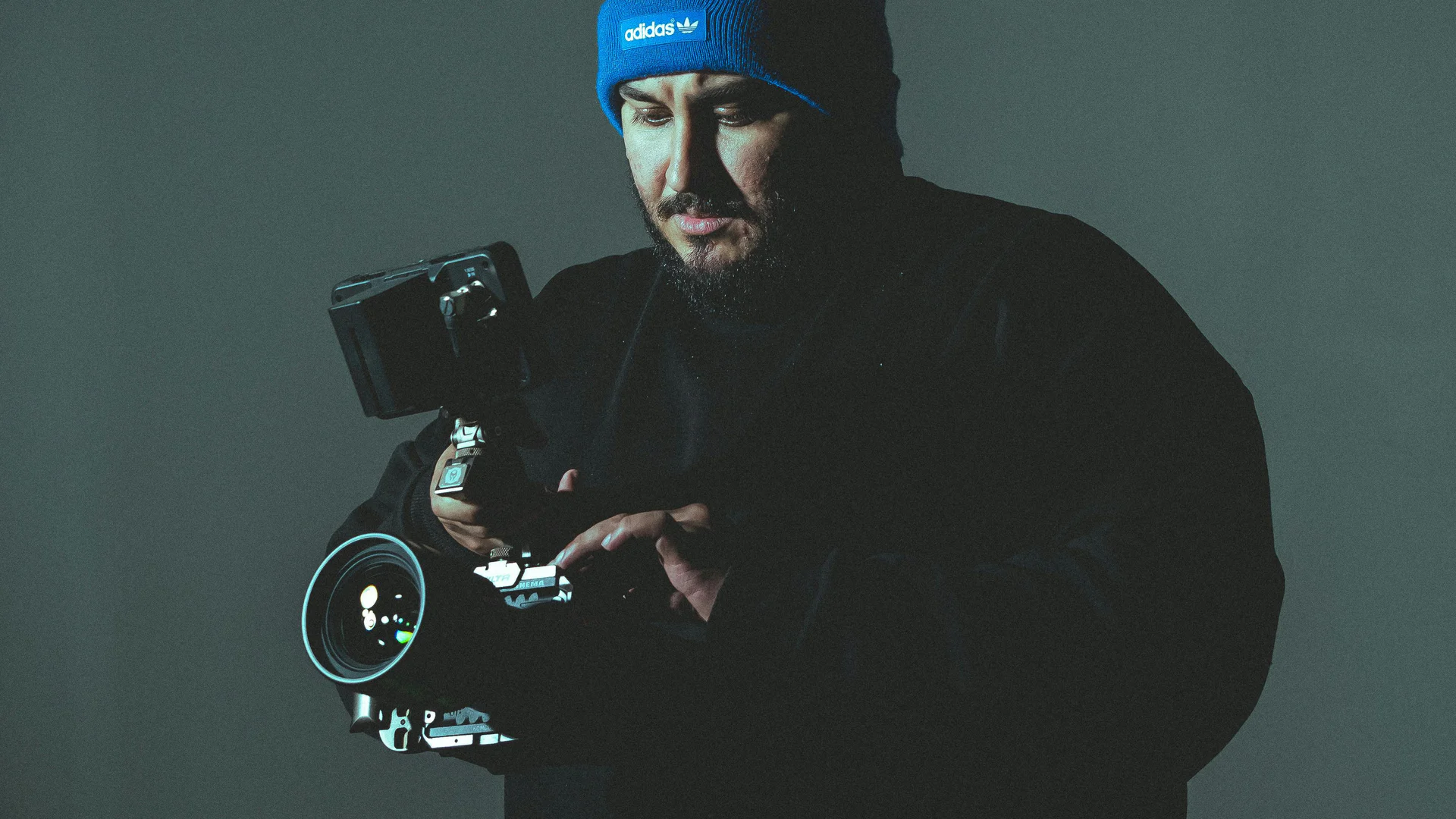
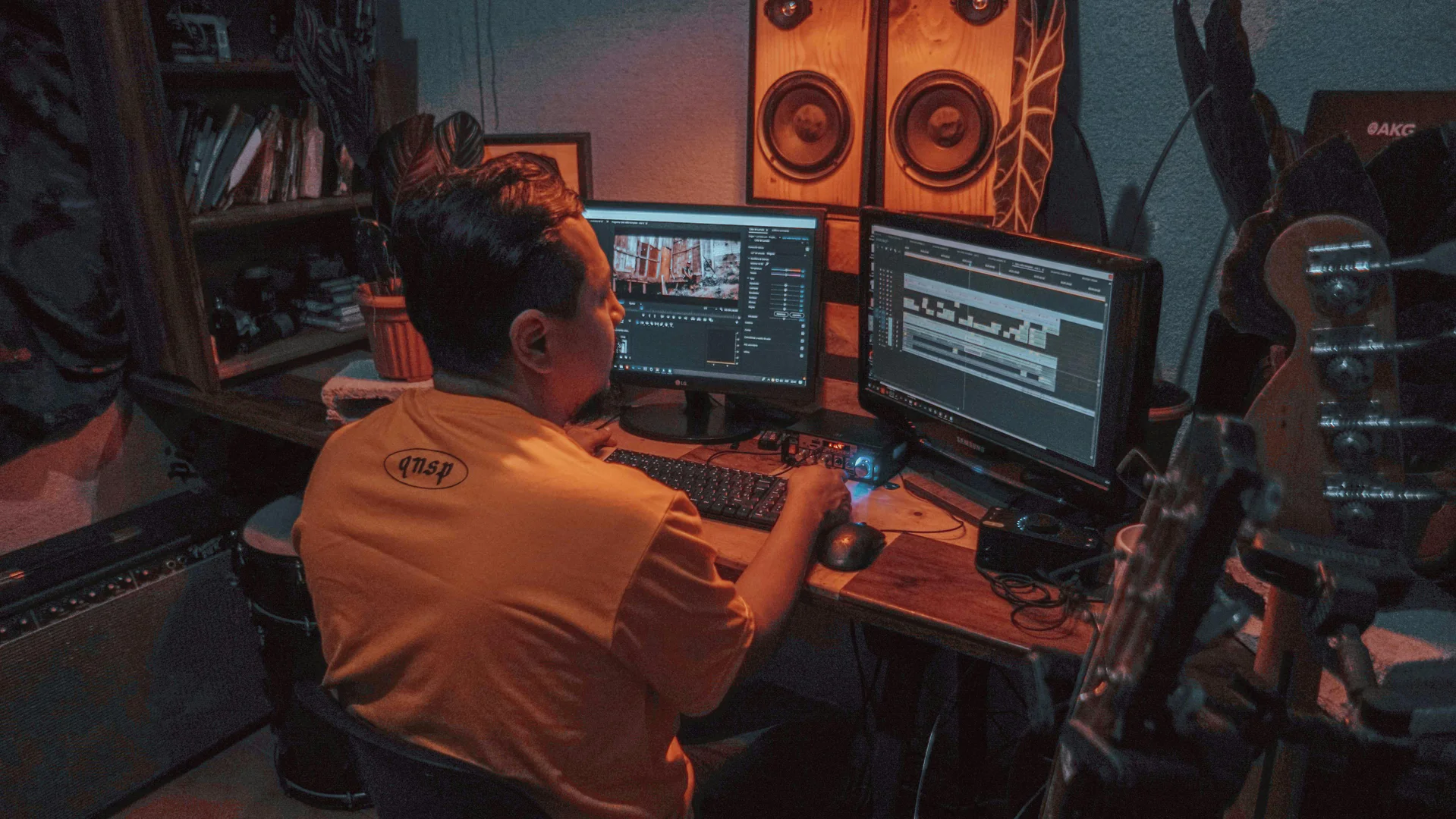
Product Images







Heyeddieai Pros and Cons
Pros
- Automated A&B Roll Logging: Eddie AI automatically logs and organizes A-roll interviews, providing smart summaries and tagging B-roll visuals for easy export.
- Quick Rough Cuts: Users can turn raw footage into structured rough cuts in minutes by simply chatting with Eddie about the desired story.
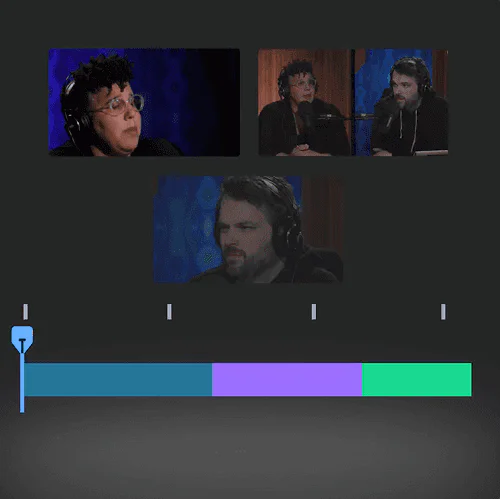
- Intelligent Multicam Editing: Eddie AI syncs and cuts between multiple cameras using audio and visual cues, enabling quick and polished multicam edits.
- Scripted Edits: Users can provide a script or outline, and Eddie will create rough cuts that follow the narrative structure, enhancing the editing process.
Cons
No cons data detected for this tool
Heyeddieai Pricing
Enterprises
Custom Pricing for pro video teams that create a lot of videos. Everything in Pro+ plan. Enterprise-grade security. SAML/SSO. 7 days/week enhanced support and account management.
Pro
Powerful AI models to handle your pro workflows. Everything in Free plan. Supports: multicams, sequence, braw/r3d. 120 exports / year. Made for larger projects with longer video files. Buy additional export credit for 50% off.
Pro+
Only the best for teams that want no compromises. Everything in Pro plan. 300 exports / year. Includes 3 team seats. Largest project sizes, priority inference. Most advanced AI models.
For the latest pricing, please visit this link: https://heyeddie.ai/
Prices are subject to change. Please visit the official website for the most up-to-date pricing information.
Analytics of Heyeddieai
Heyeddieai Website Traffic Analysis
Visits Over Time
Traffic Sources
Oct 2025 - Dec 2025 Worldwide Desktop Only
- Direct: 39.93%
- Search: 39.09%
- Referrals: 10.41%
- Social: 8.76%
- Paid Referrals: 1.15%
- Mail: 0.37%
Top Keywords
| Keyword | Volume | CPC | Estimated Value |
|---|---|---|---|
| ai video editor | 92.93K | $0.81 | $470.00 |
| eddie | 53.32K | $0.79 | $310.00 |
| eddie ai | 4.50K | $3.24 | $2830.00 |
| edy ai | 210 | $0.00 | $190.00 |
| eddie ai pricing | 120 | $0.00 | $150.00 |
Heyeddieai Reviews
After all the tools that I've tried, Eddie AI is one of the best assistants that me and my team have tried out when editing projects in Premiere Pro.
Eddie AI is one of the few AI tools that actually understand what video editors need. It gives you more time to be creative.
Eddie is not going to replace my team, but it's going to help us take on more projects without losing our minds, without burnout for sure.
For more reviews, visit this link: https://heyeddie.ai#reviews




Heyeddieai Social Listening
Professional Editors React to ...
✨ Try Eddie AI for free 🔗 h...
Meet My New Assistant Editor.....
Try Eddie for yourself: https:...
I Tried AI Video Editing for 8...
I tried AI Video Editing with ...
Unlock to view 20 social media results.