Gptsidekickai




What is Gptsidekickai?
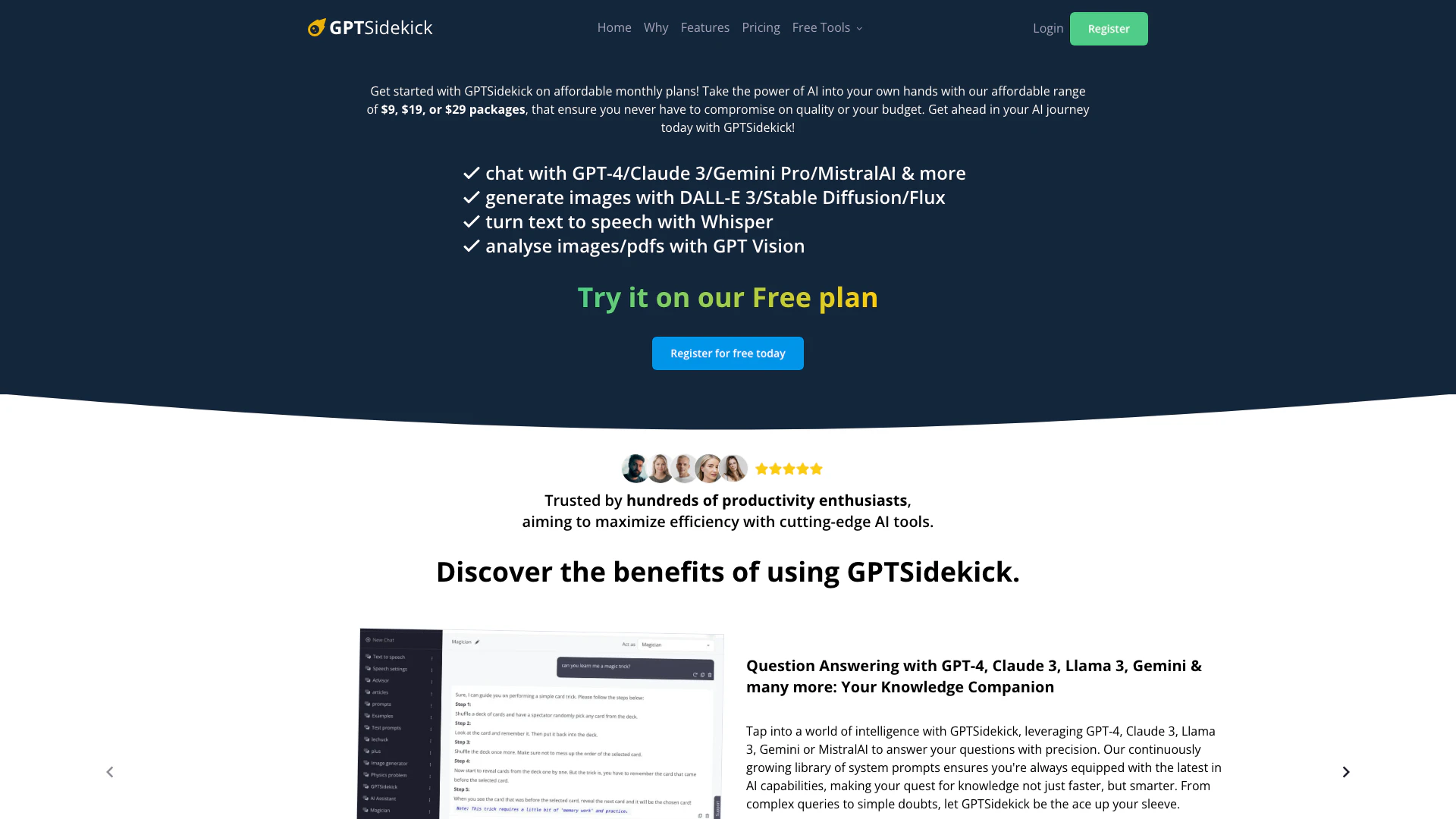
Gptsidekickai, commonly referred to as GPTSidekick, is an advanced AI-powered tool designed to enhance productivity and creativity by providing users with access to multiple AI models, including GPT-4, Claude 3, and DALL-E 3. It serves as a comprehensive knowledge companion, allowing users to generate text, create images, and analyze documents efficiently. With a focus on affordability and flexibility, GPTSidekick offers various subscription plans that cater to different user needs, making it an ideal choice for individuals and businesses looking to leverage AI technology without breaking the bank.
How to use Gptsidekickai?
- Sign Up: Visit the GPTSidekick website and register for a free or paid plan that suits your needs.
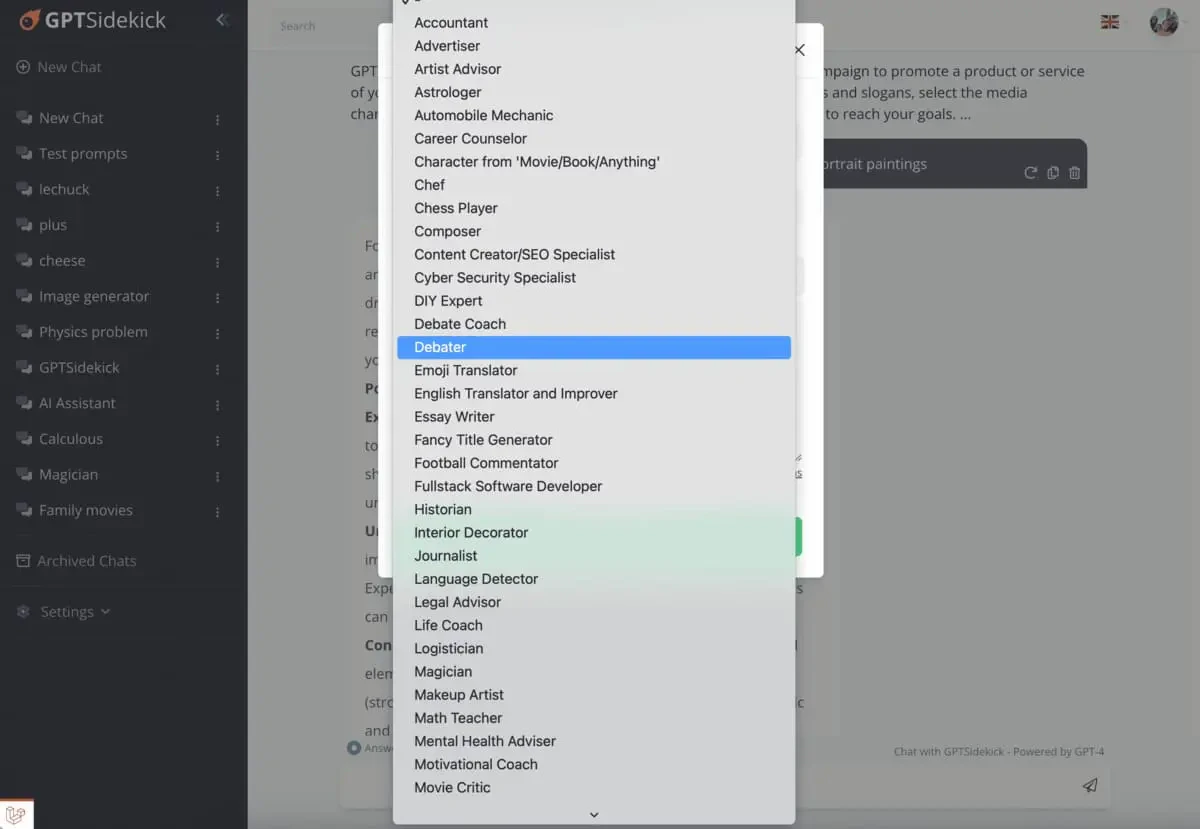
- Choose Your AI Model: Select from various AI models available in the platform, such as GPT-4 or Claude 3, depending on your specific requirements.
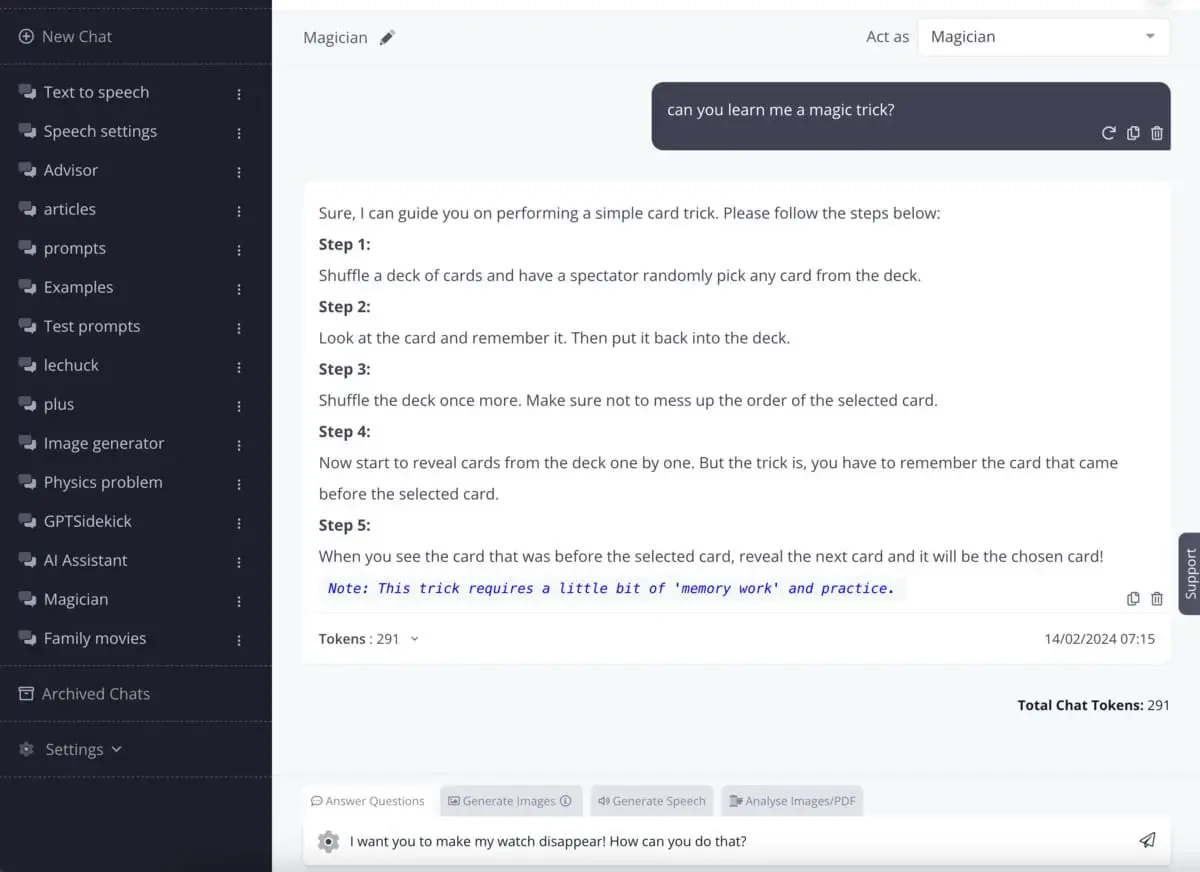
- Input Your Query: Use the chat interface to type or use the speech-to-text feature to ask questions or request tasks.
- Explore Features: Utilize features like image generation, text-to-speech, and document analysis to enhance your projects.
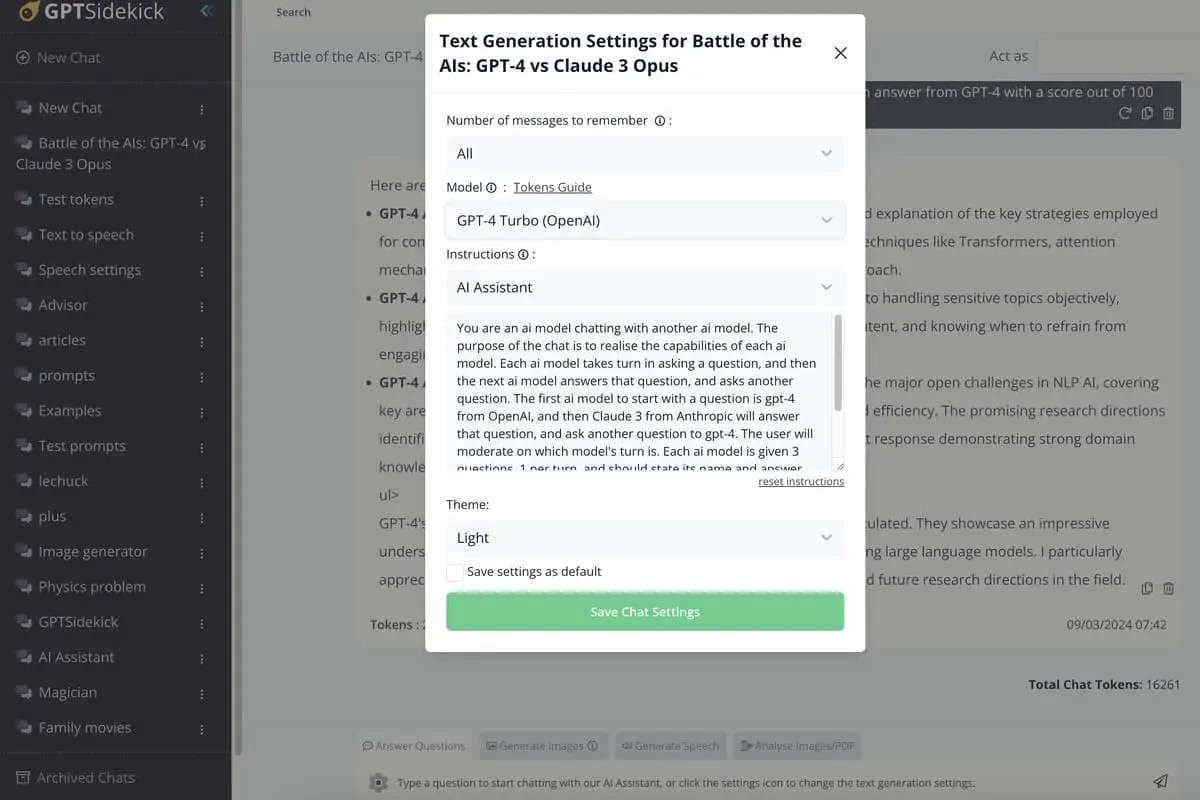
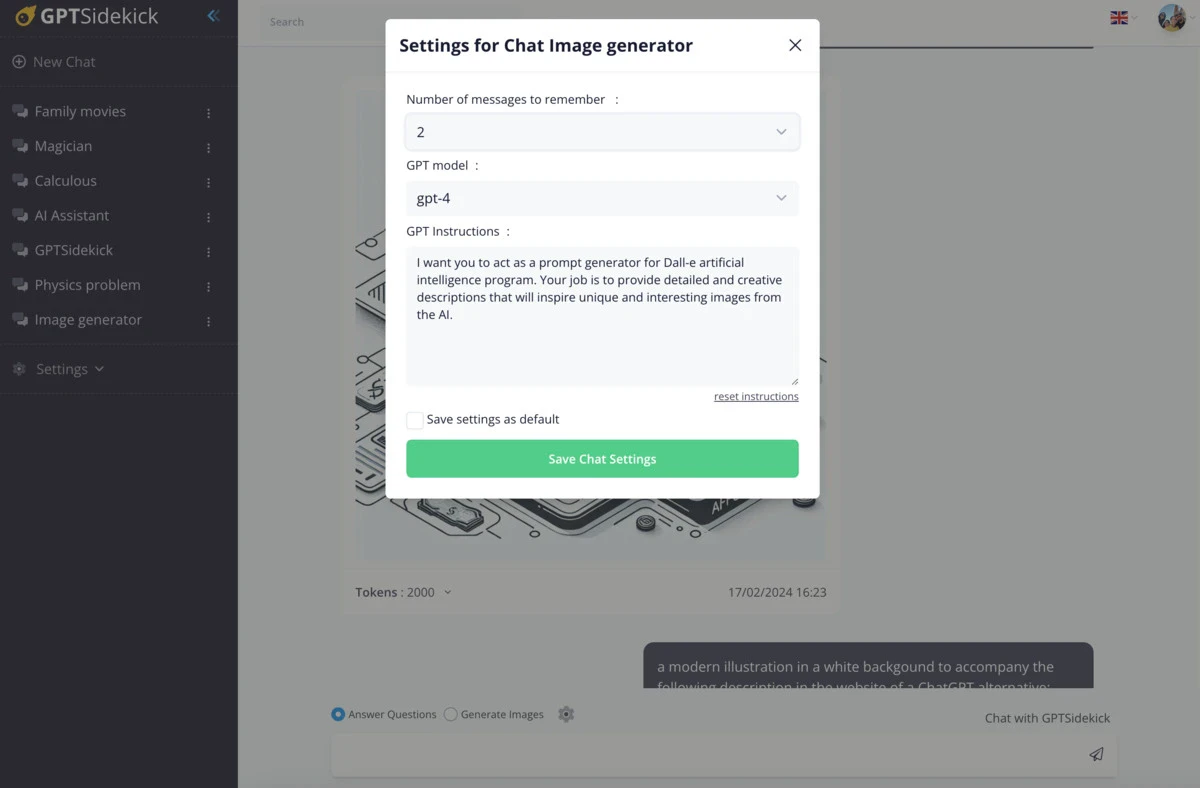
- Adjust Settings: Customize your chat settings to tailor the experience to your preferences, including model choice and conversation history.
What are the main features of Gptsidekickai?
- Multiple AI Models: Access to various AI models like GPT-4, Claude 3, and DALL-E 3 for diverse tasks.
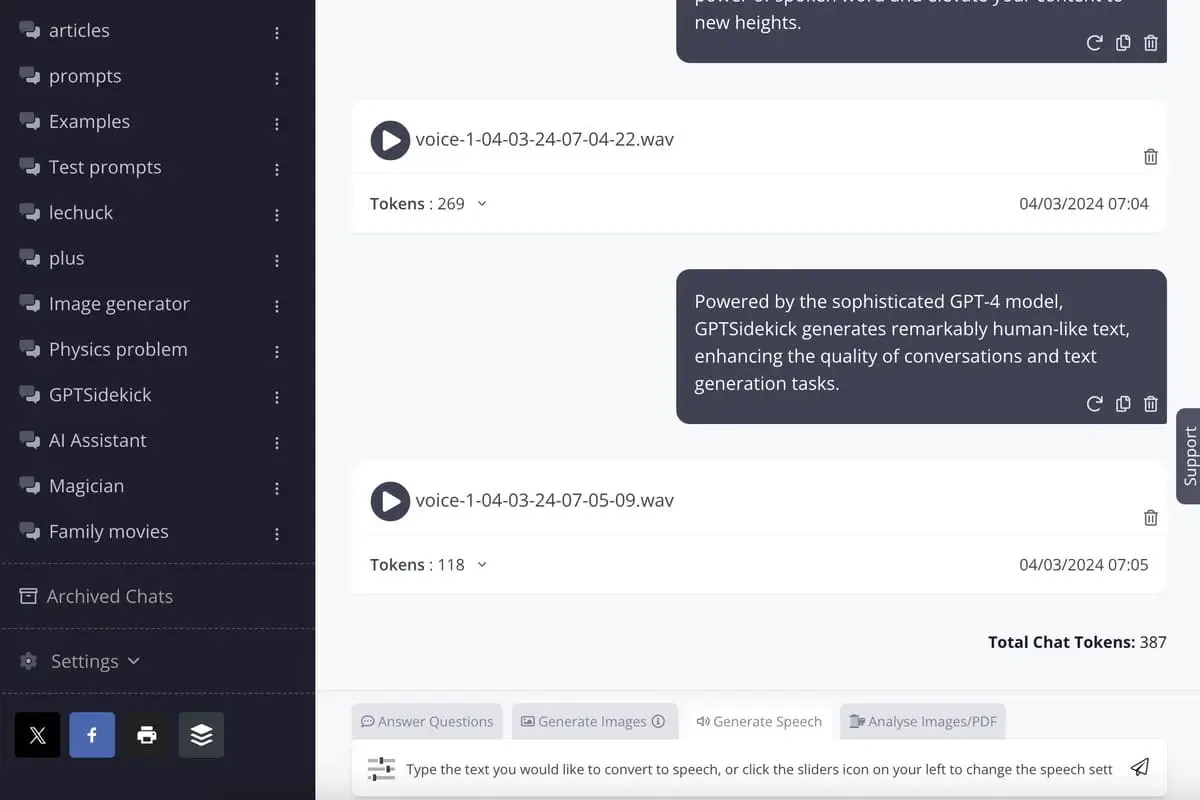
- Text and Speech Features: Includes speech-to-text for input and text-to-speech for output, making interaction seamless.
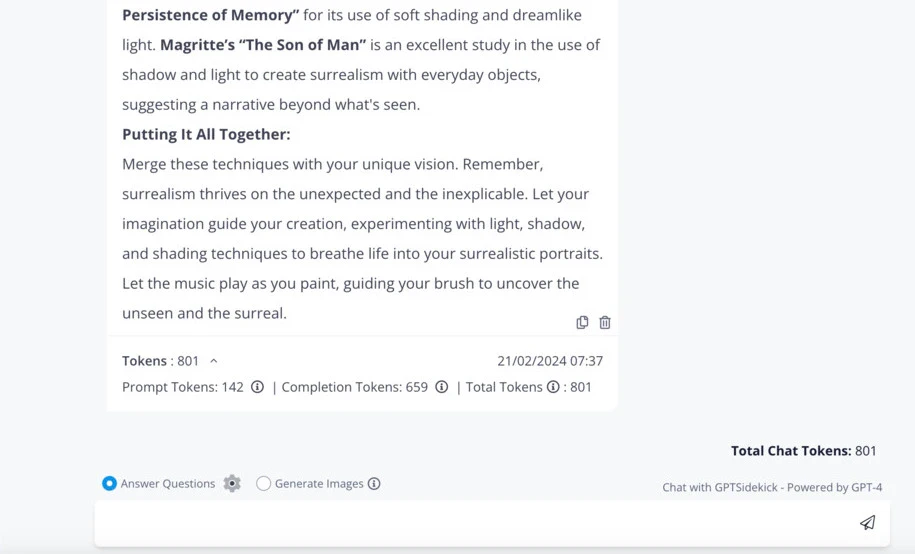
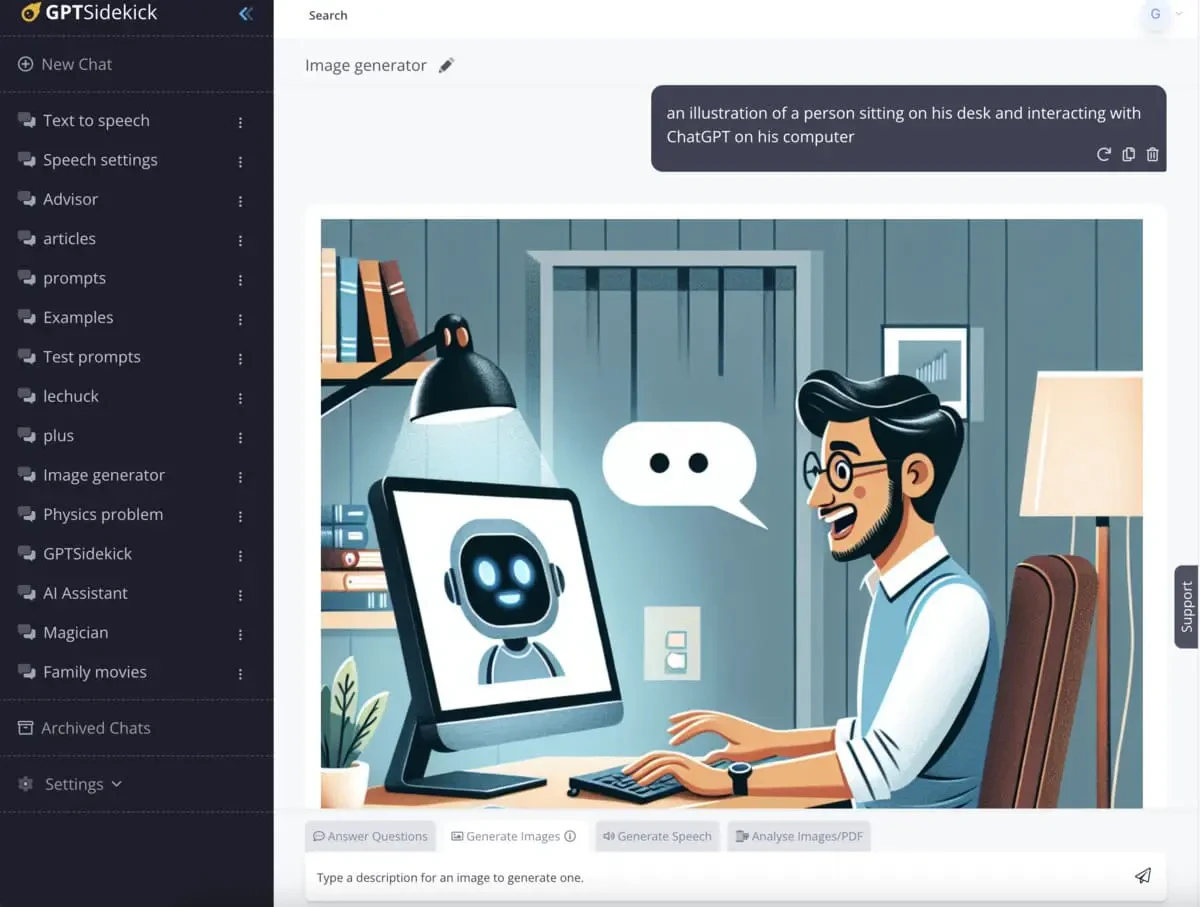
- Image Generation: Create stunning visuals using advanced tools like DALL-E 3 and Stable Diffusion.
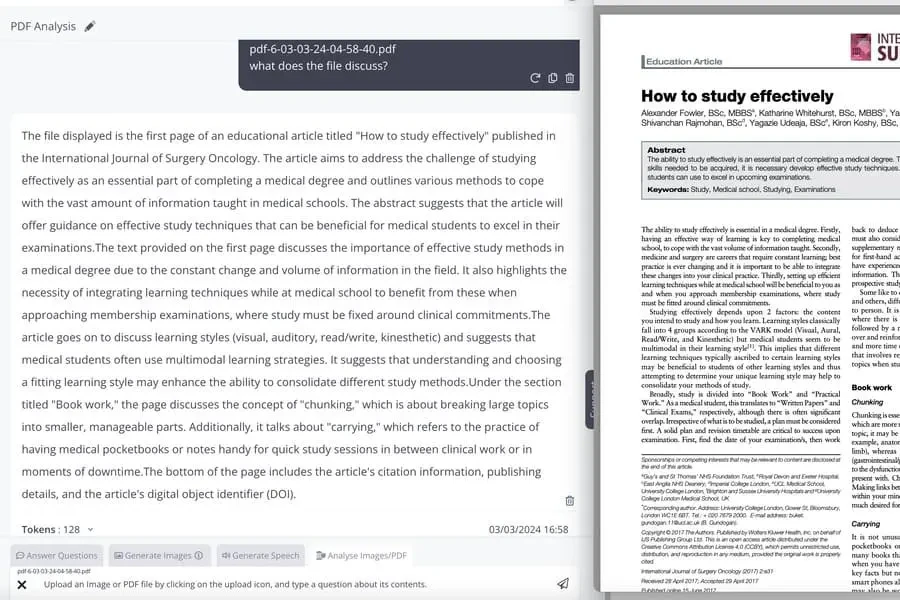
- Document Analysis: Analyze images and PDFs to extract insights and understand visual data.
- Customizable Settings: Tailor your experience with adjustable chat settings and an expansive prompt library.
Who is Gptsidekickai for?
GPTSidekick is designed for a wide range of users, including productivity enthusiasts, content creators, educators, and businesses. Whether you are looking to streamline your workflow, generate creative content, or analyze data, GPTSidekick offers the tools necessary to enhance efficiency and creativity. Its affordability and flexibility make it suitable for both individuals just starting their AI journey and advanced users seeking to leverage cutting-edge technology.
What are the use cases of Gptsidekickai?
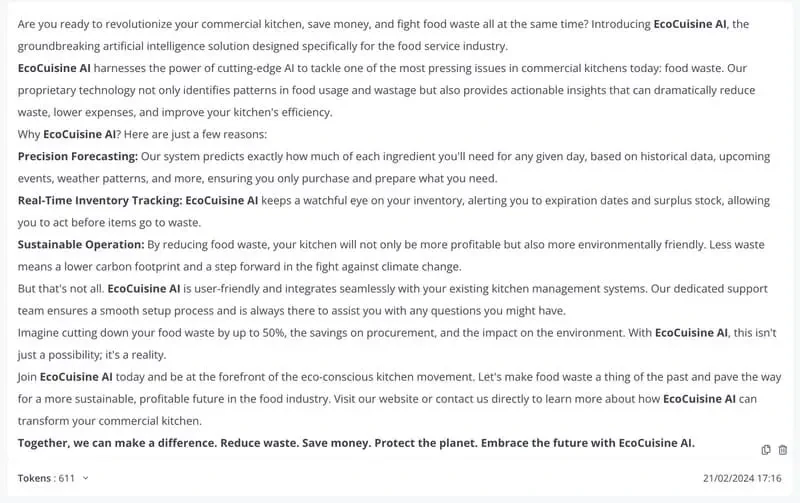
- Content Creation: Generate blog posts, marketing materials, and creative writing using advanced AI models.
- Visual Design: Create stunning visuals for branding, marketing, and artistic projects with image generation features.
- Educational Assistance: Develop study guides, quizzes, and learning materials for students and educators.
- Data Analysis: Analyze images and PDFs for insights, making it useful for research and professional presentations.
- Speech Generation: Produce audio content from written text, perfect for podcasts, voiceovers, and presentations.
Product Images



Gptsidekickai Pros and Cons
Pros
- Multiple AI Model Access: GPTSidekick allows users to switch seamlessly between various AI models like GPT-4, Claude 3, and DALL-E 3, providing flexibility for different tasks.
- Affordable Pricing Plans: With tiered pricing options starting at $9, GPTSidekick offers cost-effective solutions for users without compromising on quality.
- Comprehensive Feature Set: The tool includes features like speech-to-text, text-to-speech, image and PDF analysis, and an expansive prompt library, enhancing user productivity.
- Customizable User Experience: Users can tailor chat settings, including model choice and conversation history, to fit their unique preferences and needs.
Cons
No cons data detected for this tool
Gptsidekickai Pricing
Free
Chat with GPT-4 for free. 1,500 messages/month, 10 MB disk space.
Starter
Setting Pace for Beginners. 100,000 messages/month, ~300 GPT-4/Claude questions/month, 75 MB disk space.
Professional
Empowering Advanced Users. 250,000 messages/month, ~600 GPT-4/Claude questions/month, 150 MB disk space.
Premium
Unleashing Full AI Potential. 400,000 messages/month, ~1000 GPT-4/Claude questions/month, 250 MB disk space.
For the latest pricing, please visit this link: https://gptsidekick.ai/pricing
Prices are subject to change. Please visit the official website for the most up-to-date pricing information.
Analytics of Gptsidekickai
Gptsidekickai Website Traffic Analysis
Visits Over Time
Top Keywords
| Keyword | Volume | CPC | Estimated Value |
|---|---|---|---|
| fantasy ai chat nsfw girlfriend | 0 | $0.00 | $130.00 |