

Gling


What is Gling?
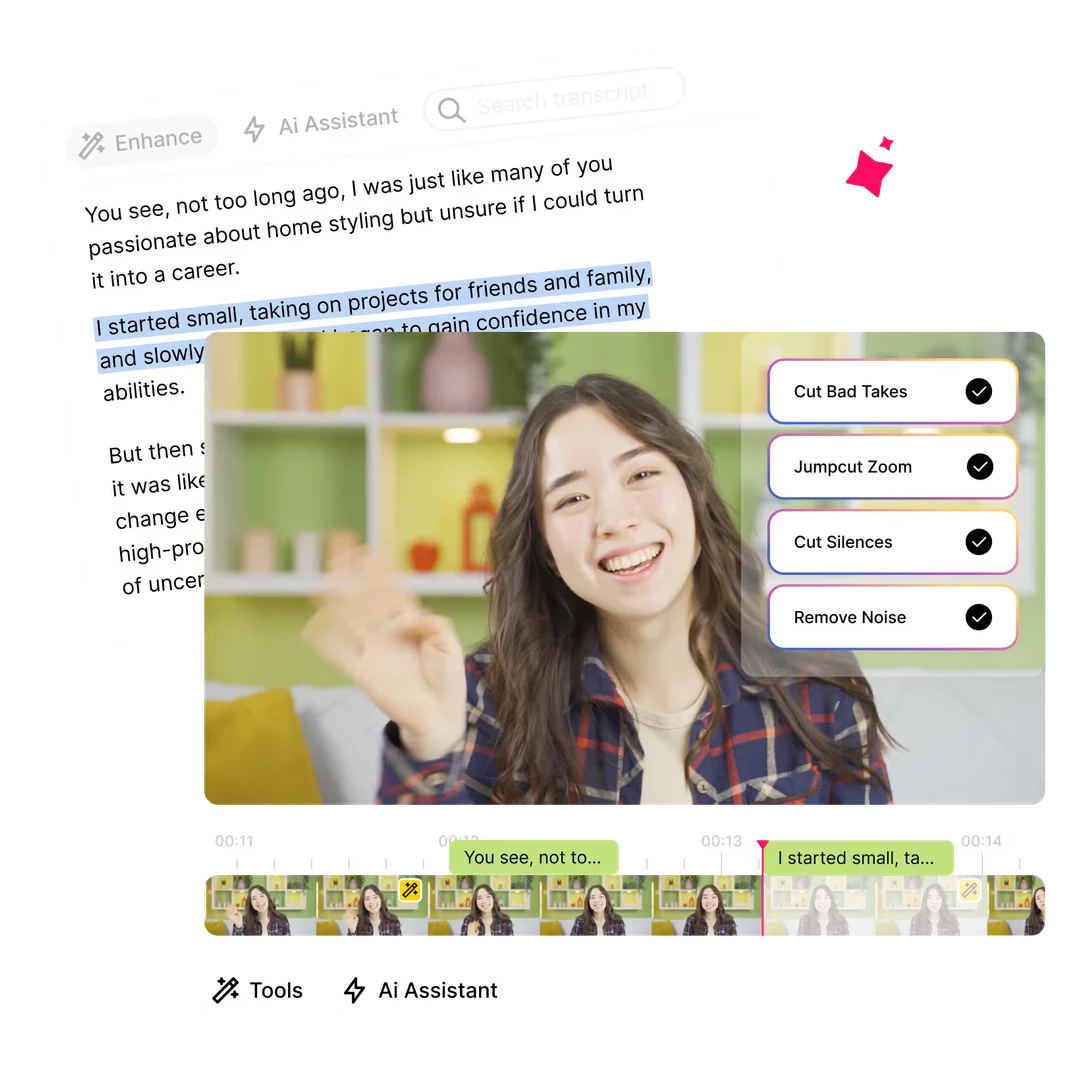
Gling is an innovative AI video editing software tailored specifically for YouTube creators. Its core functionality revolves around optimizing the video editing workflow by automatically identifying and removing undesirable elements such as bad takes, silent moments, filler words, and background noise. This ensures that the final content is polished, engaging, and ready for audiences, allowing creators to focus more on their content and less on tedious editing tasks.
How to use Gling?
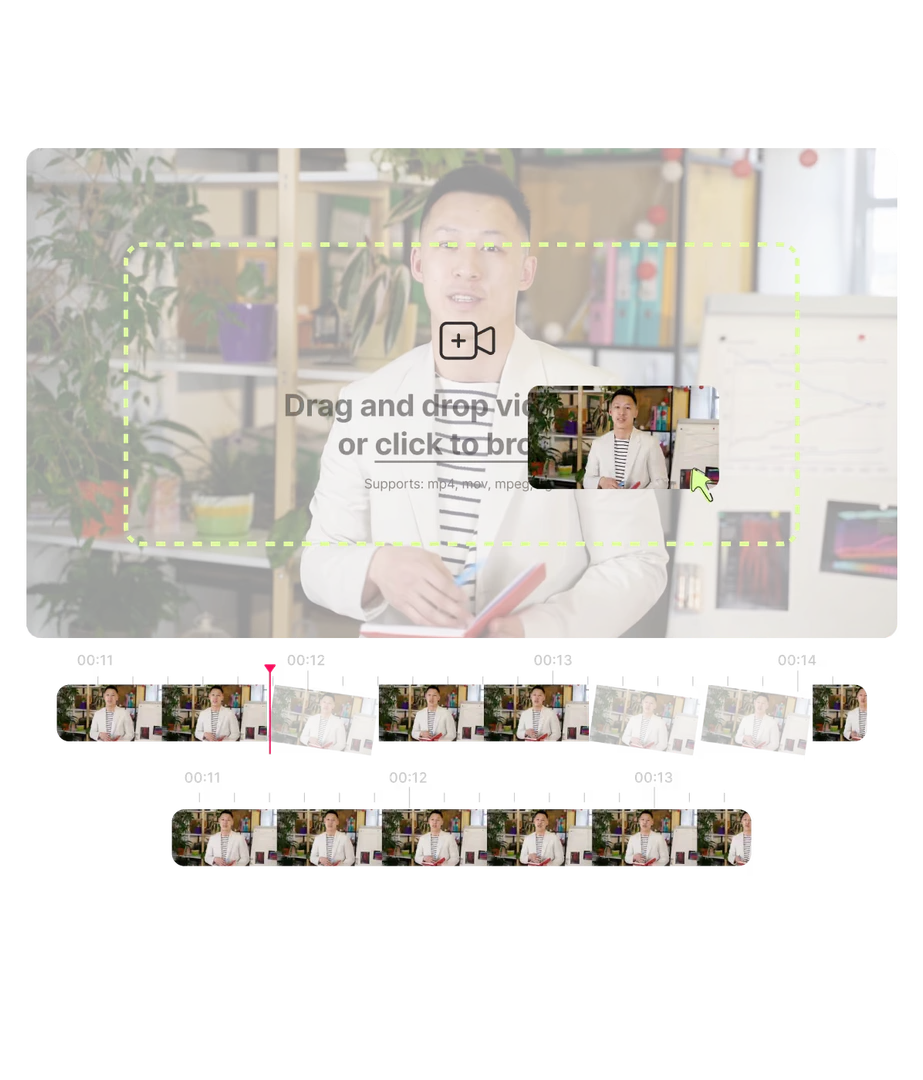
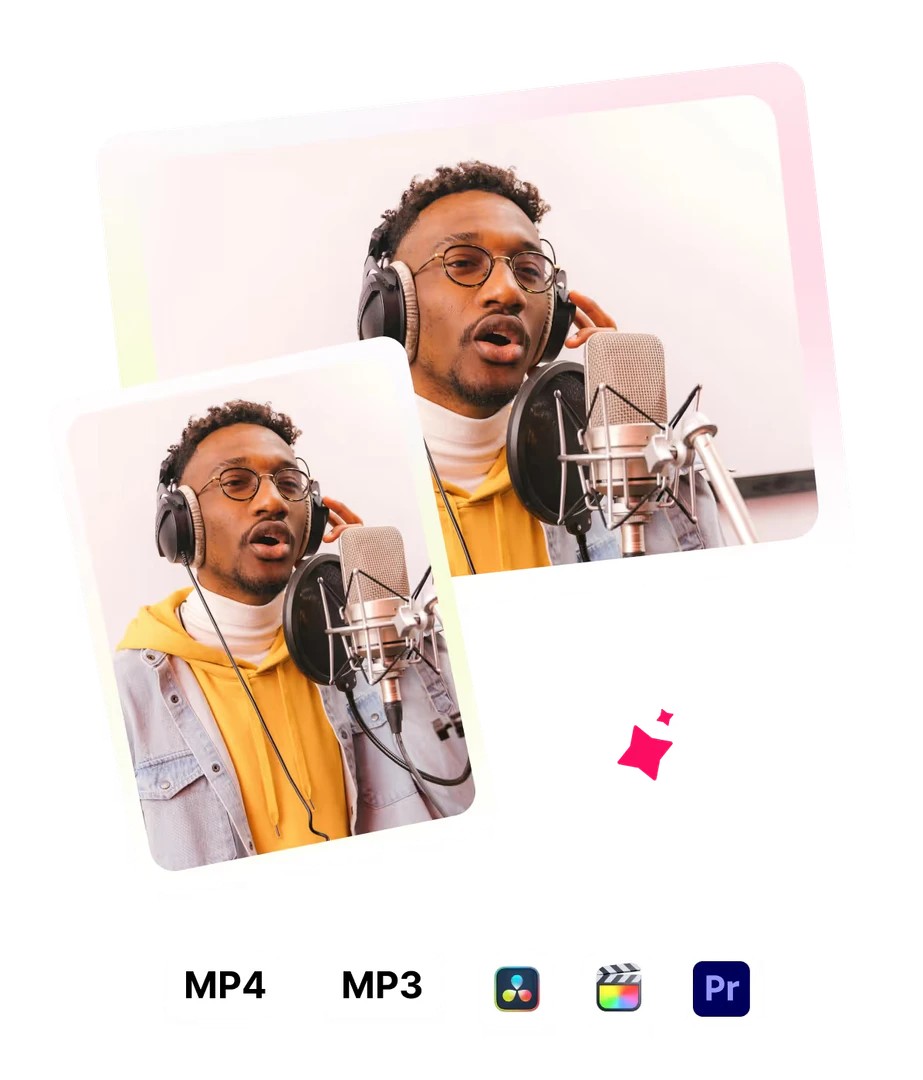
To use Gling, follow these steps: 1. Upload Your Raw Recording: Start by dropping your raw video footage into the Gling interface. The software will automatically transcribe the content, identifying bad takes and silences. 2. Edit & Refine: Review the AI-edited video. You can refine the content by manually adjusting text or removing clips from the timeline, ensuring your creative vision is met. 3. Download or Export: Once satisfied with the edits, you can export your final video to software like Final Cut, DaVinci, or Premiere, or download it as an MP4/MP3 with captions.
What are the main features of Gling?
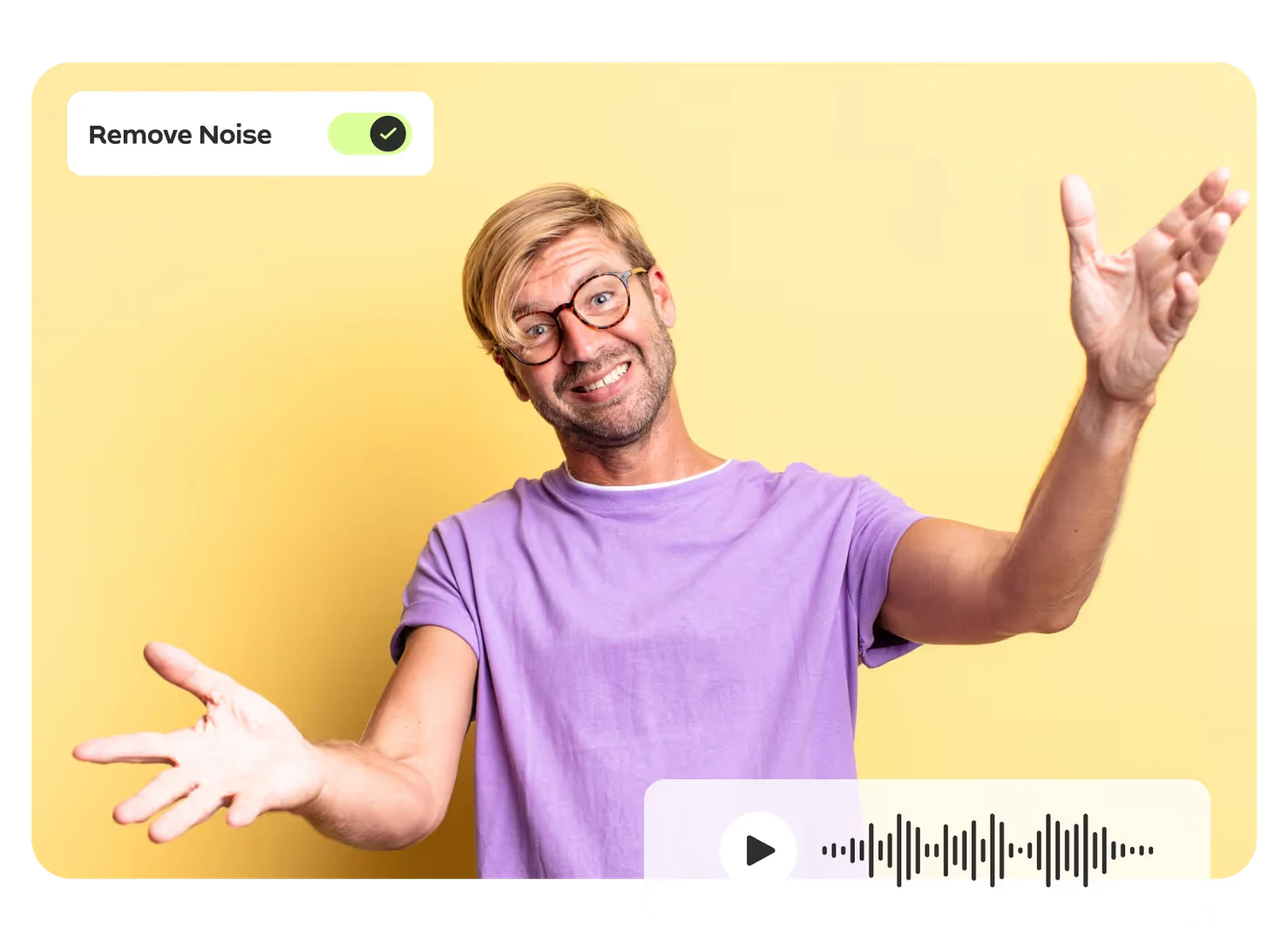
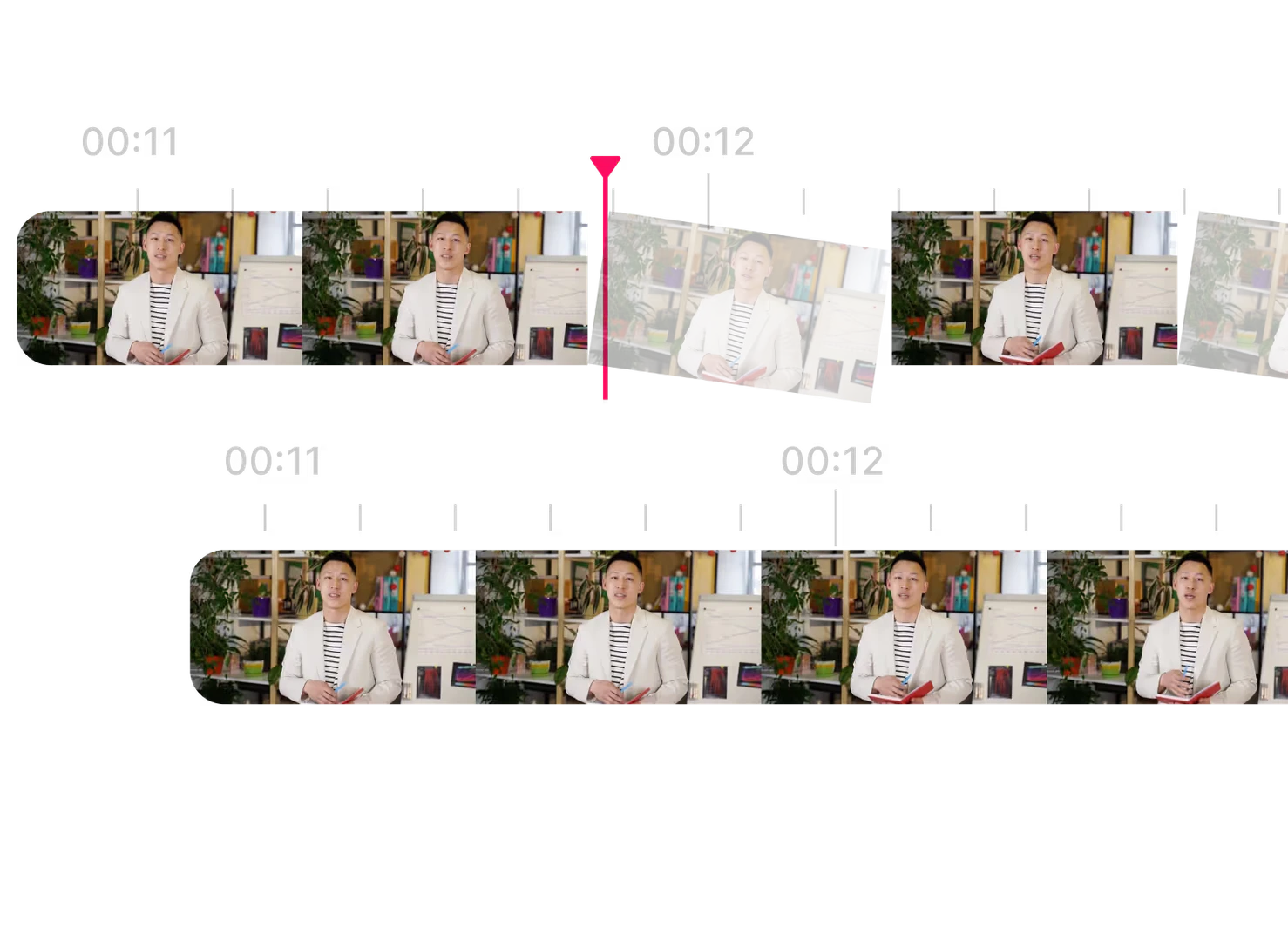
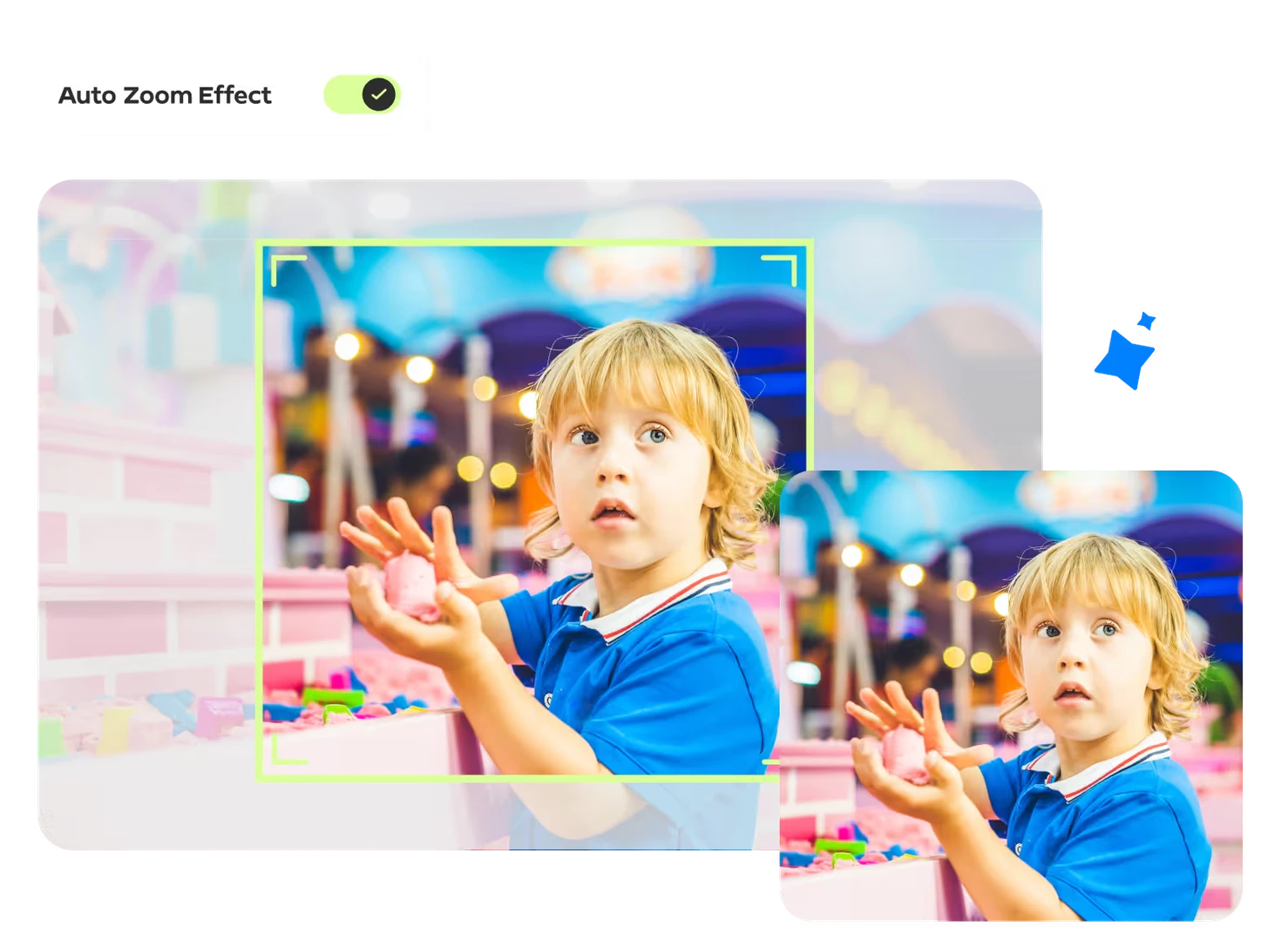
Gling offers a range of powerful features designed to enhance the video editing process for creators: - Automatic Removal of Bad Takes: Quickly eliminates unwanted footage, saving editing time. - Silence and Filler Word Removal: Cleans up the audio by cutting out pauses and unnecessary filler words. - AI Text-Based Trimmer: Allows for precise editing based on the transcribed text. - Noise Removal: Enhances audio quality by eliminating background noise. - Auto-Generate Captions & Subtitles: Automatically creates captions for improved accessibility. - Zoom In/Out Functionality: Automatically frames the video to highlight key moments. - YouTube Title and Chapter Generator: Helps create engaging titles and structured chapters for videos.
Who is Gling for?
Gling is specifically designed for YouTube creators who want to streamline their video editing process. It is ideal for content creators, influencers, and marketers who need to produce high-quality videos quickly and efficiently. Whether you're a seasoned YouTuber or just starting, Gling provides the tools necessary to enhance your video production without the hassle of traditional editing.
What are the use cases of Gling?
Gling can be utilized in various scenarios, including: 1. YouTube Video Production: Creators can use Gling to edit their videos by removing unwanted content, ensuring a smooth and engaging viewer experience. 2. Podcast Editing: Podcasters can streamline their audio editing by cutting out silences and filler words, improving the overall quality of their episodes. 3. Educational Content Creation: Educators can create polished instructional videos by efficiently editing out mistakes and unnecessary pauses, making learning materials more effective.
Product Images

Gling Pros and Cons
Pros
- Automated Editing Features: Gling offers automated editing capabilities, such as removing bad takes, silences, and filler words, which significantly speeds up the video editing process.
- AI-Powered Tools: The software utilizes AI technology for features like noise removal, auto framing, and generating captions, ensuring high-quality video output.
- User-Friendly Workflow: Gling provides a streamlined workflow that allows creators to upload raw footage and receive a polished video, making it accessible for users of all skill levels.
Cons
No cons data detected for this tool
Analytics of Gling
Gling Website Traffic Analysis
Visits Over Time
Traffic Sources
Dec 2025 - Feb 2026 Worldwide Desktop Only
- Search: 46.48%
- Direct: 40.79%
- Referrals: 7.08%
- Social: 4.68%
- Paid Referrals: 0.87%
- Mail: 0.10%
Top Keywords
| Keyword | Volume | CPC | Estimated Value |
|---|---|---|---|
| сделать видеомонтаж онлайн через нейросеть giling ai | 0 | $0.00 | $600.00 |
| ai video editor | 92.50K | $0.71 | $1530.00 |
| gling ai | 14.05K | $2.00 | $16470.00 |
| gling | 8.04K | $2.13 | $7980.00 |
| how to add subtitle to timeline in resolve | 890 | $0.00 | $510.00 |
Gling Reviews
This tool has been amazing and saved me so much time. It's magic.
I was surprised by how accurate Gling is. It is really good at detecting the pauses and saves me a lot of time in post.
Gling has saved me many hours of tedious work, reducing hours of unnecessary wasted time, and making video editing a breeze.
For more reviews, visit this link: https://www.gling.ai/#testimonials




Gling Social Listening
Gling AI | 10X Your Video Edit...
This app will help you increas...
Gling Review 2026: Best Budget...
Try Gling for free here: https...
Best AI Video Editor? Gling AI...
Gling AI video editor tutorial...
Unlock to view 58 social media results.