Getturin


What is Getturin?
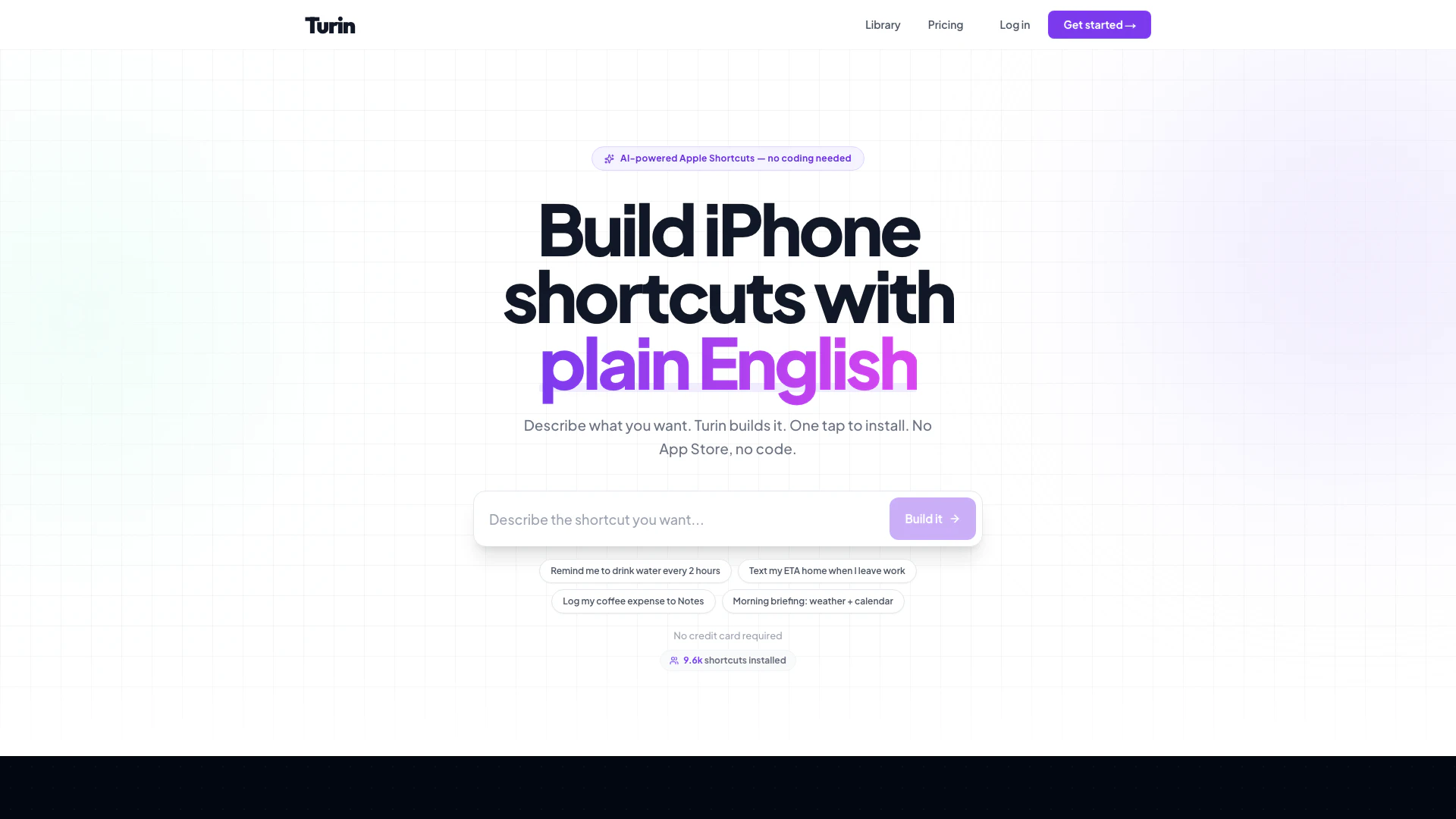
Getturin is an innovative AI-powered tool designed to simplify the creation of custom Apple Shortcuts for iPhone users. By allowing users to describe their desired shortcuts in plain English, Getturin generates a fully functional shortcut that can be installed with just one tap. This tool eliminates the need for coding knowledge, subscription fees, or the hassle of navigating through the App Store, making it an accessible solution for anyone looking to enhance their iPhone experience.
How to use Getturin?
- Visit the Getturin website and sign up for an account.
- Describe the shortcut you want in plain English, such as "Log my coffee expense to Apple Notes."
- Allow Getturin's AI engine to build the shortcut automatically.
- Click the 'Install' button to download the generated .shortcut file.
- Open the file to import it directly into your Shortcuts app on your iPhone.
What are the main features of Getturin?
- AI-powered shortcut generation based on user input in plain English.
- One-tap installation of generated shortcuts without needing to access the App Store.
- Visual builder option for users who prefer a drag-and-drop interface.
- No coding required, making it user-friendly for all skill levels.
- Free initial shortcuts with a pay-as-you-go pricing model for additional shortcuts.
Who is Getturin for?
Getturin is ideal for iPhone users who want to streamline their daily tasks through automation but lack the technical skills or time to code their own shortcuts. It caters to a wide audience, including busy professionals, students, and anyone looking to enhance productivity by simplifying repetitive tasks on their devices. Whether you need reminders, expense tracking, or customized routines, Getturin provides an easy solution for automating these processes.
What are the use cases of Getturin?
- Automating daily reminders, such as drinking water or logging expenses, to enhance productivity and health.
- Creating custom morning briefings that provide weather updates and calendar events without needing to check your phone.
- Simplifying navigation by saving parking locations and sending ETA messages to contacts with just a tap.
Getturin Pros and Cons
Pros
- No Coding Required: Users can create custom Apple Shortcuts using plain English without any coding skills, making it accessible for everyone.
- One-Tap Installation: The generated shortcuts can be installed with a single tap, simplifying the process of adding new functionalities to the iPhone.
- Free Initial Use: The first few shortcuts are free to create, allowing users to try the service without any financial commitment.
Cons
No cons data detected for this tool
Getturin Pricing
Free
Your first few shortcuts are free. No credit card required.
Pay as you go
Pay as you go for additional shortcuts. $10 gives you a $11.00 balance.
For the latest pricing, please visit this link: https://www.getturin.com/#pricing
Prices are subject to change. Please visit the official website for the most up-to-date pricing information.