

Toolover




What is TOOlover?
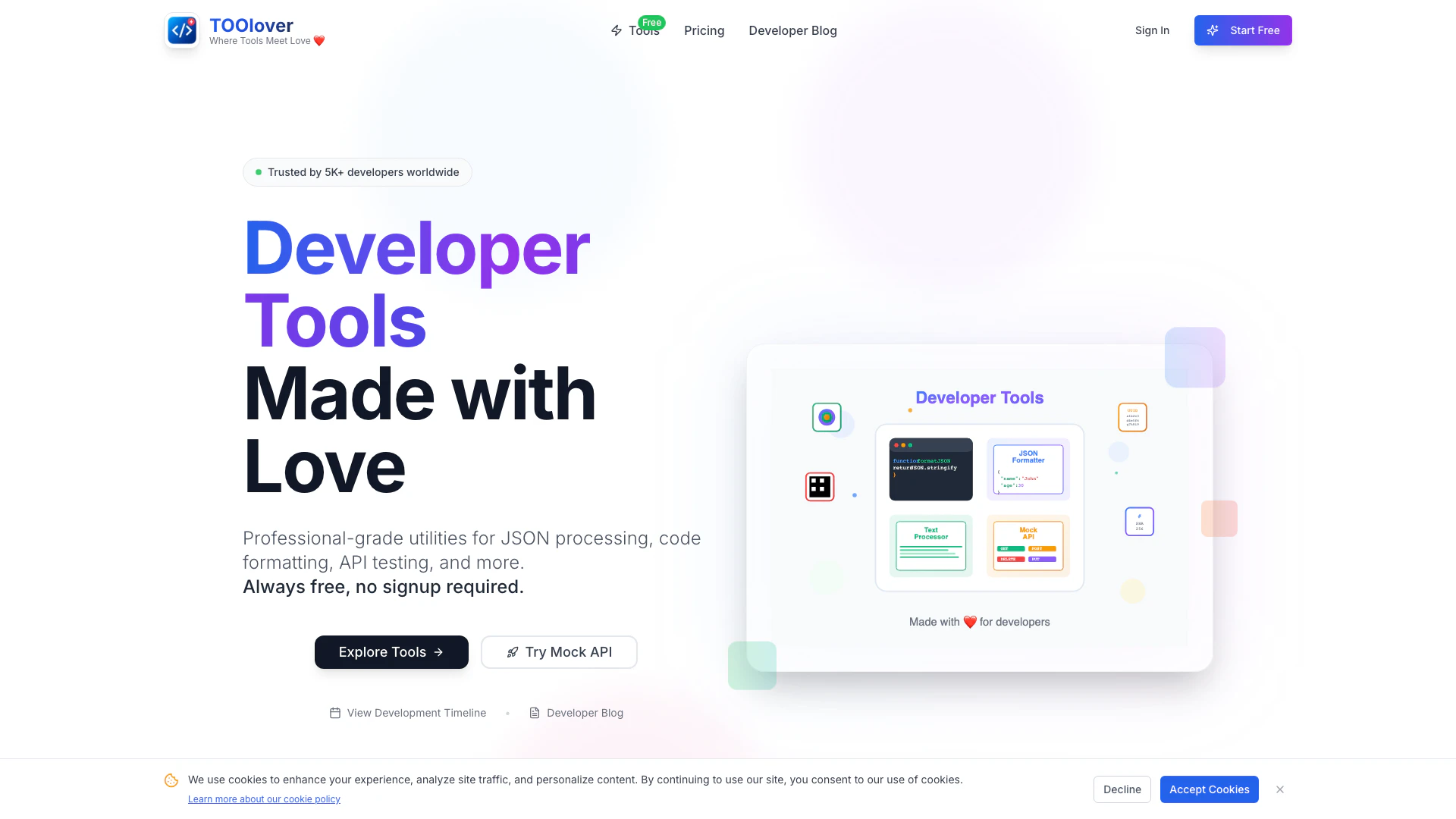
TOOlover is a free online suite of developer tools designed to enhance productivity and streamline workflows. It offers a variety of utilities, including a JSON formatter[1], code beautifier[2], minifier[3], and many more. Built by developers for developers, TOOlover provides professional-grade tools that are easy to use, require no installation, and prioritize user privacy by processing data locally in the browser. With over 75 tools available, it caters to the diverse needs of developers looking to optimize their coding and development tasks.
How to use TOOlover?
- Visit the TOOlover website at https://www.toolover.work/.
- Browse through the extensive list of tools available on the homepage or navigate to specific categories.
- Select the tool you wish to use, such as the JSON Formatter or Code Beautifier.
- Input your data or code into the provided text area.
- Click the relevant button (e.g., 'Format', 'Beautify', 'Minify') to process your input.
- View the results instantly, with options to copy or download the formatted output.
What are the main features of TOOlover?
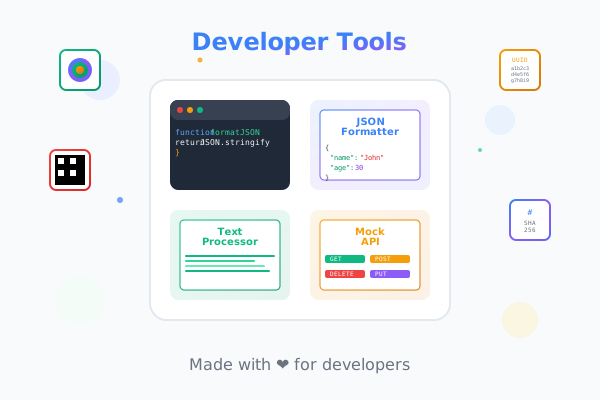
- JSON Formatter: Pretty-prints and formats JSON data with syntax highlighting and validation.
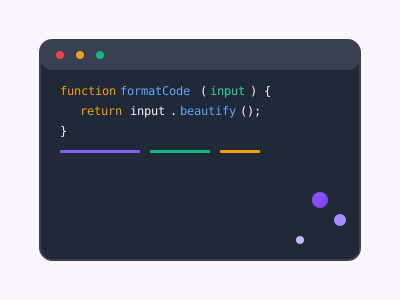
- Code Beautifier: Formats and beautifies code in various languages including JavaScript, CSS, HTML, and XML.
- Minifier: Compresses code by removing unnecessary whitespace and comments for optimal performance.
- API Mocking[4]: Create and manage mock REST APIs with intelligent endpoint generation and real-time testing.
- Text Processing[5] Tools: Includes text case converters, character and word counters, and more.
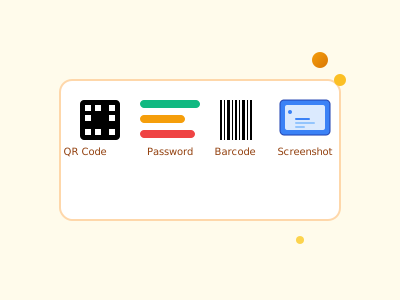
- Utility Tools: Features generators for barcodes, QR codes, and secure passwords, among others.
Who is TOOlover for?
TOOlover is designed for developers, programmers, and anyone involved in coding or web development. It serves both beginners and experienced professionals looking for efficient tools to enhance their workflow. The platform is particularly beneficial for those who require quick and reliable solutions for JSON processing, code formatting, and API management without the need for installation or signup. Additionally, it caters to users who prioritize privacy and seek tools that operate directly in their browsers.
What are the use cases of TOOlover?
- JSON Data Management: Format and validate JSON data quickly for web applications or APIs.
- Code Development: Use the code beautifier and minifier to maintain clean code and improve load times.
- API Development: Create mock APIs for testing and development purposes without backend setup.
- Text Manipulation: Utilize text processing tools for various tasks like counting words or converting text cases.
- Quick Prototyping: Generate QR codes or barcodes for projects requiring rapid deployment of information.
Product Images
Toolover Pros and Cons
Pros
- Comprehensive Tool Suite: TOOlover offers a wide range of professional developer tools, including JSON formatting, code beautification, and API testing, all in one platform.
- User-Friendly and Accessible: No installation is required, and tools are easy to use, making them accessible for developers of all skill levels.
- User-Friendly Experience: The tools are designed for ease of use with no installation required, allowing developers to start working immediately.
- Privacy and Security Focused: All processing occurs in the user's browser, ensuring that data remains private and secure without being sent to external servers.
- Privacy-Focused Processing: All processing is done in the user's browser, ensuring that data remains private and secure without leaving the device.
Cons
No cons data detected for this tool





