Flexberry





What is Flexberry?
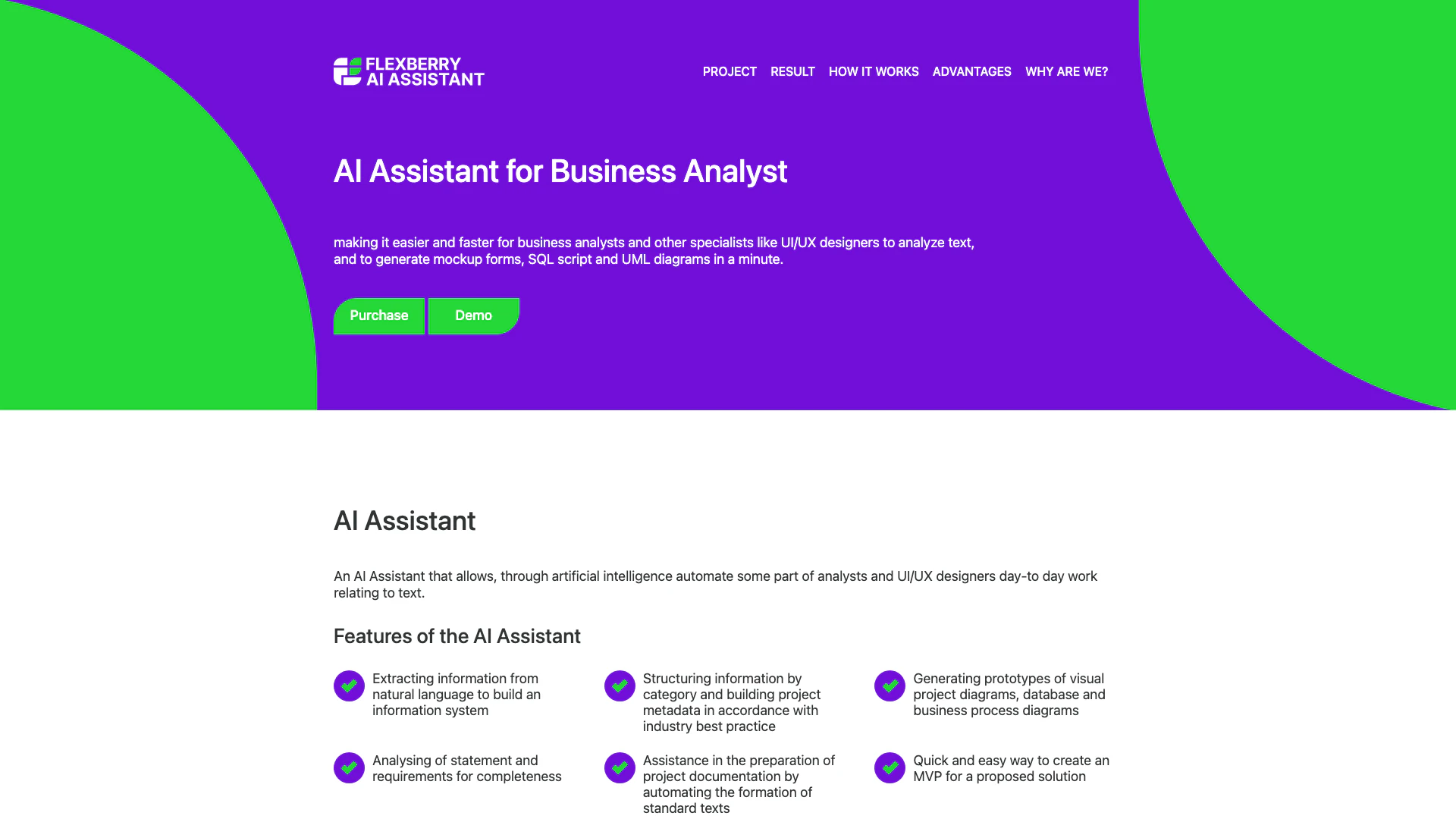
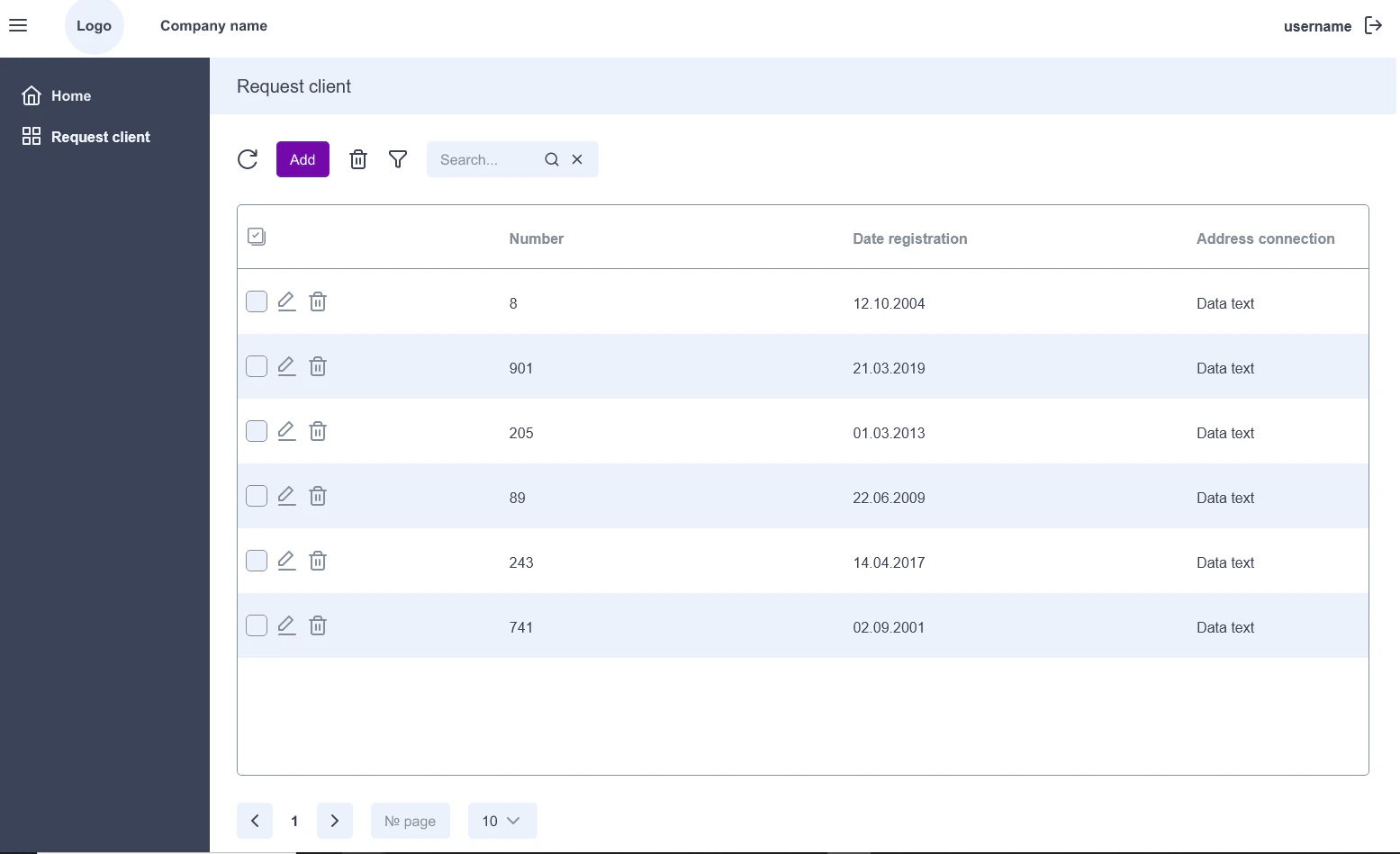
Flexberry is an advanced AI Assistant designed specifically for business analysts and UI/UX designers. This tool leverages artificial intelligence to streamline and automate various aspects of text analysis and project documentation. By enabling users to generate mockup forms, SQL scripts, and UML diagrams swiftly, Flexberry enhances productivity and efficiency in the analytical process. It serves as an invaluable resource for professionals seeking to reduce the time spent on repetitive tasks while maintaining high-quality outputs.
How to use Flexberry?
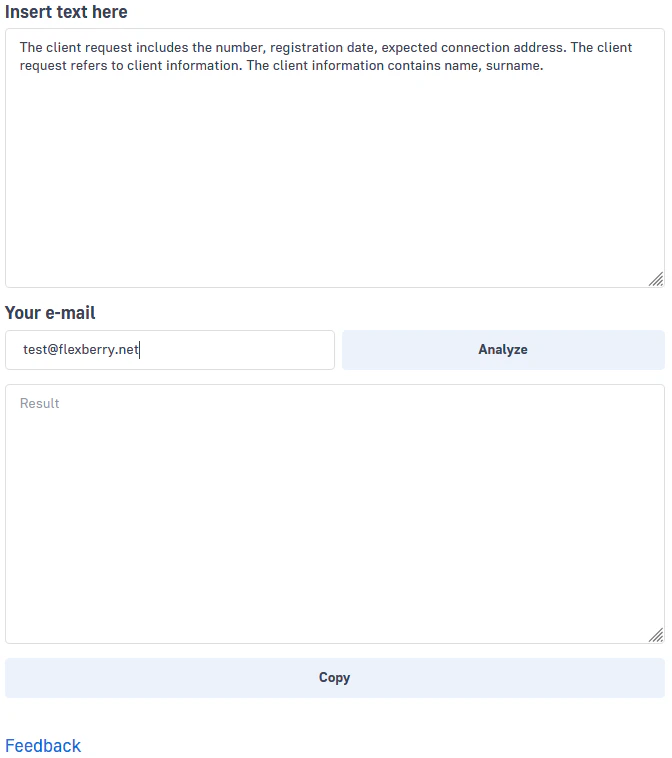
- Navigate to the Flexberry demo page at [Flexberry Demo](https://ai.flexberry.net/demo).
- Input the relevant text into the designated field.
- Submit the text for processing by clicking the appropriate button.
- Wait for the AI algorithm to analyze the input and generate results.
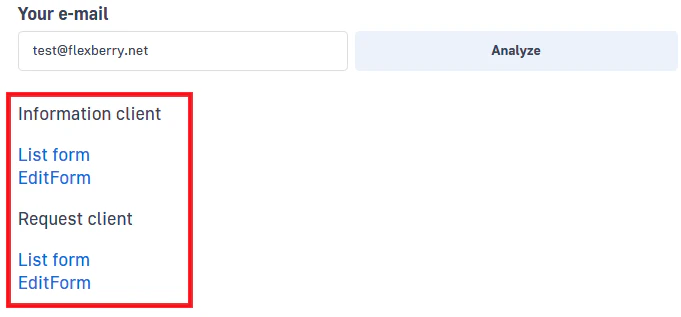
- Review the results, which may include mockup forms, SQL scripts, and UML diagrams, displayed immediately or sent to your email.
What are the main features of Flexberry?
- Information Extraction: Extracts information from natural language to build structured data systems.
- Project Metadata Structuring: Organizes information by categories and aligns project metadata with industry best practices.
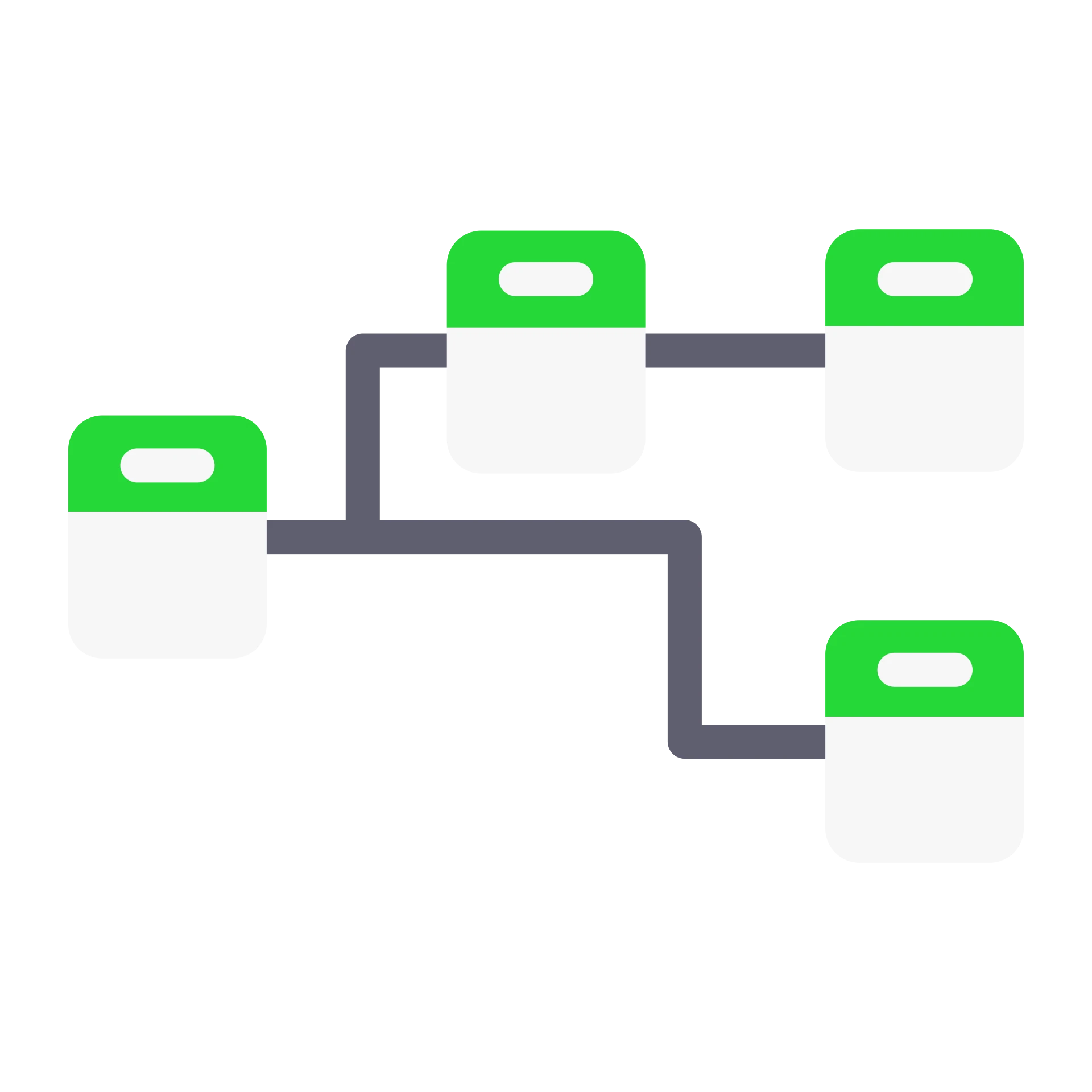
- Prototyping: Generates visual prototypes of project diagrams, including business process and database diagrams.
- Requirements Analysis: Analyzes statements and requirements for completeness and clarity.
- Documentation Assistance: Automates the preparation of project documentation, including standard text generation.
- MVP Creation: Facilitates the quick creation of a Minimum Viable Product (MVP) for proposed solutions.
Who is Flexberry for?
Flexberry is tailored for business analysts, UI/UX designers, and professionals involved in project management and development. It is particularly beneficial for teams looking to enhance their productivity by automating routine tasks related to text analysis and project documentation. The tool is designed to assist rather than replace human effort, making it suitable for organizations seeking to optimize their analytical processes and improve the quality of their outputs.
What are the use cases of Flexberry?
- Business Process Modeling: Use Flexberry to create visual representations of business processes quickly, aiding in better understanding and communication.
- Database Design: Generate database diagrams that align with project requirements and best practices, facilitating clearer data management.
- Documentation Generation: Automate the creation of project documentation, reducing the time spent on drafting standard texts and improving accuracy.
Product Images


Flexberry Pros and Cons
Pros
- Efficient Task Automation: Flexberry AI Assistant automates routine tasks for business analysts and UI/UX designers, significantly reducing the time required for text analysis and mockup generation.
- Comprehensive Feature Set: The tool offers a wide range of features including information extraction, project documentation preparation, and UML diagram generation, catering to various analytical needs.
- Adaptability to Specific Tasks: Flexberry can adapt to the specific requirements of different companies, allowing for tailored solutions that meet unique business needs.
Cons
No cons data detected for this tool