Fastlyconvert




No tool information available
Fastlyconvert Pros and Cons
Pros
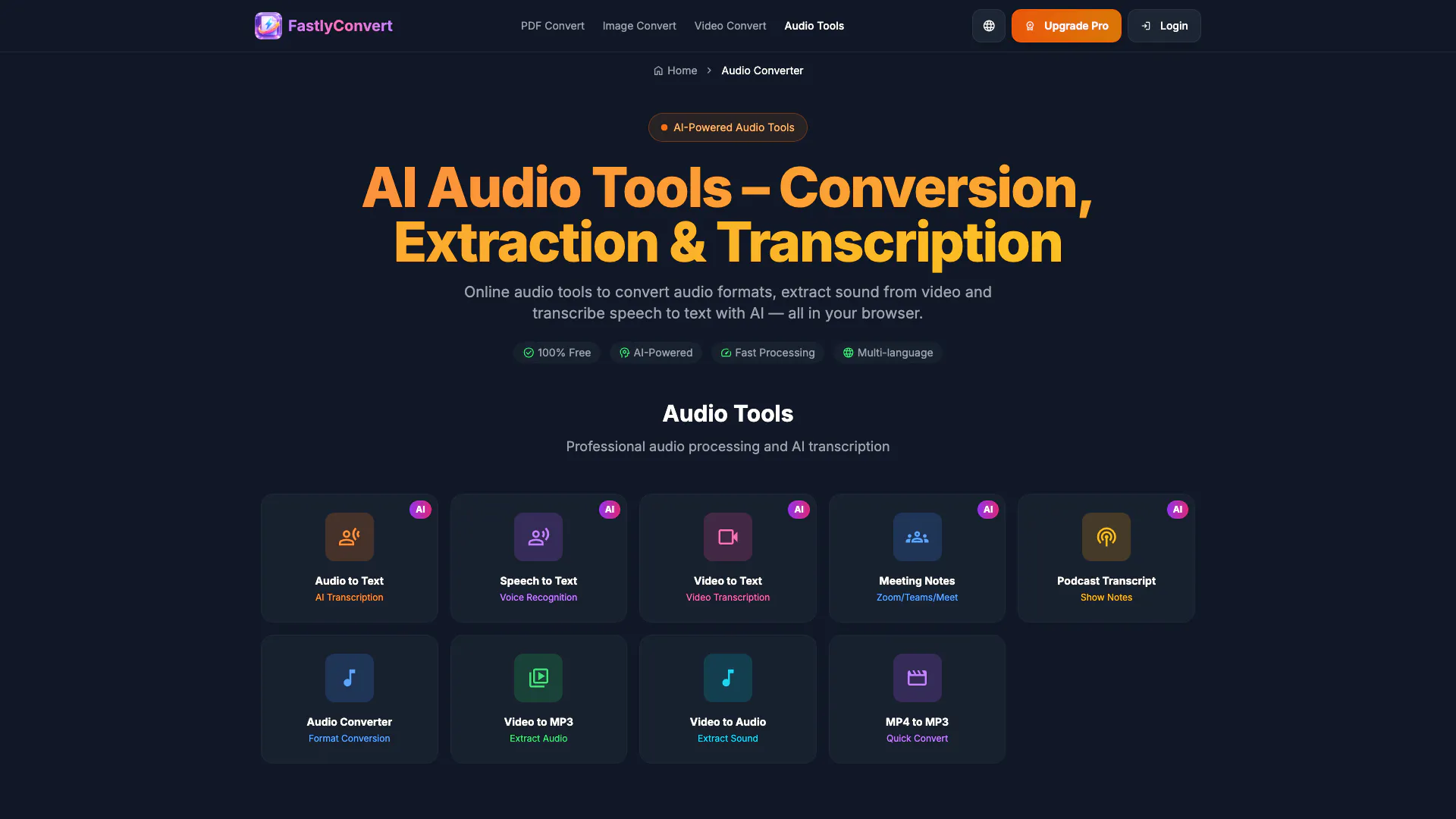
- Supports Multiple Formats: FastlyConvert supports a wide range of audio and video formats including MP3, WAV, M4A, OGG, FLAC, AAC, MP4, MOV, AVI, MKV, and WEBM, making it versatile for various user needs.
- AI-Powered Transcription: Utilizes AI technology for accurate transcription of audio and video files into plain text, suitable for meetings, podcasts, and interviews.
- Free to Use: Most core features of FastlyConvert are available for free, allowing users to convert and transcribe files without any upfront costs.
Cons
No cons data detected for this tool
Fastlyconvert Pricing
Free
Experience basic features, no registration required. 1 free conversion per day, supports PDF, image, video conversion, max file size 10MB, local processing, secure and reliable.
Monthly
Unlock all professional features. Unlimited conversions, max file size 500MB, batch processing support, priority processing queue, advanced conversion options, 24/7 priority support.
Yearly
Unlock all professional features. Unlimited conversions, max file size 500MB, batch processing support, priority processing queue, advanced conversion options, 24/7 priority support.
Starter Pack
10 credits for $1.99, great for occasional use, never expires, works with every tool.
Basic Pack
30 credits for $4.99, ideal for light usage, never expires, works with every tool.
Standard Pack
100 credits for $9.99, balanced for regular usage, never expires, works with every tool.
Power Pack
300 credits for $19.99, perfect for heavy workloads, never expires, works with every tool.
For the latest pricing, please visit this link: https://www.fastlyconvert.com/pricing?lang=en
Prices are subject to change. Please visit the official website for the most up-to-date pricing information.