Deepread




What is DeepRead?
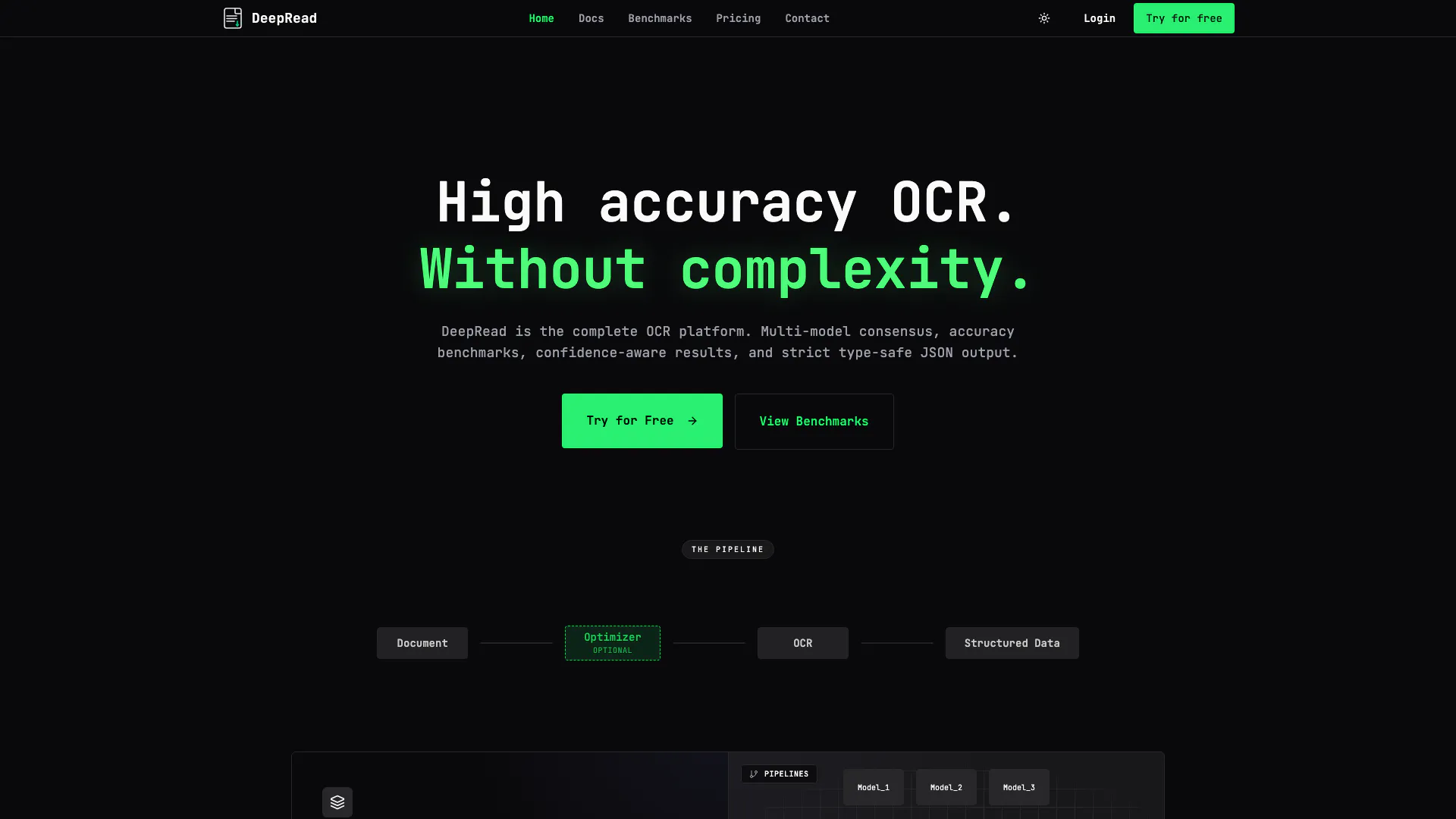
DeepRead is an advanced Optical Character Recognition[1] (OCR[2]) platform designed to convert scanned documents, PDFs, and images into structured data with human-level accuracy[3]. Unlike traditional OCR systems that may fail silently, DeepRead ensures that any low-confidence extractions are flagged for review, thus preventing errors from entering your database. With features like multi-model consensus, confidence-aware results, and strict type-safe JSON output, DeepRead offers a comprehensive solution for extracting information from chaotic documents.
How to use DeepRead?
- Sign up for a free account on the DeepRead website.
- Access the API documentation to understand the endpoints and request formats.
- Prepare your documents (scans, PDFs, or images) for upload.
- Use the provided API key to authenticate your requests.
- Send a POST request to the DeepRead API with your document attached and specify the desired schema.
- Receive the structured JSON output, which includes extracted data and confidence flags for accuracy verification.
What are the main features of DeepRead?
- High accuracy OCR with human-level precision.
- Multi-model consensus to enhance extraction reliability.
- Confidence-aware results that flag low-confidence extractions.
- Type-safe JSON output ensuring strict validation of response schemas.
- Visual debugging tools for reviewing extraction results.
- Zero dependencies with a standard REST API for easy integration.
Who is DeepRead for?
DeepRead is ideal for businesses and developers who require reliable document processing solutions. This includes industries such as finance, healthcare, and legal sectors that deal with large volumes of scanned documents and need high accuracy in data extraction. Additionally, software developers looking to integrate OCR capabilities into their applications will find DeepRead's API straightforward and efficient.
What are the use cases of DeepRead?
- Extracting data from invoices and receipts for accounting software.
- Processing medical bills and patient records in healthcare applications.
- Automating data entry tasks in legal firms by converting scanned documents into editable formats.
- Digitizing historical documents for archiving and research purposes.
Deepread Pros and Cons
Pros
- High Accuracy OCR: DeepRead offers human-level accuracy in OCR, ensuring reliable text extraction from scans, PDFs, and images.
- Confidence-Aware Results: The tool flags low-confidence extractions, preventing silent failures and ensuring data integrity.
- Easy Integration: DeepRead provides a standard REST API with zero dependencies, making it easy to integrate into existing systems.
Cons
No cons data detected for this tool
Deepread Pricing
Scale
Enterprise-grade OCR with custom SLAs. Custom volume pricing. Custom integrations. Custom Pipeline Optimization. On-premise deployment.
Pro
For growing teams and production workloads. 50,000 pages per month. Unlimited access to Optimizer. HIL UI access for all documents. Priority support.
For the latest pricing, please visit this link: https://www.deepread.tech/pricing
Prices are subject to change. Please visit the official website for the most up-to-date pricing information.