Cogvideo





What is CogVideo?
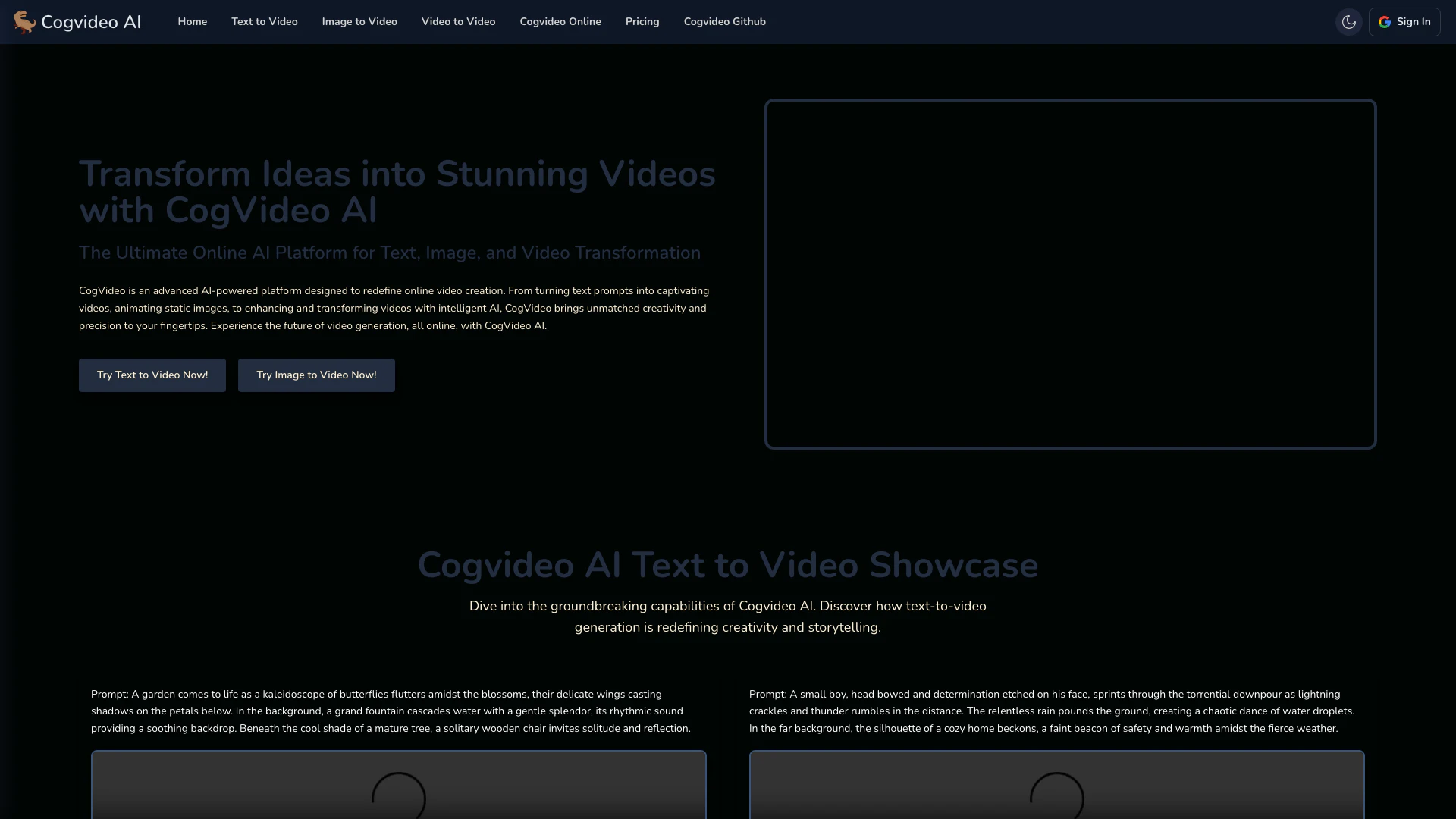
CogVideo is a leading AI platform designed for Text-to-Video, Image-to-Video, and Video-to-Video generation. It empowers users to transform their ideas into stunning videos using advanced AI technology. By simply inputting text prompts or uploading images, users can create dynamic video content that brings their narratives to life. With its intuitive interface and cutting-edge capabilities, CogVideo redefines the video creation process, making it accessible for creators of all skill levels.
How to use CogVideo?
- Visit the CogVideo website and sign up for an account if you haven't already.
- Choose the type of video generation you want to perform: Text to Video, Image to Video, or Video to Video.
- For Text to Video, enter a detailed prompt describing the video you want to create.
- For Image to Video, upload a static image that you want to animate.
- For Video to Video, upload an existing video and provide prompts for enhancements or modifications.
- Click the generate button and wait for the AI to process your request.
- Once completed, preview your video and download it if satisfied.
What are the main features of CogVideo?
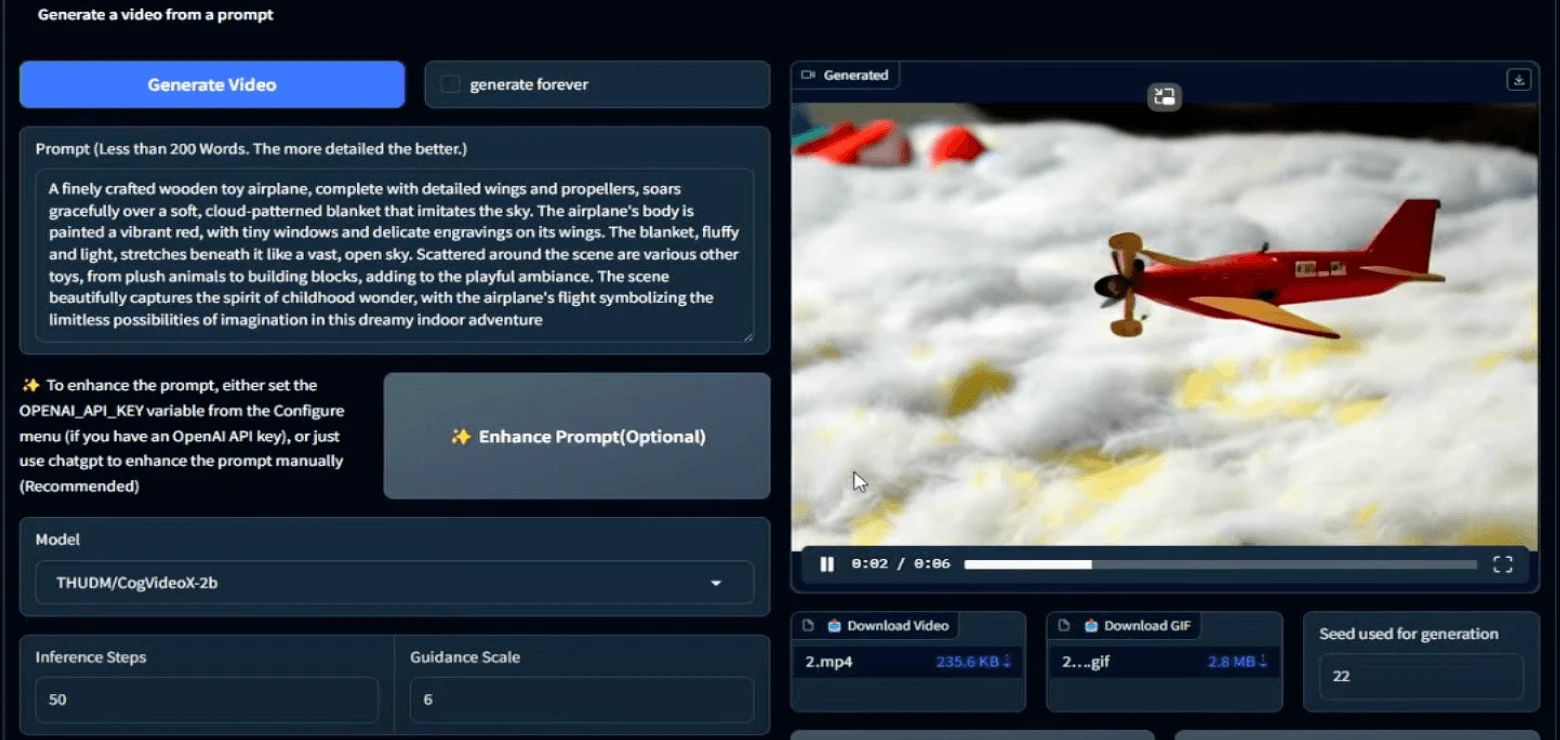
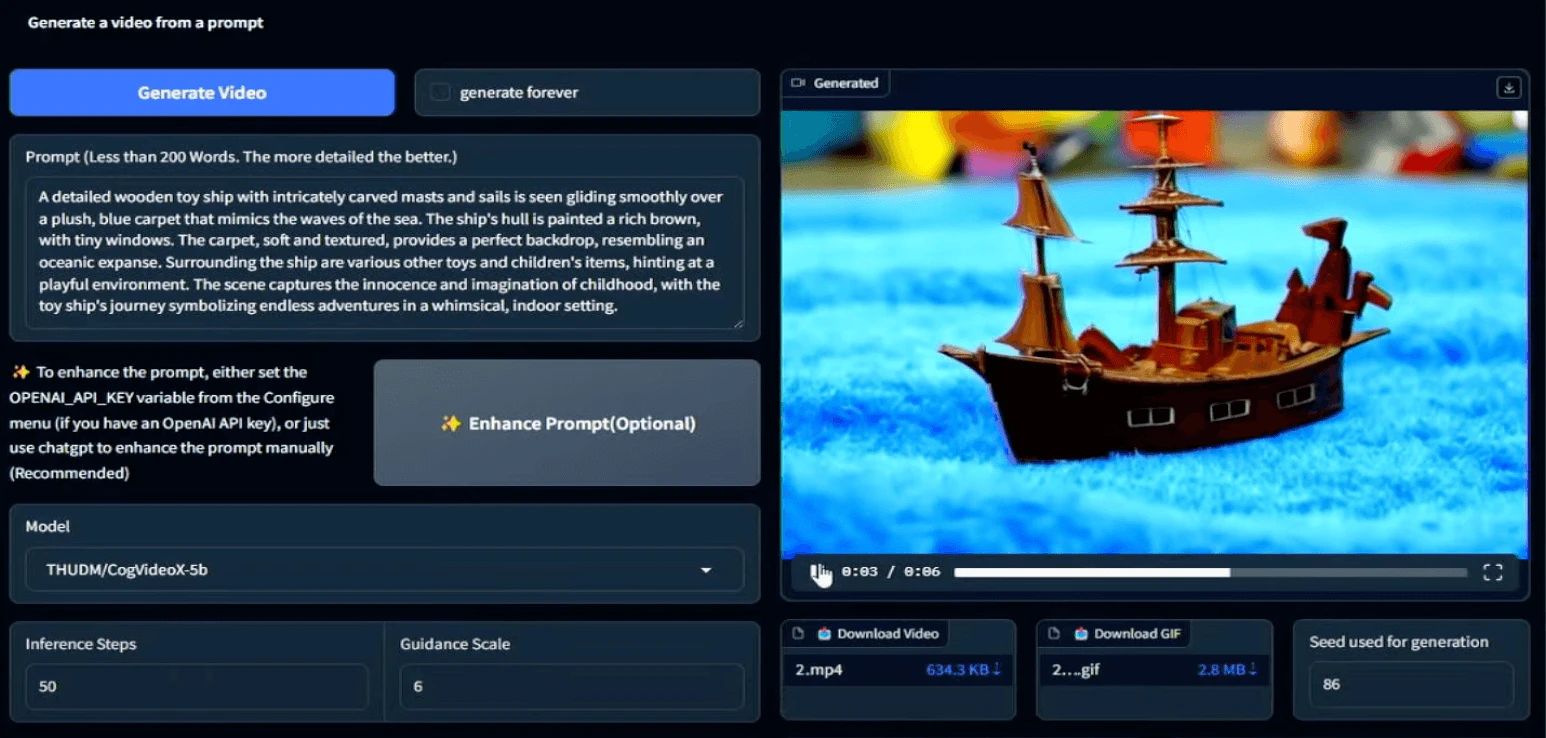
- Text to Video: Generate videos from detailed text prompts, capturing narratives visually.
- Image to Video: Animate static images into engaging 6-second video sequences.
- Video to Video: Modify and enhance existing videos with new prompts and styles.
- Customization Options: Fine-tune prompts and models for tailored video results.
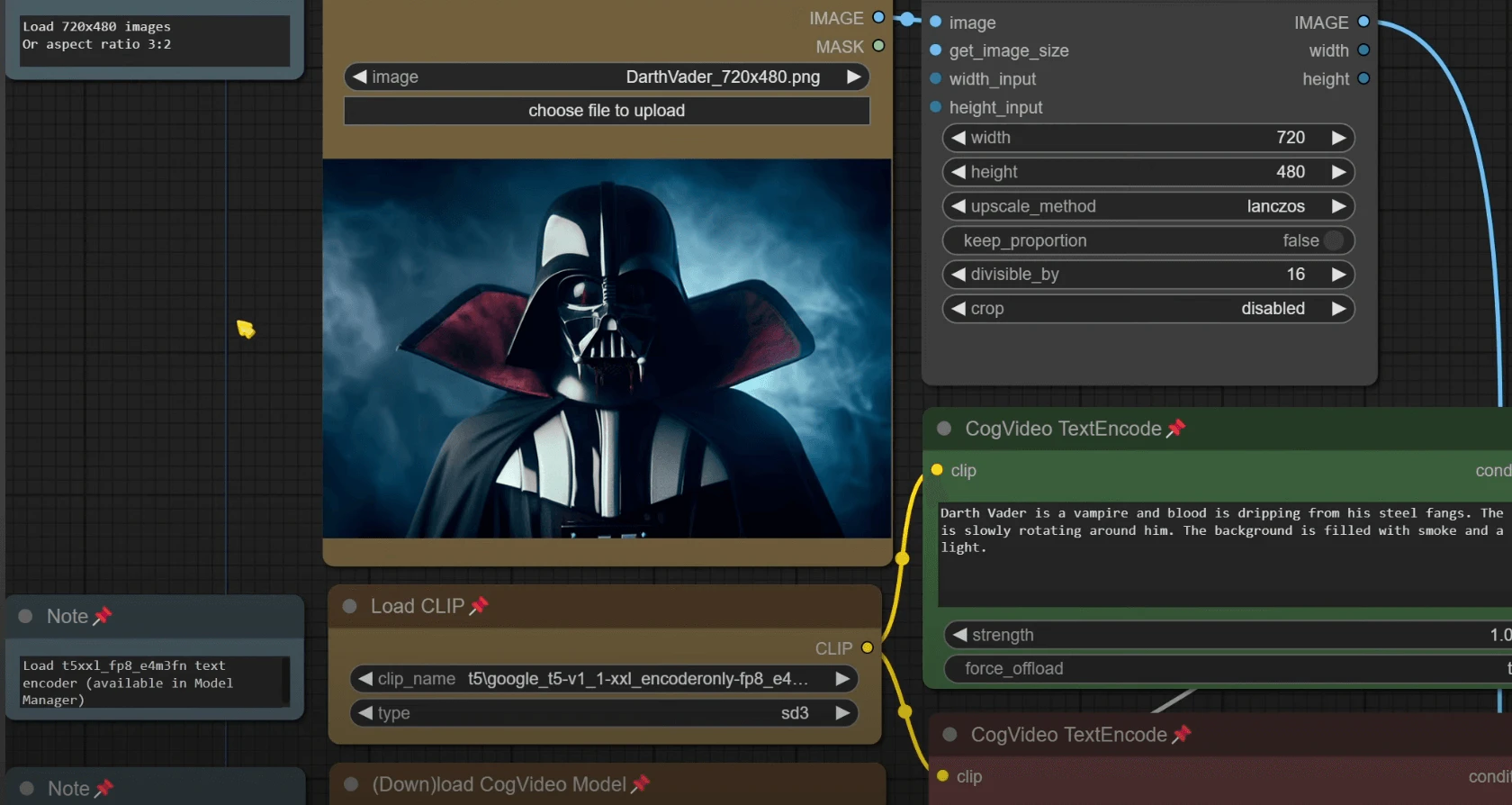
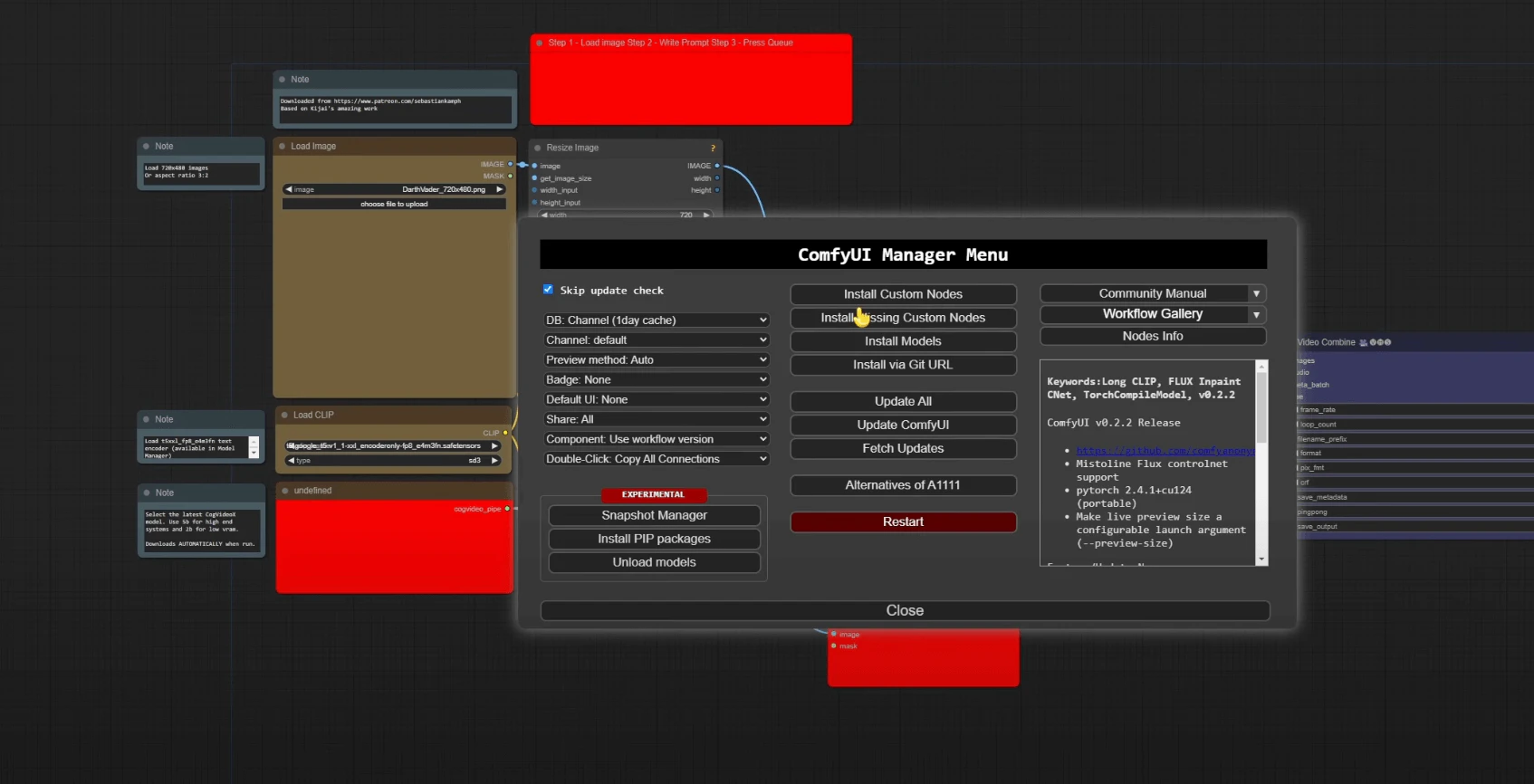
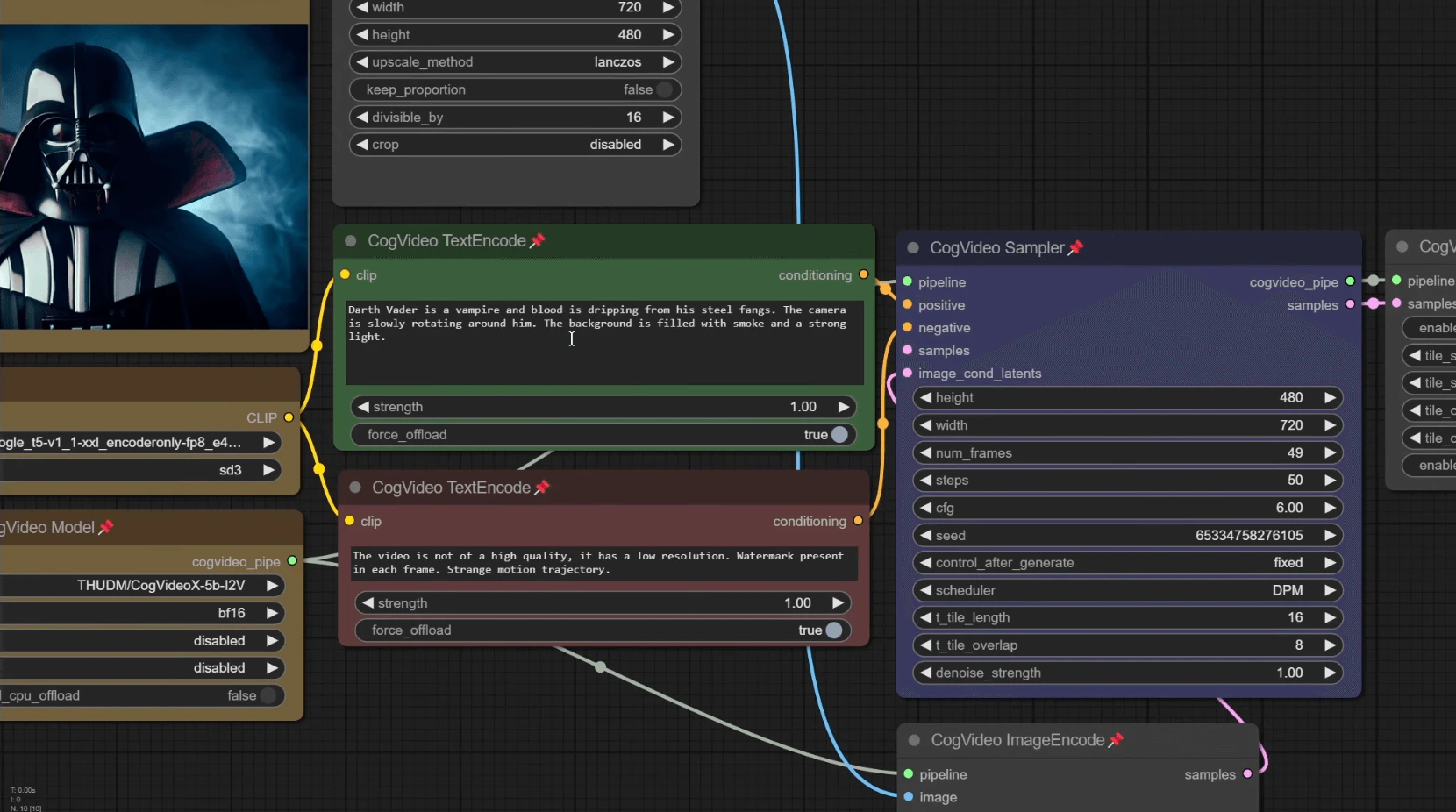
- Integration with ComfyUI: Use a visual node-based interface for seamless video creation and editing.
Who is CogVideo for?
CogVideo is designed for a diverse range of users, including content creators, marketers, educators, and anyone interested in video production. It is particularly beneficial for those who want to create engaging visual content without extensive technical skills. Whether you are a social media manager looking to produce quick promotional videos, an educator seeking to create instructional materials, or an artist wanting to visualize your concepts, CogVideo provides the tools necessary to bring your ideas to life.
What are the use cases of CogVideo?
- Marketing Campaigns: Create promotional videos from text descriptions to engage audiences effectively.
- Educational Content: Develop animated tutorials or visual aids from static images or text for better learning experiences.
- Social Media Content: Generate eye-catching videos quickly for platforms like Instagram or TikTok using images or text prompts.
- Storytelling: Use the Text to Video feature to bring stories to life, enhancing creative writing projects.
- Art Projects: Transform artwork into animated videos, adding depth and movement to visual presentations.
Product Images

Cogvideo Pros and Cons
Pros
- Advanced AI Video Generation: CogVideo utilizes cutting-edge AI technology to generate videos from text, images, and existing footage, offering a seamless creative experience.
- Multiple Video Creation Features: The platform supports Text-to-Video, Image-to-Video, and Video-to-Video features, allowing users to create diverse video content easily.
- User-Friendly Interface: CogVideo is designed with an intuitive interface that simplifies the video creation process, making it accessible for users of all skill levels.
Cons
No cons data detected for this tool
Cogvideo Pricing
Basic
Essential tools for AI video generation with standard quality and reliable performance.
Advanced
Enhanced AI video creation with improved quality, faster generation, and smarter optimization.
Premium
Complete AI video suite delivering top-tier quality and the fastest processing speed.
For the latest pricing, please visit this link: https://cogvideo.net/billing
Prices are subject to change. Please visit the official website for the most up-to-date pricing information.
Analytics of Cogvideo
Cogvideo Website Traffic Analysis
Visits Over Time
Traffic Sources
Nov 2025 - Jan 2026 Worldwide Desktop Only
- Search: 45.20%
- Direct: 36.37%
- Referrals: 8.64%
- Social: 7.77%
- Paid Referrals: 1.56%
- Mail: 0.12%
Top Keywords
| Keyword | Volume | CPC | Estimated Value |
|---|---|---|---|
| cogvideox | 9.38K | $0.00 | $50.00 |
| cogvideo | 4.31K | $1.56 | $290.00 |
| cogvideo ai | 790 | $0.27 | $70.00 |
| cog video | 350 | $1.17 | $150.00 |
| "cogvideo" | 100 | $0.00 | $90.00 |
Cogvideo Reviews
CogVideo AI revolutionized the way I create videos. From text to video, the transformation is seamless and the results are stunningly accurate. It’s like having a personal video studio at your fingertips!
As a content creator, I’ve tried many video generation tools, but CogVideo stands out. The ‘Image to Video’ feature is fantastic. I simply upload my images, and it brings them to life with breathtaking detail. Highly recommended!
CogVideo’s ‘Video to Video’ feature allows me to enhance and modify my existing footage with ease. I can add new scenes, adjust visuals, and make seamless changes—all powered by AI. It’s like having a video editor in the cloud!
For more reviews, visit this link: https://cogvideo.net/#reviews