

Clipmove





What is ClipMove?
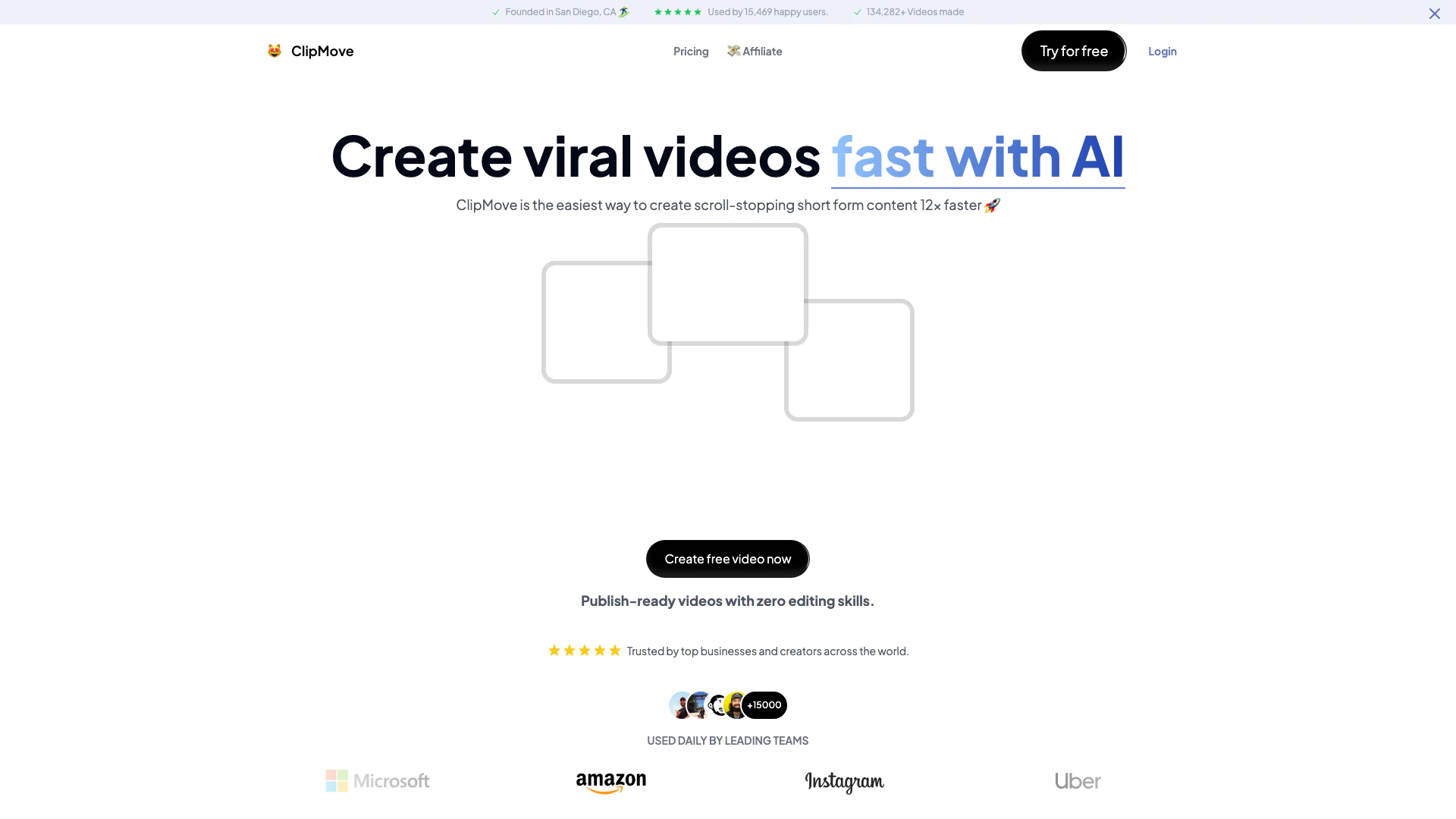
ClipMove is an innovative AI-powered[1] video creation[2] tool designed to streamline the content creation process. It enables users to produce engaging short-form videos quickly and efficiently, making it ideal for creators, teams, and agencies. With features that allow for the generation of dynamic captions[3], AI avatars, and high-quality video enhancement[6]s, ClipMove significantly reduces the time and effort typically required for video production, empowering users to create publish-ready content without the need for extensive editing skills.
How to use ClipMove?
- Visit the ClipMove website and sign up for an account.
- Choose the type of video you want to create (e.g., script to video[5], avatar video[4]).
- Upload your video content or script into the ClipMove editor.
- Utilize the AI features to automatically generate captions, enhance video quality, or create avatar videos.
- Review your video and make any necessary adjustments.
- Publish your video directly or download it for use on other platforms.
What are the main features of ClipMove?
- AI-powered video editor for fast content creation.
- Script to Video Generator for transforming ideas into videos.
- Avatar Video Generator for creating videos with AI actors.
- Dynamic AI Captions in 40+ languages for engaging content.
- Access to premium stock footage and AI-generated media.
- Automatic video enhancement and audio cleanup during export.
Who is ClipMove for?
ClipMove is designed for a wide range of users including content creators, marketing teams, agencies, and businesses looking to enhance their video production capabilities. It caters to those who may lack extensive editing skills but still wish to produce high-quality videos quickly. Whether you are a social media influencer, a marketing professional, or part of a creative agency, ClipMove provides the tools necessary to create engaging and professional video content efficiently.
What are the use cases of ClipMove?
- Creating promotional videos for social media platforms like TikTok and Instagram.
- Generating engaging video content for marketing campaigns and advertisements.
- Producing training videos or tutorials for educational purposes.
Clipmove Pros and Cons
Pros
- Fast Video Creation: ClipMove allows users to create videos 12x faster than traditional methods, significantly reducing production time.
- User-Friendly Interface: The platform is designed for users with zero editing skills, making it accessible for everyone.
- Dynamic AI Features: Includes features like AI-generated captions in over 40 languages and AI video enhancement for improved quality.
Cons
No cons data detected for this tool
Clipmove Pricing
ClipMove Pro
Start creating viral videos today. 20 Videos per month.
ClipMove Ultimate
Everything in Pro + more. Used by 80% of our customers. 50 Videos per month, 10 AI Avatar Videos per month, Priority Support.
ClipMove Enterprise
Everything in Ultimate including Unlimited access to all AI Video tools and models, as well as priority support and 60 FPS Export. 50 AI Avatar Videos per month.
For the latest pricing, please visit this link: https://www.clipmove.com/en/pricing
Prices are subject to change. Please visit the official website for the most up-to-date pricing information.
Analytics of Clipmove
Clipmove Website Traffic Analysis
Visits Over Time
Traffic Sources
Nov 2025 - Jan 2026 Worldwide Desktop Only
- Search: 51.18%
- Direct: 38.58%
- Referrals: 5.56%
- Social: 3.70%
- Paid Referrals: 0.92%
- Mail: 0.06%
Top Keywords
| Keyword | Volume | CPC | Estimated Value |
|---|---|---|---|
| youtube shorts downloader | 75.93K | $0.50 | $990.00 |
| download youtube short | 43.93K | $0.39 | $760.00 |
| youtube short downloader | 31.03K | $0.52 | $690.00 |
| youtube shorts to mp4 | 13.03K | $0.31 | $600.00 |
| clipmove | 770 | $0.00 | $590.00 |
Clipmove Reviews
ClipMove is awesome to scale up video production and improve turnaround time... The complex process of video editing, which could take days or weeks, now takes minutes!
ClipMove is the most underrated tool for content creators who want to put out the highest quality content in the shortest amount of time.
We love using ClipMove to iterate fast and test different video styles, This speeds up our process and helps refine our videos for better results.
For more reviews, visit this link: https://www.clipmove.com/#reviews



Clipmove Social Listening
Introducing ClipMove AI: New T...
ClipMove AI is now available t...
ClipMove Review-Is This CONTEN...
You can get started with "Clip...
ClipMove Review-Is This Tool T...
You can get started with "Clip...
Unlock to view 5 social media results.