
Boomvideo


What is Boomvideo?
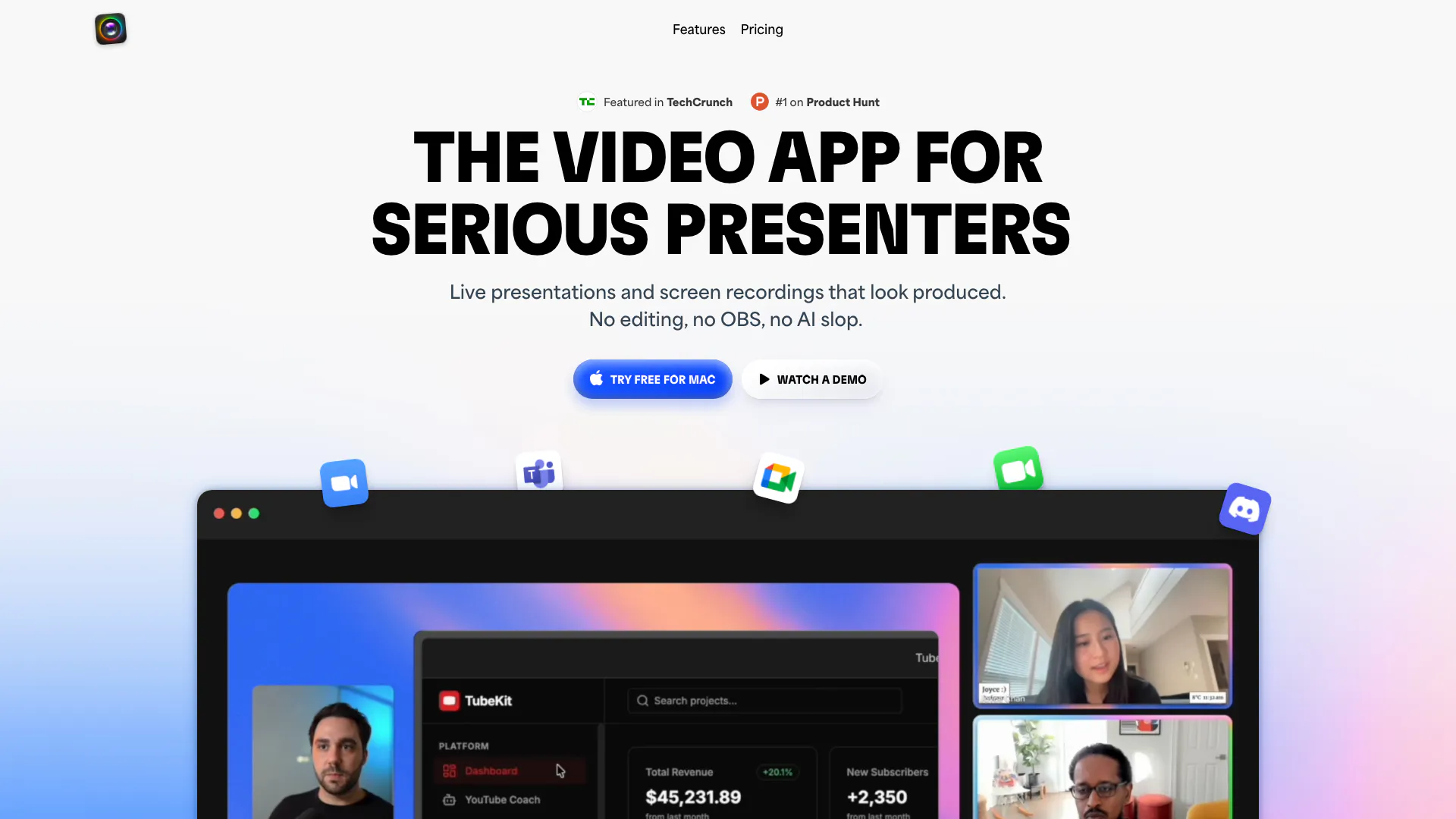
Boomvideo is a cutting-edge video application designed specifically for serious presenters. It enables users to conduct live presentations[1] and record their screens effortlessly, all while maintaining a professional appearance on camera. Unlike traditional video editing software, Boomvideo eliminates the need for extensive editing, allowing users to focus on delivering high-quality content without the hassle of complex setups or editing tools.
How to use Boomvideo?
- Download and install Boomvideo on your Mac from the official website.
- Launch the application and set up your camera and microphone preferences.
- Choose your presentation layout and prepare your content.
- Start a live presentation or record your screen by clicking the appropriate button.
- Use the dynamic layouts[4] and cinematic zoom features to enhance your presentation as you go.
What are the main features of Boomvideo?
- Live Presentations: Conduct live presentations with dynamic layouts and cinematic zoom.
- Screen Recording[2]: Record your screen along with your webcam feed seamlessly.
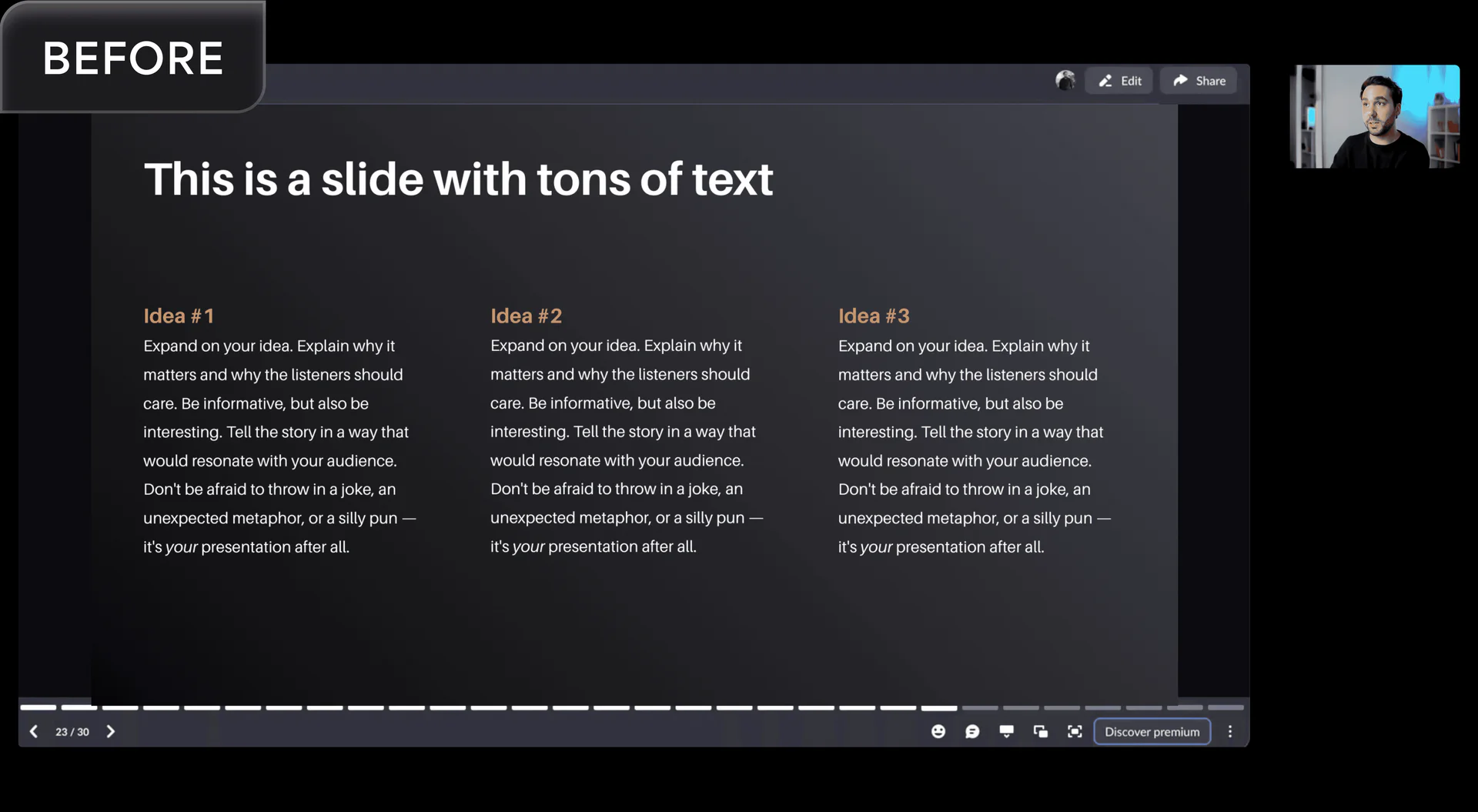
- No Editing[3] Required: Instant export of videos in HD without the need for additional editing.
- Dynamic Layouts: Switch between various layouts like side-by-side, fullscreen, and picture-in-picture on the fly.
- Branded Overlays: Add logos, lower thirds, and custom backgrounds to maintain your brand identity.
Who is Boomvideo for?
Boomvideo is tailored for modern professionals including coaches, content creators, consultants, and business founders. It is ideal for anyone who needs to present information clearly and professionally, whether in live webinars, online courses, or video tutorials. This tool is especially beneficial for those who want to enhance their video quality without the complexities of traditional video production.
What are the use cases of Boomvideo?
- Webinars and Live Presentations: Perfect for hosting engaging webinars that captivate audiences with high-quality visuals.
- Tutorials and Demos: Create professional tutorials that combine screen recording with webcam footage for a comprehensive learning experience.
- Online Courses: Enhance the quality of online courses by providing polished video content that maintains viewer engagement.
Product Images
Boomvideo Pros and Cons
Pros
- Dynamic Presentation Features: Boomvideo offers dynamic layouts and cinematic zoom features, allowing presenters to switch between different camera views and zoom in on specific content seamlessly.
- No Editing Required: The tool allows users to record and present without the need for post-editing, making it quick and efficient for live sessions.
- High Compatibility: Boomvideo works with various video conferencing platforms like Zoom, Meet, and Teams, enhancing the user experience across different applications.
Cons
No cons data detected for this tool
Boomvideo Pricing
Pro Plan
Everything you need to turn your webcam into a production studio. Includes live presentations, dynamic layouts, cinematic zoom, branded theme and backgrounds, studio-quality recording, HD export, AI camera tools (backgrounds, skin smoothing, framing), reactions (GIFs, emojis, effects).
Lifetime Plan
All Boom pro features including all future updates.
For the latest pricing, please visit this link: https://www.boomvideo.app/pricing
Prices are subject to change. Please visit the official website for the most up-to-date pricing information.
Analytics of Boomvideo
Boomvideo Website Traffic Analysis
Visits Over Time
Traffic Sources
Dec 2025 - Dec 2025 Worldwide Desktop Only
- Social: 81.13%
- Direct: 9.99%
- Search: 5.73%
- Referrals: 2.35%
- Paid Referrals: 0.42%
- Mail: 0.04%
Top Keywords
| Keyword | Volume | CPC | Estimated Value |
|---|---|---|---|
| how much does the boom app cost a month | 230 | $0.00 | $0.00 |
| getboomapp | 180 | $0.00 | $150.00 |
| boom video app | 130 | $0.00 | $20.00 |
| getboom | 30 | $0.00 | $20.00 |
Boomvideo Reviews
Boom completely changed how I show up on video calls. Whether I’m live or pre-recorded, people expect a certain level of quality from me, and Boom helps me deliver.
Before Boom, my video was just okay. Boom gave me real control over my webcam and how I show up. Presentation mode sealed it, giving me more tools and confidence.
Using Boom is like showing up to a meeting with your suit and tie. Would you show up to a meeting in your pajamas?
For more reviews, visit this link: https://www.boomvideo.app/#reviews




