Clawly



What is Clawly?
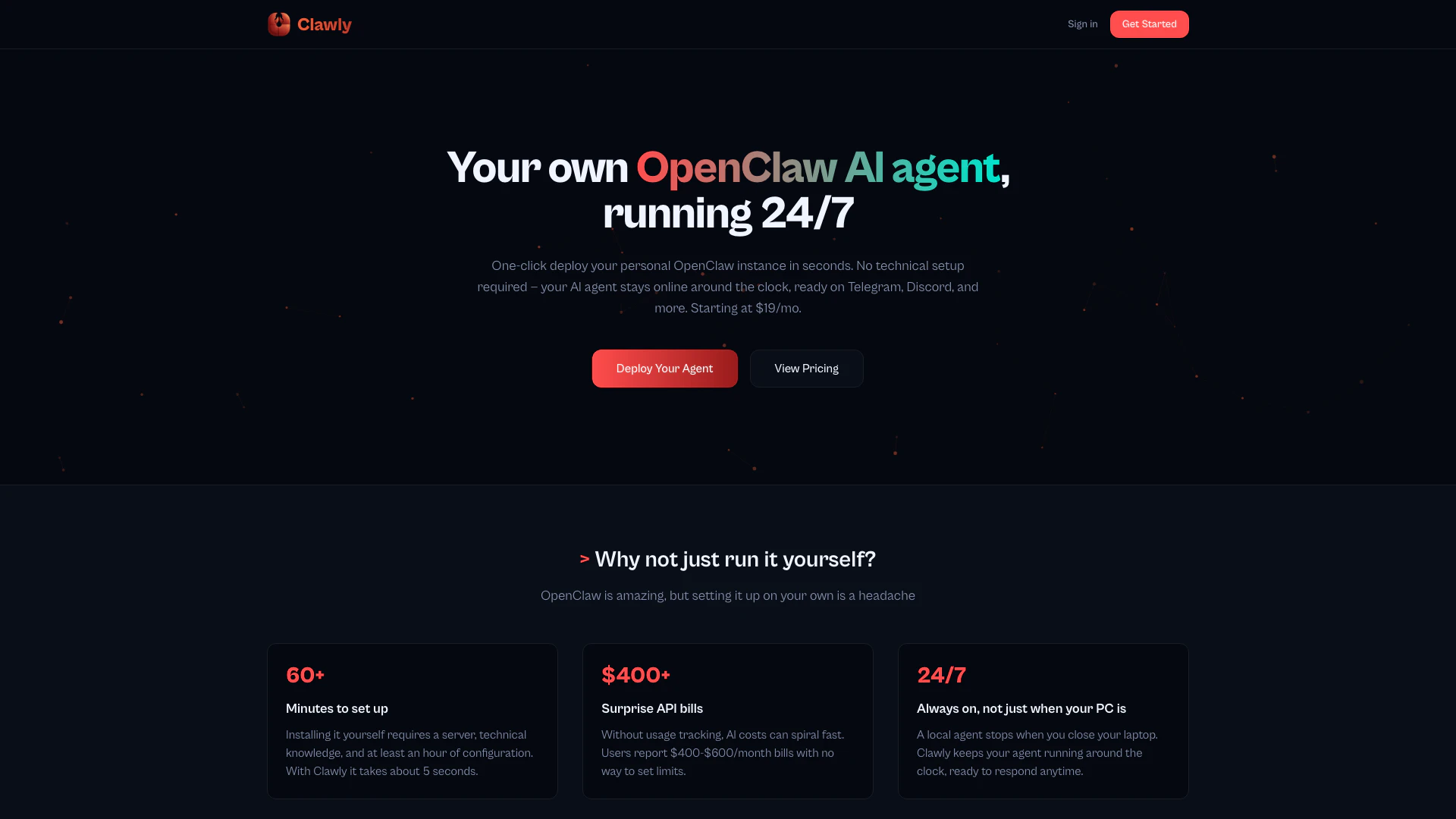
Clawly is an innovative platform that allows users to deploy their personal OpenClaw[1] AI agent[2] with just one click, eliminating the need for technical setup. Designed for ease of use, Clawly ensures that your AI agent remains online 24/7 across various platforms such as Telegram, Discord, WhatsApp, and more. With Clawly, users can avoid the complexities of manual installation and enjoy a hassle-free experience while benefiting from a robust AI assistant.
How to use Clawly?
- Visit the Clawly website and click on 'Get Started'.
- Choose your preferred AI model and communication channel (e.g., Telegram or Discord).
- Complete the onboarding process, which includes setting up your account and selecting your payment plan.
- Once set up, your personal OpenClaw AI agent will be deployed instantly and will run continuously, ready to assist you.
What are the main features of Clawly?
- One-Click Deployment: Instantly deploy your OpenClaw AI agent without technical setup.
- 24/7 Availability: Your AI agent stays online continuously across multiple channels.
- Usage & Cost Dashboard: Track real-time token usage, receive daily cost breakdowns, and set budget alerts.
- Multi-Channel Support: Compatible with Telegram, Discord, WhatsApp, and Slack.
- Agent Management: Easily start, stop, or restart your agent from the web interface.
- Bring Your Own Keys (BYOK): Use your own API keys to save costs or let Clawly manage them for you.
- Isolated & Secure: Each agent operates in its own secure container, ensuring data safety.
Who is Clawly for?
Clawly is designed for individuals and businesses seeking an accessible AI assistant without the need for technical expertise. It is ideal for entrepreneurs, content creators, customer support teams, and anyone who wants to leverage AI technology to enhance their productivity and communication across popular messaging platforms.
What are the use cases of Clawly?
- Customer Support: Use Clawly to manage inquiries and provide instant responses to customers on platforms like Discord or WhatsApp.
- Personal Assistant: Deploy your AI agent to help manage personal tasks, reminders, and scheduling through Telegram.
- Community Engagement: Utilize Clawly in online communities to facilitate discussions, provide information, and engage users effectively.
Product Images

Clawly Pros and Cons
Pros
- One-Click Deployment: Clawly allows users to deploy their personal OpenClaw AI agent in just seconds without any technical setup, making it accessible for everyone.
- 24/7 Availability: The AI agent remains online continuously, ready to respond on platforms like Telegram and Discord, unlike local installations that stop when the computer is off.
- Comprehensive Management Dashboard: Clawly provides a real-time usage and cost dashboard, allowing users to track their API usage and costs effectively, preventing unexpected bills.
Cons
No cons data detected for this tool
Clawly Pricing
BYOK
Bring your own API keys. Pay only for hosting.
Managed
We handle API keys. $25 API credits included.
Pro
Up to 5 agents, all channels, priority support.
For the latest pricing, please visit this link: https://www.clawly.org/#pricing
Prices are subject to change. Please visit the official website for the most up-to-date pricing information.