Clawdbot





What is Clawdbot?
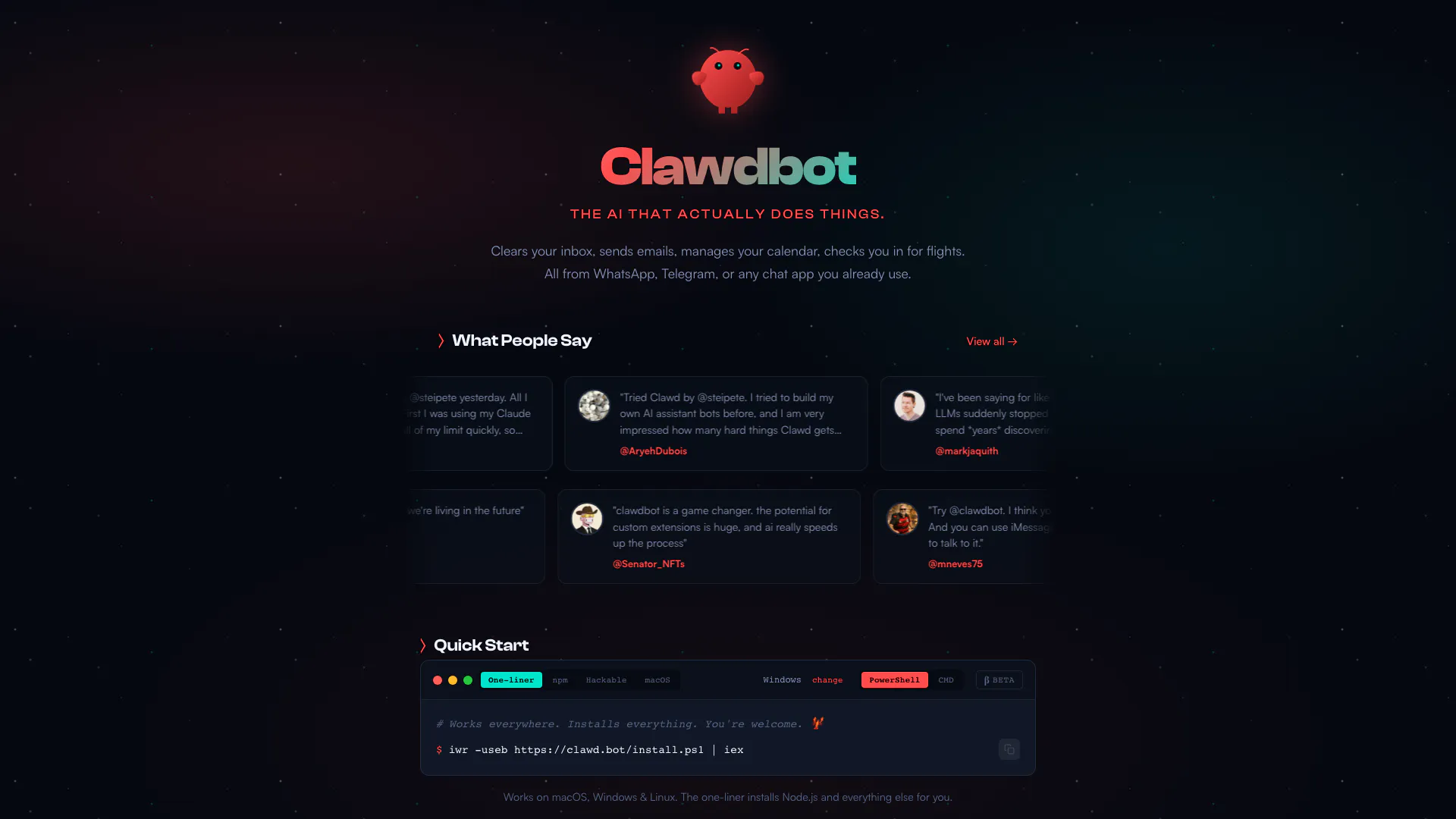
Clawdbot is an innovative AI personal assistant[1] designed to perform a variety of tasks seamlessly across different platforms. Unlike traditional assistants, Clawdbot integrates with messaging applications like WhatsApp, Telegram, and Discord, allowing users to manage their calendars, send emails, and even check in for flights directly through chat. It is positioned as a versatile tool that not only assists with daily tasks but also adapts to the user's preferences and context, making it a truly personalized experience.
How to use Clawdbot?
- Install Clawdbot using the command: `$ npm i -g clawdbot`.
- Launch the onboarding process by typing: `$ clawdbot onboard`.
- Connect Clawdbot to your preferred messaging app (WhatsApp, Telegram, etc.) to start interacting with it.
- Use commands within the chat to instruct Clawdbot to manage tasks like sending emails or checking flight statuses.
What are the main features of Clawdbot?
- Multi-platform Integration[2]: Works across various messaging apps like WhatsApp, Telegram, Discord, and more.
- Persistent Memory[3]: Remembers user preferences and context for personalized interactions.
- Full System Access[4]: Can read and write files, execute scripts, and run shell commands.
- Browser Control[5]: Capable of browsing the web and filling forms automatically.
- Custom Skills[6] & Plugins: Users can extend functionality with community skills or build their own.
Who is Clawdbot for?
Clawdbot is designed for a wide range of users, including busy professionals, developers, and anyone looking for a more efficient way to manage their daily tasks. It is particularly beneficial for those who utilize multiple chat applications and need a centralized assistant to streamline communications and task management. Additionally, tech-savvy users who appreciate customization and open-source solutions will find Clawdbot especially appealing.
What are the use cases of Clawdbot?
- Task Management: Automate reminders and manage to-do lists through chat commands.
- Email Management: Send, receive, and organize emails directly from your messaging app.
- Flight Check-ins: Quickly check in for flights and receive updates without leaving your chat interface.
- Calendar Scheduling: Schedule meetings and manage appointments seamlessly.
- Custom Automation: Build personalized workflows that integrate with various tools and services.
Clawdbot Video

Clawdbot Pros and Cons
Pros
- Multi-Platform Integration: Clawdbot seamlessly integrates with various chat applications like WhatsApp, Telegram, Discord, and Slack, allowing users to interact with it across platforms.
- Persistent Memory: Clawdbot features persistent memory, enabling it to remember user preferences and context, making interactions more personalized and efficient.
- Full System Access: It offers full system access, allowing users to read and write files, run shell commands, and execute scripts, providing extensive control over their environment.
- Open Source and Customizable: Being open-source, Clawdbot allows users to customize and extend its functionalities through community skills or by creating their own, fostering a collaborative development environment.
- Open Source and Hackable: Being open-source, Clawdbot allows users to modify and extend its functionalities, fostering a community-driven development approach.
Cons
No cons data detected for this tool