Clautel



What is Clautel?
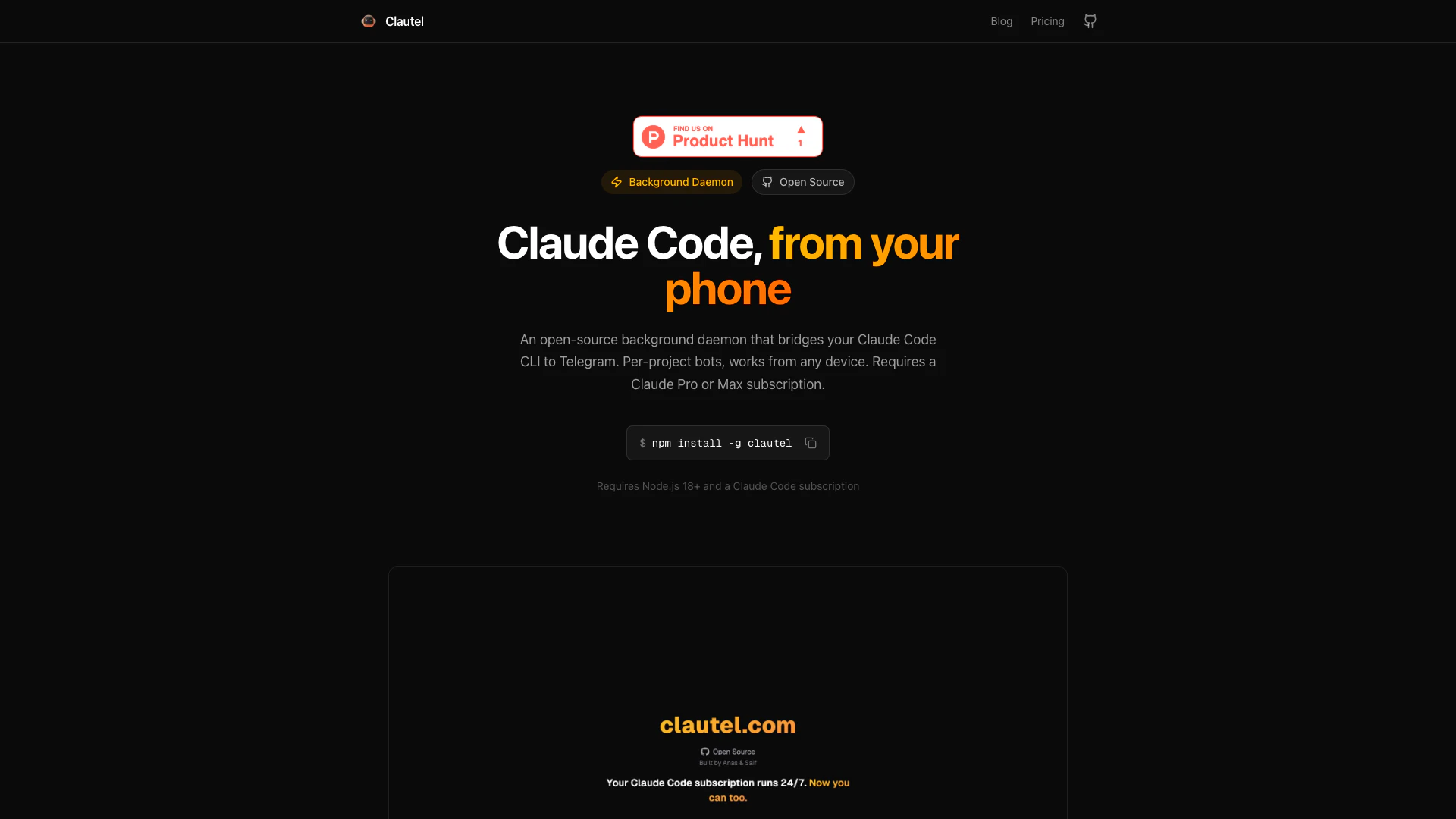
Clautel is an open-source[1] Telegram bridge[2] designed specifically for Claude Code[5]. It functions as a background daemon[3] that allows users to interact with their Claude Code CLI through Telegram, enabling coding from any device. With Clautel, users can create per-project bots[4] that work seamlessly with any Claude plan, provided they have a Claude Pro or Max subscription. The tool is MIT licensed, ensuring transparency and community collaboration.
How to use Clautel?
To use Clautel, follow these steps: 1. Install Clautel: Run the command `$ npm install -g clautel` to install the tool globally on your machine. 2. Setup: Execute `$ clautel setup` to create a manager bot via @BotFather, set your Telegram ID, and activate your license. 3. Start the Daemon: Use `$ clautel start` to launch the background daemon. You can now DM your bot on Telegram to start coding.
What are the main features of Clautel?
Clautel offers a variety of powerful features, including: - Background Daemon: Runs continuously, allowing for persistent coding sessions without needing to keep the terminal open. - Per-Project Bots: Each project can have its own dedicated Telegram bot, maintaining clean context isolation. - Full Claude Code Functionality: Unlike wrappers, it runs the real Claude Code SDK, supporting file edits, bash commands, and tool usage. - Session Continuity: Users can resume recent CLI sessions directly from Telegram with the `/resume` command. - Live Browser Preview: Preview any URL, including localhost, directly in Telegram, with interactive controls.
Who is Clautel for?
Clautel is ideal for developers and programmers who utilize Claude Code and wish to enhance their workflow by accessing it via Telegram. It is particularly beneficial for those who need to manage multiple projects simultaneously, as each project can have its own bot. Additionally, users who prefer to work on-the-go or from different devices will find Clautel's mobile functionality advantageous.
What are the use cases of Clautel?
Clautel can be used in various scenarios, including: 1. Remote Development: Developers can code and manage their projects from anywhere using Telegram, without needing to be at their primary workstation. 2. Project Management: Each project can have a dedicated bot, allowing for organized and efficient project handling. 3. Interactive Debugging: Users can run debugging sessions in real-time via Telegram, making it easy to address issues as they arise.
Clautel Pros and Cons
Pros
- Open Source and Auditable: Clautel is open source and MIT licensed, allowing users to audit the code and ensure transparency.
- Background Daemon Functionality: Runs as a background process, allowing continuous operation without needing to keep the terminal open.
- Per-Project Bots: Each project can have its own dedicated Telegram bot, providing context isolation and easier management.
Cons
No cons data detected for this tool
Clautel Pricing
Pro
For personal projects.
Max
For power users. Requires a separate Claude Code subscription from Anthropic.
For the latest pricing, please visit this link: https://clautel.com/#pricing
Prices are subject to change. Please visit the official website for the most up-to-date pricing information.