

Claude



What is Claude?
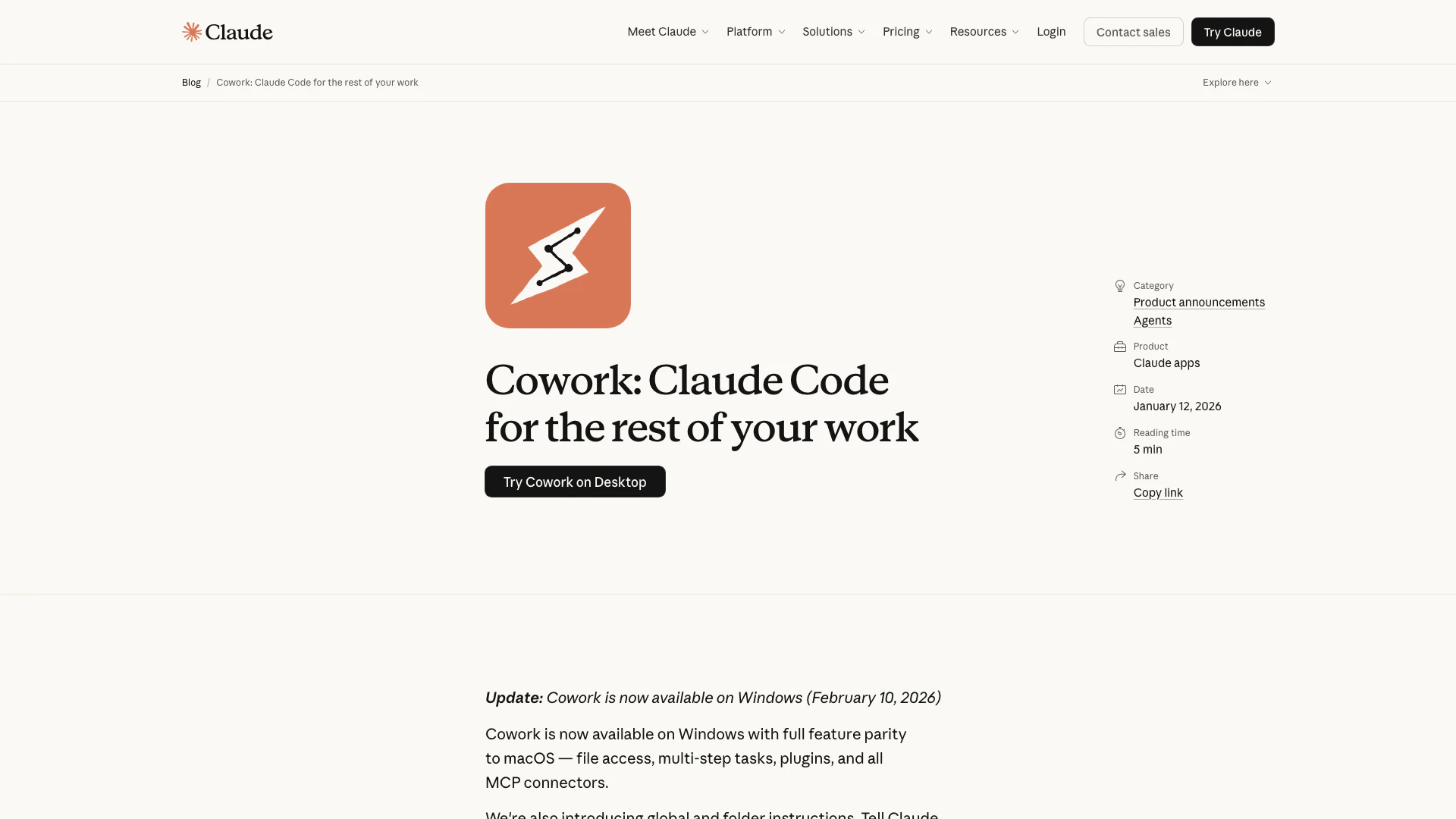
Claude is an advanced AI tool designed to enhance productivity and streamline tasks for users across various domains. It offers capabilities that extend beyond traditional chat interfaces, allowing users to interact with the AI in a more collaborative manner. With features like Cowork, Claude can access and manipulate files on your computer, making it a versatile assistant for both developers and non-developers alike. This tool is positioned to facilitate complex workflows by enabling users to delegate tasks effectively, thereby transforming how they approach their work.
How to use Claude?
- Download the Claude app from the official website and install it on your device.
- Open the app and navigate to the 'Cowork' feature in the sidebar.
- Grant Claude access to specific folders on your computer where you want it to work.
- Set up your preferences, such as tone and format for the tasks you want Claude to perform.
- Start assigning tasks to Claude, such as organizing files, creating documents, or drafting reports, and let it manage the workflow.
What are the main features of Claude?
- File Access: Claude can read, edit, and create files in designated folders on your computer.
- Task Management: Users can assign multi-step tasks, and Claude will plan and execute them while keeping the user informed.
- Integrations: Claude works seamlessly with various applications such as Chrome, Slack, Excel, and PowerPoint.
- Skills and Connectors: Claude can utilize existing connectors for external information and has added skills to enhance document creation.
Who is Claude for?
Claude is designed for a diverse audience, including professionals in various industries such as education, healthcare, finance, and customer support. It is particularly beneficial for those who require assistance with document creation, task management, and data organization. Additionally, it caters to both developers and non-developers, making it an ideal tool for anyone looking to enhance their productivity and streamline their workflow.
What are the use cases of Claude?
- Document Drafting: Users can instruct Claude to create initial drafts of reports or presentations based on scattered notes.
- File Organization: Claude can help in reorganizing files by sorting and renaming them according to user-defined criteria.
- Expense Tracking: It can generate spreadsheets from screenshots of receipts, making financial management easier.
Claude Pros and Cons
Pros
- Multi-Platform Availability: Cowork is available on both macOS and Windows, ensuring users can access its features across different operating systems.
- Enhanced Task Management: Claude can manage tasks with greater agency, allowing it to read, edit, and create files in designated folders, streamlining workflow.
- User-Friendly Interface: Cowork is designed to be approachable for non-developers, making it easier for anyone to utilize AI for various tasks without coding knowledge.
Cons
No cons data detected for this tool
Claude Pricing
Free
Free for everyone. Chat on web, iOS, Android, and on your desktop. Generate code and visualize data. Write, edit, and create content. Analyze text and images. Ability to search the web. Create files and execute code. Unlock more from Claude with desktop extensions. Connect Slack and Google Workspace services. Integrate any context or tool through connectors with remote MCP. Extended thinking for complex work.
Pro
For everyday productivity. Everything in Free, plus: More usage, includes Claude Code and Cowork, access to unlimited projects to organize chats and documents, access to Research, memory across conversations, ability to use more Claude models, Claude in Excel.
Max
Get the most out of Claude. Everything in Pro, plus: Choose 5x or 20x more usage than Pro, higher output limits for all tasks, early access to advanced Claude features, priority access at high traffic times, Claude in PowerPoint (research preview).
Team plan
Standard seat. All Claude features, plus more usage than Pro. $20 per seat / month if billed annually. $25 if billed monthly.
Enterprise plan
Everything in Team, plus: Enhanced context window, Google Docs cataloging, role-based access with fine grained permissioning, system for Cross-domain Identity Management (SCIM), audit logs, compliance API for observability and monitoring, custom data retention controls, network-level access control, IP allowlisting, HIPAA-ready offering available.
For the latest pricing, please visit this link: https://claude.com/pricing
Prices are subject to change. Please visit the official website for the most up-to-date pricing information.
Analytics of Claude
Claude Website Traffic Analysis
Visits Over Time
Traffic Sources
Nov 2025 - Jan 2026 Worldwide Desktop Only
- Direct: 56.52%
- Search: 29.36%
- Referrals: 11.70%
- Social: 1.99%
- Paid Referrals: 0.40%
- Mail: 0.03%
Top Keywords
| Keyword | Volume | CPC | Estimated Value |
|---|---|---|---|
| claude code | 4.09M | $2.09 | $1000000.00 |
| claude cowork | 1.28M | $0.00 | $1000000.00 |
| claude skills | 327.17K | $3.01 | $293130.00 |
| claude desktop | 264.59K | $1.69 | $216880.00 |
| claude api | 226.80K | $2.96 | $251730.00 |




Claude Social Listening
CLAUDE CODE FULL COURSE 4 HOUR...
🔥 Join Maker School & get cus...
Getting started with Claude.ai
Learn how to get the most out ...
Claude Code Tutorial for Begin...
This Claude Code Tutorial teac...
Unlock to view 97 social media results.