

Captioner



What is Captioner?
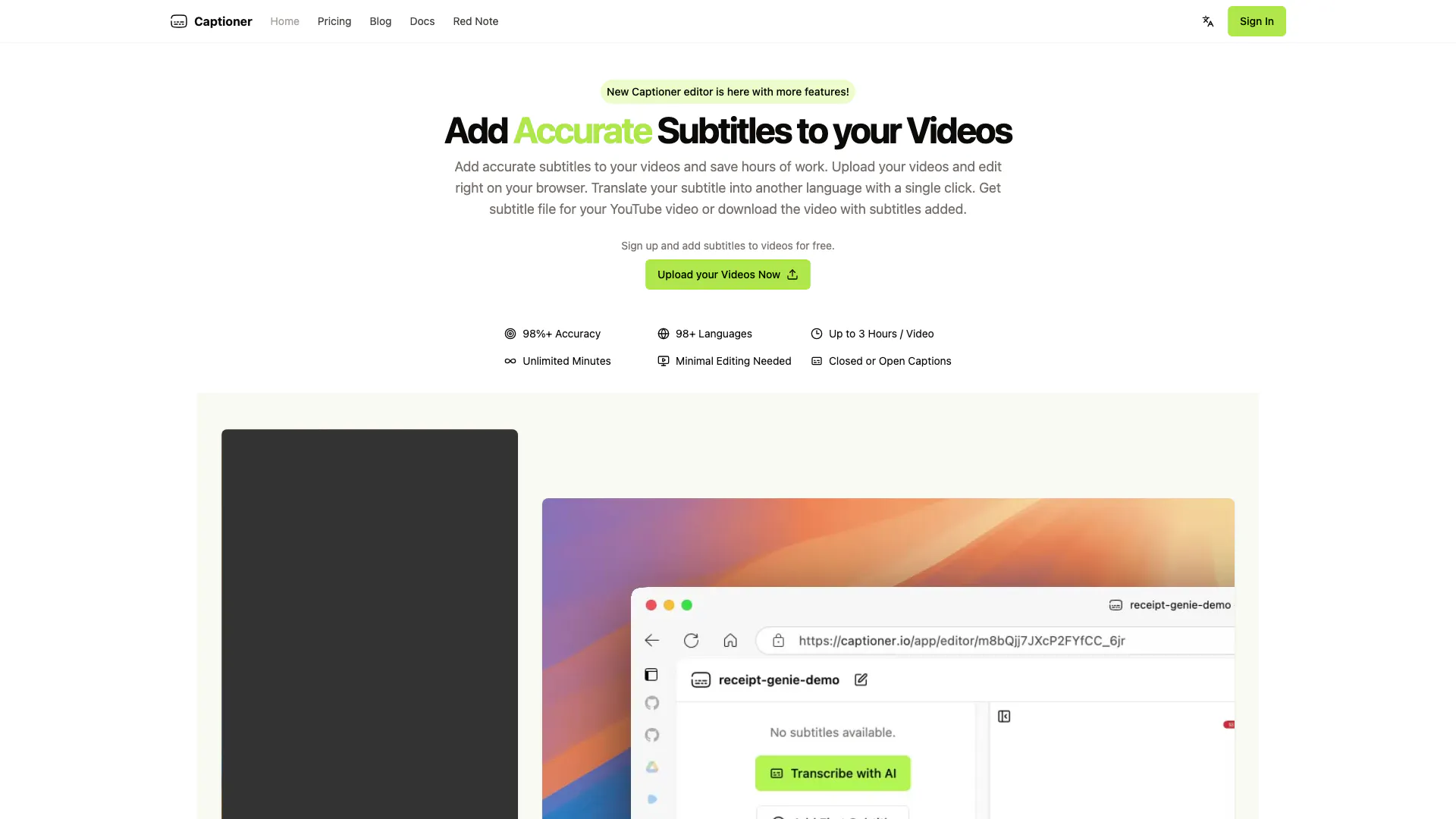
Captioner is an advanced AI subtitle generator and editor designed specifically for video content. It allows users to easily add accurate subtitles to their videos, significantly reducing the time and effort typically required for manual transcription. With support for over 98 languages and an impressive accuracy rate of 98%, Captioner streamlines the process of creating accessible video content. Users can upload their videos directly to the platform, edit subtitles in their browser, and even export subtitle files in various formats for use on platforms like YouTube.
How to use Captioner?
- Sign Up: Create an account on Captioner by visiting the website and clicking on 'Get Started'.
- Upload Your Video: Click on the 'Upload your Videos Now' button and select the video file you want to add subtitles to.
- Edit Subtitles: Once your video is uploaded, use the editing tools to add, adjust, and edit the subtitles as needed. You can also import existing transcripts.
- Export or Download: After editing, choose to export the subtitles in your desired format (SBV, SRT, VTT) or download the video with subtitles burned in.
What are the main features of Captioner?
- High Accuracy: Achieves over 98% accuracy in subtitle generation.
- Multi-Language Support: Supports transcription in over 98 languages.
- Easy Video Upload: Users can upload videos directly through their browser.
- Smooth Editing Experience: Designed for content creators, providing an intuitive editing interface.
- Import Existing Transcripts: Users can import transcripts for alignment.
- Subtitle File Export: Allows exporting subtitles in various popular formats.
- Customization Options: Users can choose font styles and export videos with subtitles burned in.
Who is Captioner for?
Captioner is tailored for content creators, video editors, educators, and businesses who need to add subtitles to their videos efficiently. It is particularly beneficial for those who create online courses, YouTube content, or marketing videos and want to make their content more accessible to a broader audience. Additionally, individuals who require translations for their video subtitles will find Captioner invaluable.
What are the use cases of Captioner?
- YouTube Video Creation: Add accurate subtitles to enhance viewer engagement and accessibility on YouTube.
- Online Course Development: Educators can use Captioner to provide subtitles for their instructional videos, making content accessible to non-native speakers.
- Marketing Videos: Businesses can create promotional videos with subtitles to reach a wider audience, including those who may watch without sound.
Product Images

Captioner Pros and Cons
Pros
- High Accuracy Transcription: Captioner uses advanced AI technology to provide over 98% accuracy in transcribing videos, ensuring high-quality subtitles.
- User-Friendly Editing Experience: Designed by content creators, Captioner offers a smooth editing interface that minimizes the time spent on subtitle adjustments.
- Supports Multiple Languages: Captioner can transcribe and translate subtitles in over 98 languages, making it versatile for a global audience.
Cons
No cons data detected for this tool
Captioner Pricing
Free
3 videos per day, 3 minutes max / video, Edit with Express Editor, Watermark on rendered videos, 720p export, Slow rendering.
Unlimited
Removes Watermarks, Unlimited videos, 3 hours max / video, Edit Subtitles with Pro Editor, Up to 4k export, SRT file export, Priority rendering.
For the latest pricing, please visit this link: https://captioner.io/pricing
Prices are subject to change. Please visit the official website for the most up-to-date pricing information.
Analytics of Captioner
Captioner Website Traffic Analysis
Visits Over Time
Traffic Sources
Oct 2025 - Dec 2025 Worldwide Desktop Only
- Direct: 40.67%
- Search: 34.94%
- Referrals: 12.97%
- Social: 8.48%
- Paid Referrals: 1.78%
- Mail: 0.21%
Top Keywords
| Keyword | Volume | CPC | Estimated Value |
|---|---|---|---|
| ai captioner | 110 | $0.00 | $0.00 |
Captioner Reviews
I haven't found an AI transcription software that is not only accurate but also affordable until I came across Captioner. It's a game changer for our channel.
For more reviews, visit this link: https://captioner.io/#reviews



