

Transkriptor



What is Transkriptor?
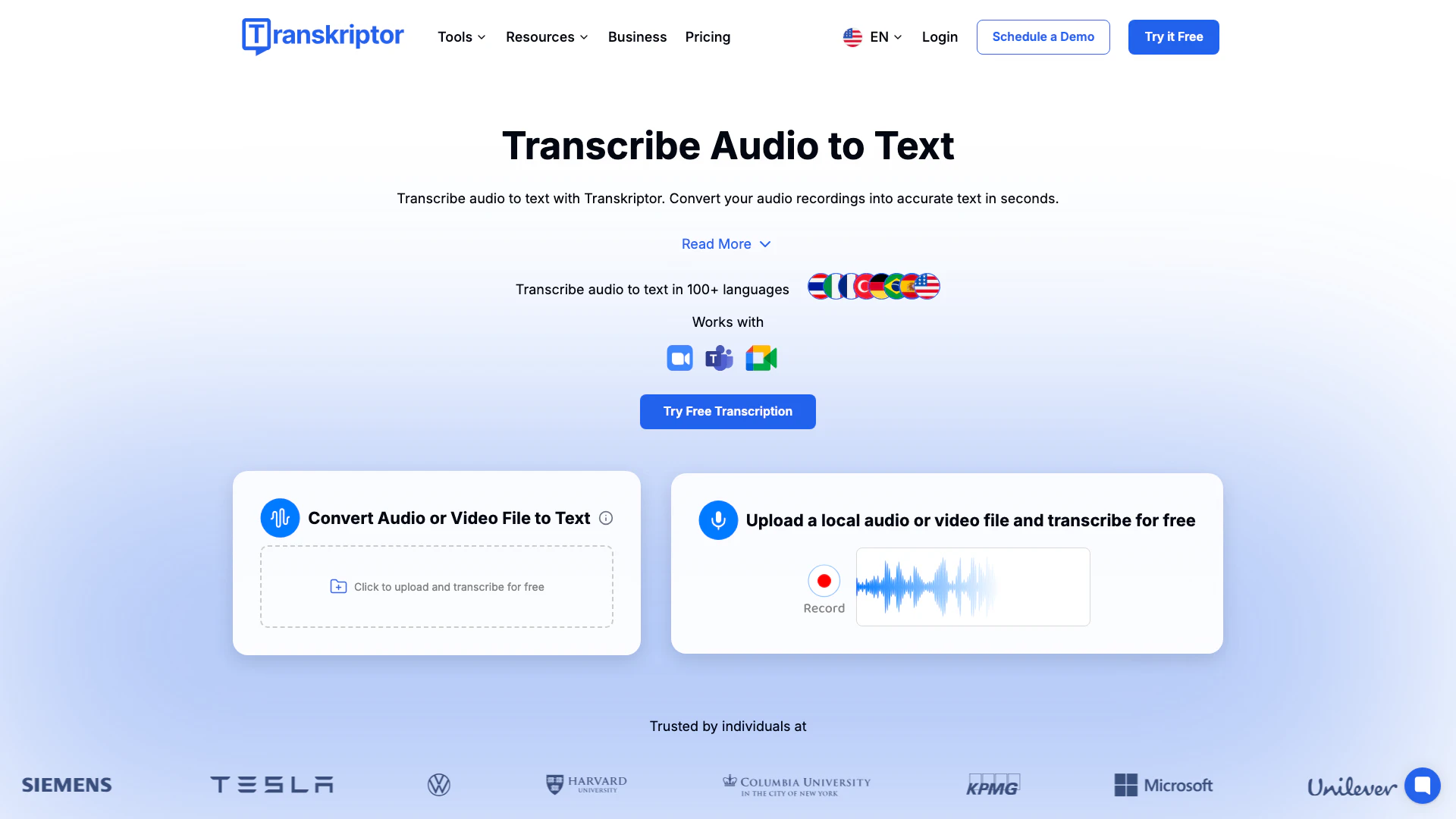
Transkriptor is an AI-powered transcription tool designed to convert audio and video recordings into accurate text. It supports over 100 languages, making it suitable for various applications, including meetings, interviews, podcasts, and lectures. With its advanced technology, Transkriptor provides instant transcription services, allowing users to focus on their content without the hassle of manual note-taking. The tool is ideal for professionals and students alike, offering features that enhance productivity and streamline workflows.
How to use Transkriptor?
- Create Your Account: Sign up for a Transkriptor account to access transcription features for free.
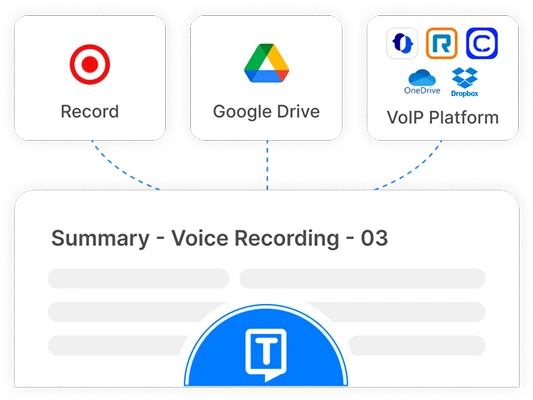
- Record or Upload Audio/Video: Use the platform to either record audio directly or upload existing audio/video files for transcription.
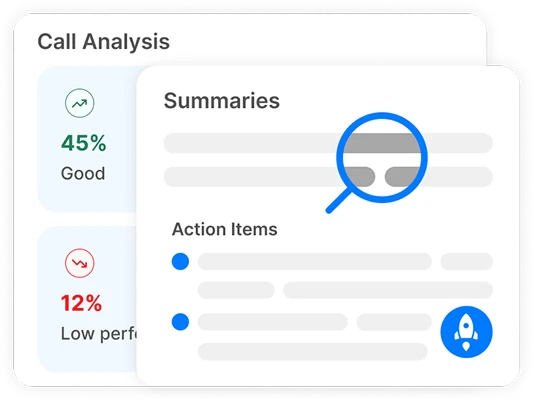
- Receive Transcription Summaries: After processing, Transkriptor provides fully editable transcripts, along with AI-generated summaries and insights.
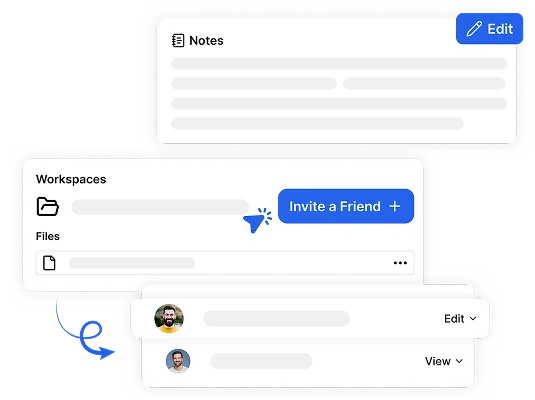
- Organize Your Files: Store and organize your transcripts and notes in secure folders for easy access and management.
What are the main features of Transkriptor?
- Instant Transcription: Convert audio and video files to text in seconds.
- Multi-language Support: Transcribe audio in over 100 languages.
- AI Summarization: Generate summaries and insights from transcribed content.
- Speaker Identification: Automatically identify and label speakers in transcripts.
- Searchable Transcripts: Easily search through transcriptions to find key points.
- Secure Storage: Keep your files organized and secure in dedicated folders.
Who is Transkriptor for?
Transkriptor is designed for a wide range of users, including professionals such as doctors, lawyers, journalists, and consultants who require accurate transcriptions of meetings, interviews, and patient interactions. It is also beneficial for students who need to transcribe lectures and study materials. The tool's versatility and multi-language support make it suitable for anyone looking to improve productivity through efficient audio-to-text conversion.
What are the use cases of Transkriptor?
- Medical Transcription: Doctors can transcribe patient consultations and generate clinical documentation efficiently.
- Legal Documentation: Lawyers can use Transkriptor to convert client meetings and court proceedings into searchable transcripts.
- Media Production: Journalists can transcribe interviews and broadcasts to create written content quickly.
Product Images





Transkriptor Pros and Cons
Pros
- AI-Powered Transcription Accuracy: Transkriptor offers up to 99% accuracy in transcribing audio to text, making it reliable for various applications such as meetings and lectures.
- Supports Over 100 Languages: The tool can transcribe audio in more than 100 languages, catering to a diverse user base and enhancing accessibility.
- Integration with Popular Platforms: Transkriptor integrates seamlessly with platforms like Zoom, Microsoft Teams, and Google Meet, allowing for easy transcription of meetings and webinars.
- Fast Transcription Speed: The AI technology enables rapid transcription, converting audio to text in seconds, which significantly boosts productivity.
Cons
No cons data detected for this tool
Transkriptor Pricing
Lite
For individuals starting out.
Pro
Unlimited transcription and advanced AI tools to save you hours.
Team
Streamline teamwork with shared spaces and advanced meeting tools.
100 Hours
Monthly transcription plan for 100 hours.
250 Hours
Monthly transcription plan for 250 hours.
500 Hours
Monthly transcription plan for 500 hours.
1000 Hours
Monthly transcription plan for 1000 hours.
For the latest pricing, please visit this link: https://transkriptor.com/pricing/
Prices are subject to change. Please visit the official website for the most up-to-date pricing information.
Analytics of Transkriptor
Transkriptor Website Traffic Analysis
Visits Over Time
Traffic Sources
Oct 2025 - Dec 2025 Worldwide Desktop Only
- Search: 58.28%
- Direct: 38.18%
- Referrals: 2.33%
- Social: 0.70%
- Paid Referrals: 0.46%
- Mail: 0.05%
Top Keywords
| Keyword | Volume | CPC | Estimated Value |
|---|---|---|---|
| tradutor | 21.25M | $0.06 | $28310.00 |
| turboscribe | 345.51K | $0.15 | $4110.00 |
| otter ai | 257.35K | $1.53 | $2890.00 |
| transkriptor | 48.97K | $0.48 | $30720.00 |
| transcriptor | 9.84K | $1.04 | $4520.00 |
Transkriptor Reviews
I've been using Transkriptor for months, and the accuracy is consistently 98-99%, even with technical terms. It supports multiple languages, including English, Swedish, and German. Converting long recordings into text is now much faster and more efficient.
After trying several transcription apps, Transkriptor is the most reliable. It works with Zoom and Teams—just paste the link, and it does the job. The ability to search transcripts saves a lot of time when reviewing meetings and interviews.
I use Transkriptor regularly for work, and it has made transcription so much easier. It supports multiple file formats, and uploading files is quick. The fast transcription speed allows me to get my work done without delays, making it a must-have tool.
For more reviews, visit this link: https://transkriptor.com/#reviews




Transkriptor Social Listening
Transkriptor 101: How to use T...
Welcome to Transkriptor! In th...
BEST AI Transcription Tool: Tr...
Transkriptor offers a service ...
Radiant vs Transkriptor | Whic...
In 2026, the choice between Ra...
Unlock to view 31 social media results.