Bringback





What is BringBack?
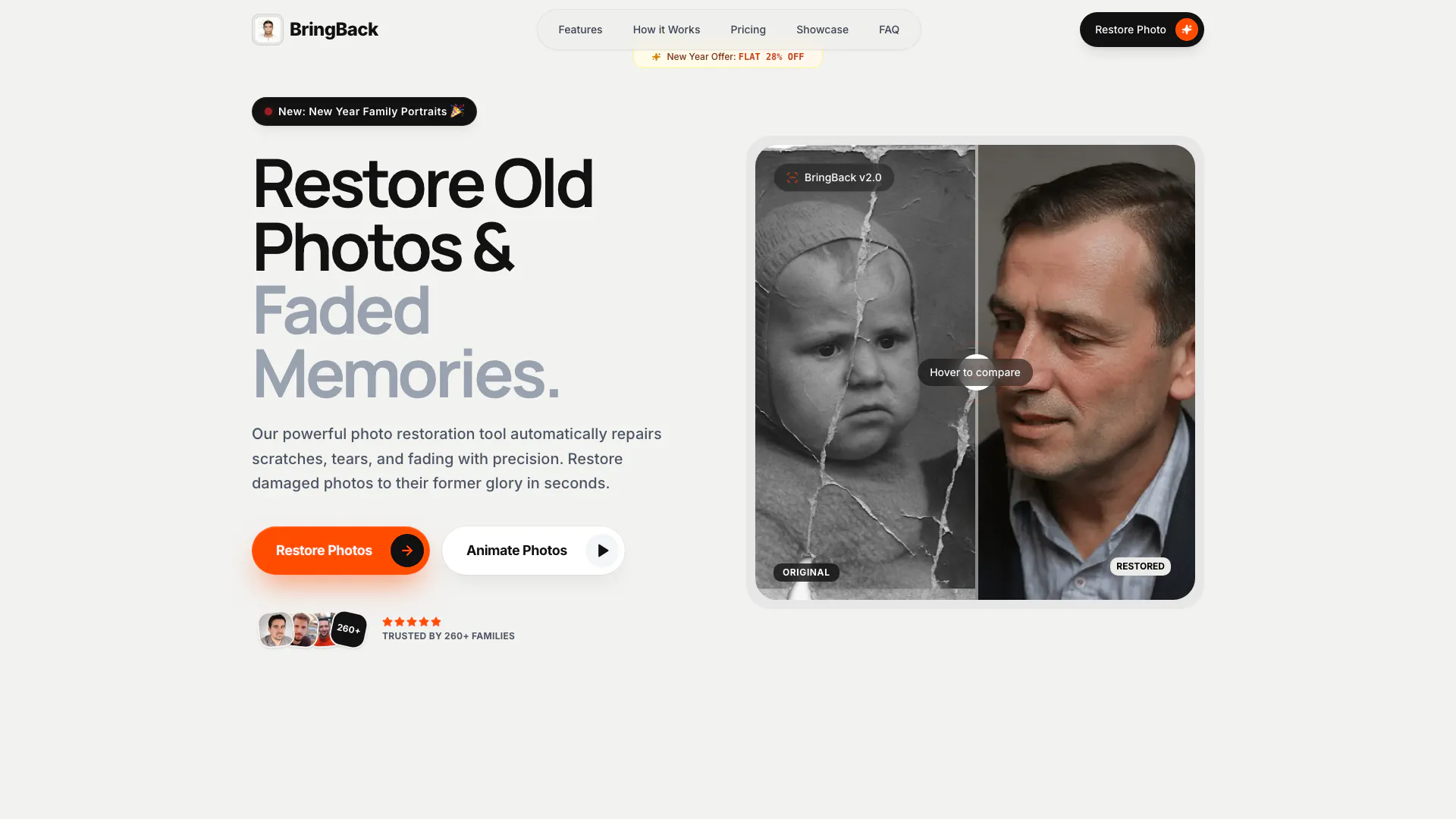
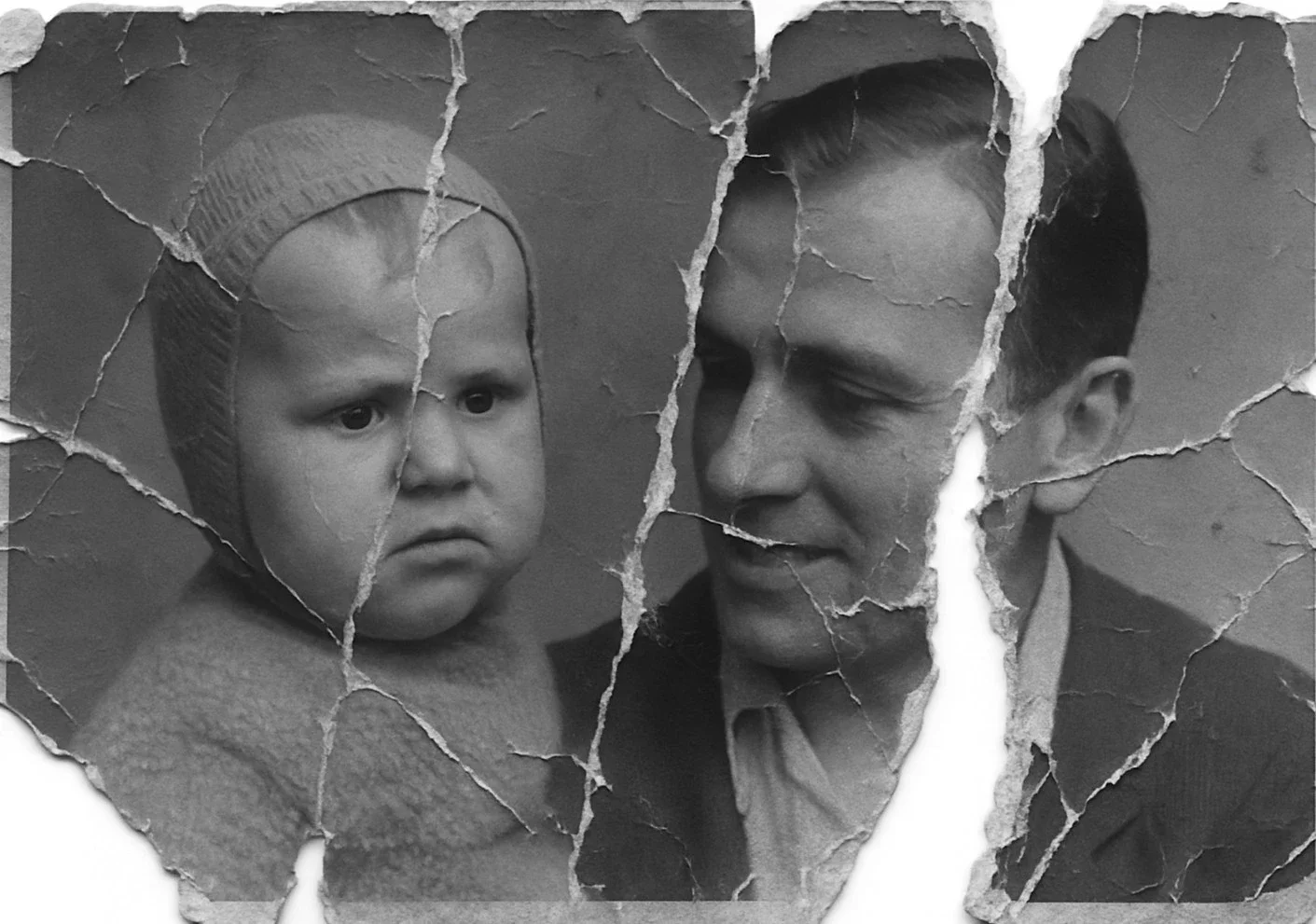
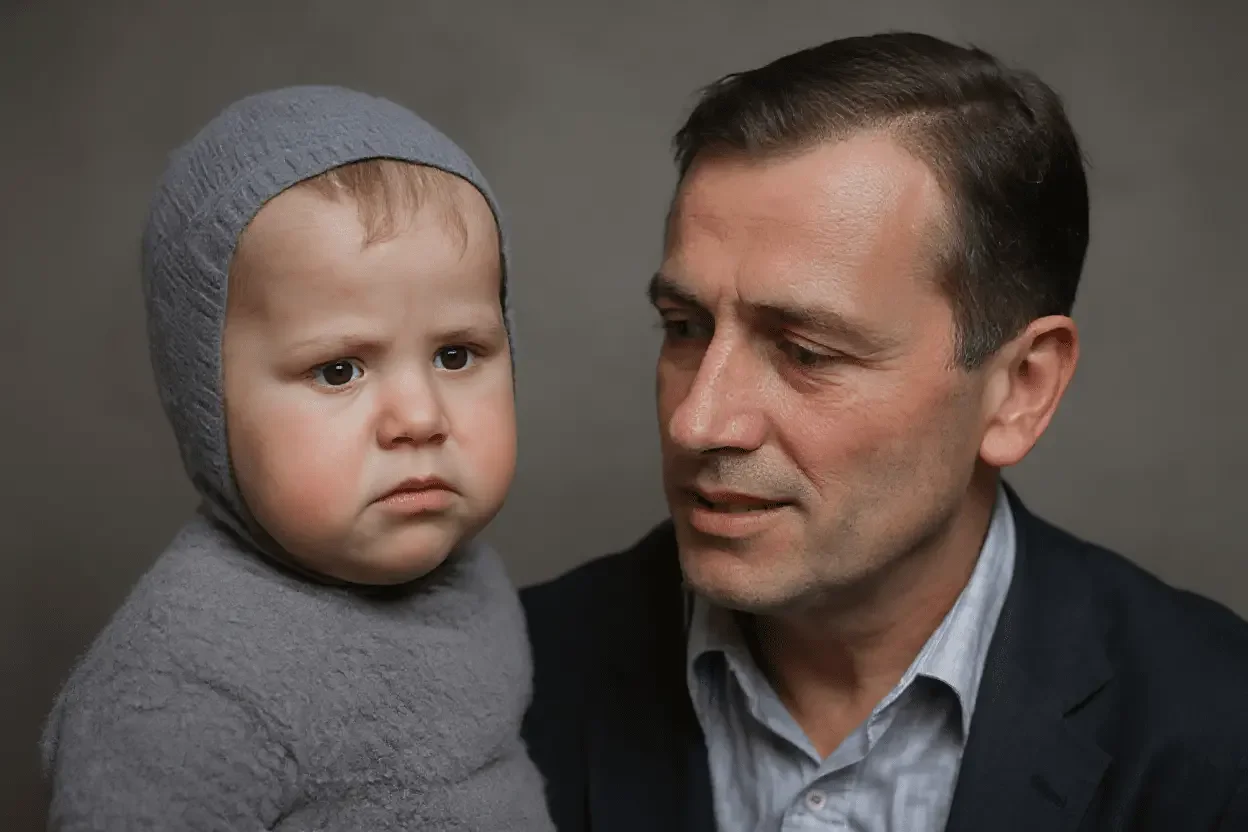
BringBack is an innovative AI-powered tool designed to restore old, faded, and damaged photographs to their original glory. By utilizing advanced artificial intelligence technology, BringBack can automatically repair color, fix scratches and tears, and even animate portraits to create lifelike memories. This tool is ideal for anyone looking to preserve their family history and enhance the quality of cherished photographs.
How to use BringBack?
To use BringBack, follow these simple steps: 1. Upload Your Photo: Drag and drop your damaged or old photos securely onto the BringBack platform. Supported formats include JPG, PNG, and WEBP. 2. AI Restoration: Click to initiate the restoration process. The AI will analyze and restore color, clarity, and detail to your photo with remarkable accuracy. 3. Animate Memories: After restoration, you can choose to animate your photo. The AI will create subtle movements like smiles and blinks, bringing your memories to life.
What are the main features of BringBack?
BringBack offers a range of powerful features designed to restore and animate photos: - Photo Restoration: Automatically repairs scratches, tears, and fading with precision. - Color Restoration: Revives faded sepia tones into vibrant, historically accurate colors. - Face Enhancement: Upscales low-resolution faces to HD clarity using facial landmark reconstruction. - Natural Face Animation: Creates realistic facial movements while preserving the person's authentic likeness. - Smart Damage Check: Automatically offers a second pass for heavily damaged photos.
Who is BringBack for?
BringBack is designed for anyone looking to restore and preserve their family memories, especially those with old, faded, or damaged photographs. It is particularly beneficial for families wanting to keep their history alive, photographers needing to enhance their portfolios, and individuals looking to create meaningful gifts from cherished memories. The tool is user-friendly, requiring no technical skills, making it accessible to a wide audience.
What are the use cases of BringBack?
Here are some specific use cases for BringBack: 1. Restoring Family Portraits: Perfect for revitalizing old family photos that have faded over time. 2. Enhancing Historical Images: Ideal for preserving historical photographs for archival purposes. 3. Creating Animated Memories: Users can animate restored photos to share with family and friends, bringing memories to life in a new way.
Product Images
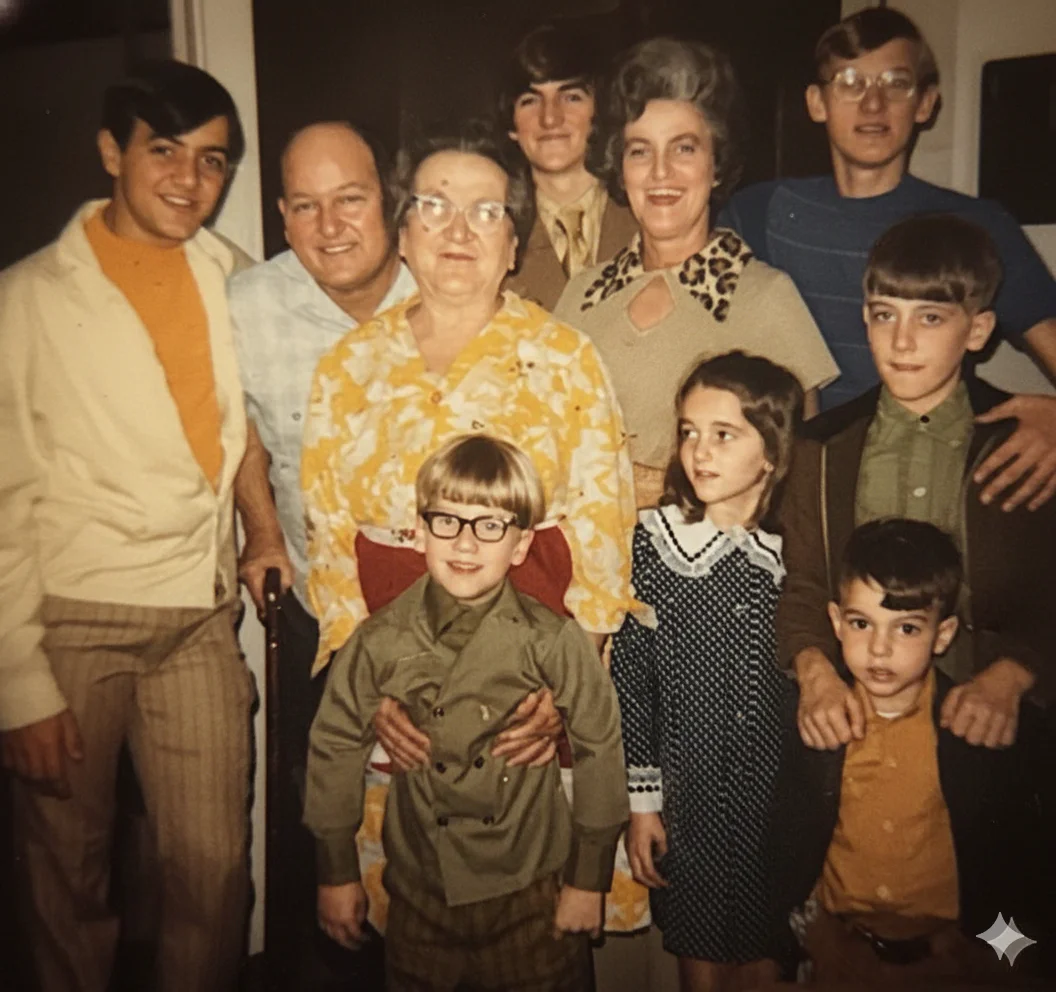
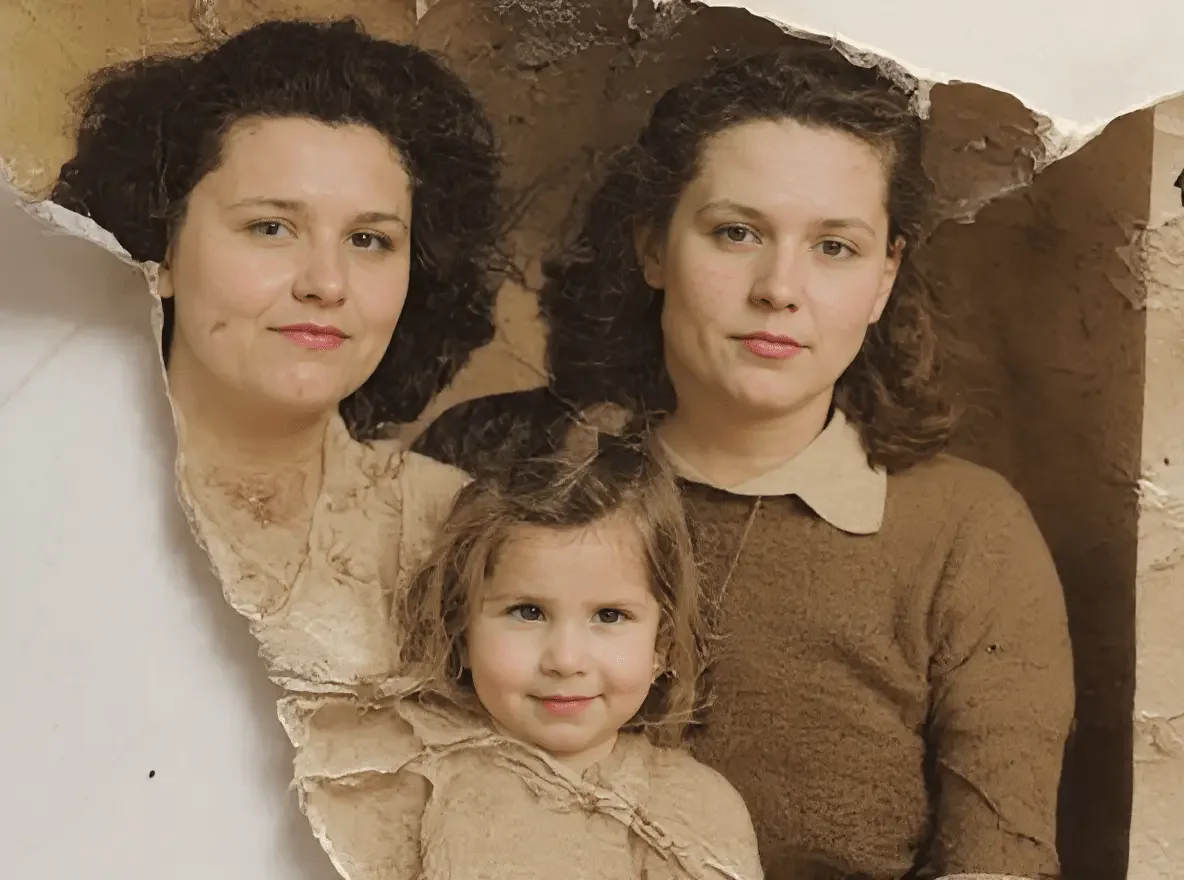
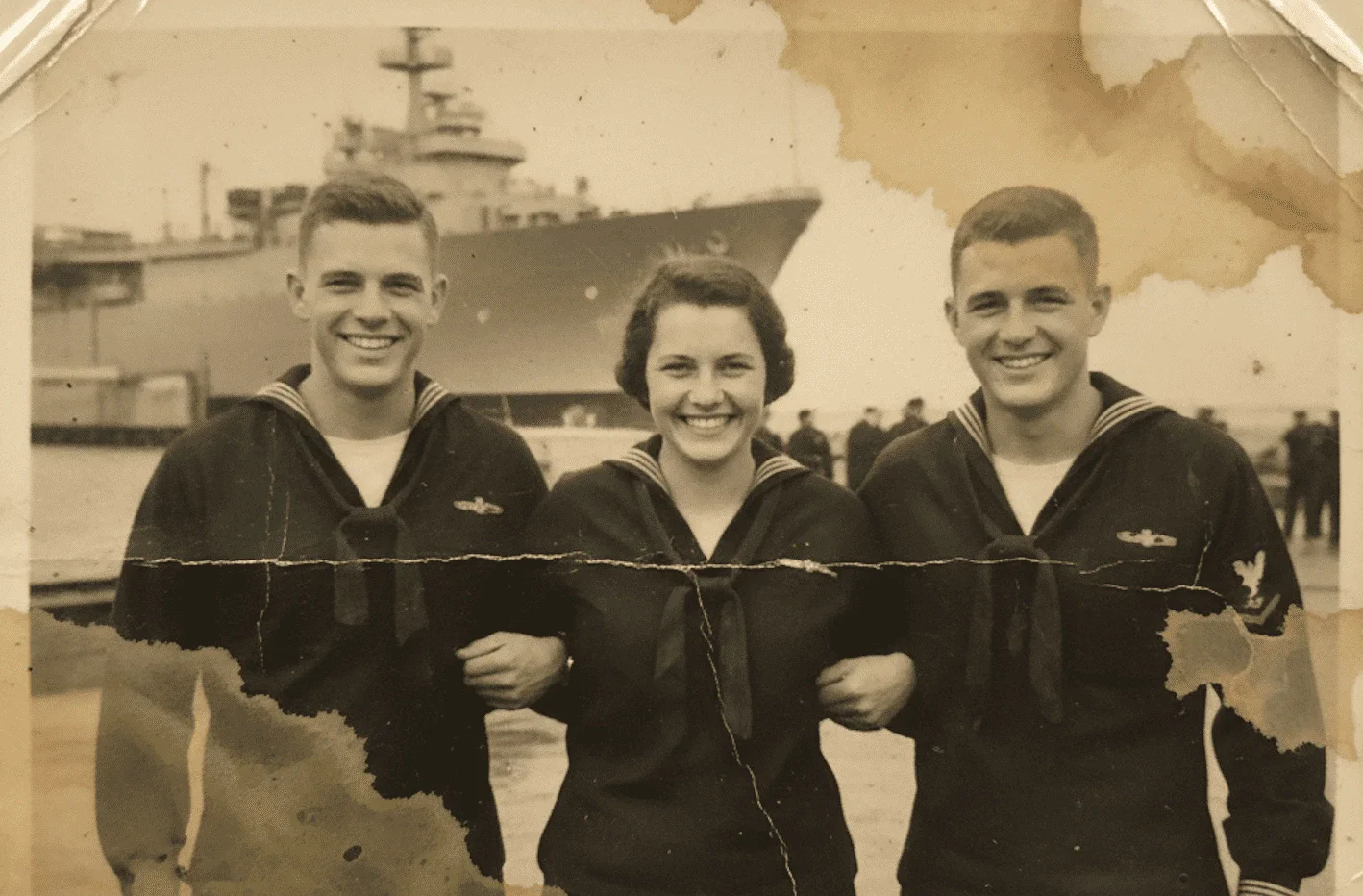
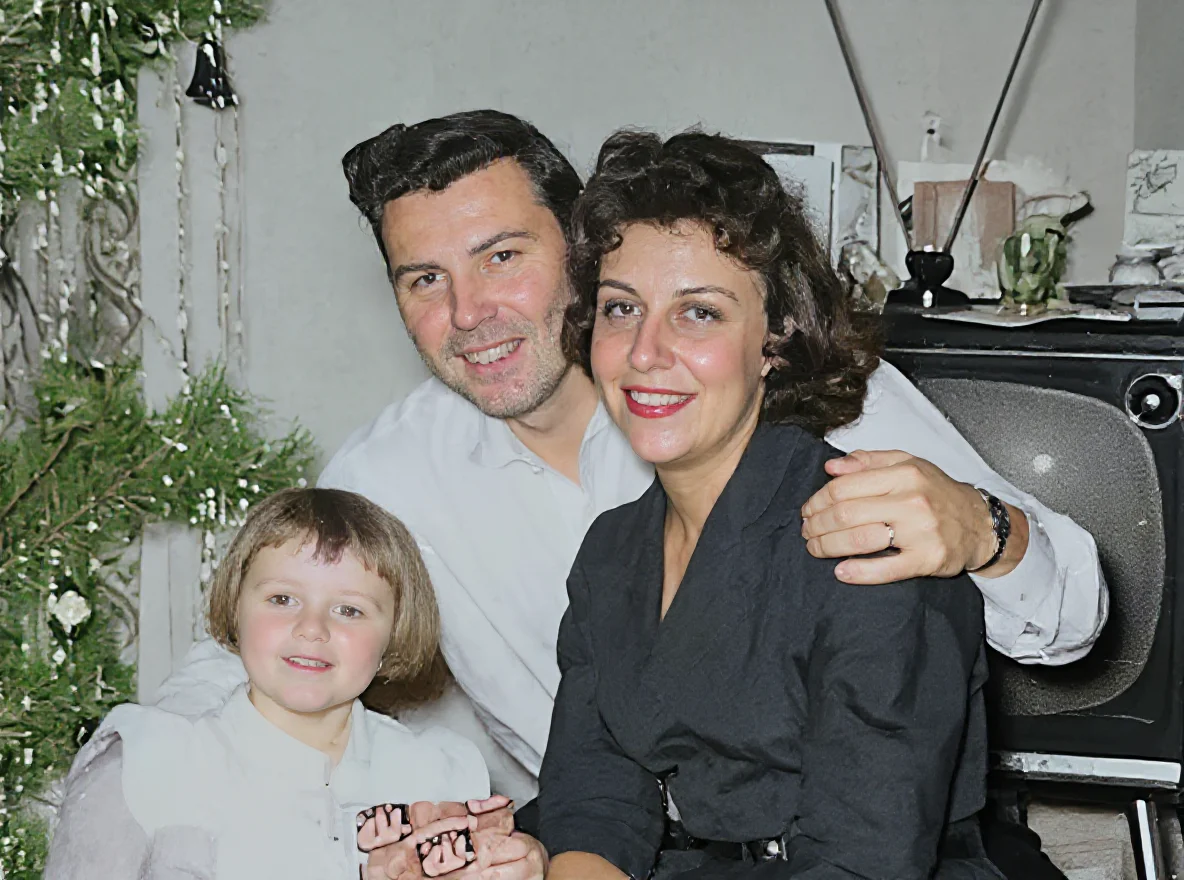
Bringback Pros and Cons
Pros
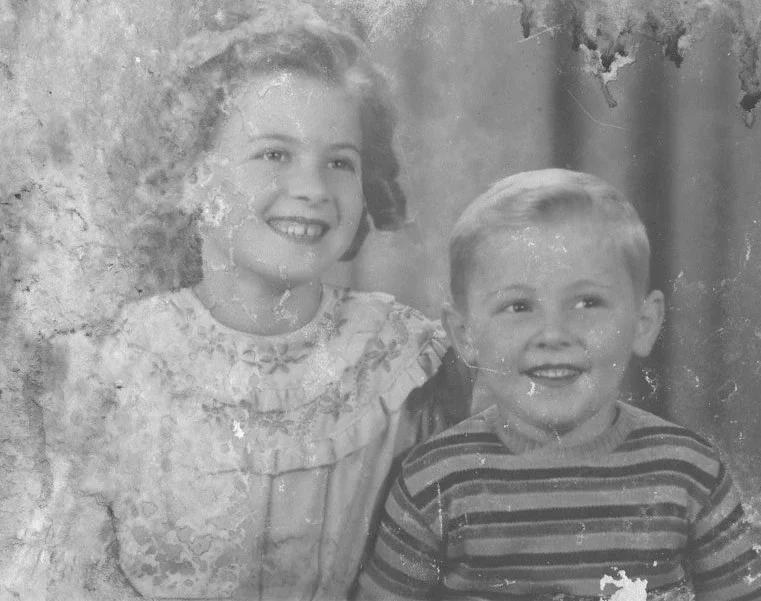
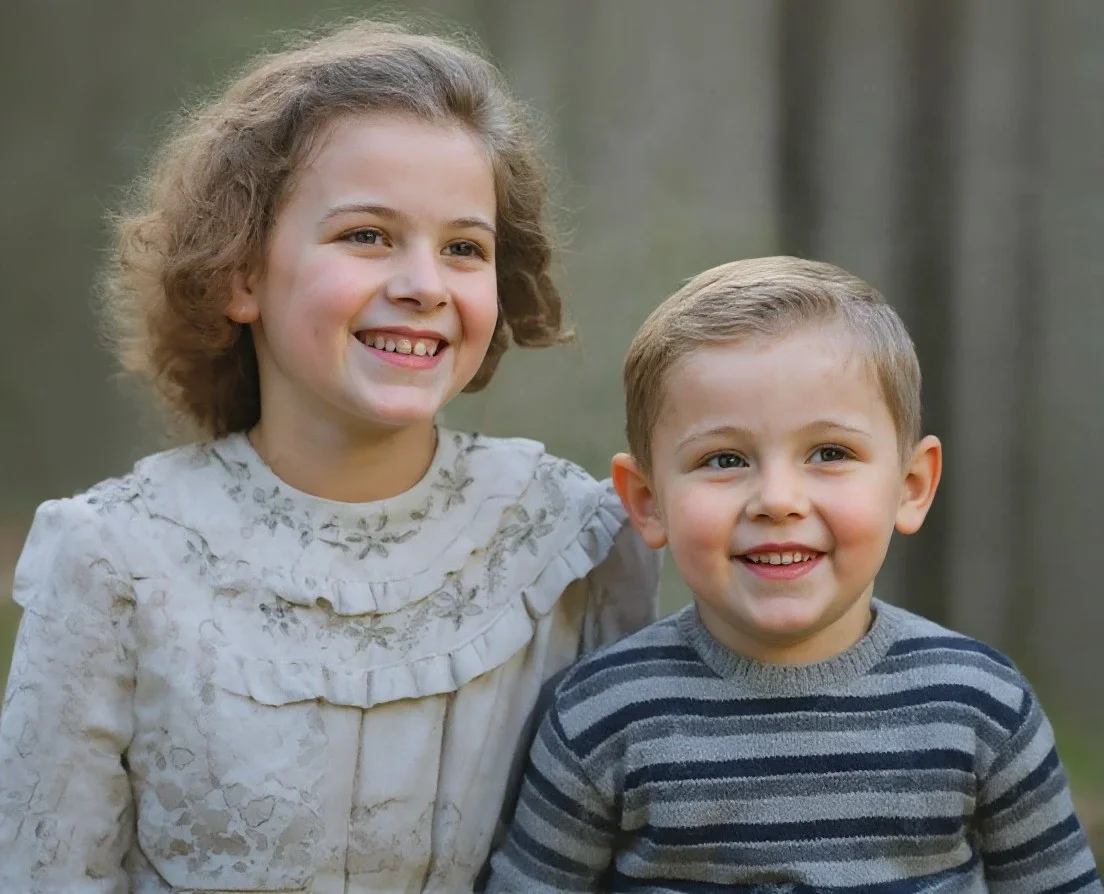
- Automatic Photo Restoration: BringBack AI automatically repairs scratches, tears, and fading in photos, restoring them to their original quality with precision.
- Realistic Animation Features: The tool offers lifelike animations, allowing users to see their restored photos come to life with natural movements like smiling and waving.
- User-Friendly Interface: No technical skills are required; users can simply upload their photos and click a button to start the restoration process.
Cons
No cons data detected for this tool
Bringback Pricing
Starter
Perfect for high-quality photo restoration. 5 Credits Included. Restore 5 Photos. High-Resolution Output. Credits Never Expire. Up to 5 Free Photo Upscale. Free Digital Frames. 30-Day Money-Back Guarantee.
Pro
Everything in Starter, plus bring photos to life. 20 Flexible Credits. Restore up to 20 Photos or Create 2 Video Animations. Mix & Match Usage. High-Resolution 1080P Output. Credits Never Expire. Up to 20 Free Photo Upscale. Free Digital Frames. 30-Day Money-Back Guarantee.
Family
Perfect for photo animation for your family. 60 Flexible Credits. Restore up to 60 Photos or Create 6 Video Animations. Mix & Match Usage. High-Resolution 1080P Output. Credits Never Expire. Up to 60 Free Photo Upscale. Free Digital Frames. 30-Day Money-Back Guarantee.
For the latest pricing, please visit this link: https://bringback.pro/pricing
Prices are subject to change. Please visit the official website for the most up-to-date pricing information.
Bringback Reviews
omg i cant believe u guys fixed my grandmas photo... i was crying when i saw it. thank you so much!!
honestly i didnt expect much cause the photo was super damaged but wow. just wow. worth every penny.
my dad passed away last year and this was the only photo i had of him smiling. thank you for bringing it back.
For more reviews, visit this link: https://bringback.pro#clients