

Miguoai



What is Miguoai?
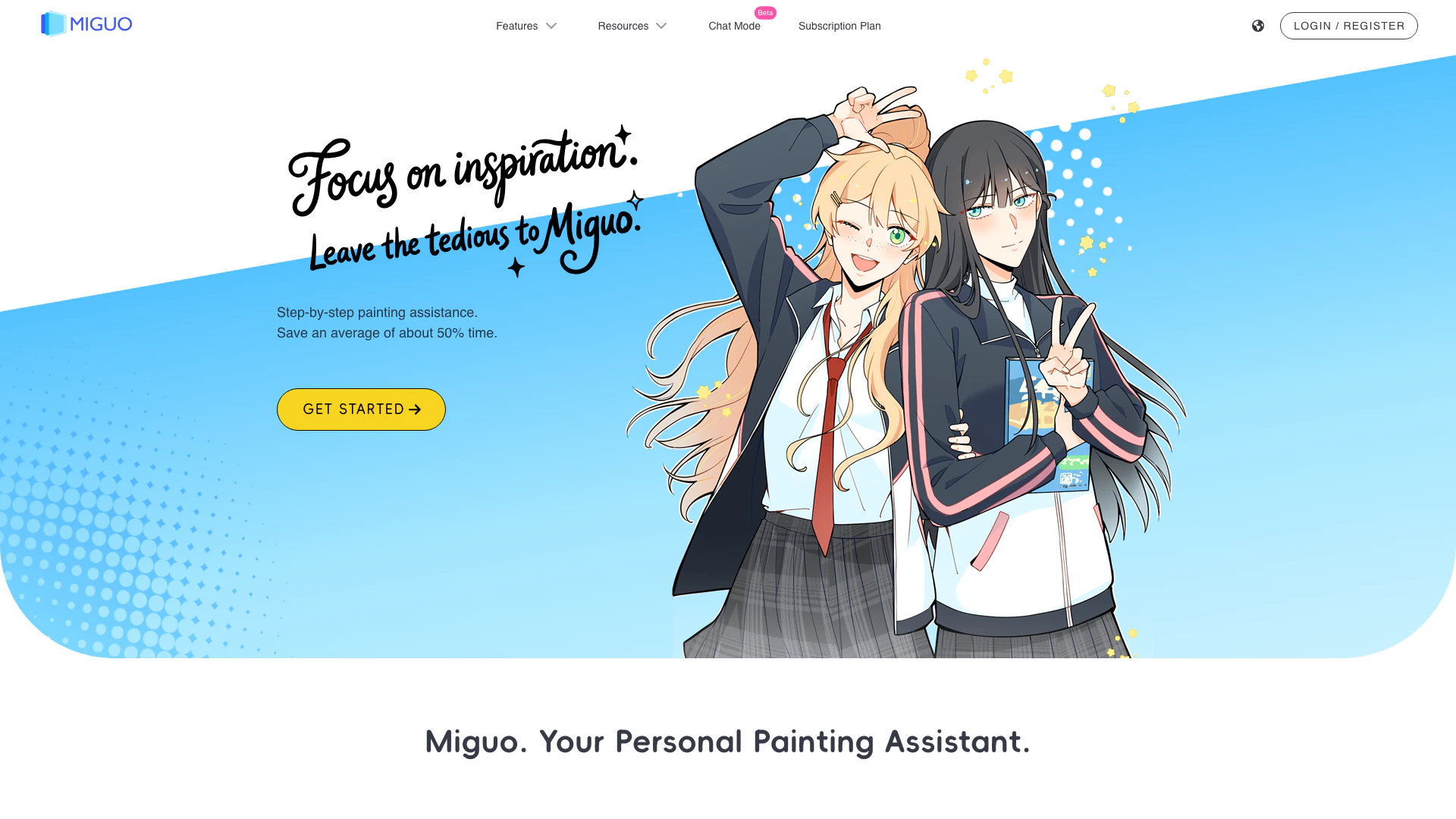
Miguoai is an innovative painting assistant designed to enhance the creative process for artists. It aims to return creative control to the artist by providing layered output and PSD export capabilities. Unlike traditional black-box generation tools, Miguoai supports artists through various stages of the painting process, including sketch-to-lineart conversion, coloring, and shadow generation. This tool is specifically crafted to empower creators, making it a valuable asset in the professional painting workflow.
How to use Miguoai?
- Visit the Miguoai website at https://miguo.ai/ and create an account or log in. 2. Upload your sketches or artwork to the platform. 3. Utilize the various features such as sketch-to-lineart conversion, coloring, and shadow generation to enhance your artwork. 4. Adjust settings as needed to achieve the desired output. 5. Export your final artwork in layered PSD format for further editing in your preferred design software.
What are the main features of Miguoai?
- Layered output for detailed editing and control over each component of the artwork.
- PSD export capability for seamless integration with professional design tools.
- Sketch-to-lineart conversion to streamline the initial stages of artwork creation.
- Coloring and shadow generation tools that enhance the visual depth of the artwork.
- User-friendly interface that simplifies complex artistic processes, allowing artists to focus on creativity.
Who is Miguoai for?
Miguoai is ideal for artists of all levels, from beginners to seasoned professionals. It caters to illustrators, comic artists, and digital painters looking to streamline their creative process. Whether you are a student, a freelance artist, or a comic lead artist, Miguoai provides the tools necessary to enhance your artistic capabilities and improve productivity.
What are the use cases of Miguoai?
- Creating detailed comic panels by converting sketches into clean lineart and adding colors efficiently.
- Assisting art students in learning digital painting techniques through structured workflows and instant feedback on their work.
- Enabling professional artists to save time on repetitive tasks, allowing them to focus on more creative aspects of their projects.
- Facilitating quick revisions and edits in artwork by utilizing the layered output feature.
Miguoai Pros and Cons
Pros
- Layered Output for Flexibility: Miguoai offers layered output, allowing artists to edit each layer separately, enhancing control over the creative process.
- User-Friendly Interface: Designed with artists in mind, Miguoai simplifies the painting process without the need for complex software installations or parameters.
- Time-Saving Features: The tool significantly reduces time spent on tedious tasks, enabling artists to focus on creativity and produce work more efficiently.
Cons
No cons data detected for this tool





