

Bigmp4




What is Bigmp4?
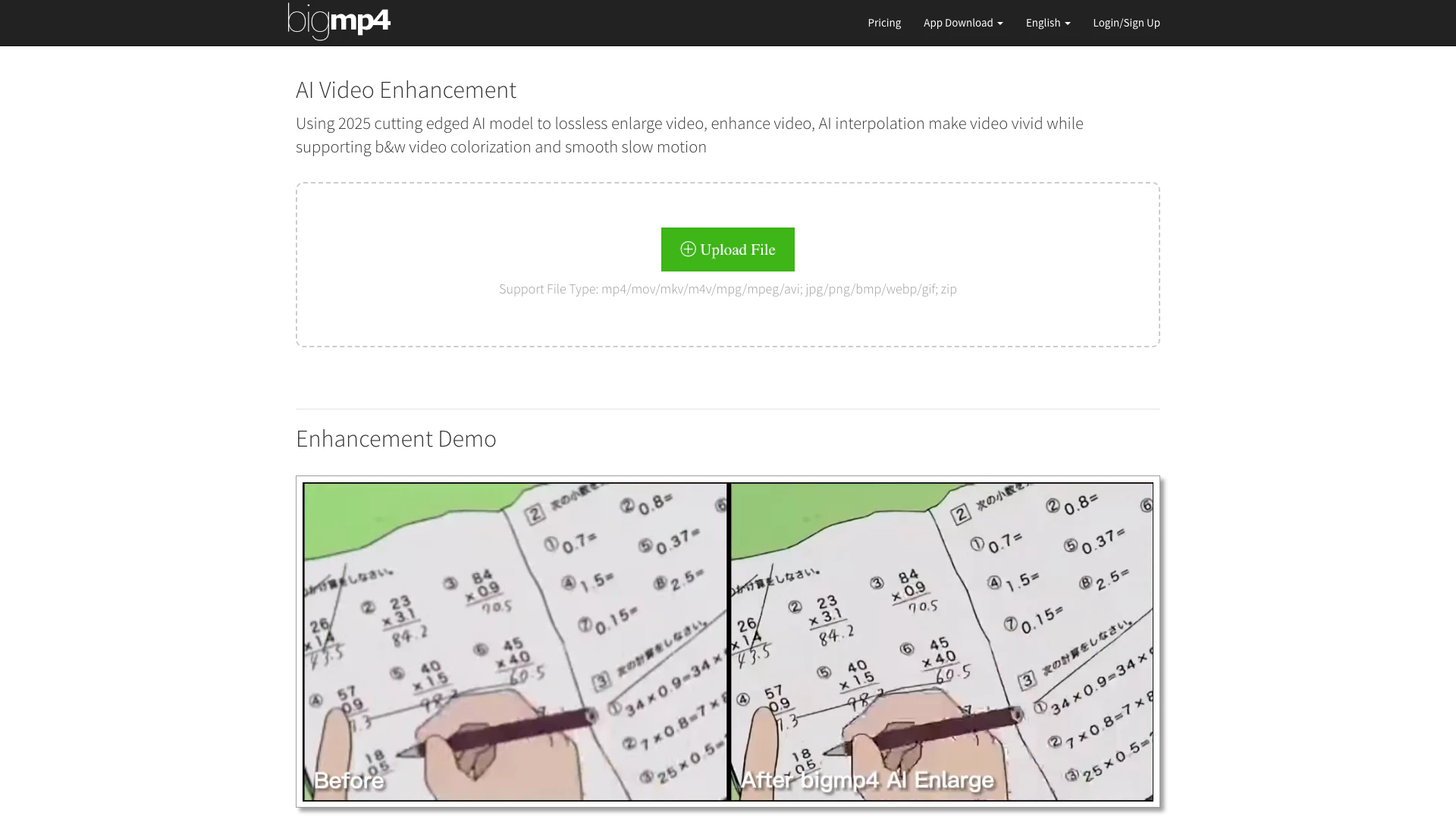
Bigmp4 is an advanced AI video enhancement[1] tool that utilizes cutting-edge AI technology from 2025 to perform lossless video enlargement[2] and enhancement. It offers features such as AI interpolation[3] to increase frame rates, colorization[4] of black and white videos, and smooth slow motion[5] effects. With Bigmp4, users can effortlessly improve the quality of their videos, making them more vivid and engaging while maintaining high fidelity.
How to use Bigmp4?
- Visit the Bigmp4 website and create an account or log in.
- Upload your video file by selecting the desired file format (mp4, mov, mkv, etc.).
- Choose the enhancement options such as video enlargement, colorization, or interpolation.
- Initiate the processing and wait for the AI to enhance your video.
- Download the enhanced video once processing is complete.
What are the main features of Bigmp4?
- Lossless video enlargement to 2K, 4K, or 8K with enhanced quality.
- AI-powered colorization for black and white videos, providing vibrant colors.
- AI interpolation to increase video frame rates up to 240 fps for smooth playback.
- Smooth slow motion capabilities while keeping the original frame rate intact.
- Support for batch processing, allowing multiple files to be uploaded and enhanced at once.
Who is Bigmp4 for?
Bigmp4 is designed for content creators, video editors, filmmakers, and anyone looking to enhance their video quality. Whether you are a professional seeking to improve cinematic footage or an amateur looking to revive old home videos, Bigmp4 provides powerful tools to elevate your video content. It is also suitable for users interested in restoring classic films or enhancing video presentations for educational purposes.
What are the use cases of Bigmp4?
- Enhancing old family videos to modern quality for personal archiving.
- Improving video quality for YouTube content creators to attract more viewers.
- Colorizing historical black and white films for educational projects.
- Creating smooth slow-motion effects for action sports videos.
- Processing multiple videos in batch mode for film production or marketing campaigns.
Product Images

Bigmp4 Pros and Cons
Pros
- Lossless Video Enhancement: Utilizes cutting-edge AI technology to enhance video quality without loss, providing options to enlarge videos up to 8K.
- AI Interpolation: Increases video frame rates to 60, 120, or 240 fps, resulting in smoother and more vivid playback.
- Batch Processing Support: Allows users to upload multiple files in a zip format for simultaneous processing, enhancing efficiency.
Cons
No cons data detected for this tool
Bigmp4 Pricing
Free
Num: 30 GPU point Expiry: 1 Month Prioritize: NO Upload Limit: 10M AI Interpolation: NO Batch Mode: NO
$6 USD / 300 GPU point
Expiry: 1 Year Prioritize: YES Upload Limit: 100M AI Interpolation: YES Batch Mode: YES
$18 USD / 1080 GPU point
Expiry: 1 Year Prioritize: YES Upload Limit: 100M AI Interpolation: YES Batch Mode: YES
$24 USD / 1560 GPU point
Expiry: 1 Year Prioritize: YES Upload Limit: 100M AI Interpolation: YES Batch Mode: YES
For the latest pricing, please visit this link: https://bigmp4.com/en
Prices are subject to change. Please visit the official website for the most up-to-date pricing information.
Analytics of Bigmp4
Bigmp4 Website Traffic Analysis
Visits Over Time
Traffic Sources
Nov 2025 - Jan 2026 Worldwide Desktop Only
- Search: 44.40%
- Direct: 34.26%
- Referrals: 15.64%
- Social: 4.22%
- Paid Referrals: 0.91%
- Mail: 0.16%
Top Keywords
| Keyword | Volume | CPC | Estimated Value |
|---|---|---|---|
| 在线视频放大 | 220 | $0.00 | $150.00 |
| bigmp4 | 200 | $0.00 | $780.00 |
| увеличить фпс в видео онлайн ии | 200 | $0.00 | $170.00 |
| mejorar resolucion ai video ampliar | 140 | $0.00 | $130.00 |
| улучшить качество видео нейросеть | 110 | $0.00 | $130.00 |



