


Last updated:
Banginaudiorecorder

Banginaudiorecorder

Get deal
5.00 Comments0 Saved
Introduction:
Effortlessly record and curate your audio ideas.
Launch Date:
Monthly Visits:
--
Inputs:
Audio
Outputs:
AudioText
Supported Languages:
EN
AI Models:
Timestamped Speech to Text
Website
🙋‍♂️Personal💼Work🎨Creativity
AI Voice Transcription24Audio Recording Tool22
Banginaudiorecorder Overview

What is Banginaudiorecorder?

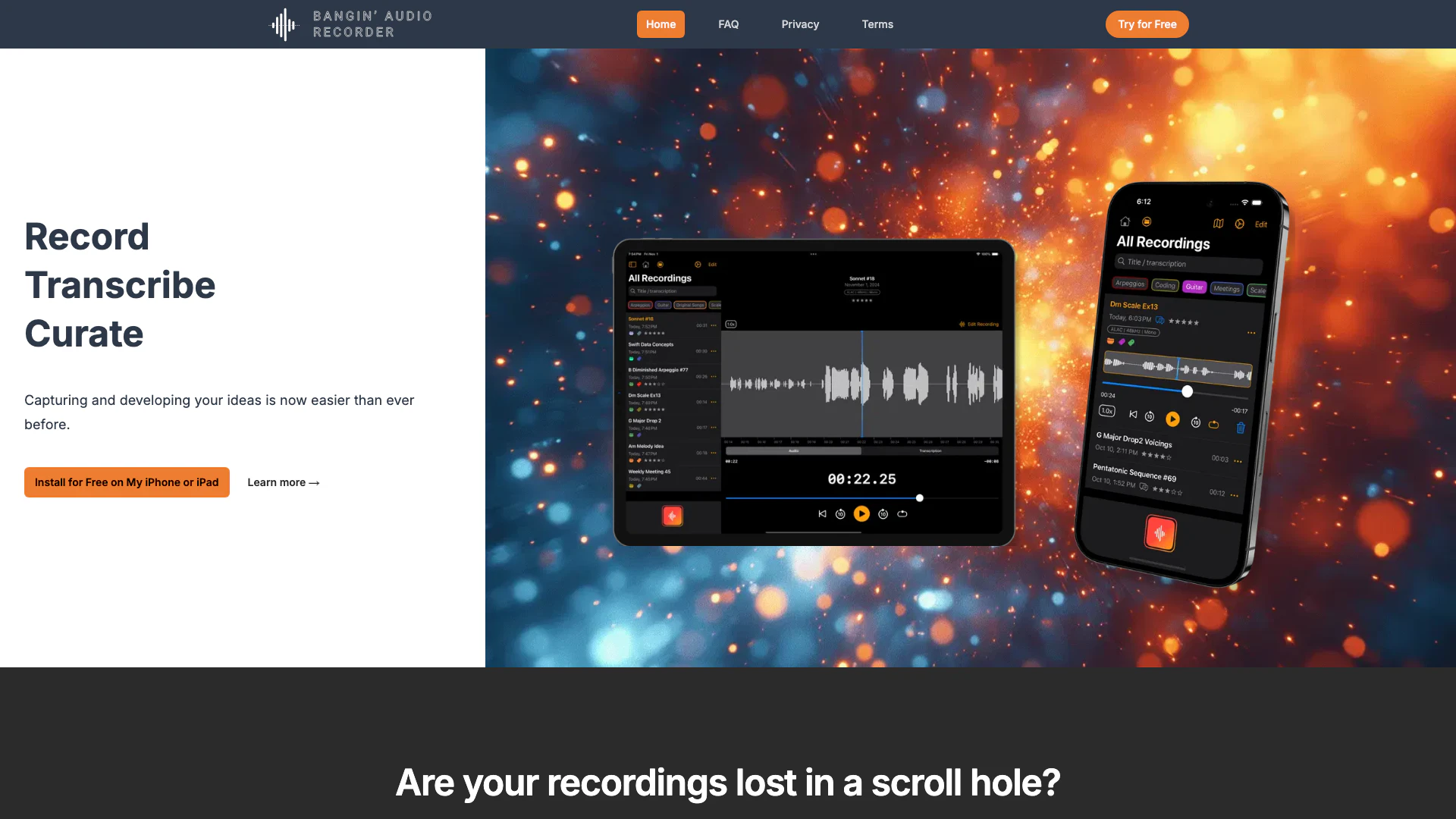
Banginaudiorecorder is an innovative audio recording application designed for Apple devices, enabling users to effortlessly capture high-quality mono or stereo audio. This tool is perfect for music composers, developers, and anyone looking to record, transcribe, and curate their audio ideas seamlessly. With a user-friendly interface and advanced features like timestamped speech recognition and project management capabilities, Banginaudiorecorder helps users maintain focus on their creative processes.


How to use Banginaudiorecorder?

  1. Download and install the Banginaudiorecorder app from the App Store on your iPhone or iPad.
  2. Open the app and select the recording option to start capturing audio in high quality.
  3. Utilize the custom speech timestamp feature to easily navigate through your recordings.
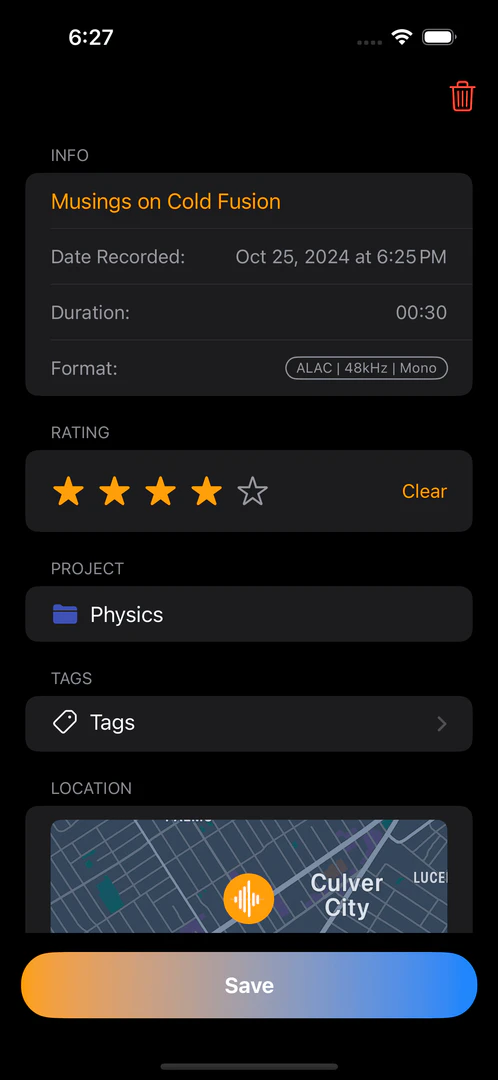
  4. Use the tagging and project management tools to organize your recordings effectively.
  5. Edit your recordings by trimming or cutting segments as needed.

What are the main features of Banginaudiorecorder?

  • High-quality audio recording in mono or stereo.
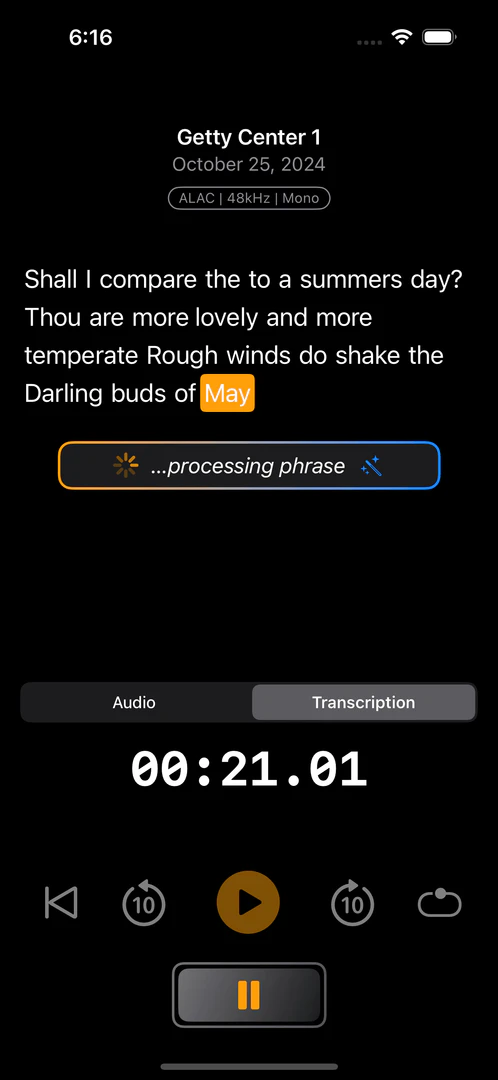
  • Timestamped speech-to-text transcription for easy reference.
  • Tagging system for organizing recordings and projects.
  • Intuitive trimming and editing tools for refining audio.
  • Automatic syncing across Apple devices for seamless access.

Who is Banginaudiorecorder for?

Banginaudiorecorder is designed for musicians, audio professionals, content creators, and anyone who needs a reliable tool for recording audio ideas. Whether you are a composer looking to capture musical inspirations, a developer needing to record sound samples, or a student wanting to document lectures, this app provides the functionalities necessary to enhance your audio recording experience.


What are the use cases of Banginaudiorecorder?

  1. Recording musical compositions or practice sessions for later review.
  2. Transcribing interviews or lectures for accurate documentation.
  3. Curating audio samples for sound design projects.

Product Images
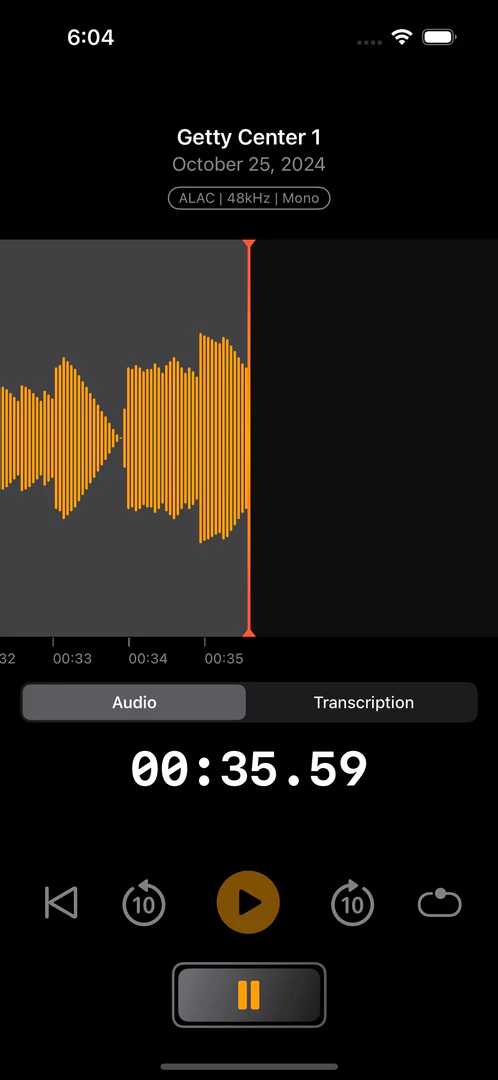
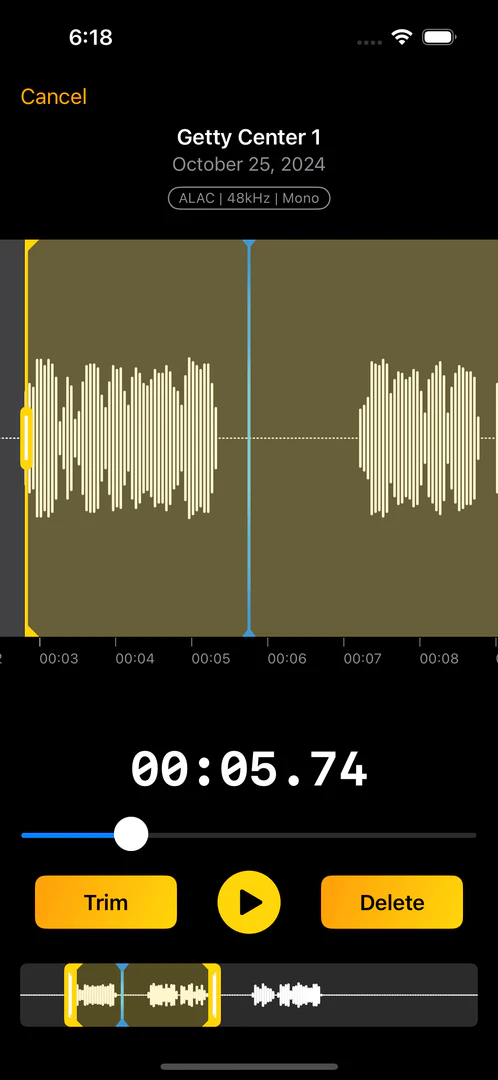
Banginaudiorecorder audio recording interface
Banginaudiorecorder transcription interface
Banginaudiorecorder saving ideas interface
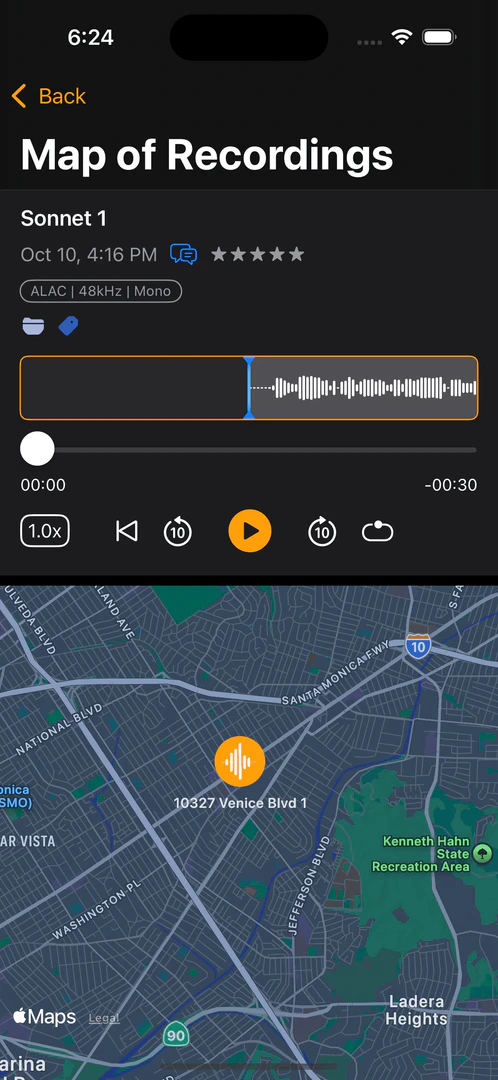
Banginaudiorecorder sonic destinations map view
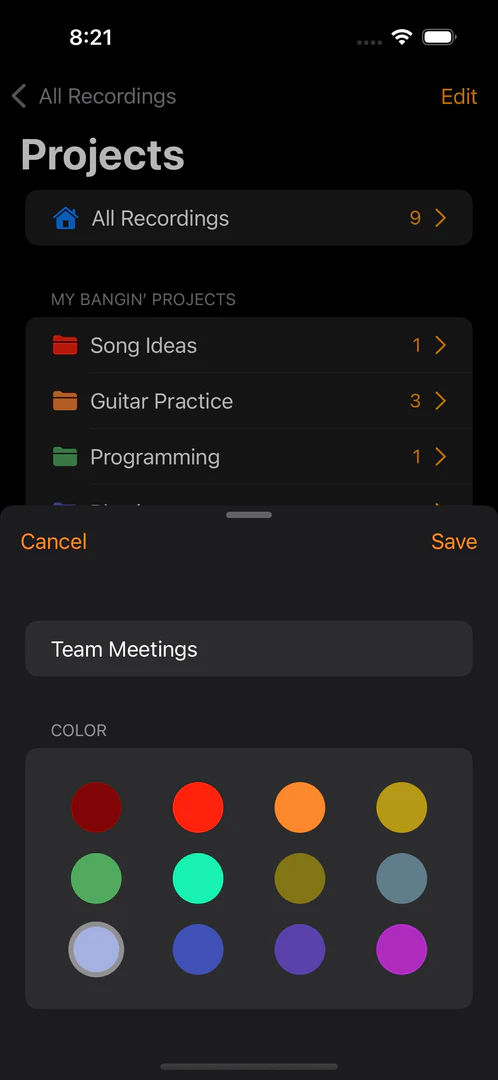
Banginaudiorecorder project management interface
Banginaudiorecorder audio editing interface
Banginaudiorecorder product interface overview
Alistair Cooper, founder of Banginaudiorecorder
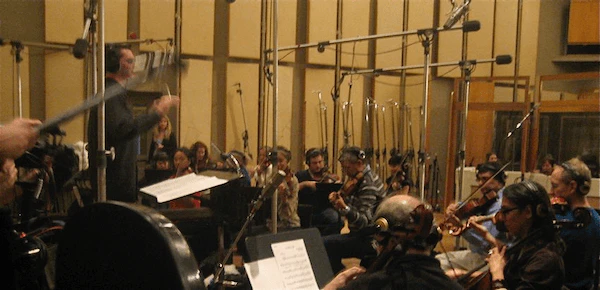
Alistair Cooper conducting music
1 / 9

Banginaudiorecorder Pros and Cons

Pros

  • High-Quality Audio Recording: Capture high-quality mono or stereo audio effortlessly, ensuring your recordings sound professional.
  • Intuitive Editing Features: Easily trim and edit audio segments, allowing for refined recordings and better idea management.
  • Advanced Speech Timestamping: Utilize a custom speech timestamp algorithm to quickly reference and navigate through speech recordings.

Cons

No cons data detected for this tool

Banginaudiorecorder Compare

Tool NameIntroductionPricing
Type
RatingLaunch DateLearn more
Build, scale, and monitor AI Agents.
Free
September 13, 1996
Get deal
Generate AI lesson plans, PowerPoints, and more with Copilot! Use Copilot to breeze through your unit planning and material creation!
Free
November 13, 2022
Get deal
Explore Prompt Vibes to create unique prompts with our ChatGPT Prompt generator. Discover a collection of the best prompts designed for various uses.
Free
February 25, 2023
Get deal

Info current as of post date. Offers and availability may vary by location and are subject to change.

Banginaudiorecorder Q&A

You can create high quality mono or stereo audio recordings with the app.

Yes, the app is available for both iPhone and iPad.

Please check the app's compatibility requirements on the App Store to ensure your device meets the necessary specifications.

The app uses advanced natural language processing technology to convert speech into text, providing timestamped transcriptions for easy reference.

Yes, location tagging is designed to be private, and you can manage your privacy settings within the app.

iCloud syncing allows for automatic and private syncing across your Apple devices, ensuring your recordings are securely stored.

You can create recordings in various audio formats as supported by the app.

You can organize your recordings using tags, projects, and powerful search functionalities.

For more FAQs, please visit this link: https://www.banginaudiorecorder.com/faq

Banginaudiorecorder Launch embeds

Use website badges to drive support from your community for your TopAITools Review. They're easy to embed on your homepage or footer.

Banginaudiorecorder Alternatives

Adobe Podcast screenshot

Create and edit audio effortlessly with Adobe Podcast.

  • Audio & Music
  • AI Voice Transcription
  • Audio Recording Tool
  • AI Podcast Generator
Direct58.32%
Search35.27%
Referrals4.48%
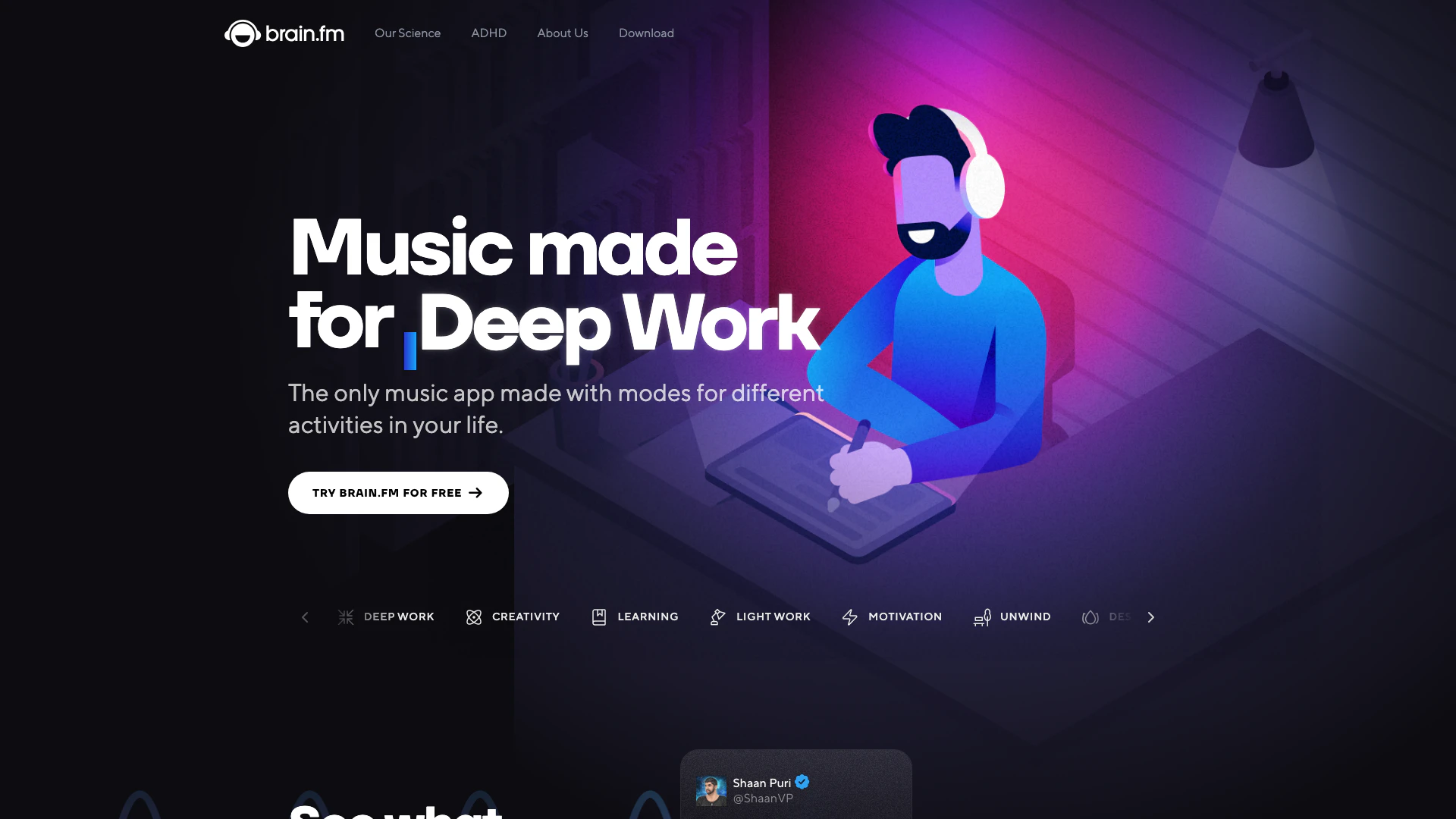
Brain Fm screenshot

Enhance focus and relaxation with Brain.fm's music designed using neuroscience.

  • Audio & Music
  • AI Music Sharing Platform
  • Audio Recording Tool
  • Personalized Audio Briefing Tool
Direct69.41%
Search24.02%
Referrals3.65%
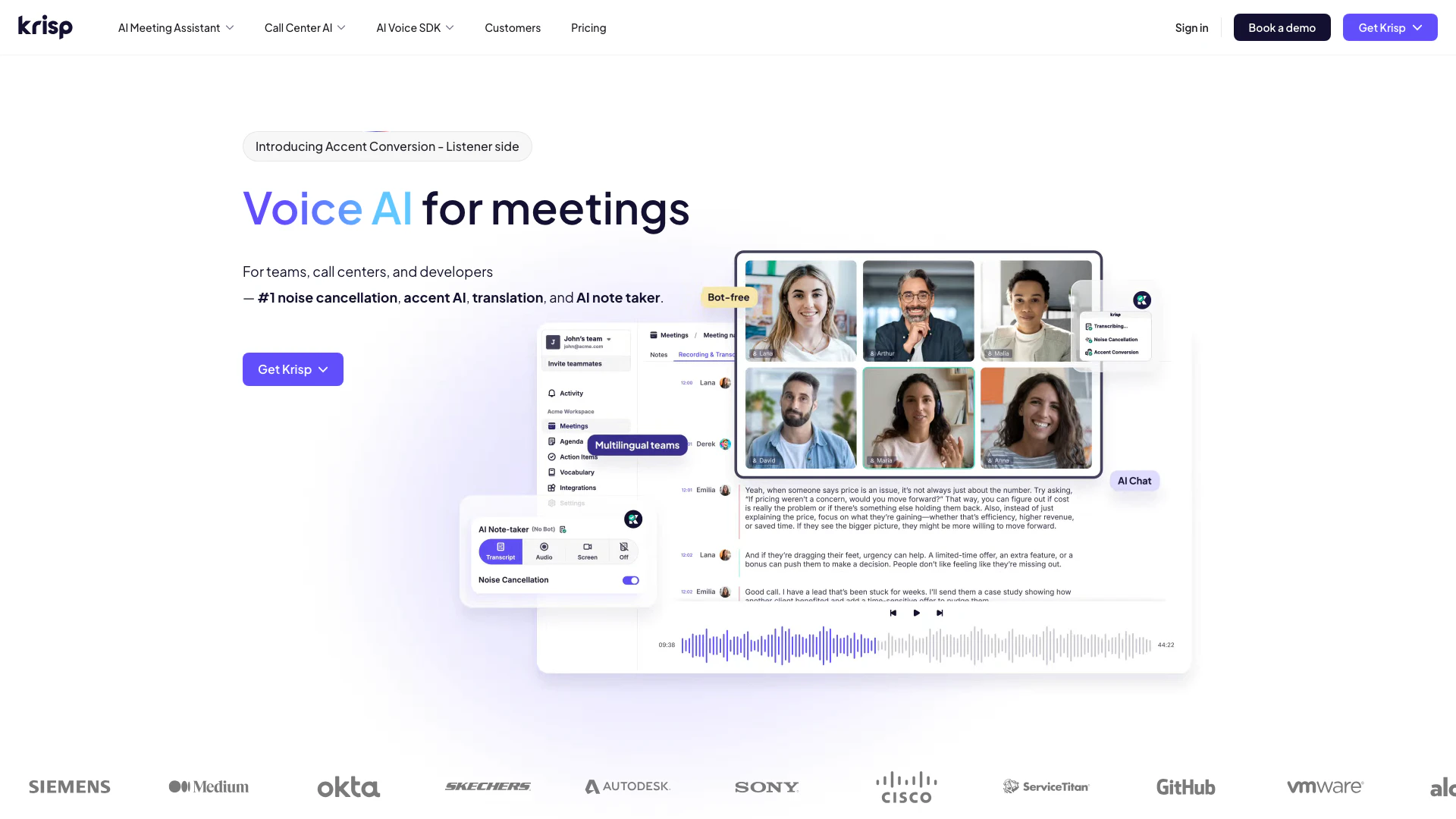
Krisp screenshot

Enhance your meetings with AI-driven noise cancellation and transcription.

  • Audio & Music
  • AI Noise Reduction
  • AI Voice Transcription
  • Voice Calling Services
Use tool
755.8K
Direct48.11%
Search45.16%
Referrals5.01%

Banginaudiorecorder Tags

Also used for

Banginaudiorecorder
BanginaudiorecorderFree