Autoeditor





What is Autoeditor?
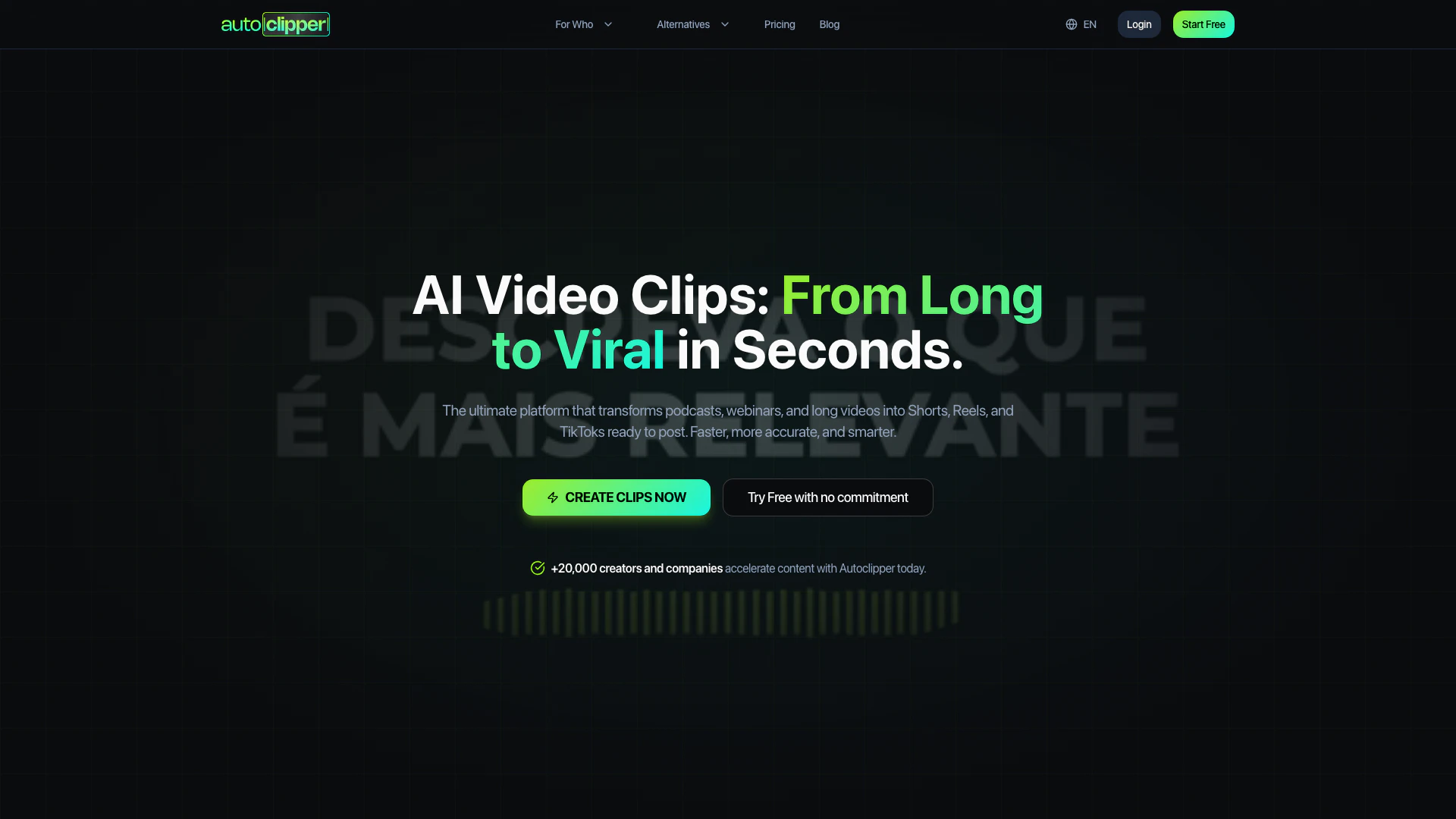
Autoeditor is an innovative AI-powered[1] tool designed to transform long-form content such as podcasts, webinars, and videos into short, engaging clips suitable for platforms like Shorts, Reels, and TikTok. It leverages advanced artificial intelligence to quickly and accurately edit videos, making it easier for content creators to produce shareable media without the lengthy editing process typically required. With features that allow for customizable branding[5] and automated captioning, Autoeditor positions itself as a valuable resource for anyone looking to enhance their video content strategy.
How to use Autoeditor?
- Upload Your Video: Start by uploading your video file or pasting a YouTube link into the platform.
- Neural Analysis[4]: The AI will analyze the audio and video, identifying key moments that are likely to engage viewers, such as viral hooks and peak moments.
- Virality Score: Autoeditor evaluates the content, selecting and reframing clips into the appropriate format (9:16) and applying dynamic captions.
- Export Your Clips: Finally, you can download the edited clips in high quality or schedule them directly for posting on social media.
What are the main features of Autoeditor?
- Automatic Video Clips: Generate multiple ready-to-post clips from long videos in just minutes.
- Virality Detection[3]: The AI is trained to identify engaging moments such as laughs and surprises.
- BrandKit & Templates: Fully customize your clips with your brand's colors, fonts, and styles.
- Animated Captions: Achieve 98% accurate transcription with various styles available.
- Optimized Export: Enjoy ultra-fast cloud rendering without freezing your local machine.
- Agency Workflow: Manage multiple clients and projects with organized folders for streamlined approval.
Who is Autoeditor for?
Autoeditor is ideal for content creators, marketers, and agencies who regularly produce video content and seek to maximize their reach on social media platforms. It caters to podcasters, webinar hosts, and video producers looking to simplify their editing process and maintain a consistent output of engaging short clips[2]. With its user-friendly interface and powerful AI capabilities, Autoeditor is designed for anyone who values efficiency in content creation.
What are the use cases of Autoeditor?
- Podcast Promotion: Create short highlight clips from long podcast episodes to share on social media, increasing audience engagement.
- Webinar Highlights: Extract key moments from webinars to produce quick promotional videos that entice viewers to watch the full session.
- Social Media Content: Transform longer videos into bite-sized clips for platforms like TikTok, Instagram Reels, and YouTube Shorts, driving more traffic to original content.
Autoeditor Pros and Cons
Pros
- Fast Video Transformation: Transforms long videos into Shorts, Reels, and TikToks in seconds, enhancing productivity for content creators.
- High Accuracy AI Editing: Utilizes advanced AI with 98% accuracy in transcription and smart narrative understanding for effective clip creation.
- Customizable Branding Options: Offers full customization with BrandKit, allowing users to maintain brand identity through personalized fonts and colors.
Cons
No cons data detected for this tool
Autoeditor Pricing
Enterprise
Customized solutions for large teams and agencies with specific needs, Unlimited processing, Unlimited users and projects, Dedicated API and custom integrations, Guaranteed SLA and 24/7 priority support, Dedicated account manager, Personalized onboarding and training.
STARTER
180 minutes of processing, Unlimited clips per month, Projects and Clips kept for 30 days, Personalized AI Recommendations, Save up to 1 caption layout, No watermark.
PLUS
360 minutes of processing, Unlimited clips per month, Projects and Clips kept for 90 days, STARTER Plan extra features, Save up to 3 caption layouts, Project reprompt (10 credit balance) (Coming soon).
PRO+
720 minutes of processing, Unlimited clips per month, Projects and Clips kept for 90 days, STARTER Plan extra features, Save up to 5 caption layouts, Project reprompt (20 credit balance) (Coming soon).
For the latest pricing, please visit this link: https://autoclipper.live/en/pricing
Prices are subject to change. Please visit the official website for the most up-to-date pricing information.
Analytics of Autoeditor
Autoeditor Website Traffic Analysis
Visits Over Time
Top Keywords
| Keyword | Volume | CPC | Estimated Value |
|---|---|---|---|
| auto editor | 1.28K | $0.00 | $0.00 |
| auto-editor | 870 | $0.00 | $0.00 |
Autoeditor Reviews
I saved hours per week and focused on story creation.
The first pass is already ready — I just polish the details.
We tripled content production without hiring anyone.
For more reviews, visit this link: https://autoeditor.video#reviews