Askee




What is Askee?
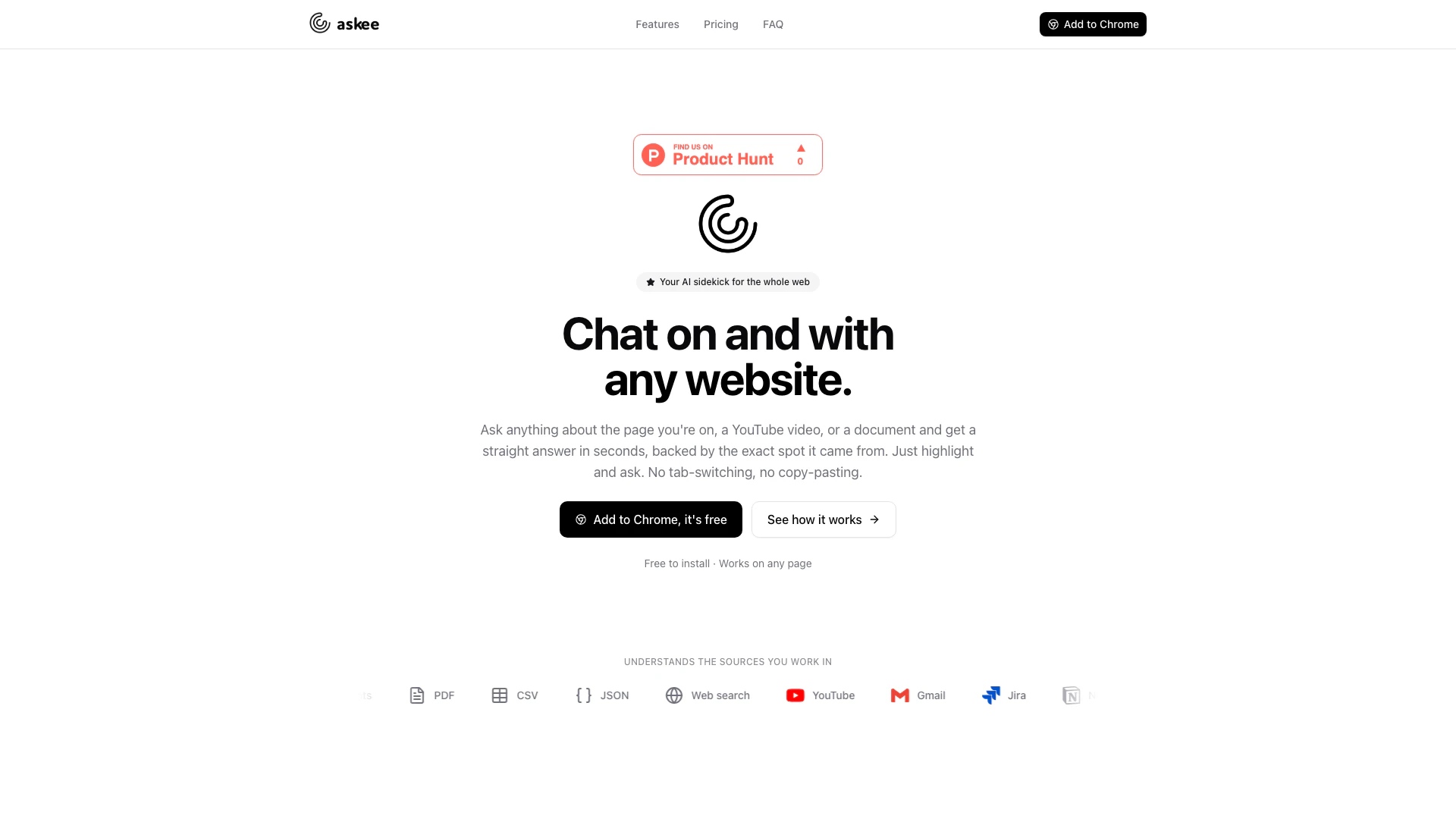
Askee is an innovative Chrome extension designed to enhance your browsing experience by allowing you to chat with any web page, YouTube video, or document. It simplifies the way you interact with online content, enabling you to ask questions and receive immediate answers without the hassle of switching tabs or copying text. By highlighting text and asking questions, users can access precise information quickly, making Askee an invaluable tool for anyone looking to streamline their research and information retrieval processes.
How to use Askee?
- Install Askee from the Chrome Web Store and add it to your browser.
- Navigate to any web page, YouTube video, or document you want to interact with.
- Highlight the text or section of interest on the page.
- Click on the Askee icon or use the keyboard shortcut to open the chat interface.
- Type your question related to the highlighted content and hit enter.
- Receive instant answers along with citations linking back to the original source.
What are the main features of Askee?
- Chat on any website, video, or document seamlessly.
- Instant answers with contextual citations.
- Supports various formats including PDFs, DOCX, CSV, and JSON.
- Multi-source conversations for comprehensive insights.
- Highlight to ask feature for quick queries.
- Chat with YouTube videos for summaries and key moments.
- Drag to select and inquire about screenshots or specific areas on the screen.
- Supports multiple languages for both questions and answers.
- Floating widget for easy access on any page.
- Conversation history for easy reference of past interactions.
Who is Askee for?
Askee is tailored for a wide range of users, including students, researchers, professionals, and anyone who frequently engages with online content. It is particularly beneficial for individuals who need quick access to information without the disruption of traditional copy-pasting methods. Whether you are a student looking for answers in academic papers, a professional analyzing reports, or a casual user wanting to enhance your viewing experience on YouTube, Askee serves as a powerful assistant that caters to diverse needs across various domains.
What are the use cases of Askee?
- Students can use Askee to interact with educational materials, extracting summaries and key points from academic articles or lecture videos.
- Professionals can analyze contracts and reports by chatting with documents, ensuring they understand critical information quickly.
- Content creators can utilize Askee to gather insights from YouTube videos, enabling them to create more engaging content based on viewer interests.
Askee Pros and Cons
Pros
- Instant Answers from Any Source: Askee allows users to get quick answers from any web page, YouTube video, or document by simply highlighting text and asking questions, enhancing productivity.
- Multi-Source Integration: Users can chat across multiple pages, videos, and documents simultaneously, allowing for comprehensive comparisons and synthesized answers.
- User-Friendly Interface: The extension features a simple highlight-to-ask functionality, enabling users to interact with content without the need for copy-pasting or switching tabs.
Cons
No cons data detected for this tool
Askee Pricing
Free
Everything you need to get started. Chat with any page, video, or document. 2 messages per day, 30 messages per month, and instant answers from any page, video, or document.
Pro
Most popular plan for people who live in their browser. Unlimited messages with no daily or monthly caps. Chat with any page, PDF, video, or document, web search for up-to-date answers, and priority access to new features.
For the latest pricing, please visit this link: https://askee.co/#pricing
Prices are subject to change. Please visit the official website for the most up-to-date pricing information.