AI Inpainting



What is AI Inpainting?
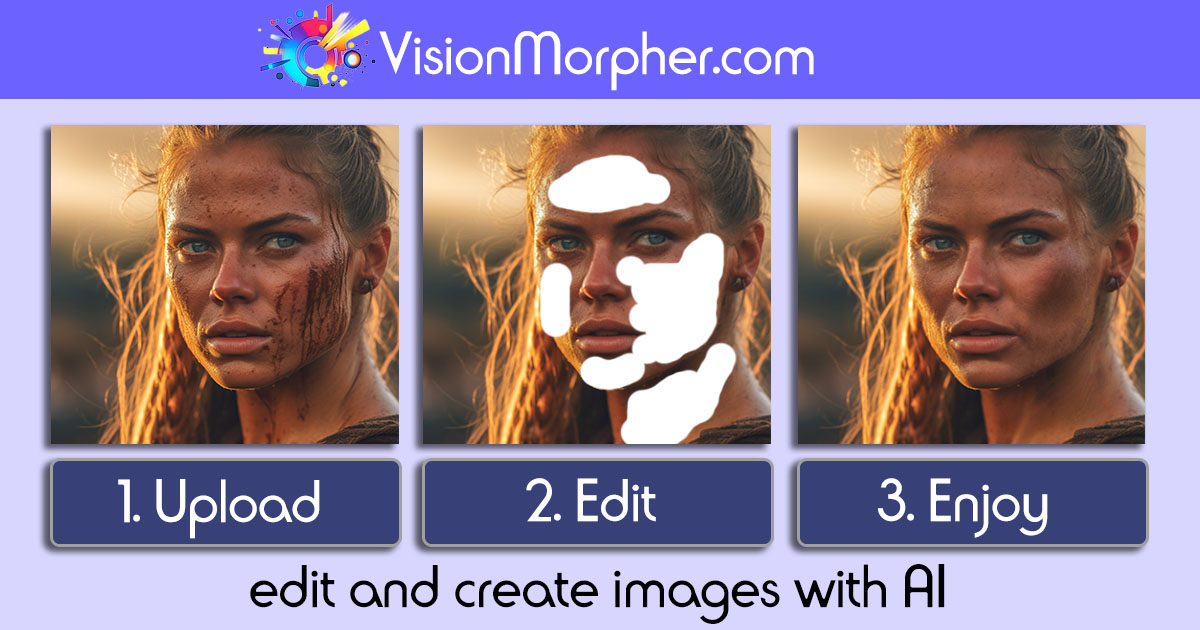
AI Inpainting is a cutting-edge generative image filler tool developed by VisionMorpher that allows users to creatively edit and transform images using artificial intelligence. This innovative tool enables users to upload images and effortlessly manipulate them by adding, removing, or replacing elements with simple text prompts. By leveraging advanced AI technology, AI Inpainting simplifies the image editing process, making it accessible for both professionals and amateurs alike, while delivering high-quality results in just seconds.
How to use AI Inpainting?
- Visit the VisionMorpher website and navigate to the AI Inpainting tool.
- Upload the image you wish to edit by clicking the upload button.
- Use the drawing tools to highlight the areas you want to modify or erase.
- Enter your text prompts describing the desired changes you want to make to the image.
- Click on the 'Generate' button to see the AI in action, transforming your image based on your inputs.
- Review the generated image and save or delete it as needed from your profile page.
What are the main features of AI Inpainting?
- Generative Image Filler: Quickly add, remove, or replace image elements using AI technology.
- Intuitive Interface: User-friendly platform that simplifies the image editing process.
- Text Prompt Functionality: Users can describe changes in natural language for accurate results.
- Image Upload and Edit: Easily upload images and manipulate them with a few clicks.
- Image Management: View and delete generated images from your profile page.
Who is AI Inpainting for?
AI Inpainting is designed for a diverse audience, including digital artists, graphic designers, marketers, and anyone interested in creative image editing. It is perfect for those who want to enhance their visual content quickly and efficiently without extensive technical skills. Whether you are a professional looking to streamline your workflow or a hobbyist exploring your creativity, AI Inpainting offers a powerful solution to meet your image editing needs.
What are the use cases of AI Inpainting?
- Creative Design Projects: Use AI Inpainting to generate unique visuals for marketing campaigns, social media posts, or personal projects.
- Image Restoration: Repair damaged or incomplete images by filling in missing parts with AI-generated content.
- Concept Visualization: Create mock-ups or visual representations of ideas by modifying existing images to match your vision.
Product Images
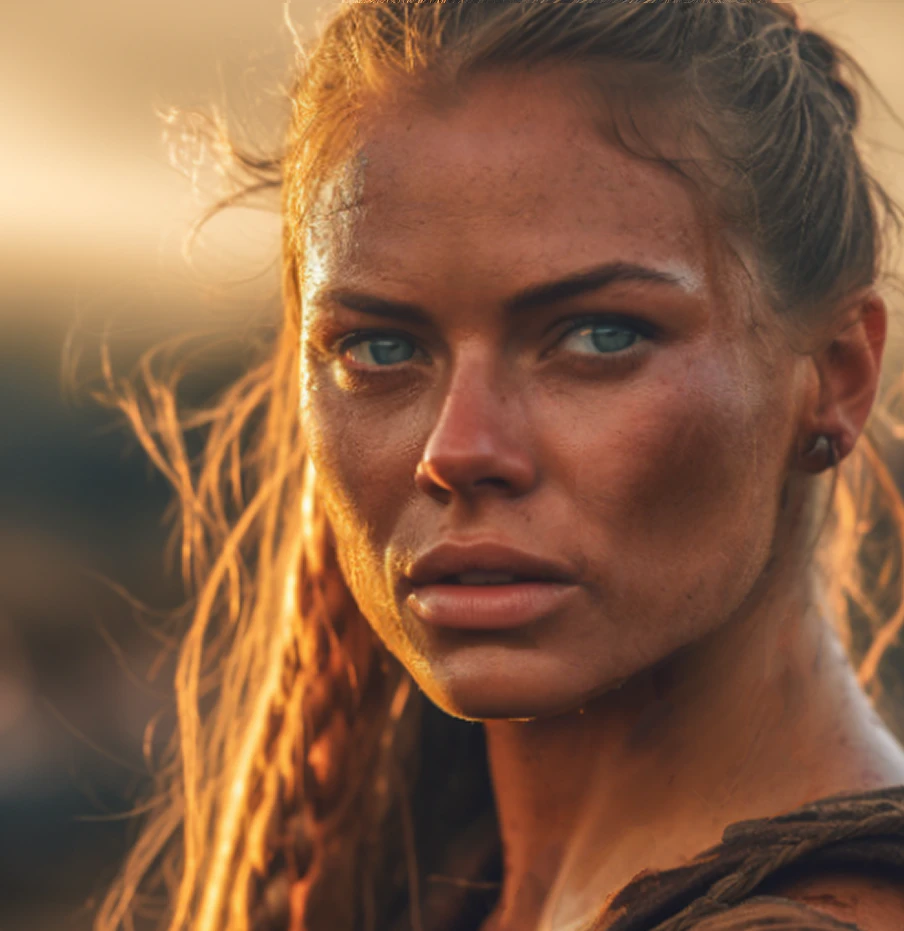
AI Inpainting Pros and Cons
Pros
- User-Friendly Interface: VisionMorpher provides an intuitive and interactive platform for users to easily upload images and edit them.
- Quick Image Transformation: Users can transform their images in a matter of seconds using simple text prompts.
Cons
- Image Size Limitation: Currently, the maximum image size supported is 512x512px, which may limit users needing larger formats.
- No Refund for Credits: Bought credit packs and used credits cannot be refunded, which may be a concern for users.